With the introduction of the new OmniBook 5 series, HP is targeting professionals and everyday users who want a premium computing experience without venturing into the ultra-expensive flagship territory. The star of the show in the 14-hh0030TU configuration is Intel’s new Panther Lake architecture—specifically the Core Ultra 7 355.
HP OmniBook 5 (14-hh0030TU)
Rs 145,999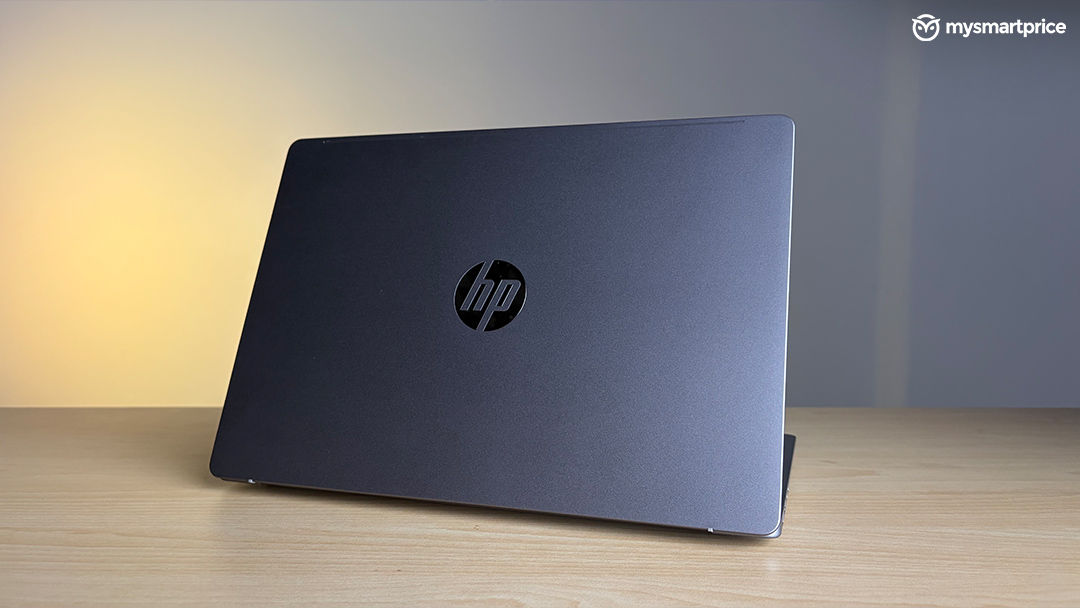
What Is Good?
- True all-day battery endurance.
- Flawless, colour-accurate OLED panel with HDR support.
- Generous port selection without requiring adapters.
- Dead silent operation under almost all conditions.
- Great keyboard and a larger, gesture-friendly trackpad.
What Is Bad?
- Multi-core performance is severely crippled by a 15W power limit.
- Integrated graphics lag behind current AMD alternatives.
- Weak, bass-light speakers.
- Difficult to justify the high premium over older, equally capable models.
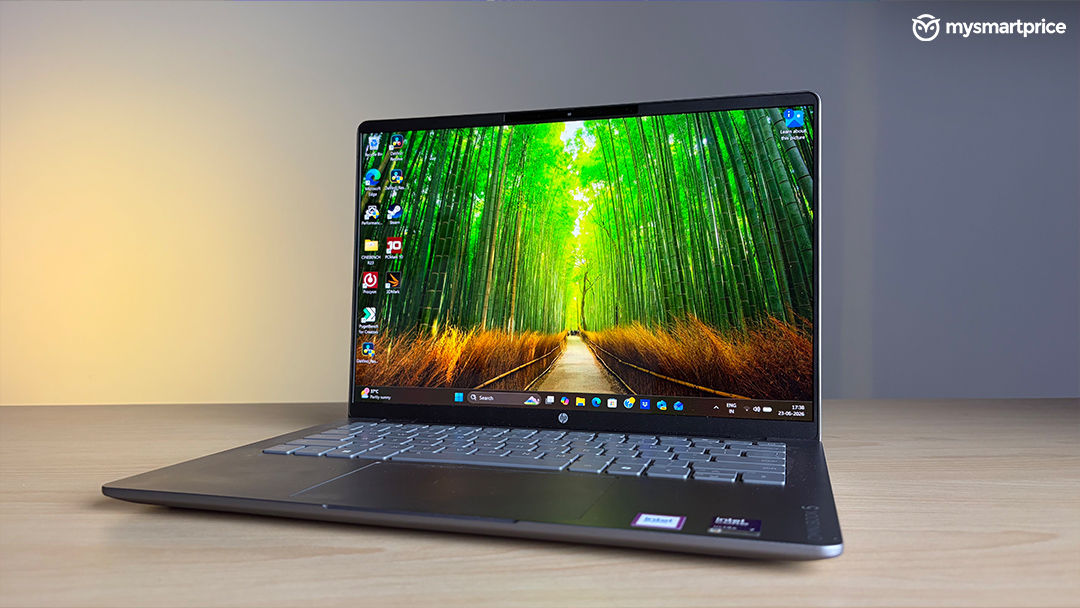
Priced at ₹1,45,999, this 14-inch machine pairs a stunning OLED display with a highly efficient 59 Wh battery and an ultra-slim chassis. However, it takes a very specific approach to thermal management that will divide opinions. Here is how it fares in day-to-day usage.
Build, Ergonomics, and Connectivity
Portability is clearly the focal point of the OmniBook 5. Tipping the scales at a mere 1.33 kg and measuring an incredibly slim 13.6 mm, the device slides effortlessly into a rucksack, aided by a cleverly tapered rear edge that makes it easy to grip. The construction is solid where it counts, with anodised aluminium used for both the top lid and the bottom panel to minimise flex. While the keyboard deck does exhibit a minor amount of give when pressed firmly, the overall structural integrity remains excellent. The lid itself is secured by a robust double-hinge design that completely banishes screen wobble and holds its position beautifully.
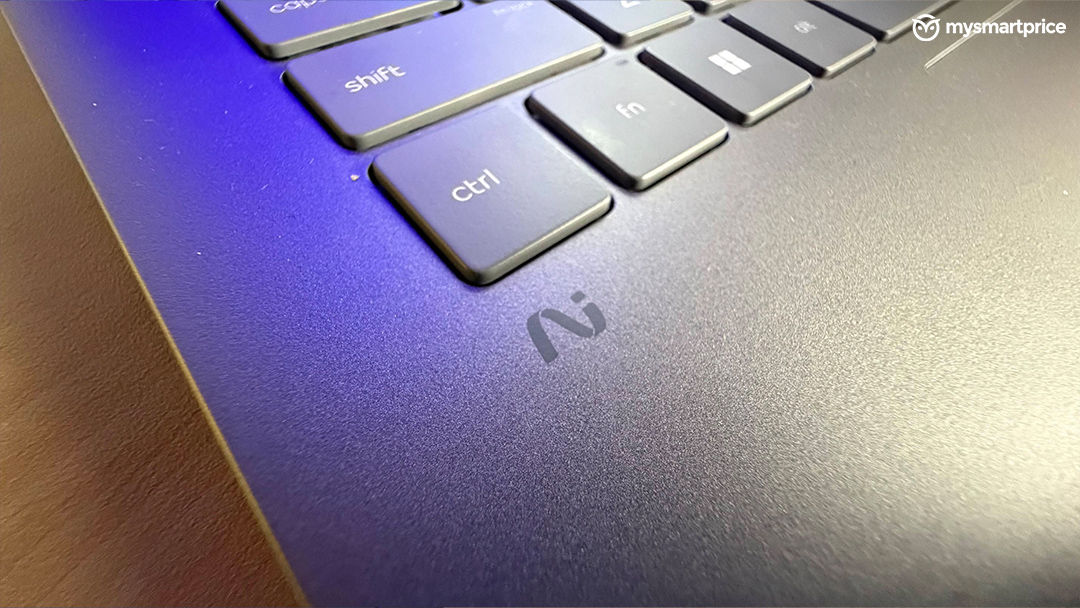
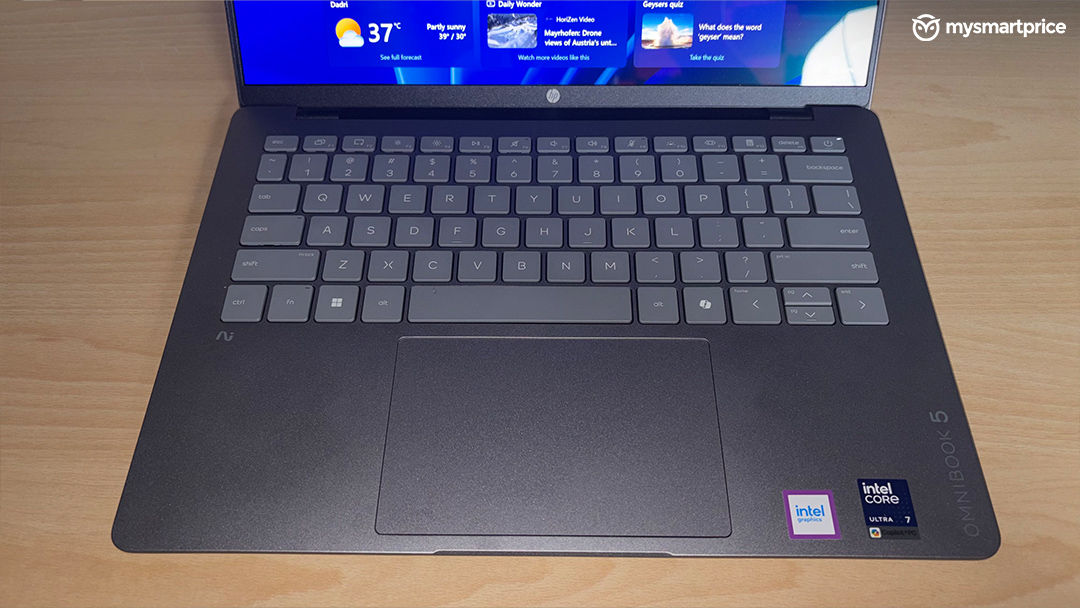
Ergonomically, HP has made some brilliant choices. The front edge features a physical lip for smooth, one-handed opening. The keyboard, which drops the numpad to keep your typing perfectly aligned with the screen, offers a very respectable 1.3 mm of travel and crisp feedback. Below it sits a trackpad that is 16% larger than previous iterations. This glass surface now supports native smart gestures—allowing you to quickly tweak the volume or screen brightness simply by sliding a finger along the edges.
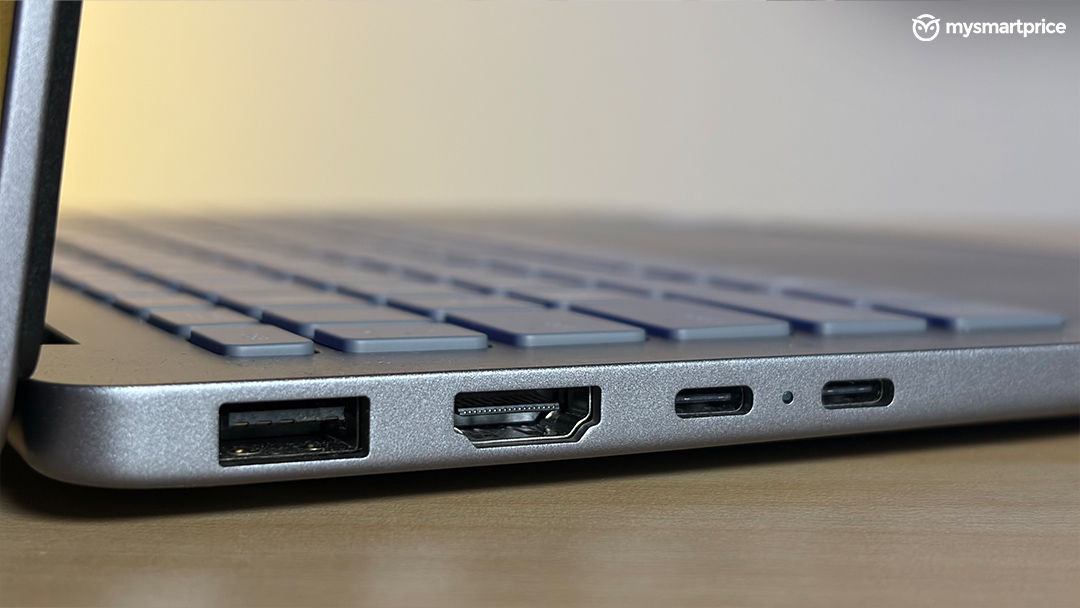
Despite the slender profile, HP has refused to compromise on connectivity. The OmniBook 5 boasts a surprisingly generous I/O selection: two Thunderbolt 4 ports, a full-sized HDMI 2.1 connection, two traditional USB Type-A ports, and a 3.5 mm audio jack. You will rarely find yourself needing an external dongle, which is a massive bonus for productivity.
Visuals and Audio
The visual experience is undeniably the crown jewel of this laptop. HP has equipped it with a 14-inch, non-touch 2K OLED panel (1920 x 1200 resolution) that stretches near to the edges, achieving a 91% screen-to-body ratio.
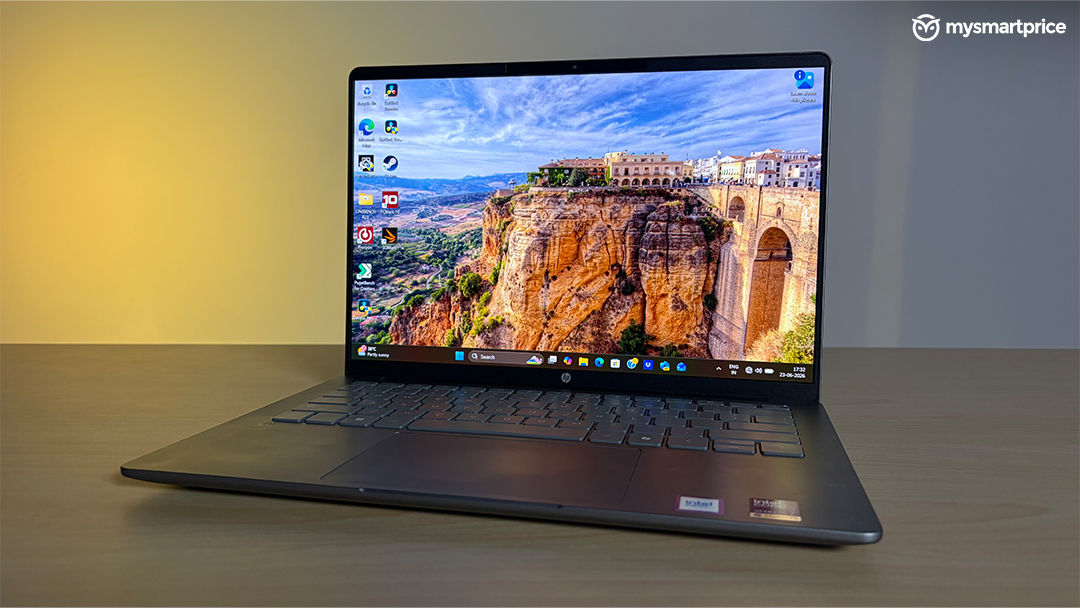
Because it is an OLED, the contrast is flawless, delivering the deep, inky blacks that earn it a VESA True Black 1000 certification. Covering 100% of the DCI-P3 colour gamut, it is a phenomenal canvas for both colour-sensitive photo editing and evening Netflix binges. Standard indoor viewing is easily handled by its 300-nit typical brightness, whilst HDR content absolutely pops thanks to an impressive peak brightness of up to 1,100 nits.
Unfortunately, the auditory experience does not quite match the visuals. While the dual-speaker setup is perfectly clear for Zoom calls and casual podcasts, the audio profile sounds hollow and noticeably lacks bass at higher volumes. The inclusion of Spatial Audio Tuning widens the soundstage somewhat, but you will definitely want to rely on a good pair of headphones for music or films.
Performance and Thermal Strategy
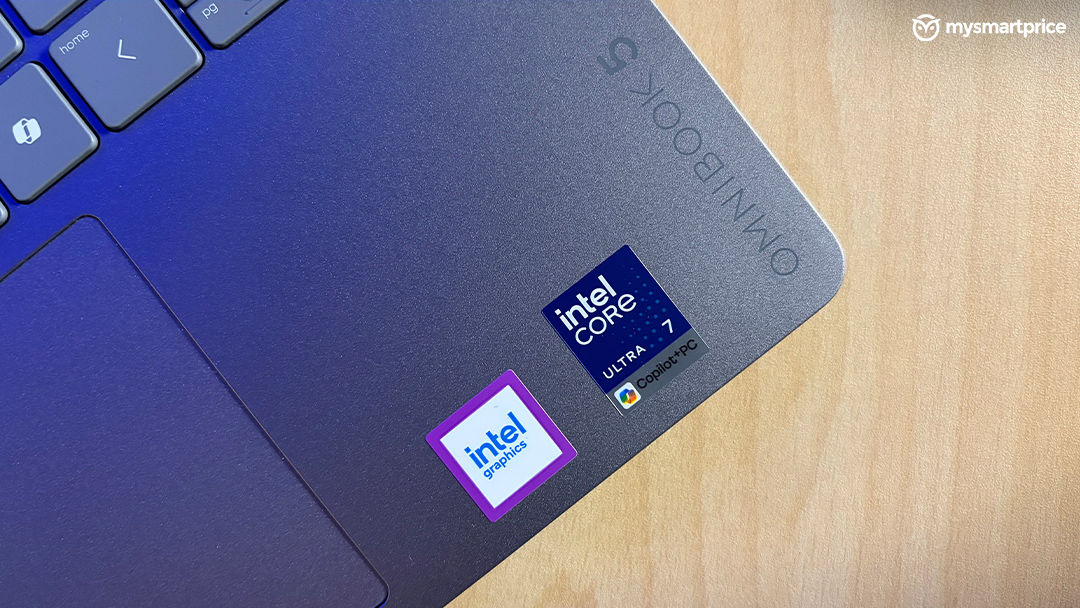
If you are looking for a multi-core powerhouse, you may need to temper your expectations. The Intel Core Ultra 7 355 features eight cores (four performance, four efficiency) and integrated Intel graphics, but HP has tuned this silicon for one primary goal: absolute acoustic stealth.
This laptop is whisper-quiet, practically refusing to spin its fans to an audible level even when pushed to its limits. To achieve this, the system relies on incredibly aggressive power throttling. When you launch a demanding application, the processor briefly spikes to 38W and hits 84°C. However, it almost immediately drops to a 28W limit (cooling to 75°C), before finally locking itself down to a highly constrained 15W sustained load. At this 15W limit, the processor sits at a very comfortable 60°C, but the performance ceiling is drastically lowered.
This tuning prioritises snappy, everyday single-core tasks over heavy rendering. In Geekbench 6, the HP managed a single-core score of 2,763 and a multi-core score of 11,346. When subjected to the longer, more gruelling Cinebench R23 test, it posted 1,962 in single-core but only 7,896 in multi-core. To put that into perspective, an Asus ZenBook S16 powered by a 10-core AMD Ryzen AI 9 465 absolutely crushes the HP in multi-threaded workloads, scoring a massive 17,401 in the same Cinebench R23 test.
Graphics performance also trails the AMD competition. The integrated Intel graphics managed a score of 5,721 in the 3DMark Wild Life Extreme test (compared to the Ryzen’s 6,547) and suffered from poorer frame stability at 80.9%. Simply put, this machine is engineered for browsing, office suites, and light editing—not for gaming or heavy video encoding.
Battery Life
The silver lining to that aggressive 15W power limit is phenomenal battery longevity. In a continuous, static video playback loop, the 59 Wh cell managed an incredible 16 hours of screen-on time.
When subjected to the demanding UL Procyon Office Productivity benchmark, the battery merely sipped power, dropping from 100% to 91% over a full hour. Left to run until it died, the laptop survived for just shy of 14 hours (13 hours and 53 minutes). Thanks to the frugal processor tuning and the relatively modest 1200p resolution, this is a true all-day machine that will easily survive a long-haul flight or back-to-back meetings without needing a charger.
Final Verdict
The HP OmniBook 5 (14-hh0030TU) knows exactly what it wants to be: a supremely portable, whisper-quiet office companion with a gorgeous screen and marathon battery life. The keyboard is a joy to use, the port selection is surprisingly vast, and the OLED display is a visual treat.
However, the ₹1,45,990 price tag makes it a tough sell if you value raw computing speed. The aggressive thermal management severely bottlenecks its multi-core and graphical capabilities, leaving it lagging far behind similarly priced AMD rivals. For budget-conscious buyers who do not strictly need an OLED screen, older 16-inch OmniBook models housing AMD Ryzen AI 5 processors can currently be found for roughly ₹80,849, offering vastly better value for money. But if silence, a lightweight chassis, and a beautiful display are your top priorities, this Intel Panther Lake configuration is a remarkably refined piece of hardware.