When PCIe Gen5 SSDs were first announced, I thought, “Cool, more speed I probably won’t need.” And yet, here I am—over a month into using the WD Black SN8100 (2TB) as my secondary SSD—and I’m eating my words. This thing is fast. Not just on benchmarks (though it crushes those too), but in daily tasks that I didn’t expect it to impact this much.
SanDisk WD Black SN8100 (2TB)
Rs 25,995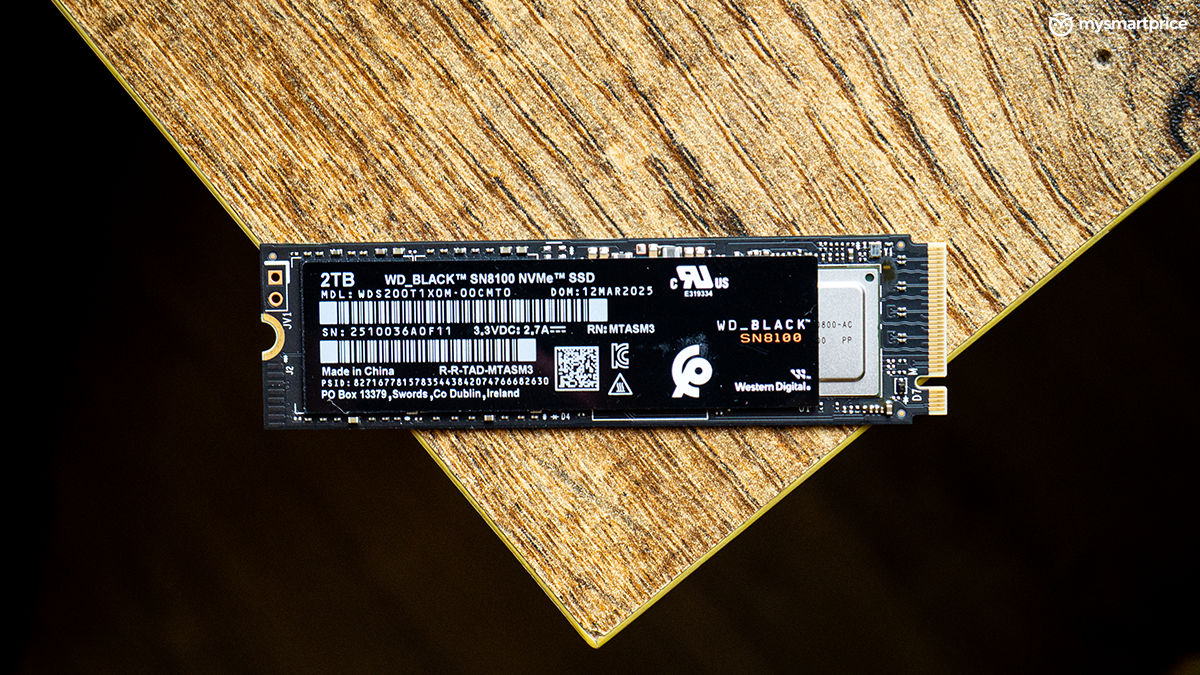
What Is Good?
- Blazing-fast Gen5 speeds
- Great for bulk transfers and video editing
- Runs efficient at 7W
- Excellent for PS5 expansion or workstation/gaming builds
- WD Dashboard is functional and helpful
- Multiple variants available
What Is Bad?
- Expensive
- Needs a Gen5-ready system to fully exploit it
- Overkill for mostly mainstream users
I’ve been using the SN8100 mainly for video editing projects, especially when working with heavy Envato templates, storage of some personal documents, and of course, my entire Steam library now lives on this drive. I’ll get straight to the point here, the SN8100 Gen5 SSD is very, very excellent for almost all use cases.
But let me be clear—Gen5 SSDs like this are overkill for most people. They’re expensive, they run warm, and outside of high-end workflows, you’re not going to see a world-changing difference. This is enthusiast tech for a niche crowd that lives for peak performance—and if that’s you, keep reading this review.
Price and Storage Variants Available in India
The WD Black SN8100 is available in 1TB, 2TB, and 4TB variants in India. While there are heatsink and non-heatsink versions globally, Sandisk is primarily offering the non-heatsink models at launch, and that’s also the version I’ve been using for this review.
| Variant | Price in India (Amazon) |
| 1TB | Rs 17,495 |
| 2TB (Reviewed) | Rs 25,995 |
| 4TB | Rs 46,786 |
These prices have dropped since the drive was initially launched. While the SN8100 does tend to run warm under sustained loads, most modern motherboards now ship with decent M.2 heatsinks or thermal pads—which should be enough to keep temps in check for most users. Moreover, SanDisk is also expected to launch a heatsink variant and even an 8TB option soon, which could make this lineup even more versatile for different kinds of workloads.
Specifications and Features
Now, before we dive deeper into how the SN8100 performs, let’s take a quick look at what this Gen5 SSD brings to the table. You get the usual M.2 2280 form factor, which means it’ll slot into most modern desktops, laptops, and even the PlayStation 5, making it a solid pick for gamers building across platforms.
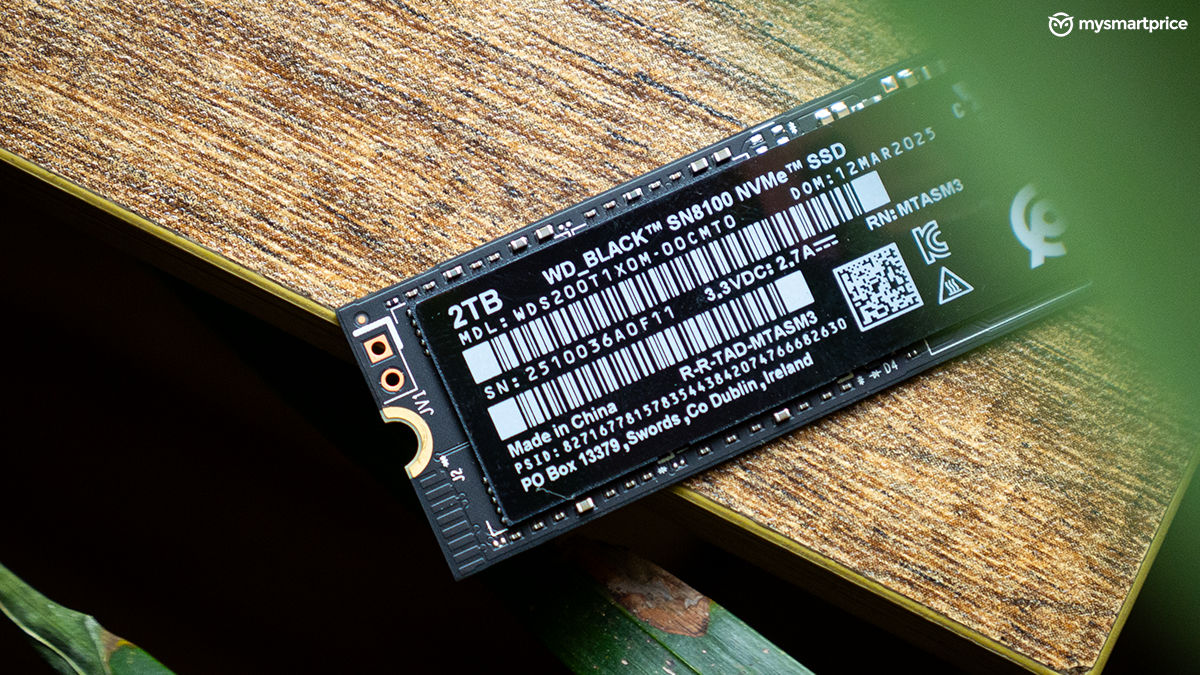
Under the hood, WD is using its own controller paired with TLC NAND (BiCS8), advertising peak sequential read speeds of up to 14,900MB/s and write speeds up to 14,000MB/s—at least on paper. Of course, those numbers are ideal-case scenarios, but as you’ll see in my tests, the SN8100 comes surprisingly close.
The 2TB variant reviewed here is rated for a massive 1,200TBW endurance and is backed by a 5-year warranty. Power efficiency is also something WD quietly touts with the SN8100—it’s designed to deliver higher speeds than Gen4 drives while drawing roughly the same power, around 7 watts under load when compared to drives like the SN850X.
Design
If you have used other Western Digital drives, such as the WD Black SN750 SE, you’ll notice many similarities in the design approach. The SN8100 also opts for a clean, utilitarian design. It comes in a single-sided M.2 2280 form factor, which means it’s slim enough to fit into cramped motherboard slots, laptops, and even consoles like the PlayStation 5 without any compatibility issues. There’s no flashy RGB or branding overkill, just a matte black label with a WD Black sticker on top, giving it a proper industrial look.
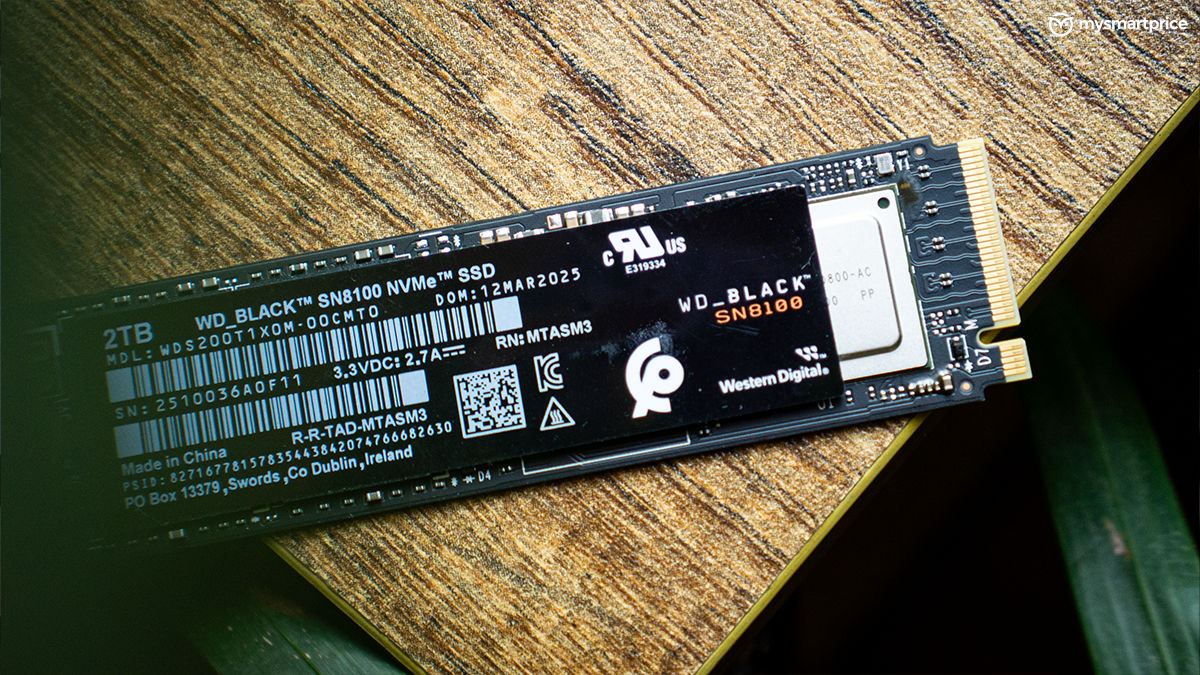
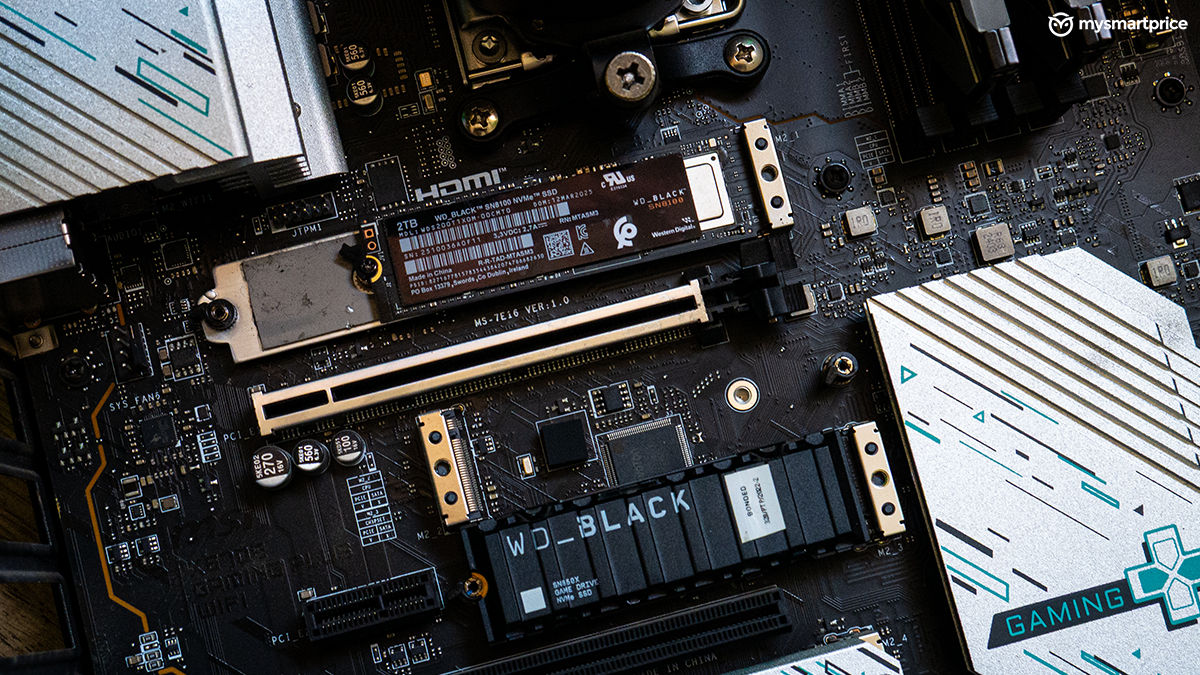
Although this particular unit didn’t come with a heatsink, it feels sturdy and well-put together. The single-sided nature of the drive also improves airflow and installation flexibility, whether you’re mounting this under a GPU or tucking it into a tight laptop slot, which is exactly what I had to do when fitting it into the MSI X670E Gaming Plus Wi-Fi motherboard. I also slapped on an M.2 heatsink with thermal pads, just to tame the heat a bit.
Performance
I put the SN8100 through a couple of benchmarks, both synthetic and practical ones to see if it actually performs as advertised. In the CrystalDiskMark 8 benchmark, the SN8100 came very close to what it claims, in terms of read speed, which was quite impressive. The table below will give you a better idea, and I have also put the SN850X and the SN750 SE (both Gen4, not Gen5 SSD) through the same test purely for context.
| Drive | Read Speed | Write Speed | Max Temp (C) |
| WD Black SN8100 (Gen5) | 14,764 MB/s | 13,665 MB/s | 68 °C |
| WD Black SN850X (Gen4, heatsink) | 6,250 MB/s | 5,804 MB/s | 54 °C |
| WD Black SN750 SE (Gen4) | 3,625 MB/s | 2,836 MB/s | 58 °C |
The difference and the leap between Gen4 and Gen5 SSDs are very clear here. It’s insane and produces more than double the figures of the last generation. But, there’s one more thing to notice, and that’s the temperatures. The SN8100 maxed out at 68°C, which is a relatively warm temperature. While not alarming numbers, the difference between the factory-fitted heatsink and the motherboard-fitted thermal pad is clearly visible here when compared to the SN850X. Now, coming to the PCMark 10 Data Drive Benchmark, here are the results and a comparison with the SN850X.
| Drive | Score | Bandwidth (MB/s) | Access Latency (lower is better) |
| WD Black SN8100 (Gen5) | 7,072 | 1001.79 | 21 µs |
| WD Black SN850X (Gen4, heatsink) | 3,976 | 588.10 | 39 µs |
The SN8100 scored 7,072, with a bandwidth of 1001.79 MB/s and an access latency of just 21 µs. In contrast, the Gen4 SN850X posted a score of 3,976, 588.10 MB/s bandwidth, and 39 µs latency. The Access Latency numbers essentially indicate the average time it takes for the drive to begin work after a request is made.
With synthetic benchmarks out of the way, it’s time for real-world practical tests. I transferred a 59.1 GB folder containing footage and Envato templates—it took 31 seconds, with temps around 54°C. Then I moved a heavier 353 GB folder full of games from the SN850X to the SN8100, and it completed in 4 minutes 55 seconds. Most of the time, the transfer maintained a sustained 1.90 GB/s, spiking at 2.82 GB/s, with just a short dip to 300 MB/s for a fleeting second.
| Size of Folders | Time Taken | Max Temp |
| 59.1 GB folder | 31 seconds | 54 °C |
| 353 GB games folder | 4 min 55 sec | 68 °C |
I recently performed a PC test of the Stellar Blade port, during which I also tested the booting speeds of both the SN8100 and the SN850X.
| Drive | Load Time |
| WD Black SN850X | 22 seconds |
| WD Black SN8100 | 17.31 seconds |
Stellar Blade launched in 17.31 seconds on the SN8100 versus 22 seconds on the SN850X—just four seconds faster, so nothing major here.
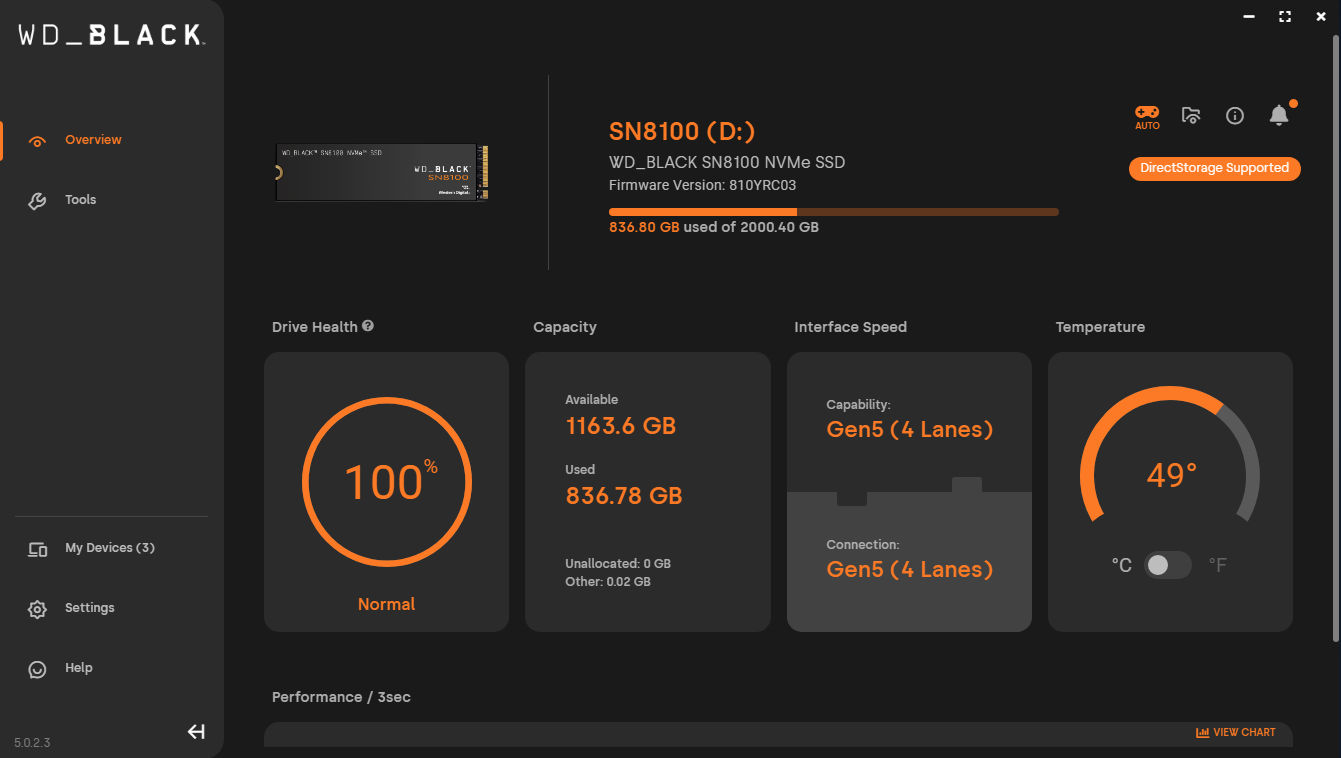
Another often-overlooked part of this experience is the WD Dashboard software. After installing the SN8100, I got a seamless OTA firmware update, which required me to restart the PC. WD Dashboard provides drive health, temperature, remaining capacity, and even confirms if it’s running over Gen5 lanes—handy when your board has multiple M.2 slots. The Game Mode feature lets you toggle On, Off, or Auto—but you’ll need to manually add your Steam or game install folders. Once set up, though, it optimises performance around those directories, which is a slick little tweak if you’re serious about gaming speed.
Verdict
After using the WD Black SN8100 for over a month, I can confidently say this: it remains the fastest SSD I’ve ever used. Editing 4K projects, managing Envato templates, loading large games—it sprints through everything. What impresses me most is how consistently fast it stays over extended workloads.
That said, this is not a mainstream drive. It’s pricey, and frankly, overkill for most gamers or casual users. More affordable Gen4 SSDs like the SN850X deliver substantial real-world performance, often with better thermals and at half the price. The SN8100 is made for the minority: the creators, the speed fiends, the early adopters—those who prioritise peak performance above all else. If you fall into this category, the SN8100 is a no-brainer.
As an alternative, you can also consider the Kingston Fury Renegade G5 SSD. It’s priced a bit lower than the SN8100 and offers slightly slower rated speeds in comparison, but honestly, it’s not a big dealbreaker unless you’re chasing every last bit of Gen5 performance.