Getting the perfect Diwali picture can take longer than getting ready for the evening. Someone blinks, someone looks away, and just when you think you have the shot, your cousin asks for another take. If you’re home for the festivities, your phone is also handling directions to the next family gathering, payments for dinner and tickets for the journey back to the city where you work. A busy festive calendar gives it plenty to do.
Samsung’s Galaxy A57 5G, Galaxy A37 5G and Galaxy A27 5G bring together features that fit those moments, with One UI at the centre of the experience. From correcting a group photograph to sharing files, accessing travel essentials and protecting personal information, Samsung’s software gives young buyers several reasons to look beyond the specifications when choosing their next phone.
Samsung’s festive offers make it easier to bring these everyday conveniences to a new phone, with monthly EMIs starting at ₹650 for the Galaxy A37 5G, ₹787 for the Galaxy A57 5G and ₹937 for the Galaxy A27 5G. Financing options include up to 40 months of no-cost EMI on the Galaxy A37 5G and A57 5G, while instant cashback goes up to ₹9,500 on the Galaxy A57 5G 12GB + 256GB variant. For buyers already considering an upgrade, these payment options add to the appeal of One UI’s practical features and Samsung’s long-term software support, making the festive season a good time to choose a Galaxy A device.
One UI Makes Everyday Tasks Easier to Manage
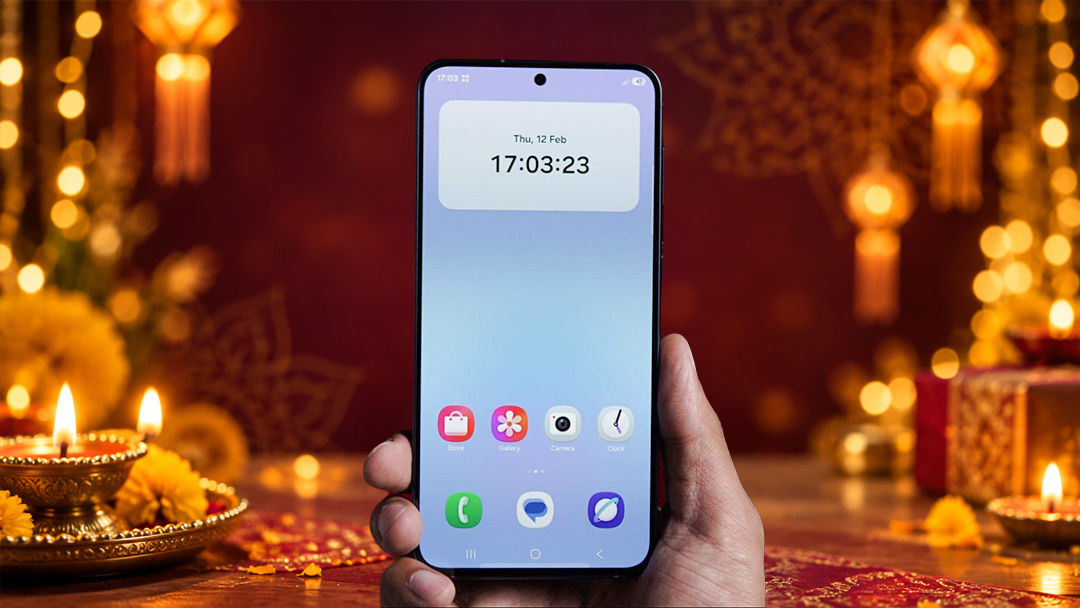
One UI 8.5 gives the three Galaxy A devices a common software foundation. Its value shows up in how easily you can find a setting, edit a photo or share a file between devices, whether you’re getting a family picture ready to post or sending it to everyone after the celebrations.
The customisable Quick Panel is a useful example. You can arrange frequently used controls so they are easier to reach, keeping options such as Wi-Fi, Bluetooth and sound settings in a layout that suits you. During a journey, that means quicker access to the controls you need when connecting headphones or silencing the phone. Samsung also lets users choose whether notifications and quick settings appear together or separately. Samsung’s Quick Panel guide explains these options.
The software becomes more useful as your routine grows. Voice Transcription on the Galaxy A37 5G and A57 5G can turn supported recordings into text, helping you revisit a lecture or meeting without listening through the entire recording. Whether you’re in college, doing an internship or settling into your first job, it makes catching up on class notes or checking details from a work discussion easier, especially when festive travel interrupts your usual routine.
AI Editing Tools for Festive Photos and Videos
Festive photography involves much more than a well-lit selfie. There are family portraits indoors, decorated streets after sunset, and group photographs where everyone has a different opinion about the final shot. A useful festive camera phone needs to help with both taking the picture and getting it ready to share.
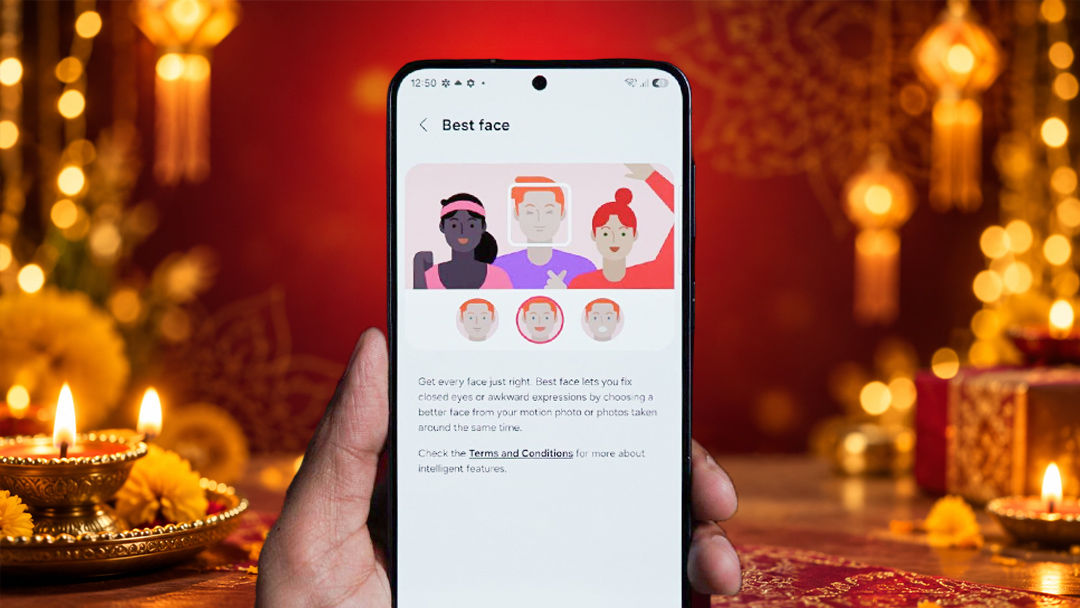
Samsung’s intelligent camera tools address familiar problems after capture:
- Best Face on Galaxy A57 5G: If someone blinks in a group picture, you can choose a better expression from the frames captured in a Motion Photo. The correction uses that captured moment, saving you from gathering everyone for another attempt.
- Object Eraser on Galaxy A37 5G and A57 5G: An unwanted passerby or distracting object can be removed in Gallery, helping bring attention back to the subject.
- Auto Trim on Galaxy A57 5G: The video tool helps shorten footage into a more manageable clip, useful when a festive recording needs a quick edit before sharing.
Together, these features give the Galaxy A camera experience a clear purpose. You have more flexibility while shooting and useful tools for the photographs and videos you want to keep.
From Festive Moments to Everyday Conversations
Once the group photo is sorted, everyone wants their copy. Quick Share helps get the originals to compatible devices without messaging-app compression reducing their quality. Cross-device file sharing also makes it convenient to move photos and videos to a compatible laptop when you want to edit them on a larger screen.
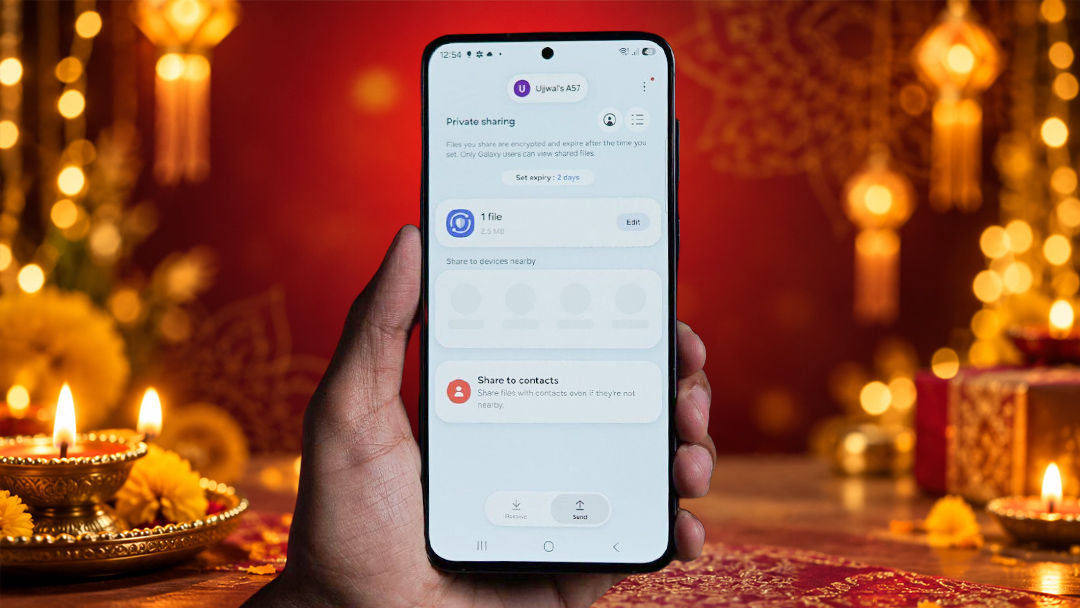
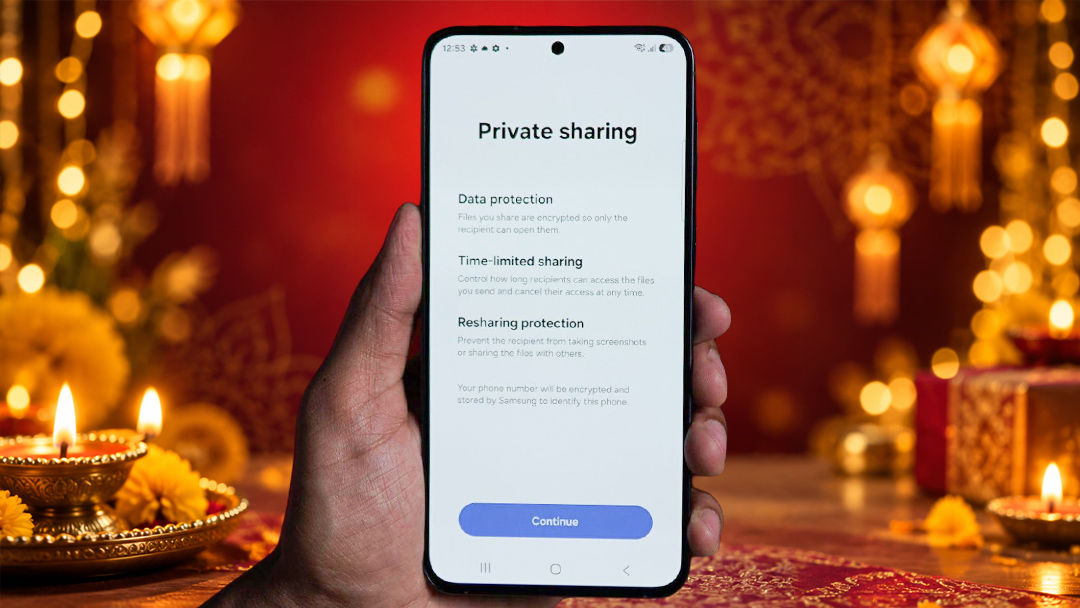
For files that need more care, Private Sharing offers additional control on supported Galaxy devices. You can limit who can open a shared file, set an expiry time and revoke access, with restrictions on resharing and screenshots. A personal document shared for a booking or a photograph meant for one person can therefore be handled differently from pictures going to the whole group. Samsung’s explanation of Private Sharing details these controls. Cross-device sharing gives you the flexibility to send festive photos quickly to the family group while keeping tighter control over personal documents shared for a booking.
Some moments deserve a little more screen time. On compatible Galaxy devices, Instant Slow-mo lets you slow down supported videos during playback, giving a dance move or a friend’s reaction to a surprise gift its own moment. Alongside Photo Assist’s editing tools, it gives you more ways to work with the pictures and videos you have already captured.
The festive rush can also mean missing a call while you are in a meeting, travelling home or catching up with family. Direct Voicemail lets callers leave a message when you cannot answer, so you can catch up when you have a moment. Available on compatible Galaxy devices, it adds another practical convenience for managing the celebrations and the everyday commitments around them.
Samsung Wallet Keeps Payments and Travel Essentials Within Reach
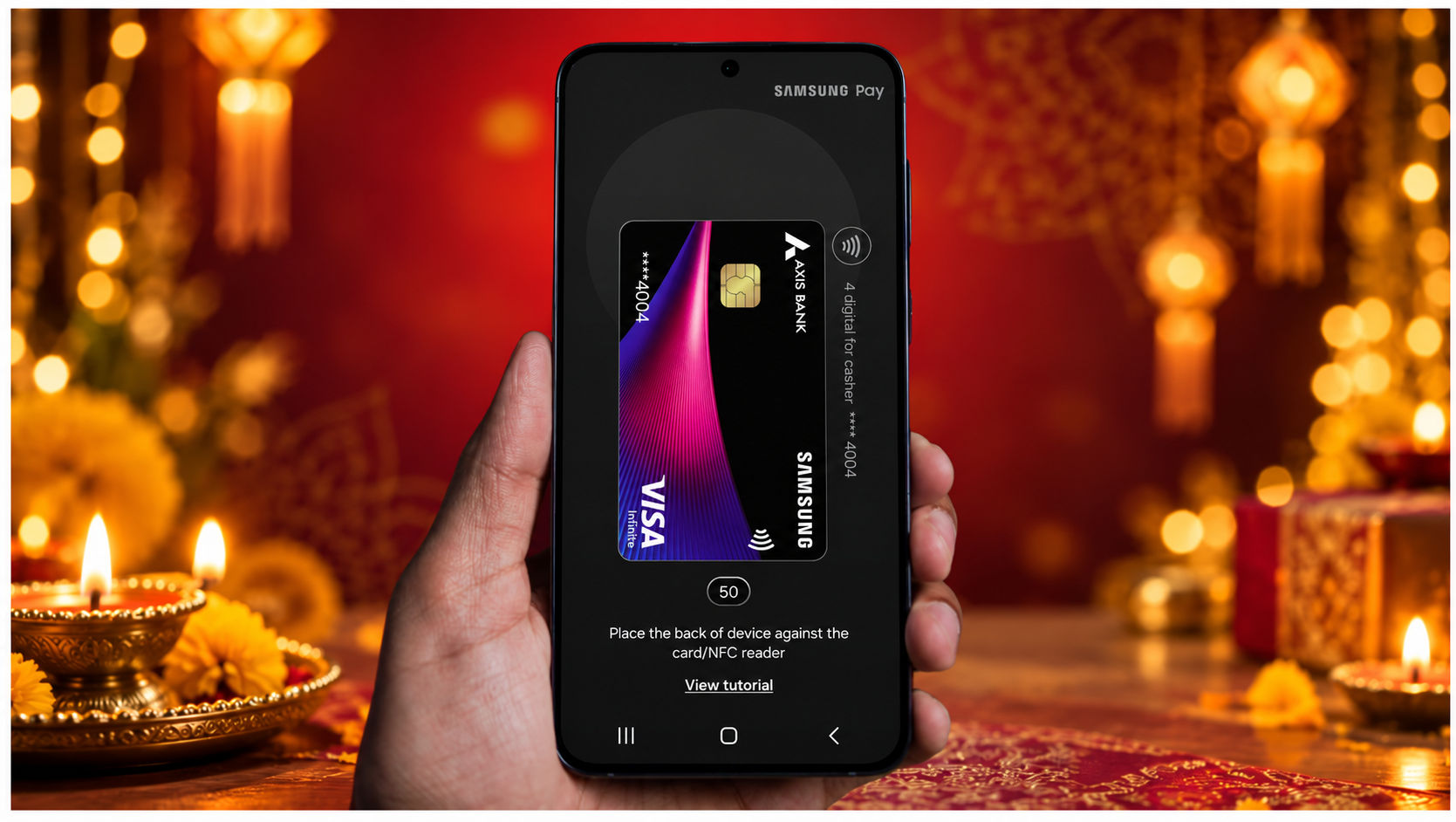
Heading home for Diwali can mean switching repeatedly between a boarding pass, a payment app and a saved ID. Samsung Wallet brings supported payment cards, UPI, digital IDs and travel essentials into one place, reducing the need to search through messages and downloads while standing in a queue.
At a shop, Tap & Pay works with supported cards and compatible contactless terminals. UPI provides another familiar payment option, whether you are buying a last-minute gift or paying for a meal. Supported boarding passes and tickets remain accessible through the same service.
For young adults managing their own travel and everyday spending, the convenience is easy to appreciate. Samsung Wallet earns its place through these regular tasks, with supported functions depending on the device, card issuer and service.
Knox Protects the Information Behind Those Everyday Tasks
A phone that handles payments, personal photographs and work documents also needs to protect them. Samsung Knox provides the security foundation across these Galaxy A devices, while Knox Vault adds hardware-backed protection for sensitive information such as credentials.
The Galaxy A37 5G and A57 5G also offer security and privacy tools with specific everyday roles. Auto Blocker, when enabled, restricts app installation from unauthorised sources and blocks certain commands sent through USB connections. An installation file arriving through an unfamiliar message, for example, cannot simply install as though it came from an official app store. Samsung’s Auto Blocker documentation explains how these protections work.
Private Album addresses a more ordinary privacy concern: keeping selected pictures out of the main gallery. When you hand your phone to a friend to show them a photograph, you have more control over what remains visible.
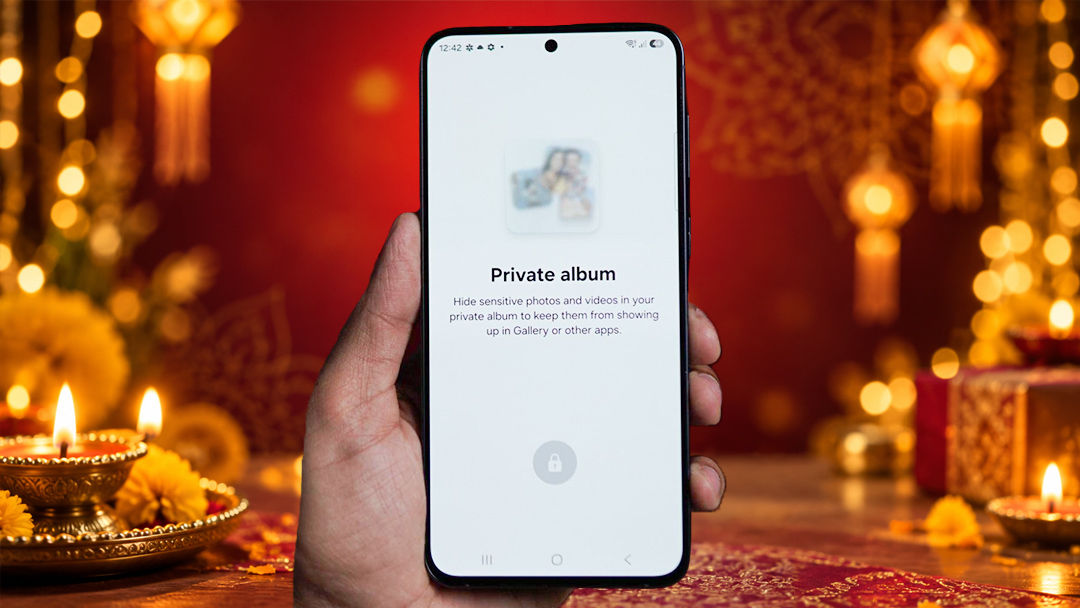
These features make security part of using the phone every day. They protect different things, from the credentials you rely on to the photographs you choose to keep private.
Trusted by India and Built for Longer Ownership
A festive phone purchase often has to last through several changes in life. The device bought during college may also be the one used for job applications, a first salary account and the move to another city. Long software support matters throughout that journey.
Samsung promises up to six generations of Android OS and One UI upgrades, alongside up to six years of security updates, across the Galaxy A27 5G, A37 5G and A57 5G. The commitment gives buyers a defined period of continued support, adding lasting value to the Samsung Galaxy A Diwali offer.
Samsung’s service presence in India adds another practical consideration, particularly for students and professionals living away from home. Familiar software, security features and access to after-sales support give substance to the Galaxy A series’ “Trusted by India” promise.
Getting started is easier with Samsung Smart Switch, which transfers supported content from an existing phone to the new Galaxy. Buyers already using compatible Galaxy Buds or a Galaxy Watch can also bring the new phone into their setup, with music and calls through the Buds and supported notifications on the Watch.
Galaxy A Series Festive Offers at a Glance
For buyers planning a festive upgrade, the Galaxy A series offers monthly EMI options and variant-specific instant cashback. Here is how the offers compare.
| Model and variant | Starting monthly EMI | Instant cashback |
| Galaxy A57 5G — 8GB + 256GB | ₹787/month | ₹8,500 |
| Galaxy A57 5G — 12GB + 256GB | ₹950/month | ₹9,500 |
| Galaxy A37 5G — 8GB + 128GB | ₹650/month | ₹4,000 |
| Galaxy A27 5G — 6GB + 128GB | ₹937/month | ₹2,500 |
Frequently Asked Questions
What are the monthly EMI offers on the Samsung Galaxy A series?
Monthly EMIs start at ₹650 for the Galaxy A37 5G 8GB + 128GB, ₹787 for the Galaxy A57 5G 8GB + 256GB, ₹950 for the Galaxy A57 5G 12GB + 256GB and ₹937 for the Galaxy A27 5G 6GB + 128GB under the specified financing plans.
Which Galaxy A57 5G variant offers up to ₹9,500 instant cashback?
The Galaxy A57 5G 12GB + 256GB variant offers up to ₹9,500 instant cashback. The 8GB + 256GB variant offers ₹8,500 instant cashback.s.
Which editing tools help with festive photos and videos?
Best Face on the Galaxy A57 5G lets you choose a better expression from a Motion Photo, while Auto Trim helps shorten video footage. Object Eraser on the Galaxy A37 5G and A57 5G helps remove unwanted objects or people from photographs.
Can Quick Share Send Festive Photos Without Reducing Their Quality?
Quick Share lets you transfer original photos and videos between compatible devices without the compression commonly applied by messaging apps. It is useful for sharing group pictures with friends or moving videos to a compatible laptop for editing, while keeping the detail in the original files.
How long will these Galaxy A phones receive software updates?
Samsung promises up to six generations of Android OS and One UI upgrades and up to six years of security updates across the Galaxy A27 5G, A37 5G and A57 5G.
Disclaimer: This is a Promotional post. The content and opinions expressed are those of the sponsor and do not necessarily reflect the views of our editorial team.