I thought I’d never say this, but a monitor might actually make me want to code. The BenQ RD270Q has been sitting on my desk for a few weeks now, and there’s something about its sharp display, smooth scrolling, and clean aesthetics that makes working feel a little different. What initially caught my attention were its dedicated coding modes, but the more I used it with my MacBook Air M1, the more I started appreciating the smaller things, from its M-book mode for colour matching to the flexible stand and single-cable USB-C connectivity. And then there’s the ScreenBar Halo 2, which adds another layer to the entire desk setup with its automatic lighting and surprisingly useful presence detection. On paper, this sounds like a productivity dream, especially for someone who spends long hours in front of a screen. But do these little conveniences actually make a difference when you’re using them every day? And more importantly, what makes this combination different from a regular monitor and desk lamp?
BenQ RD270Q and ScreenBar Halo 2
Rs 45,498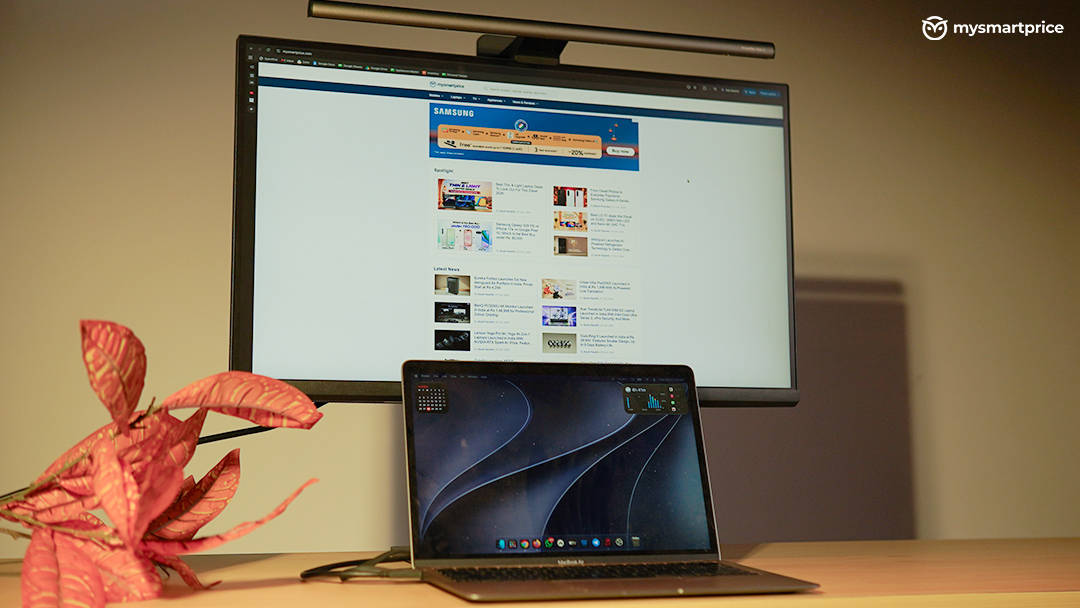
What Is Good?
- Sharp 27-inch QHD display with 144Hz refresh rate
- Dedicated coding modes for extended work sessions
- USB-C connectivity with up to 65W power delivery
- Flexible stand with height adjustment, swivel and portrait rotation
What Is Bad?
- Built-in speakers deliver underwhelming audio quality
- Premium pricing compared to standard QHD monitors
- ScreenBar Halo 2 is expensive as a standalone accessory
- ScreenBar Halo 2 mounting mechanism could be more secure
The Monitor That Made Coding Look Fun
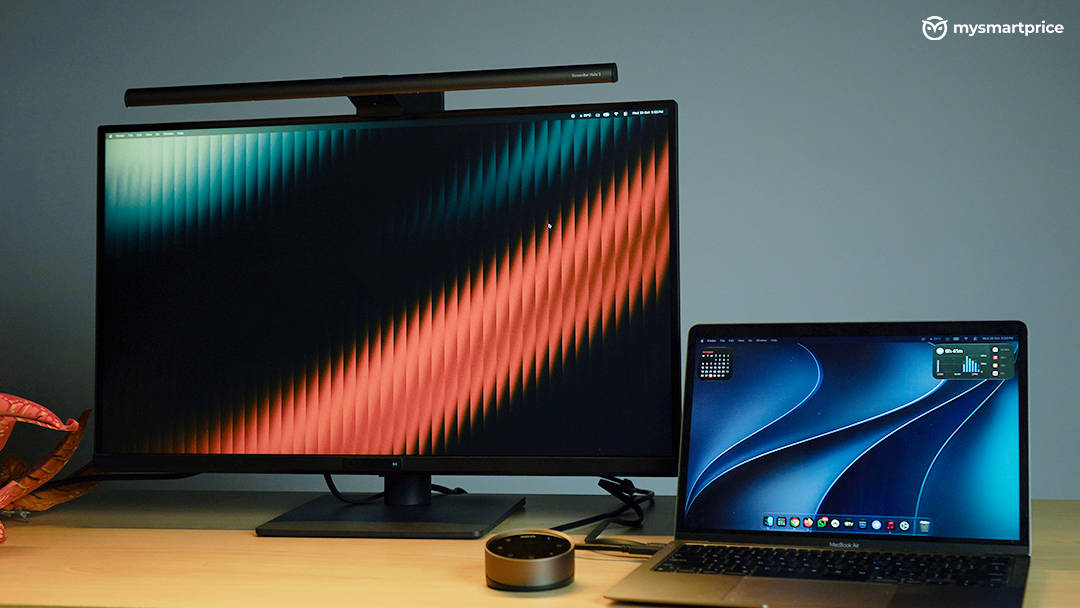
The BenQ RD270Q is a 27-inch QHD monitor with a resolution of 2560 × 1440 pixels and a 144Hz refresh rate. While it is designed with programmers and productivity-focused users in mind, you don’t necessarily have to be a developer to appreciate what it offers.
My usage mostly involved writing, editing, reading documents, and occasionally watching videos. The first thing I noticed was the text clarity. Text looked sharp, documents were comfortable to read, and I didn’t encounter any glaring issues during long working sessions. When you spend hours staring at paragraphs, editing drafts, and switching between windows, these seemingly small details make a difference. What makes this monitor particularly interesting is its dedicated coding modes. BenQ offers three coding modes alongside a productivity mode, giving users different display settings depending on what they are working on. These modes are designed to make code easier to view, particularly during extended sessions. I don’t spend most of my day coding, so I won’t pretend to have tested them as a full-time developer would. However, having dedicated modes for this workflow is a thoughtful addition.
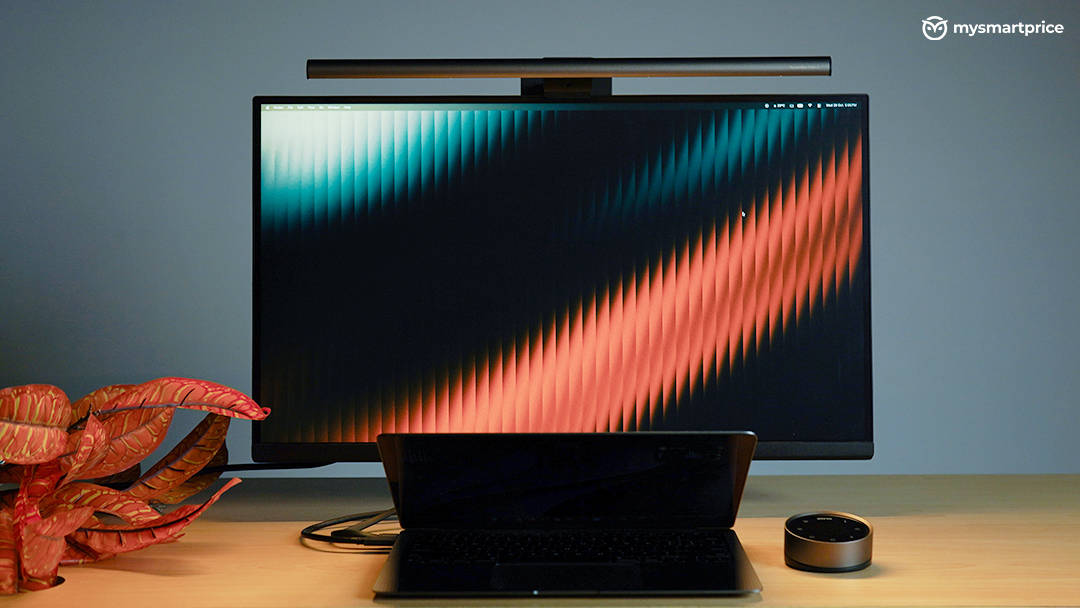
The monitor also supports portrait rotation, which is particularly useful for programmers working with long blocks of code. You can rotate the display vertically to see more lines at once and reduce the need for constant scrolling. Its stand also offers a good range of height and swivel adjustments, making it easy to find a comfortable viewing position.
The 144Hz refresh rate adds to the experience, making scrolling and general interactions feel smooth while catering to a larger audience, especially students who code and game on the same device. It is not something that will magically make you a better programmer, but combined with the sharp text and comfortable viewing experience, it makes the monitor genuinely enjoyable to use.
A Particularly Good Experience With MacBooks
I used the RD270Q with my MacBook Air M1, and the USB-C connection was easily one of my favourite parts of the experience. With the bundled USB-C cable, I could run the display at 2560 × 1440 resolution and 144Hz while charging the laptop through the same connection. BenQ rates the monitor’s USB-C Power Delivery at up to 65W, and it worked perfectly fine with my MacBook.
The dedicated M-book mode, particularly useful for Mac users, is designed to make the monitor’s colour output look closer to that of a MacBook display. During my editing work, I found the colours on the RD270Q well matched to my MacBook’s screen, making it easier to move between the two displays without noticing jarring differences. This is especially useful if you regularly edit photos or videos. You want the external monitor to offer a consistent viewing experience rather than making you question whether the colours you are seeing are significantly different from those on your laptop. I haven’t performed professional colour-calibration tests, so I wouldn’t call this a guarantee of colour accuracy, but in my everyday editing workflow, the M-book mode worked well.
The single-cable arrangement is another big advantage. There is one limitation, though. When I connected the monitor through HDMI using my USB-C dock, I was limited to 60Hz in my setup. Switching back to USB-C restored the higher refresh rate and charging functionality, so that became my preferred way to connect the two devices. I haven’t independently tested every possible HDMI and dock configuration, so I wouldn’t treat my result as a universal limitation of the HDMI port. It is not a deal-breaker, but it is an awkward compromise when the monitor’s USB-C connectivity is one of the main reasons to consider it in the first place. I would have liked a setup where both products worked together without adding another cable to the laptop.
The Display And Viewing Angles Are Impressive
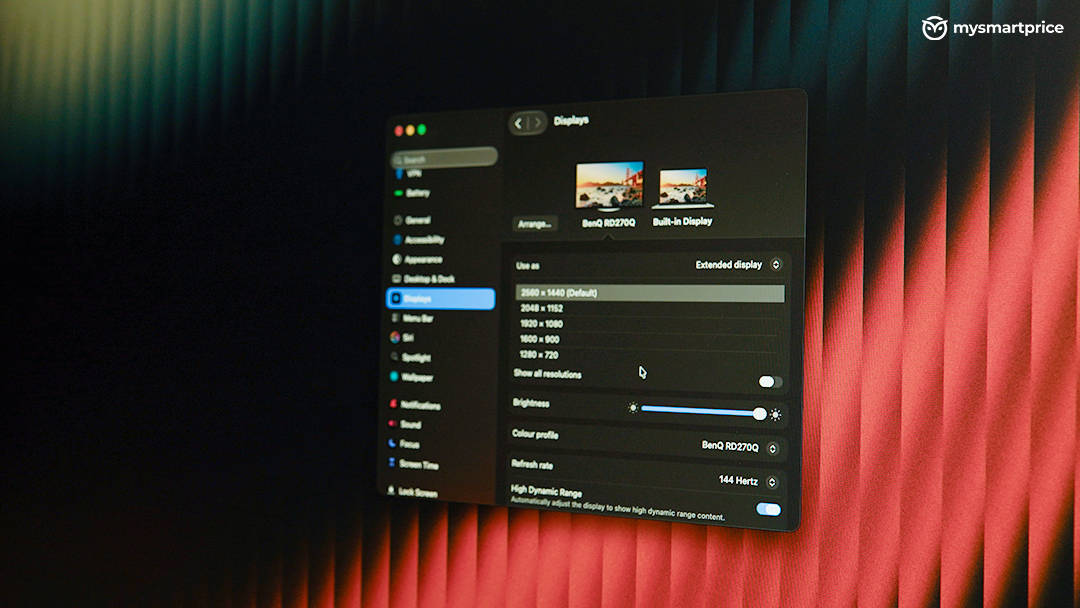
The RD270Q offers a pleasant viewing experience, whether I am reading documents, editing content, or watching videos. Colours look good, brightness is sufficient for both daytime and evening use, and I rarely felt the need to push it to maximum.
I also tested the viewing angles using the EIZO test, and the results were good. The image remained comfortable to view from different positions, which is useful when you are not always sitting perfectly centred in front of the display. The monitor supports HDR10, and I left HDR enabled during my usage. It got bright enough for the HDR content I watched, but it is important to keep expectations realistic. This is a conventional IPS LCD panel with a typical brightness rating of 350 nits, not an OLED or Mini-LED display. I wouldn’t buy the RD270Q specifically for its HDR capabilities, and for a monitor focused on coding and productivity, I think the overall display experience is more important than chasing headline specifications. Sharp text, comfortable brightness, good viewing angles, and flexible positioning are what make a difference during long working hours. The RD270Q gets these fundamentals right.
The Stand And OSD Add To The Experience
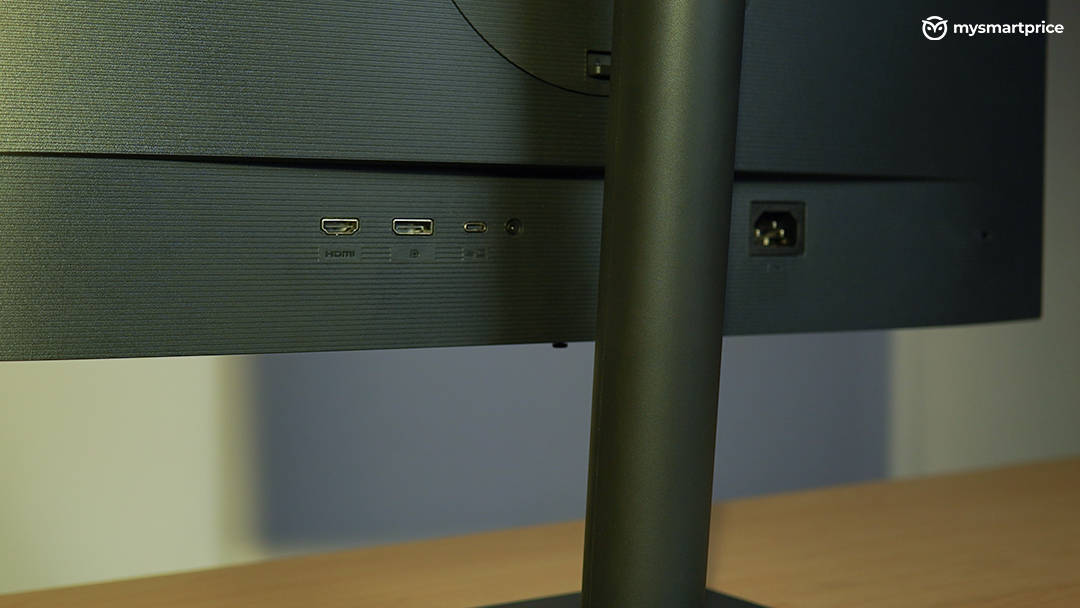
Monitor stands are easy to overlook when comparing products, but the RD270Q’s stand turned out to be one of its most useful features. It offers generous height adjustment and swivel movement, allowing me to position the display according to how I prefer to work. I could also keep my MacBook underneath the monitor without its screen bezel getting in the way, which helped make the desk feel more organised.
The monitor’s on-screen display is extensive, giving you access to different settings and display modes. One small feature I appreciated was the ability to see how much power the monitor was drawing while charging the connected laptop. It is not something everyone will check regularly, but it is useful information to have available. The built-in speakers, however, are a disappointment. Rated at 2W each, they are not particularly impressive for listening to music or watching content. They are fine to have available in a pinch, but I would prefer dedicated speakers or headphones for anything beyond basic audio. The monitor’s software also doesn’t let me control the speaker volume directly, which makes the experience feel less integrated.
For a display at this price, I would have liked better speakers. Fortunately, they are not central to the RD270Q’s purpose.
ScreenBar Halo 2: The Accessory That Completes The Desk
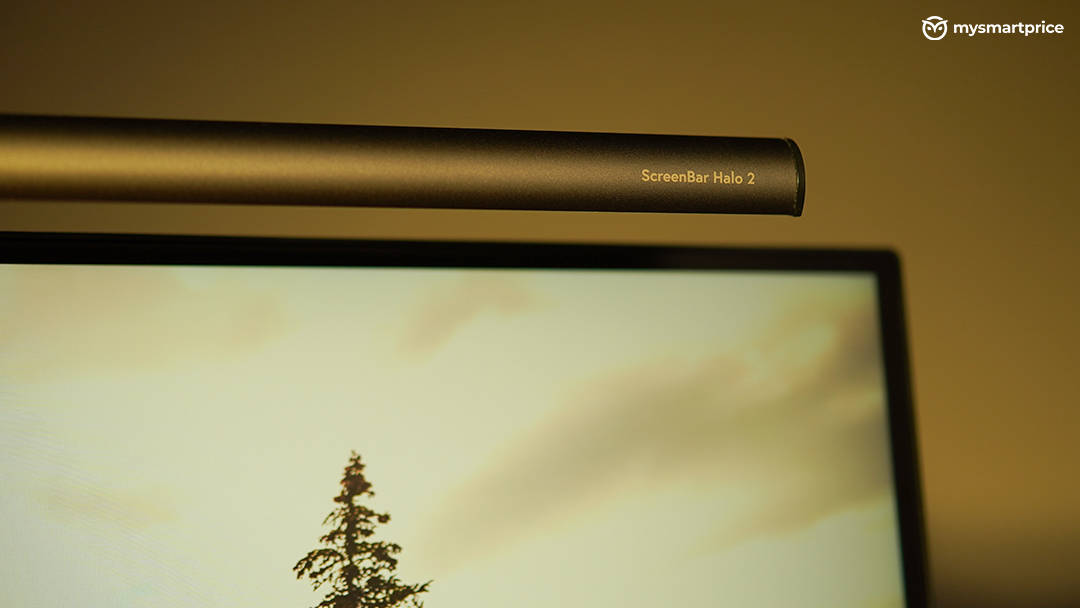
The ScreenBar Halo 2 is designed to sit on top of your monitor and illuminate your workspace without shining directly into your eyes or creating distracting reflections on the display. It also provides rear lighting, which makes the overall setup look more balanced.
I found it easy to attach to the RD270Q, and it immediately improved the appearance of my desk. The light bar has a clean, minimal design, and the combination of the monitor and lighting looks particularly good. If you care about having an aesthetic workspace, this is an accessory that makes a visible difference. What impressed me most was its presence detection. When I leave my desk, the light automatically switches off, and when I return, it switches back on. It worked remarkably well during my usage. The auto mode was also reliable, adjusting the lighting without requiring me to constantly change the settings manually.
During evening work sessions, I could switch off the room lights and rely on the monitor and ScreenBar Halo 2 to illuminate my workspace. The wireless controller made it easy to adjust brightness and colour temperature, and I didn’t notice any delay while using it. The controller can also be recharged through its USB-C port, so it doesn’t need to remain connected to a cable while in use. It is a thoughtful addition that makes controlling the light bar much more convenient.
There are a couple of limitations, though. The mounting mechanism felt like it could be more secure, and I would have appreciated a locking mechanism for additional peace of mind. Also, the light bar relies heavily on its wireless controller for adjustments. Without the puck, you don’t get the same level of control. I genuinely liked the ScreenBar Halo 2, but at its price, I would have expected a slightly more reassuring mounting mechanism and an alternative way to control the light.
Is The BenQ RD270Q And ScreenBar Halo 2 Combo Worth ₹45,000?
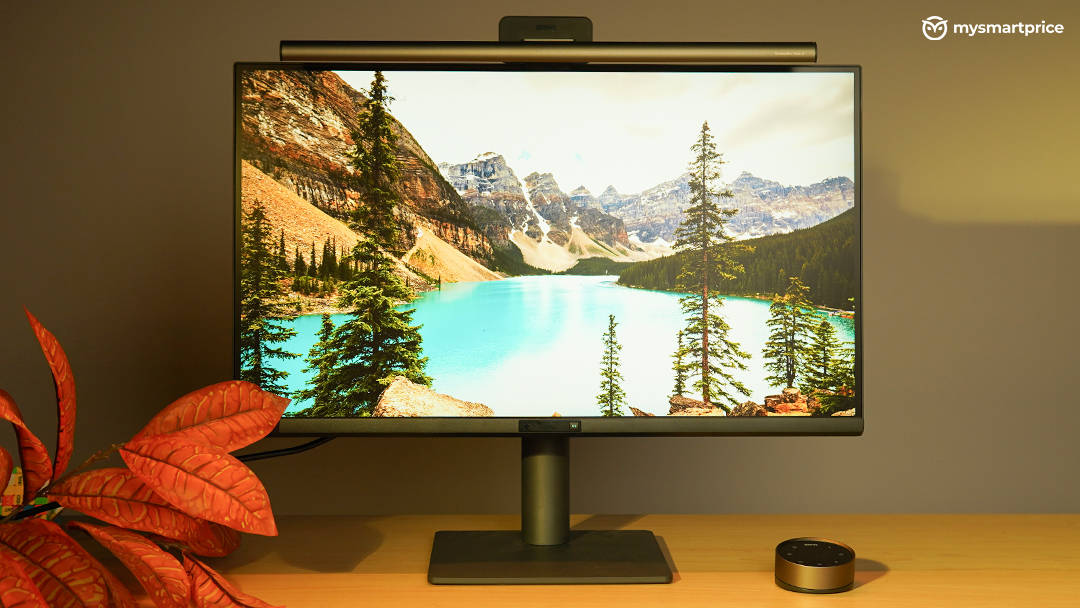
At around ₹28,749 on Amazon for the RD270Q and ₹16,749 for the ScreenBar Halo 2, the combination comes to roughly ₹45,500. That is a substantial outlay for a QHD IPS monitor and a monitor light, especially when 27-inch QHD monitors with 144Hz refresh rates are available for under ₹20,000.
The RD270Q makes its case through what it adds to those basic display specifications. Its coding modes, M-book mode, adjustable stand with portrait rotation, and USB-C Power Delivery give it a clear focus on desk work. How much that premium is worth will depend on whether you actually use these features. The average speakers are a drawback, though, and having just one USB-C port makes cable management less convenient when the light bar is part of the setup.
The ScreenBar Halo 2 is a harder purchase to justify on price alone. I enjoyed its automatic lighting, presence detection and wireless controls, and it looks great on the monitor. Those conveniences make it a polished addition to the desk, but ₹16,749 is firmly in premium accessory territory. Cheaper alternatives will do the basic job of lighting your workspace; the extra spend here buys you greater convenience and a more refined design.
I would recommend the RD270Q to someone who spends long hours coding, writing, or editing and values a clean setup with good ergonomics and convenient connectivity. The ScreenBar Halo 2 is a lovely addition, although I would consider it an optional luxury rather than a necessity. For someone like me, who values a clean, comfortable, and aesthetic workspace, this combination really hits the spot. It has even made me look at coding a little differently. I just wish it didn’t cost quite so much.