The OPPO Find X9 series is turning heads for all the right reasons. Now in a festive Velvet Red, it has quickly established itself as a holiday standout thanks to its revolutionary cameras and performance that defines its everyday magic. Its revolutionary LUMO camera system, powerhouse performance, and slim design make it feel gift-wrapped from the moment you unbox it.
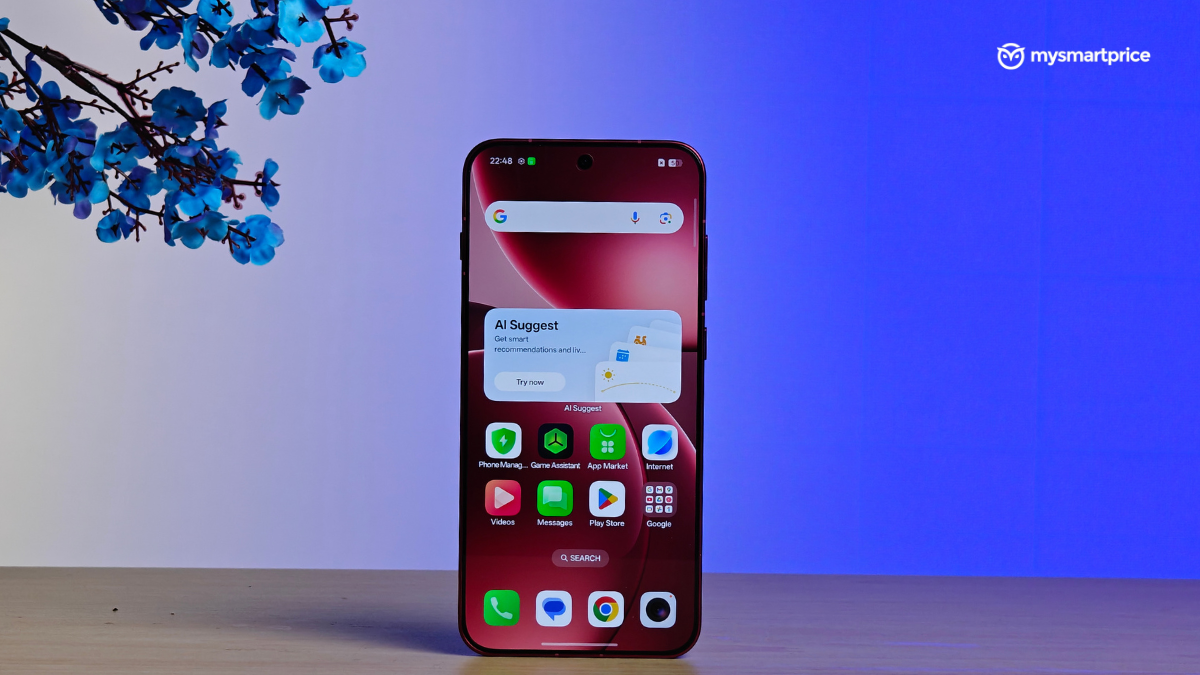
But what truly elevates the experience is ColorOS 16, the operating system debuting here and powering every interaction. Refined over years, this OS delivers exceptional UI/UX, smart functionality, and features that turn flagship hardware into an everyday companion. If the Find X9 series is the canvas, ColorOS 16 is the artistry that brings it to life. Here’s how it transforms daily use for different kinds of users.
- For the serial multitasker
For many of us, the smartphone is our whole world. For people who live in chats, social feeds, and rapid app‑switching, ColorOS 16's Seamless Animation and Luminous Rendering Engine are the quiet heroes. This fluidity starts from your point of touch, especially when going through OPPO's native offerings. Opening and closing apps, switching between them, navigating through multiple widgets, everything seems fluid and seamless, which creates a cohesive visual flow.
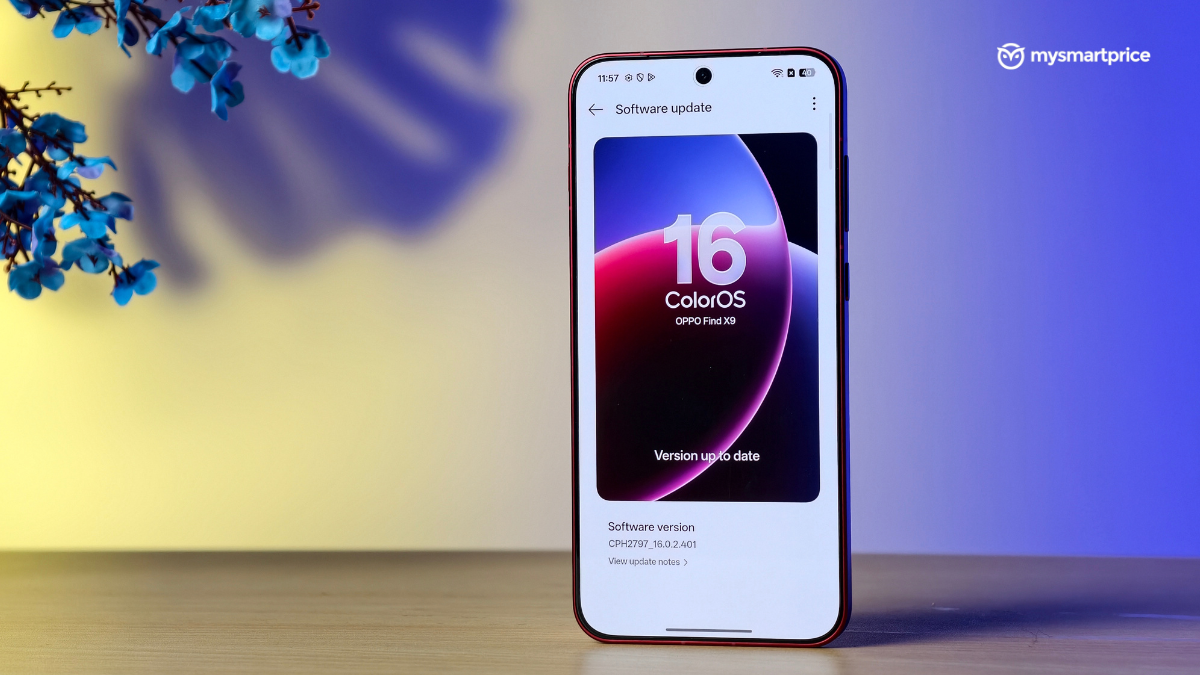
At the heart of this fluidity are the new Luminous Rendering and the Trinity Engines. The former renders all visual components in parallel. This removes any jarring effects that might occur between animations, which in turn allows the animations to be super smooth. Meanwhile, the Trinity Engine is a chip-level enhancement with smart resource allocation. This allows ColorOS 16 to work intrinsically with the processor for sustained speed while also ensuring power efficiency. For serial multitaskers, that means fewer janky transitions, less random lag, and a system that still feels responsive even when a lot is happening on screen.
- For the aesthetic enthusiast
If you care as much about how your phone looks as what it does, ColorOS 16's refreshed design language is very much the point. The UI takes inspiration from light and shadow in nature, with cleaner layouts and more intuitive visual hierarchy, so the phone feels fresher without becoming unfamiliar.
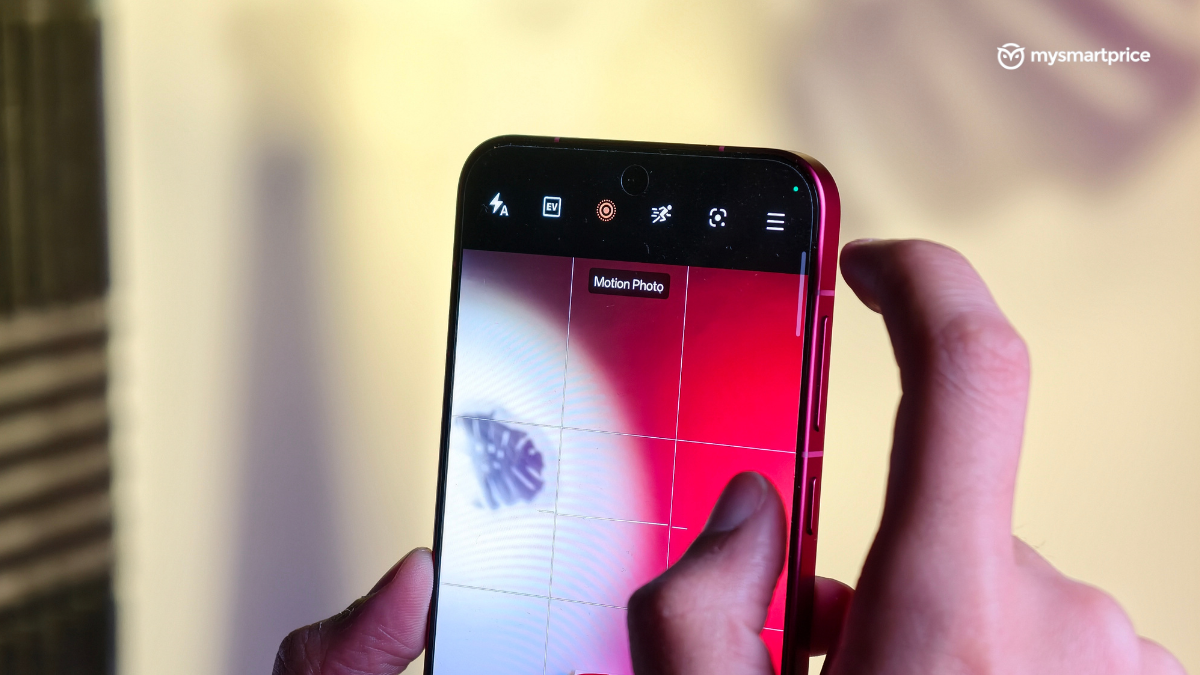
Users can set Motion Photos or videos as wallpapers for a background that feels alive. Meanwhile, AI can help suggest the right font to pair with the wallpaper for the perfect look. Further, ColorOS 16 comes with a full-screen Always On Display (AOD). This allows users to view their lockscreen wallpaper alongside key information. They can then transition smoothly back to the standard lockscreen with a single tap.
Finally, there is the Flux Home Screen. Users now have the option to resize any folder or app icon into tall, wide, or large formats. All they need to do is long-press it, and the magic unfolds. Further, all the surrounding layouts dynamically adapt to the new shape. It's ideal for aesthetic‑first users who want their most‑used apps or folders to stand out visually without cluttering the grid.
- For the creator
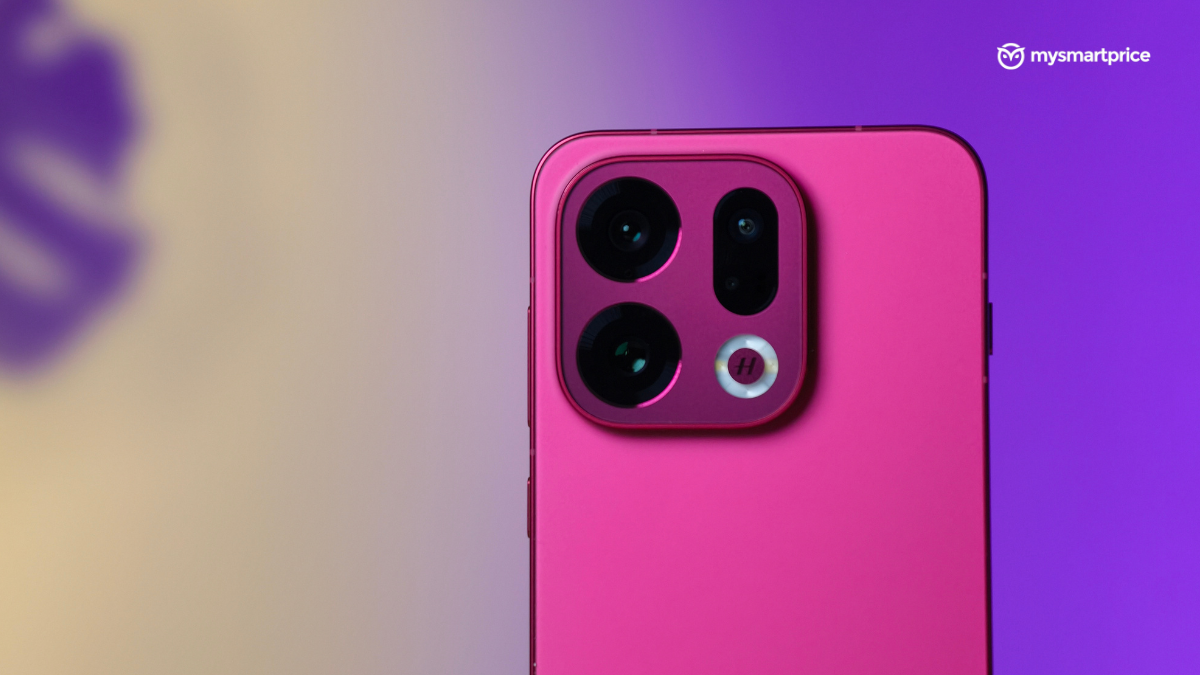
OPPO has always been a camera-focused brand. So it makes sense for ColorOS 16 to offer many camera-centric features. There is an AI Portrait Glow that can rescue portrait photos taken in poor lighting in just a tap by rebalancing skin tones and ambient lighting to make those images ready for the limelight.
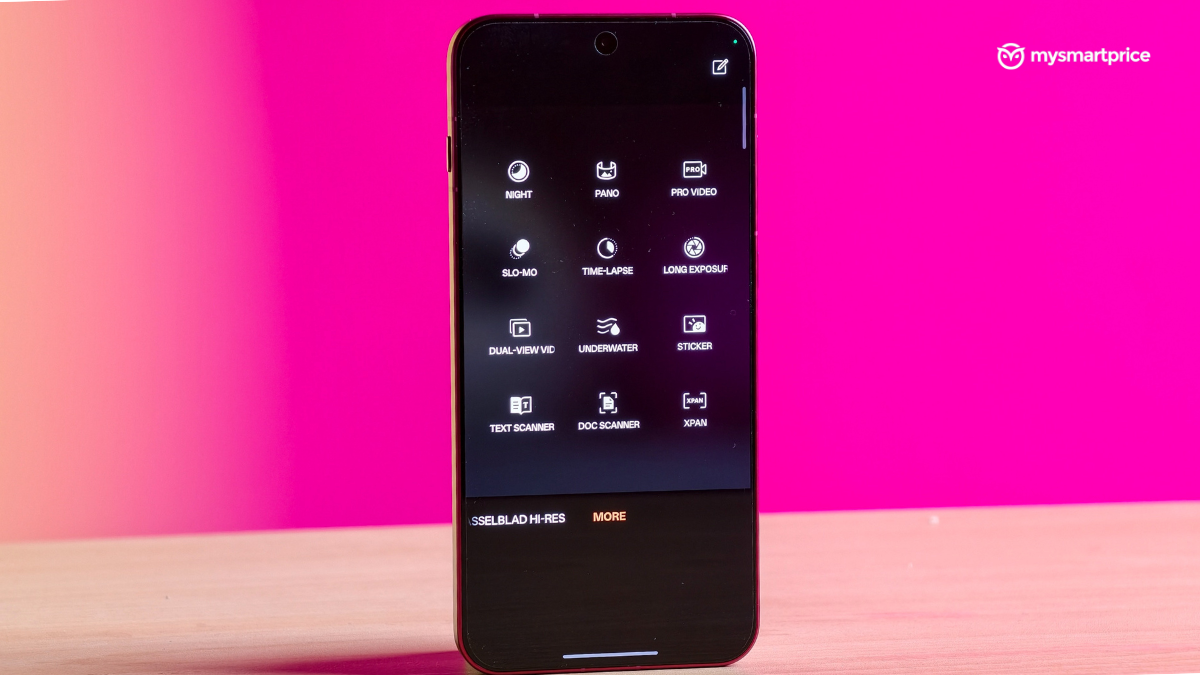
AI Portrait Glow joins OPPO's existing suite of powerful AI editing tools. This includes an AI Eraser that can remove unwanted objects or people from the background. Then there is AI Unblur, which can make slightly blurred photos sharp. Finally, there’s an AI Reflection Remover that can clear up messy glass reflections.
For video, the upgraded Master Cut editor brings trimming, speed controls, music, text, filters, and manual sliders for contrast, brightness, and saturation into the system editor. So creators have all the tools they need to create content to post on social media. This makes OPPO's smartphones the perfect tool to shoot, fix, and then post from their phones without the need to jump between different apps and devices.
- For the professional
For working professionals or students who tend to bounce between a phone and a laptop all day, ColorOS 16 stretches beyond the handset. O+ Connect now supports both Mac and Windows, so you can manage phone files from your computer or even remotely control the PC from your OPPO smartphone. This gives ‘remote work' a more literal meaning, since your PC can ride in your pocket.
But that's not all. Screen Mirroring lets you cast up to five apps from your phone and control them with a mouse and keyboard. This is particularly useful in meetings or lectures when pulling out the phone would be distracting, but you still need access to chats, notes, or reference apps.
- For the organisational guru
ColorOS 16 is also perfect for those who need some order in their everyday life. It features AI Mind Space, which can be thought of as a handy memory and organisational assistant for people. It lets users capture things on screen, take notes, and then access them again without digging through multiple apps. When paired with hardware features like the Snap Key on supported devices like the Find X9, which allows users to grab the current screen, attach a voice memo note, and then drop that straight into Mind Space.
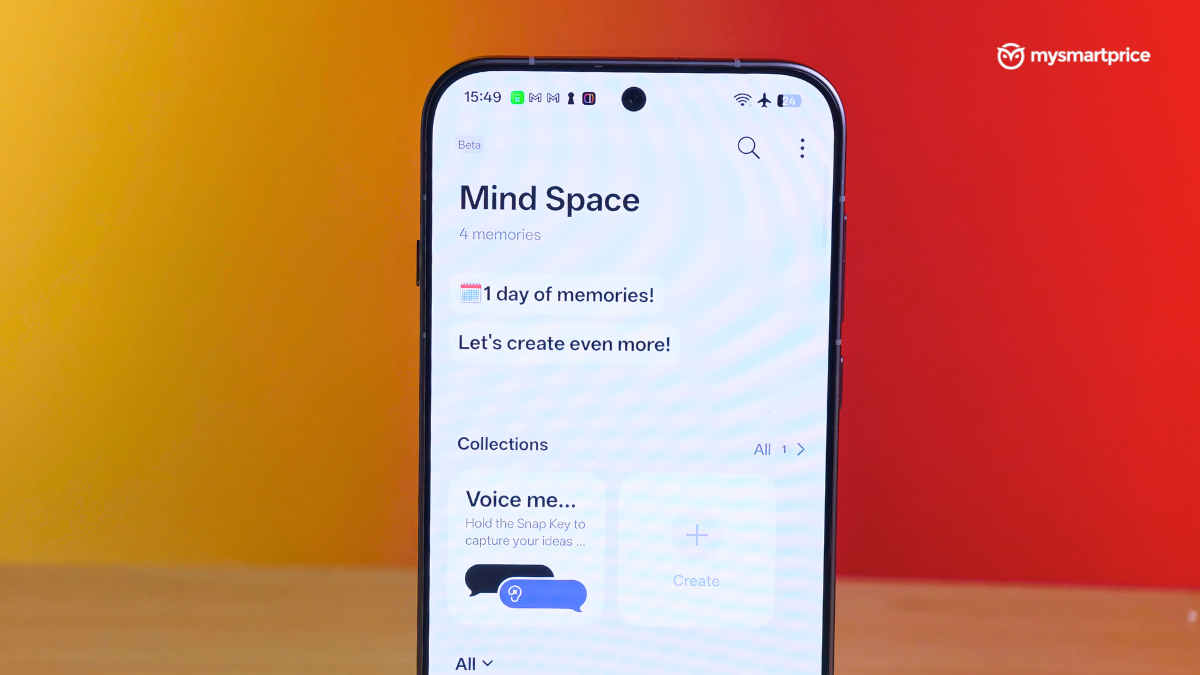
Then there is the AI Mind Assistant, which is an AI-powered chatbot that can answer queries quickly without the need to scroll through multiple search results. It can also help plan itineraries and come up with new ideas and plans. It's perfect for the current day and age, where the need to cut through the clutter is of utmost importance.
6. ColorOS 16 everywhere
ColorOS 16's smoother animations, expressive UI, AI editing, productivity tools, and organisational features tie everything together. The OS's ability to create one cohesive layer that works beautifully across OPPO’s entire line up.
With Project Breeze optimising even more affordable devices for the same responsive feel, and the upcoming Reno15 series bringing elegant design together with this proven OS foundation, ColorOS 16 ensures every OPPO phone delivers a consistently intuitive experience that its customers will love!
Disclaimer: This is a Promotional post. The content and opinions expressed are those of the sponsor and do not necessarily reflect the views of our editorial team.