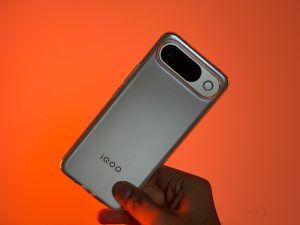
With the new OriginOS 7, both the brands Vivo and iQOO are doing more than giving their software a visual makeover. It is based on the latest Android 17, and it offers a redesigned interface, more customisation options, improved multitasking, AI-powered tools, and better connectivity with other devices.
I have been using OriginOS 7 on the iQOO 15 for the past few days, and some new additions have generally stood out to me. Here are the features that I really liked.
Productivity Takes The Centre Stage
With OriginOS 7, we have a bunch of new productivity features on the iQOO 15 and the Vivo V80. Starting with the Workbench, which is one of the very interesting additions this year. With this enabled, you can work on as many as five apps simultaneously. It is a multitasking feature, but what's new here is the layout and that it actually runs those five apps at the same time. This also means that your phone has to have at least 12GB of RAM to use it.
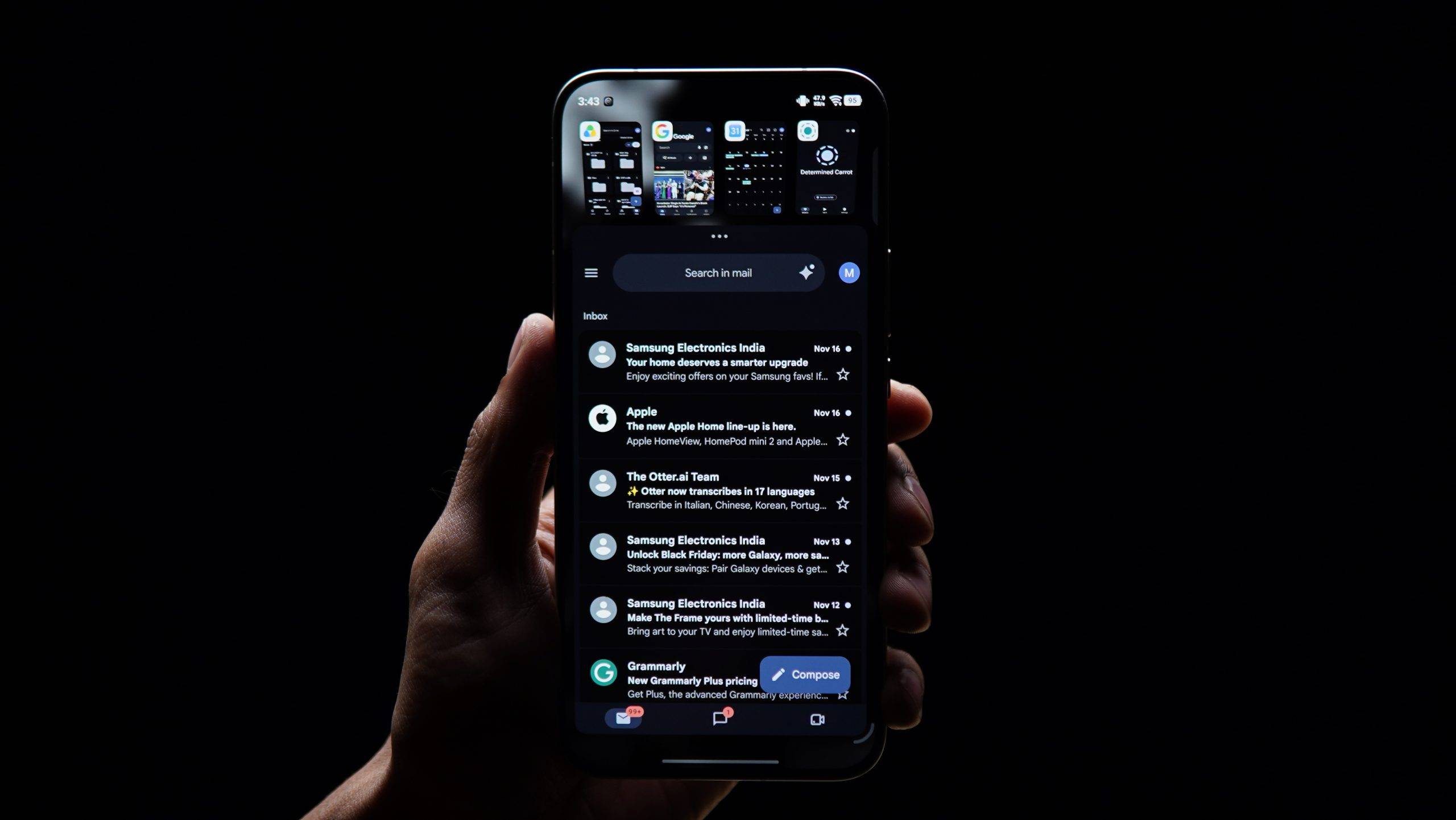
Another productivity feature that got my attention is Capture-To-Note. As the name suggests, you can click a picture of a plan, graph, pointer, or table written in your office conference room, and it will turn it into notes, as it is. It also identifies the format, so if you have pointers and then a graph below, the formatting would be the same in Notes as well.
A Customisable Control Center
The Quick Settings panel on Android skins has always been useful, but customisation options have varied between brands. With OriginOS 7, the brands are giving users more control over how their Control Center looks and works.
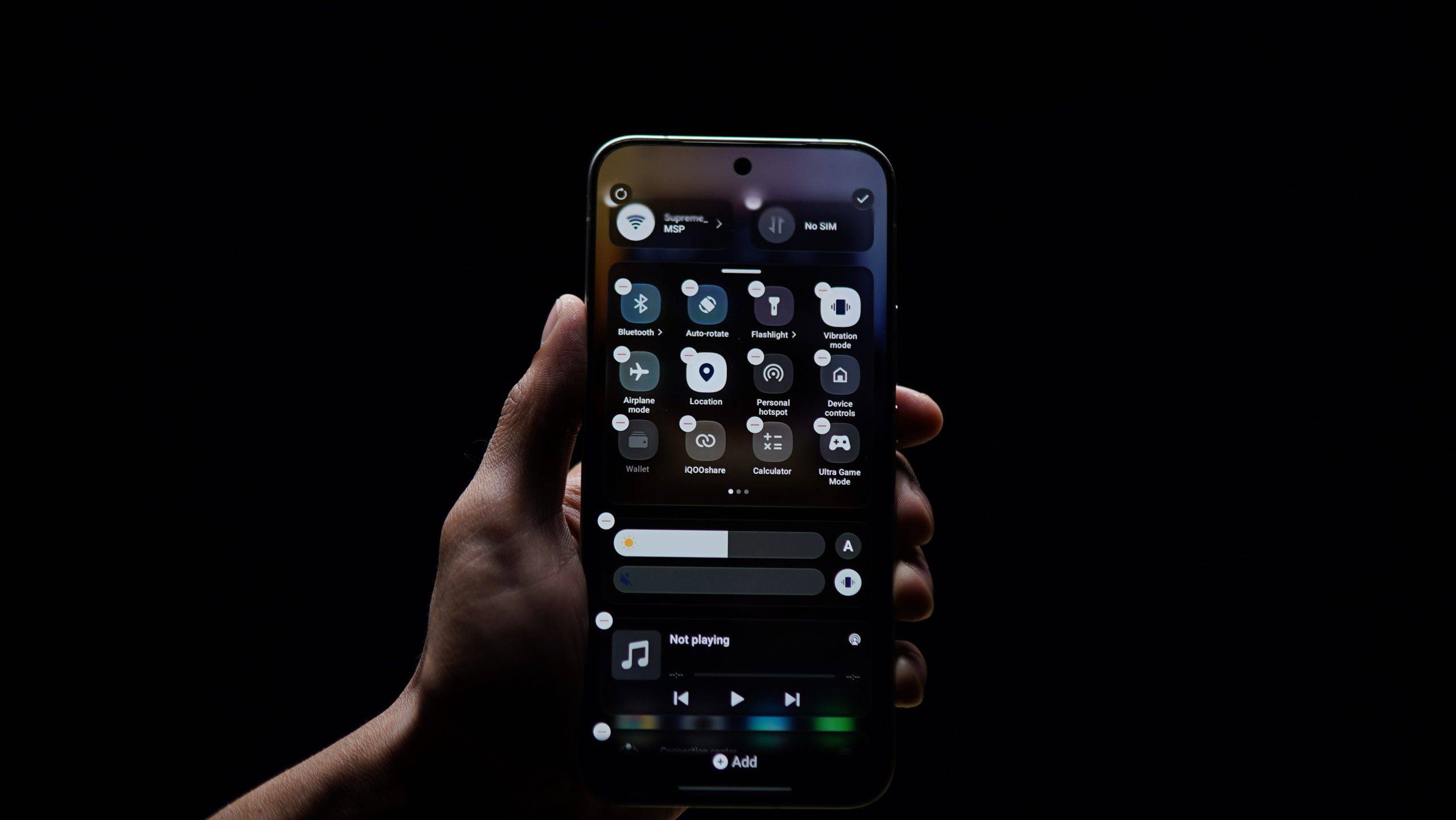
You can rearrange individual controls, resize tiles, and change the layout to whatever works best for you. Some tiles occupy more space, and you can reduce the size of others to make them smaller. With this, you can have your frequently used controls placed more conveniently.
The Connectivity controls have also been given attention this time. You can add separate Wi-Fi and mobile data toggles rather than relying entirely on a combined connectivity tile. And you can even customise or remove the connectivity section and media player if you don’t need them.
You also do see an iOS influence here, especially with how individual controls can be positioned and resized. However, that is not necessarily a bad thing. A customisable Control Center is useful regardless of where the idea originated.
I also like how we have the option to retain the older layout. Not everyone wants to relearn familiar controls after a software update, and giving users a choice is better than forcing them to adapt to a new interface.
Lock-Screen Customisation and Pet Pals
If you enjoy customising your phone, Origin OS 7 has a lot of options. It has expanded the options available for the lock screen, home screen, and Always-On Display, making it easier to give your phone a more personal look.
One of my favourite additions is Pet Pals. These themes introduce small, animated pets that appear on your home screen and lock screen. Something light-hearted to catch your eye every time you pick up your phone. Plus, it is not just a decoration, the pet reacts to different situations, like when you tap or tilt your phone, when the device is charging, or when you’re listening to music. Reminds me of Talking Tom, you're an OG if you know what that is.
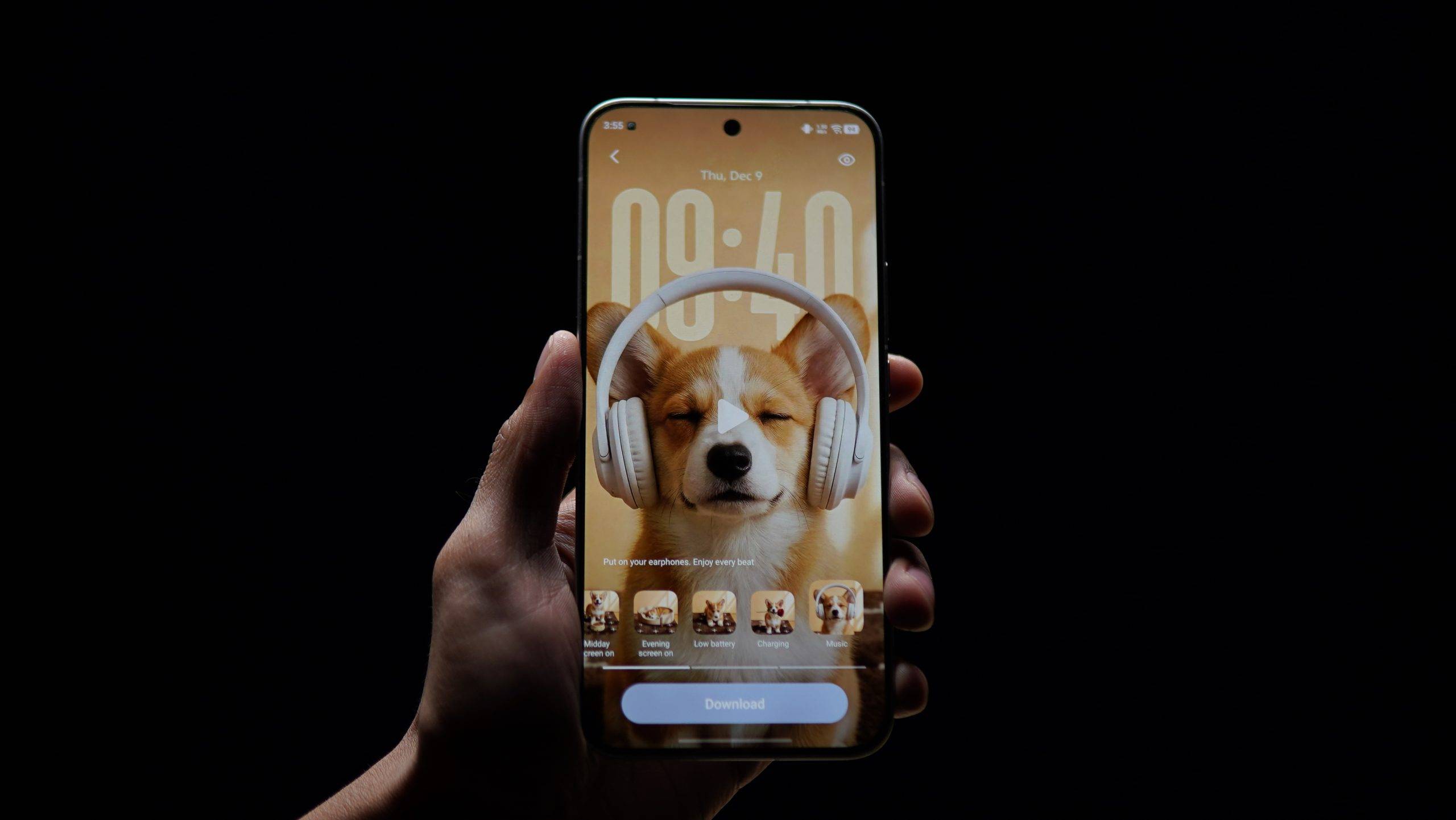
If you’re tired of static wallpapers and icon packs, Pet Pals offers something a little different. There are a few free templates, but if you want your own custom AI-generated pet wallpapers, that comes with subscriptions: Rs 310 (premium) and Rs 130 (the basic one).
The lock screen is also a lot more customisable now. Depending on the device and theme, you can adjust the clock’s appearance and position, add supported widgets, and change how elements interact with your wallpaper. There are also dynamic effects that can add movement to the lock screen, and options like Wiggle add animation to selected elements, with controls for adjusting the effect’s appearance and intensity.
Now, these features won't completely change your phone, but they make the phone feel a little more fun to use.
Stickers That Personalise Your Screen
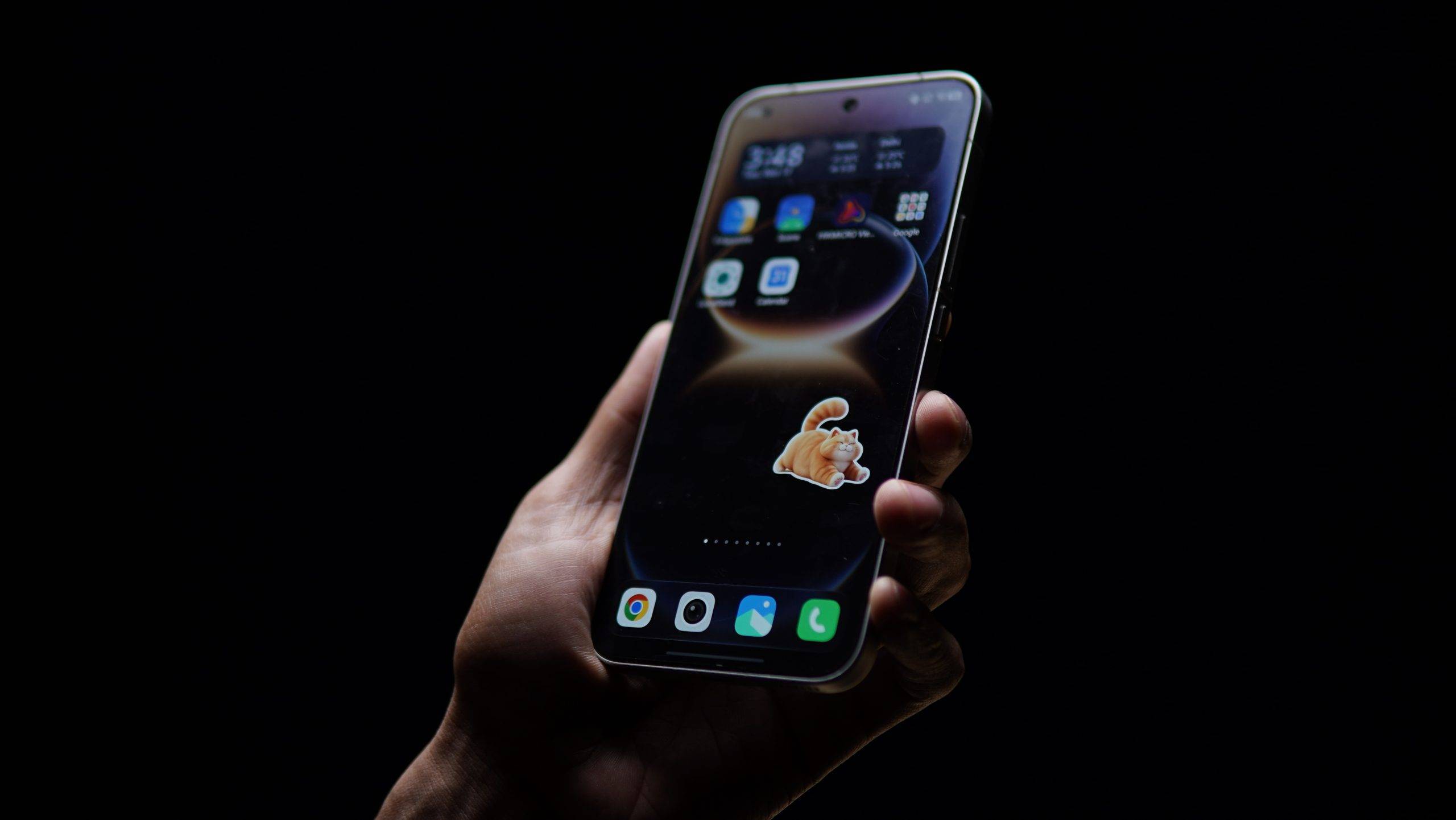
This feature lets you add decorative stickers to supported screens, including the home screen, lock screen, and Always-On Display. You can choose from the built-in collection or create stickers from your own photos. The AI-assisted tools can also help turn suitable images into stickers.
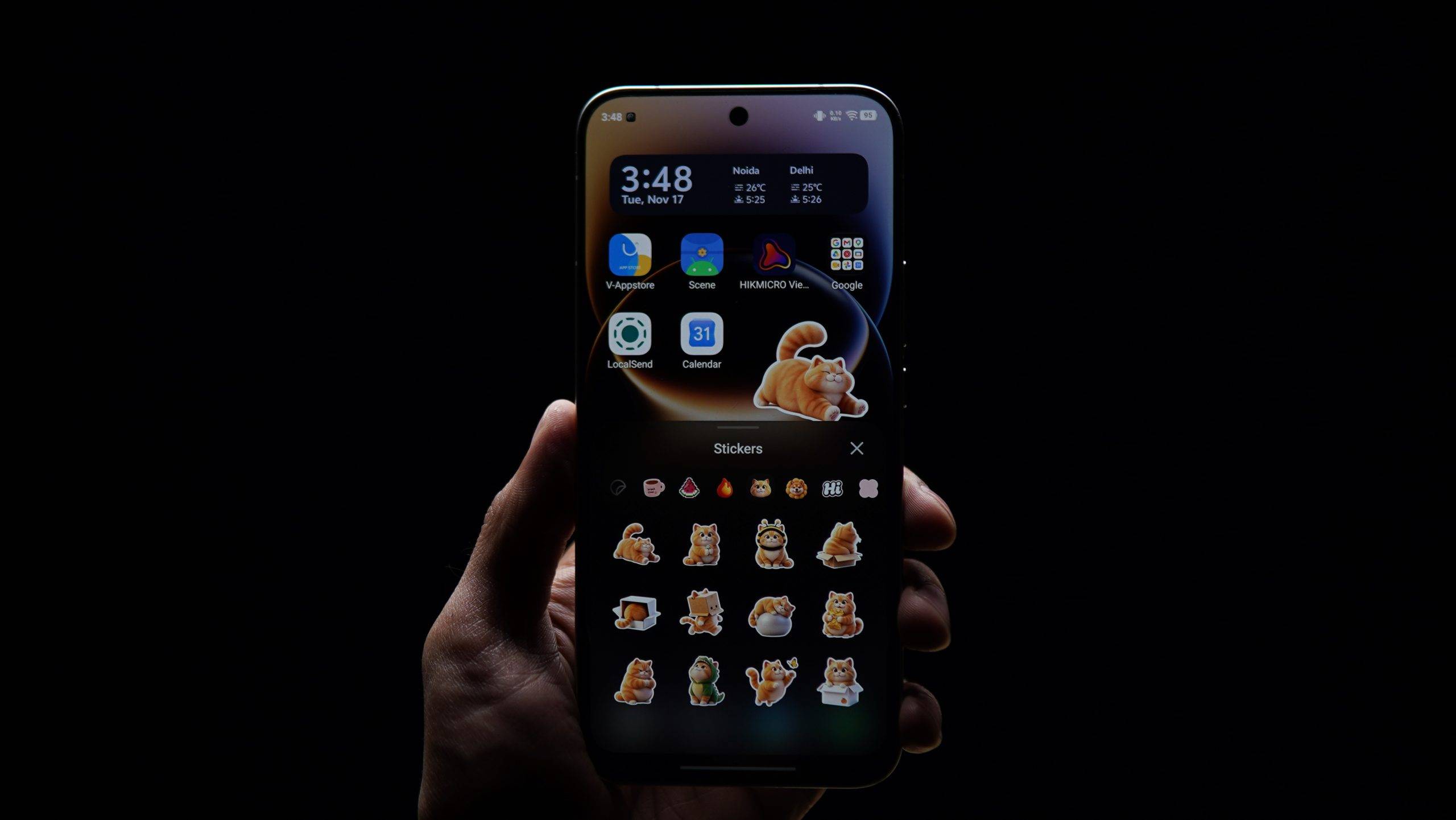
Once you have selected one, you can resize it and position it to complement your wallpaper or overall layout. You could, for example, turn a photo of your pet into a sticker or use another favourite image to make your screen feel more personal. Or you could choose a theme designed around stickers to get a more seamless look.
Just one thing to remember though, unlike interactive widgets, they don’t provide live information or function as shortcuts to apps. They just personalise the interface rather than make it more functional.
Vivo Office Kit Makes Connecting to a Computer Easier
Vivo Office Kit is one of the more useful attempts to make its ecosystem more seamless. It was first introduced with OriginOS 6, and it continues to be a valuable part of the software experience. Office Kit lets your Vivo phone connect to a computer and exchange information between the two.
Depending on the supported device and configuration, you can transfer files, sync your clipboard, mirror your phone’s screen, control your phone remotely, and access notes across devices.
If you regularly switch between your phone and computer while working, you know how important this is. You could copy text on your phone and paste it on your computer, for example, or transfer a file without having to send it to yourself through a messaging app.
Office Kits works with both Windows and Mac.
Better Connectivity With Other Devices
iQOO and Vivo phones now offer support for certain Apple devices such as MacBooks, iPads, Apple Watches, as well as AirPods. Depending on the compatibility of supported AirPods, you can display the battery information and also access the Spatial Audio feature, while with Apple Watch you can check supported notifications and health information on your phone.
This will help a lot of people who have Apple accessories because traditionally it worked best within its own ecosystem.
However, compatibility with Apple accessories doesn’t mean every feature available on an iPhone will work on a Vivo phone. The exact functionality depends on the device, software version, and supported integration.
There are also a few AI tools to explore, like Jovi, the company's AI assistant, which is being developed as a system-level tool that can help users work across applications and devices. It will also be available with Vivo Office Kit.
Then there's Snap Assist, which can recognise screen content and suggest relevant actions, and AI Recorder, which can identify speakers, summarise conversations, and generate outlines.
We are still testing all of these to see how accurate and useful they are in our day-to-day lives.