Stellar Blade — after a stellar debut on the PlayStation 5 and finally making its way to PC — is Shift Up's stylish character-action game that caught everyone's eye during its console debut. Developed by the South Korean studio and published by Sony Interactive Entertainment, the game follows Eve, a fierce warrior sent to reclaim Earth from grotesque alien invaders called Naytibas. Stellar Blade looks to carve out its own identity with its combat, layered world-building, and unapologetically flashy aesthetic.
The PC release took its time, landing nearly nine months after its PS5 counterpart, but clearly for good reason. The devs seem to have put genuine effort into the port, from DLSS and FSR3 support to a full suite of graphics sliders and native ultrawide compatibility. In a market littered with sloppy console-to-PC conversions, Stellar Blade shows up like it means business. I'm looking at you, Final Fantasy XVI.
That said, the game doesn't go easy on your rig, especially with ray-traced shadows, reflections, and ambient occlusion cranked up. I've tested Stellar Blade across different graphics presets with my current workhorse that uses an AMD Ryzen 9 9900X, Radeon RX 7900XTX, 48GB DDR5 RAM, and a screaming-fast and recently launched WD Black SN8100 Gen5 SSD. It’s a stacked build, and Stellar Blade wastes no time putting it to work.
Stellar Blade PC System Requirements
Shift Up has shared the official PC requirements for Stellar Blade, and it's a pretty well-defined setup that scales across four performance targets — from 1080p Low to 4K Very High. The game sticks to traditional rendering modes without ray tracing, but makes up for it with clean optimisation tiers.
All presets — Minimum, Recommended, High, and Very High — require 16GB of RAM and 75GB of SSD storage, and the CPU targets are relatively modest, with even 4K@60fps running on an Intel Core i5-8400 or Ryzen 5 3600X. GPU requirements, however, do climb sharply, going from a GTX 1060 or RX 580 at the bottom to an RTX 3080 or Radeon 7900 XT for Very High settings.
Our Test Bench
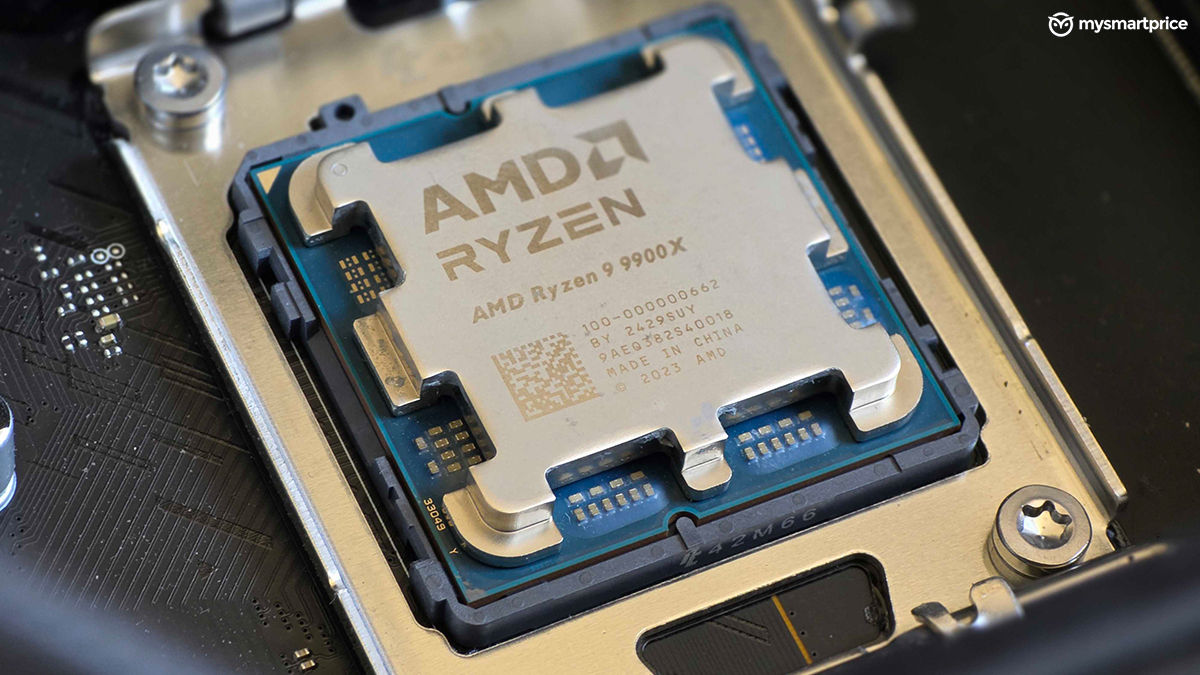
We tested Stellar Blade on the AMD Ryzen 9 9900X, which is built on the Zen 5 architecture and comes with 12 cores and 24 threads. The processor has a base clock speed of 4.4GHz and a boost of 5.6GHz. It also gets a 64MB L3 cache and a default TDP of 120W. This chip is cooled using the Antec Vortex 360 AIO.
For this performance piece, the 9900X sits on the MSI X670E Gaming Plus WiFi which has a very unique finish that sets it apart from most of the other boards in the market. It comes with all the bells and whistles like an extended heatsink design, support for DDR5 memory, a PCIe 5.0 slot, and a wide array of I/O ports, one of which also includes a USB 3.2 Gen 2×2 Type-C port.
Graphics duties are handled by an AMD Radeon RX7900XTX (24GB) card. These were accompanied by Kingston's Fury Renegade 48GB non-binary RAM sticks running at 5400MT/s. he game was run on the MSI G274F, a 180Hz 1080p gaming monitor.

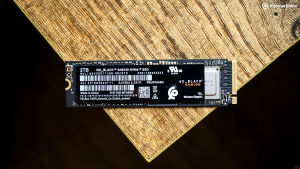
Storage duties were handled by the newly launched WD Black SN8100 (2TB) PCIe Gen 5 SSD. I've been testing this SSD for almost a month now, and it has achieved sequential read and write speeds of 14,905 MB/s and 14,098 MB/s, respectively. An in-depth review of this SSD is in the works, so expect that soon. But for now, let's get back to Stellar Blade.
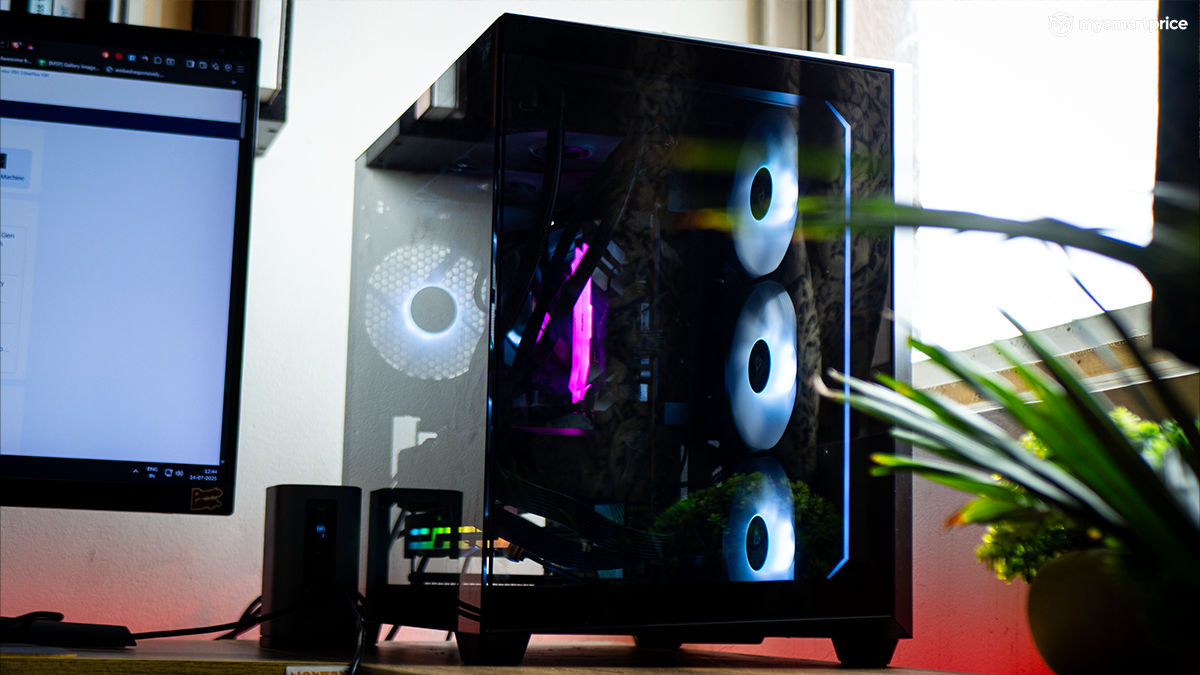
Finally, all this is encased inside the Antec C5 ARGB cabinet, which uses a dual-chamber design surrounded by tempered glass.
Stellar Blade PC Graphics Settings and Features
Stellar Blade offers a fairly robust suite of graphics settings. You get access to multiple presets — Low, Medium, High, and Very High. Beneath the hood, you can tweak individual settings for textures, shadows, post-processing, volumetrics, reflections, effects, and character detail. There's also control over environmental density and screen-space options like ambient occlusion and screen-space reflections.
Each toggle is accompanied by an on-screen VRAM usage bar that updates in real time, so you don't end up watching your graphics card wheeze and melt inside the case. On the upscaling front, Stellar Blade supports AMD FSR, Intel XeSS, and Nvidia DLSS right out of the box, with both DLSS and FSR offering multiple quality presets. Frame generation is also supported, but enabling it requires a restart of the game, which is quite annoying.
Stellar Blade PC Performance
Stellar Blade was tested on two different graphics presets: Medium and Very High. I've also tested it with FSR enabled/disabled and with Frame Generation enabled. Since Stellar Blade also skips out on an in-built benchmark tool, I chose the introduction of the game, which involves multiple enemies, explosions and a beach texture. What's disappointing, though, is that Shift Up skipped ray tracing on a game like Stellar Blade, where it could have made a couple of reflections much more realistic than what they appear. Don't get me wrong, the graphics look absolutely stunning in its current state, but the inclusion of ray-tracing would have definitely made things look much more serious.

Starting off with Medium settings and no upscaling, Stellar Blade runs incredibly well — averaging 184fps with 105fps 1% lows and 65fps in the 0.2% lows. That's solid performance by any standard. But what’s immediately noticeable is the GPU usage — only around 61%. That's surprisingly low for a modern game and continues across all presets. Even at Very High settings, GPU usage barely crosses 76%. This shows that Stellar Blade is not making use of the performance headroom provided by these high-end cards, potentially leaving a lot of firepower on the table.
| Preset | Upscaling | Average fps | Average 1% low fps | Average 0.2% low fps | CPU Package | VRAM Usage | GPU Usage |
| Medium | No | 184fps | 105fps | 65fps | 94.4W | 7GB | 61% |
| Very High | No | 136fps | 94fps | 70fps | 96.7W | 9GB | 76% |
| Very High | Yes – AMD FSR 3 | 158fps | 94fps | 57fps | 97W | 8.36GB | 64% |
| Very High | Yes – AMD FSR 3 and FG | 256fps | 144fps | 102fps | 98.4W | 8.65GB | 72% |
At Very High settings with AMD FSR 3 enabled, there is a small performance bump — average fps goes up to 158 from the native 136. But interestingly, the lows don't improve much, and in fact, the 0.2% lows dip slightly to 57fps. This means the game is facing some inconsistent frames with FSR enabled. That said, these little inconveniences were not noticeable to me when slashing away enemies.

But the real boost comes when you combine FSR 3 with Frame Generation. With both enabled, the game shoots up to 256fps on average, with 144fps 1% lows and 102fps in the 0.2% lows. Frame Generation clearly does the heavy lifting here, making a strong case for itself. Even then, the GPU usage stays surprisingly modest at 72%. VRAM usage stays within a manageable 9GB, unlike games like Star Wars Outlaws which would eat up the entire memory stick like a KitKat bar
To sum it up, Stellar Blade is decently optimised on PC and scales nicely across presets, but it doesn’t fully stress high-end hardware — at least not in the traditional sense. AMD FSR 3 doesn't move the needle much on its own, but combining it with Frame Generation helps with better framerates. That said, with this data we can also gauge that Stellar Blade does not demand very high in terms of components for a fair performance output. So, it should not trouble people much on more budget builds or laptops.

Should You Buy Stellar Blade on PC?
Stellar Blade is now available on PC via Steam and the Epic Games Store, priced at Rs 3,999 for the standard edition. This marks the game's debut outside the PlayStation 5, bringing its flashy action combat and stylish post-apocalyptic setting to a much broader audience. The good news? It's a competent port that plays well out of the gate. The bad news? It couldn't push the limits of a GPU like the AMD Radeon RX7900XTX.
From a gameplay standpoint, Stellar Blade delivers — the boss fights are sharp, the movement feels responsive, and the spectacle-heavy combat is genuinely fun. If you've been waiting for a PC version to jump in, now's a good time. But technically, the game doesn't feel like it's been tailored to scale all the way up — plus it skips out on ray tracing. But it’s a PC port that has been done well without any crashes or bugs that would ruin your gaming experience. So, if you are into action RPGs, Stellar Blade is an absolutely fun game that does combat exceptionally well.