Two premium laptops, one processor, but two very different approaches. That is the position the 2026 Dell XPS 14 finds itself in.
It is powered by Intel’s Core Ultra X7 358H, paired with 32 GB of RAM and a 1 TB SSD, carrying a price tag of ₹2,57,890. The Samsung Galaxy Book6 Pro 16, which I reviewed recently, offers the same processor, memory and storage configuration for ₹2,24,990. On paper, the specifications are nearly identical, but Dell has chosen a far more conservative power profile for its flagship ultraportable.
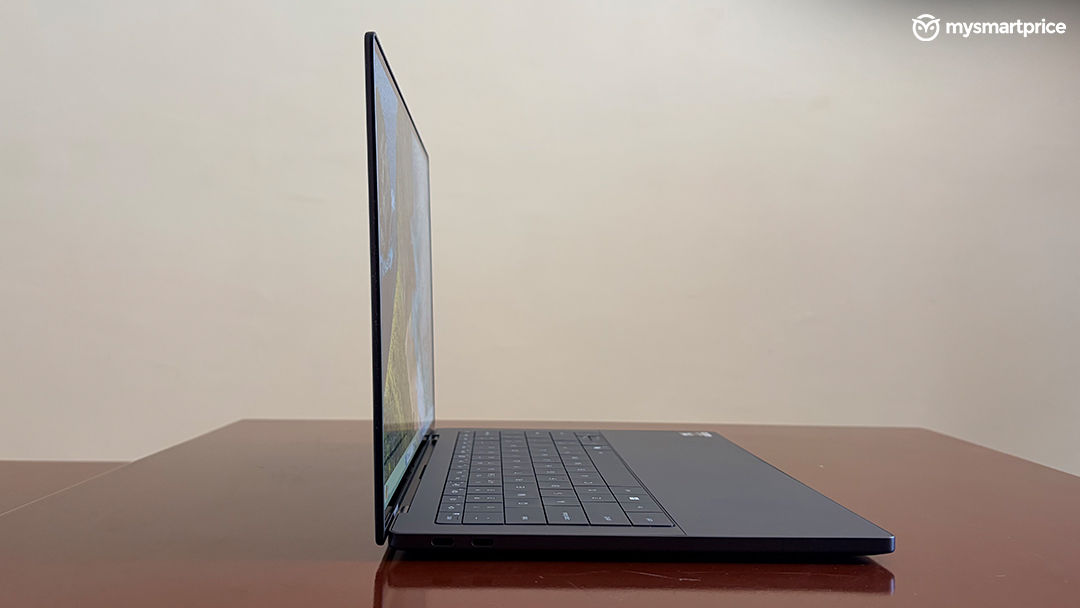
That decision has a noticeable impact on the overall experience. It helps the XPS 14 deliver excellent battery life and low operating temperatures, but it also limits the performance the hardware is capable of producing. Whether that trade-off makes sense ultimately depends on what you expect from a laptop at this price.
Specifications
| Processor | Intel Core Ultra X7 358H, 16 cores, up to 4.8 GHz, 50 TOPS NPU |
|---|---|
| Graphics | Intel Arc B390 (integrated) |
| Display | 14-inch 2.8K (3200 × 2000) Tandem OLED, 120 Hz |
| Memory | 32 GB |
| Storage | 1 TB NVMe SSD |
| Battery | 69 Wh |
| Dimensions | 14.7 mm thick, approx. 1.36 kg (3.0 lbs) |
| Connectivity | Wi-Fi 7, Bluetooth |
| Ports | 3 × USB Type-C (Thunderbolt), microSD reader, 3.5 mm jack |
| Audio | Quad-speaker array |
| Camera | 1080p webcam, dual-array microphones |
| Price | ₹2,57,890 (as tested) |
Performance: A Thermal Budget, Not A Power Budget
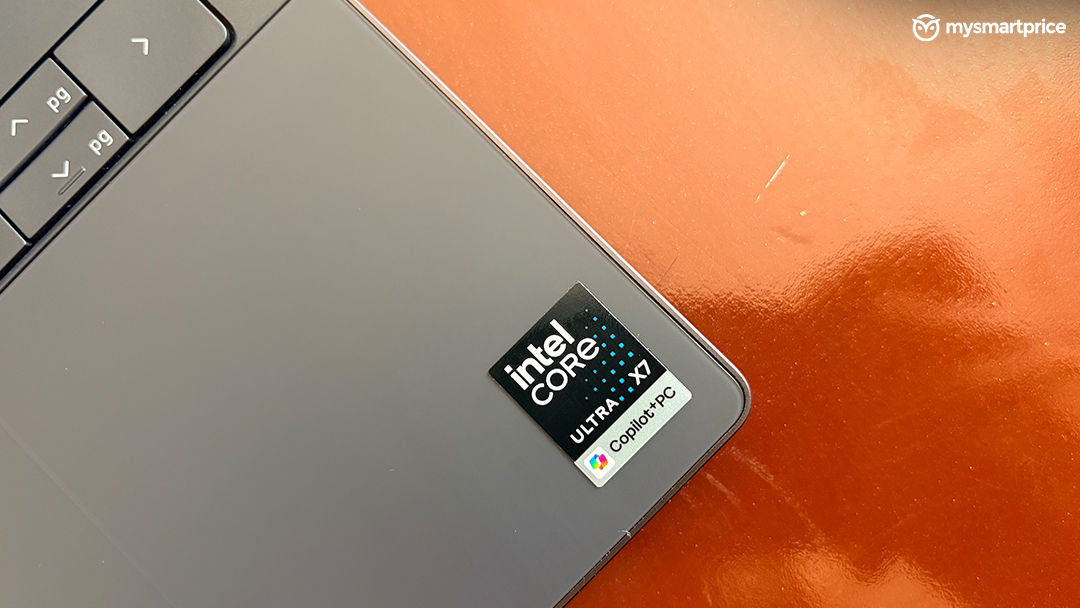
The benchmark results begin to make sense once you look at the power limits. During testing, the XPS 14’s Core Ultra X7 358H reached a peak package power of 25 W. By comparison, the Samsung Galaxy Book6 Pro 16, which uses the same processor, allows the chip to draw up to 45 W.
That difference shapes the laptop’s performance profile. Dell has not imposed a strict power cap that immediately limits the processor under load. Instead, the system gradually reduces power as temperatures rise, meaning short workloads see relatively little impact while longer, sustained workloads expose the lower power budget.
The pattern is reflected across the benchmark results. Geekbench 6, which finishes quickly, shows only a small gap in multi-core performance between the two systems. Cinebench R23, with its much heavier sustained workload, widens that gap to 21.5%. The remaining benchmarks fall somewhere between those two extremes, depending on how long they keep the processor under load.
| Test | Galaxy Book6 Pro | Dell XPS 14 | Difference |
| Geekbench 6 single-core | 2,890 | 2,704 | ~6.9% (Samsung) |
| Geekbench 6 multi-core | 17,108 | 16,895 | ~1.3% (Samsung) |
| PassMark overall | 10,024 | 9,450.1 | ~6.1% (Samsung) |
| PassMark CPU Mark | 36,600 | 31,339.3 | ~16.8% (Samsung) |
| Cinebench R23 single-core | 2,016 | 2,076 | ~3.0% (Dell) |
| Cinebench R23 multi-core | 15,517 | 12,772 | ~21.5% (Samsung) |
| 3DMark highest loop | 11,536 | 11,302 | ~2.1% (Samsung) |
| 3DMark lowest loop | 10,431 | 8,787 | ~18.7% (Samsung) |
| Frame rate stability | 90.4 | 77 | ~17.4% (Samsung) |
| PugetBench (DaVinci/Adobe) | 39,374 | 31,282 | ~25.9% (Samsung) |
The 3DMark Wildlife stress test is worth dwelling on, because it shows the throttling is not a CPU-only problem. Both machines open the run within 2.1% of one another. By the closing The gap becomes more apparent during sustained graphics workloads. By the end of the 3DMark Wild Life Extreme Stress Test, the XPS 14 trails the Galaxy Book6 Pro by 18.7%, while its frame rate stability is 17.4% lower. That suggests Dell’s conservative power profile has a greater impact as the workload continues.
The same trend carries over into creative applications. In the PugetBench for DaVinci Resolve test, the Galaxy Book6 Pro completes the workload around 25% faster than the XPS 14. For users who regularly edit videos or work with demanding creative applications, Samsung’s higher power limits translate into a clear performance advantage.
Battery: The Payoff For All That Restraint
Battery life is where Dell’s conservative tuning starts to make sense. The XPS 14 is equipped with a 69 Wh battery, which is larger than what many 14-inch ultraportables offer. Combined with the processor’s lower power draw, it delivers a noticeable advantage in everyday use.
In my mixed workload test, which includes office work, web browsing and video streaming with the laptop set to Performance mode and adaptive brightness disabled, the XPS 14 lasted 12 hours and 29 minutes. Under the same test conditions, the Samsung Galaxy Book6 Pro ran for 10 hours and 45 minutes.
The difference comes down to two factors. The XPS 14 pairs its larger battery with a smaller, less power-hungry display, while Dell’s conservative CPU power limits help keep overall energy consumption in check. The result is one of the better battery life figures I have recorded from a premium Windows ultraportable, albeit at the expense of sustained performance.
Screen And Speakers: The Easiest Praise In The Review
The 14-inch 2.8K (3200 × 2000) Tandem OLED display is one of the XPS 14’s strongest features. It offers a 1,000,000:1 contrast ratio, full DCI-P3 colour coverage and a 120 Hz refresh rate, resulting in sharp text, excellent colour reproduction and deep black levels. During testing, I measured a typical brightness of 440 nits, with HDR highlights reaching up to 500 nits, which proved sufficient for most indoor environments.
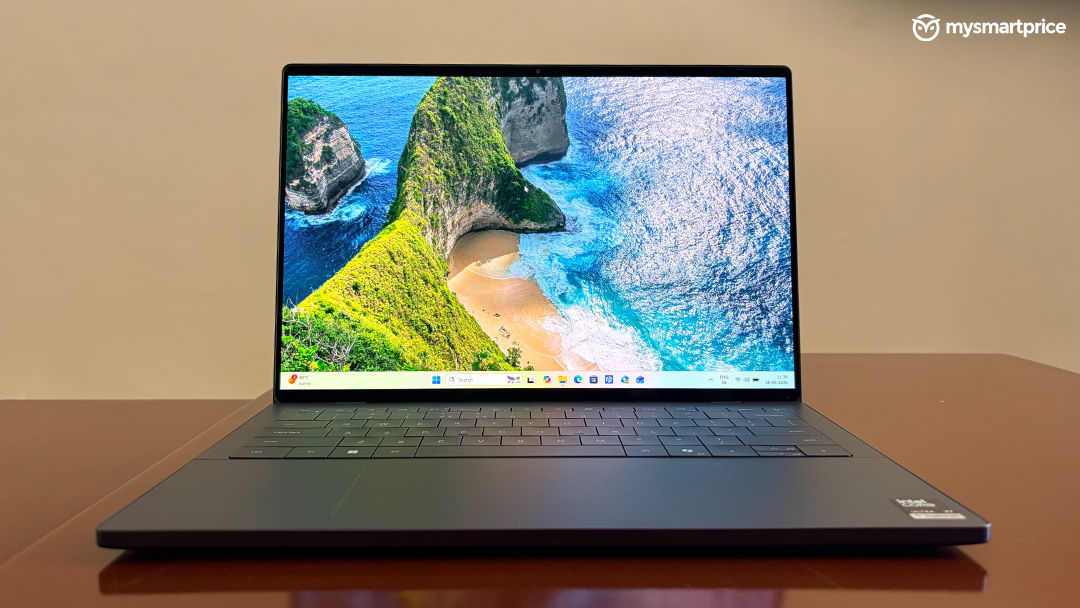
The glossy finish is the only notable drawback. Reflections become quite noticeable under direct sunlight or strong overhead lighting, making outdoor use less comfortable than on a matte display.
Dell has also kept the bezels impressively slim along the sides, although the thicker top bezel and chin make the overall design feel slightly less uniform than it first appears.
Audio performance is equally impressive. The quad-speaker setup delivers clear vocals, well-defined highs and more bass than is typical for a 14-inch laptop. Even at higher volumes, the speakers remain composed without obvious distortion, making them more than capable for watching films, listening to music or joining video calls without reaching for headphones.
Living With It: Beautiful, Occasionally Awkward
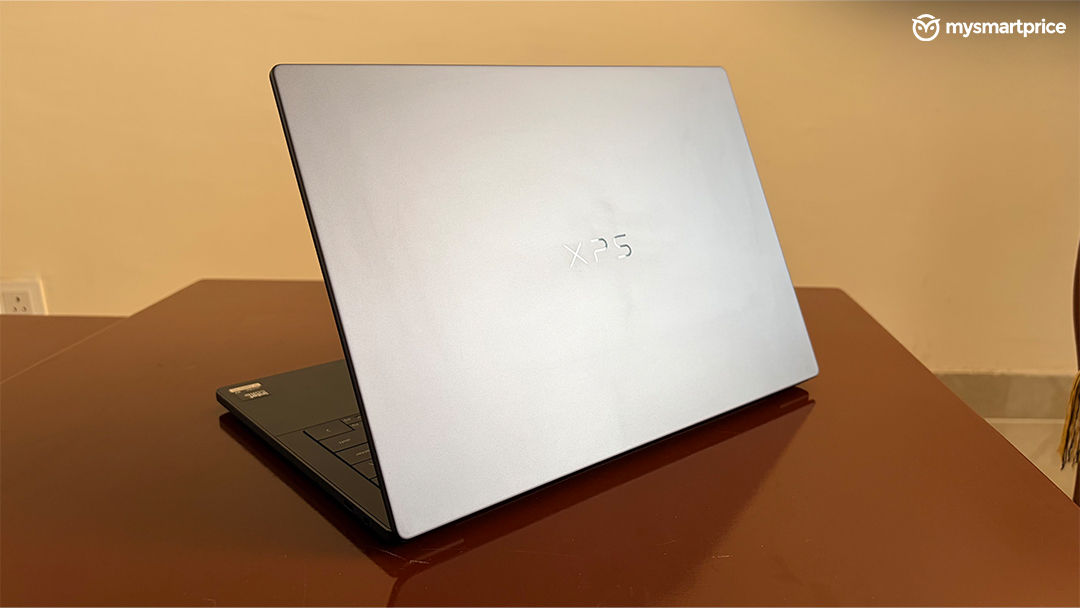
Dell has stayed with the same premium design language, and build quality remains one of the laptop’s biggest strengths. The CNC-machined aluminium chassis feels exceptionally rigid, with no noticeable flex in either the keyboard deck or the display lid. It gives the XPS 14 a reassuringly solid feel that matches its premium positioning.
The interior is dominated by Dell’s seamless glass palm rest, which conceals a haptic touchpad beneath the surface. The haptic feedback is excellent, offering precise and consistent clicks that are among the best I have used on a Windows laptop. However, the lack of any visible or tactile outline means I occasionally had to search for the active touchpad area, particularly during the first few days of testing.
The zero-lattice keyboard also takes some getting used to. The large keycaps leave almost no space between adjacent keys, which resulted in a few accidental presses until I adjusted. The bigger compromise is the shallow 0.8 mm key travel. While the keyboard remains comfortable enough for everyday use, it provides less feedback than many competing laptops, making longer typing sessions more tiring than they should be.
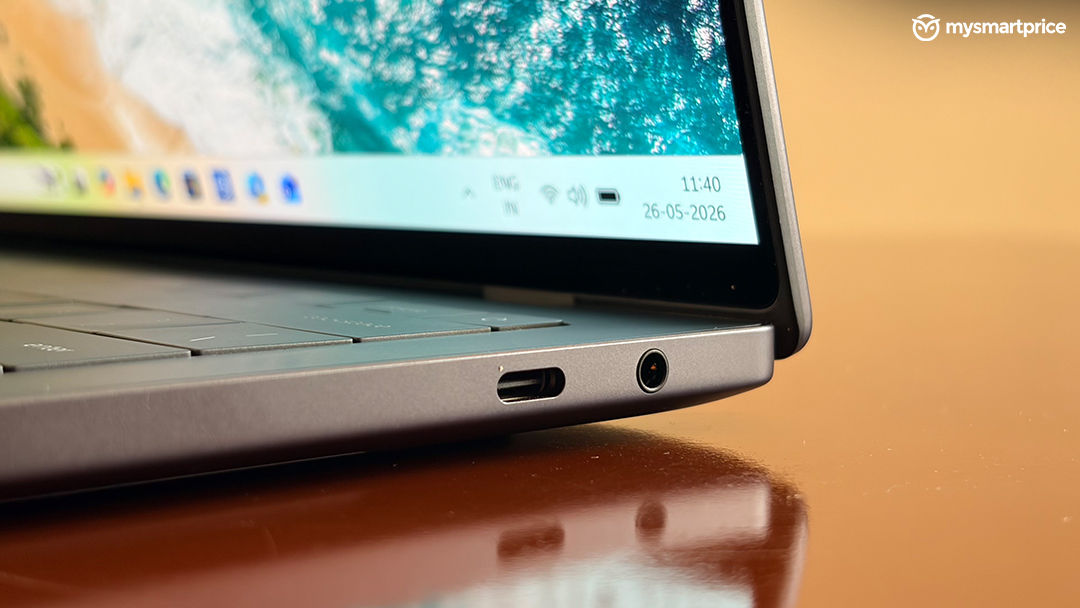
Port selection is similarly minimalist. The XPS 14 includes three USB Type-C ports and a 3.5 mm headphone jack, with no USB Type-A or HDMI connectivity. The USB-C ports support high-speed data transfer and modern accessories without issue, but users with older peripherals or external displays will almost certainly need to carry a USB-C hub or adapter.
Who Should Buy It?
The Dell XPS 14 is a premium ultraportable that prioritises battery life and thermals over extracting every last bit of performance from its hardware. That approach results in a laptop that feels exceptionally well built, offers an excellent OLED display, delivers some of the best speakers in its class and comfortably lasts through a full working day.
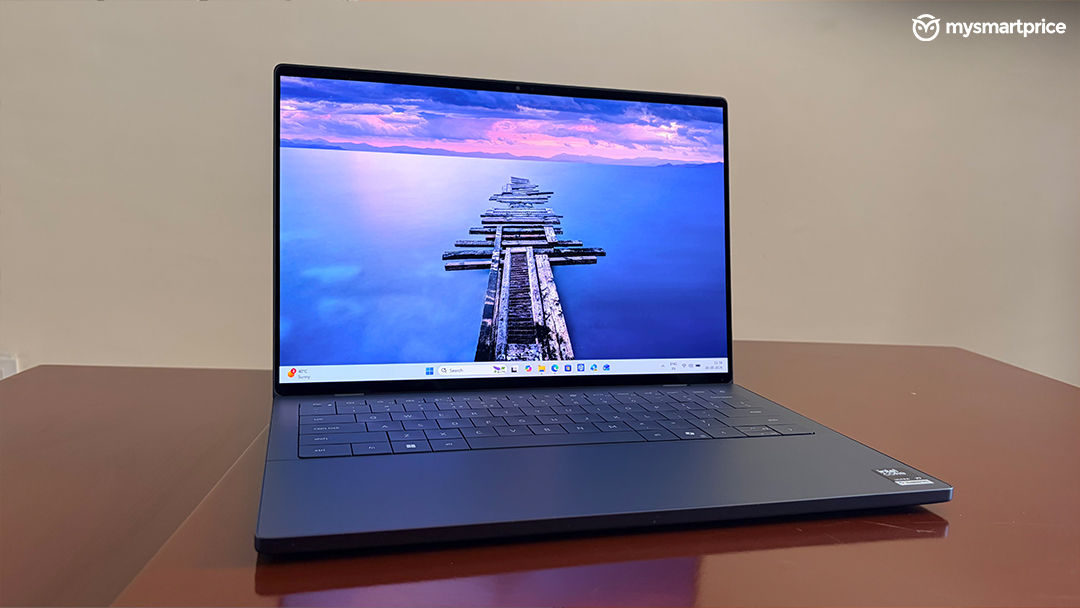
The keyboard and haptic touchpad take some time to adjust to, but neither significantly detracts from the overall user experience.
Performance is where buyers need to decide what matters most. Dell’s conservative power tuning allows the Core Ultra X7 358H to run cooler and more efficiently, but it also leaves performance on the table during sustained workloads. If long battery life, premium build quality and portability are your priorities, the XPS 14 is an excellent choice. However, users who regularly work with demanding creative applications or simply want to get the most out of Intel’s latest processor will find better value elsewhere, including laptops that cost considerably less.
Dell XPS 14
Rs 2,57,890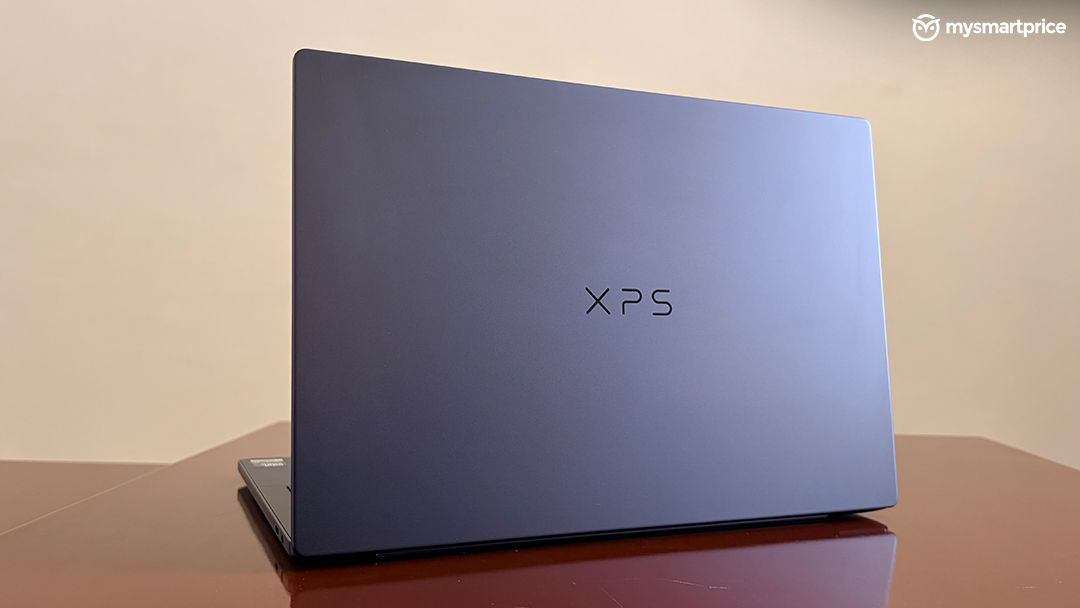
What Is Good?
- CNC-machined aluminium chassis with exceptional rigidity and a genuinely distinctive look
- 2.8K 120 Hz OLED with spectacular colour accuracy and effectively infinite contrast
- Quad-speaker array leads the 14-inch category for balance and low-end punch
- Over 12 hours of mixed-use battery life
What Is Bad?
- Core Ultra X7 restricted to 25 W, bottlenecking sustained CPU and GPU performance
- USB-C-only I/O makes a dongle mandatory for legacy peripherals and HDMI
- Zero-lattice keyboard's 0.8 mm travel is poorly suited to extended typing