Printers are one of those devices we rarely think about until we actually need one. Whether it’s printing invoices, scanning documents, copying paperwork, or handling everyday office tasks, a good printer can make a noticeable difference to how smoothly things run. However, finding one that balances print quality, running costs, convenience and reliability isn’t always straightforward.
Canon MAXIFY GX4070
Rs 52,060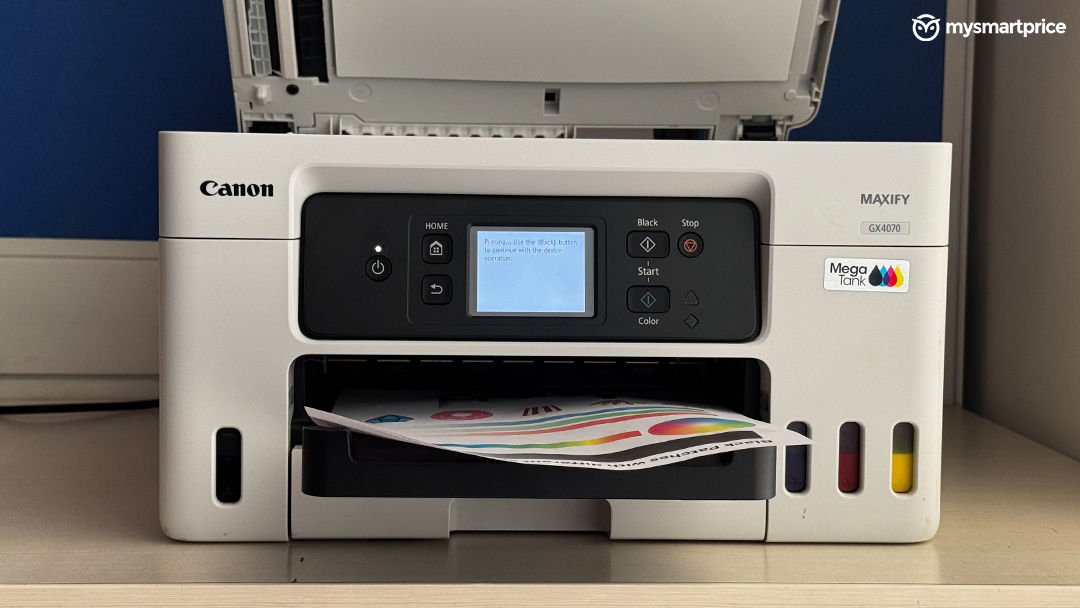
What Is Good?
- Excellent Print Quality
- High-Yield Pigment Ink System
- Automatic Duplex Printing
- 35-Sheet Automatic Document Feeder
- Easy Ink Refilling & Maintenance
What Is Bad?
- Bulky and Takes Up Significant Desk Space
- Occasional Connectivity Issues
- Premium Price
The Canon MAXIFY GX4070 is designed for small businesses and workgroups that need more than just a basic printer. It brings printing, scanning, copying, and fax into one machine, alongside an all-pigment ink system, automatic duplex printing, an automatic document feeder, and multiple connectivity options. With a price of Rs 52,060, this is clearly a premium printer, and expectations are naturally high. After spending time with it, including print-quality benchmarks and everyday testing, I found it a capable machine with plenty to offer. However, there are a few things that keep it from feeling like the most compelling option in its price segment.
Design and Build
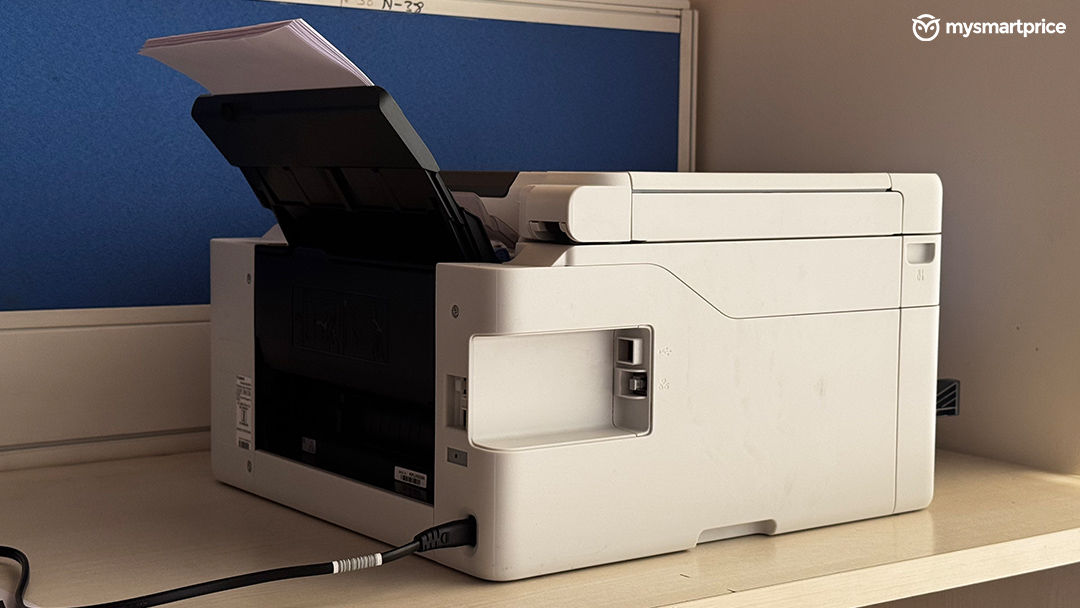
The Canon MAXIFY GX4070 is a fairly bulky printer, and there’s no getting around that. Its square-shaped design means it occupies a considerable amount of desk space, so you’ll want to plan where you’re placing it before bringing it home. At 399 × 417 × 251mm and 9.5kg, it’s not something you would casually move around every other day.
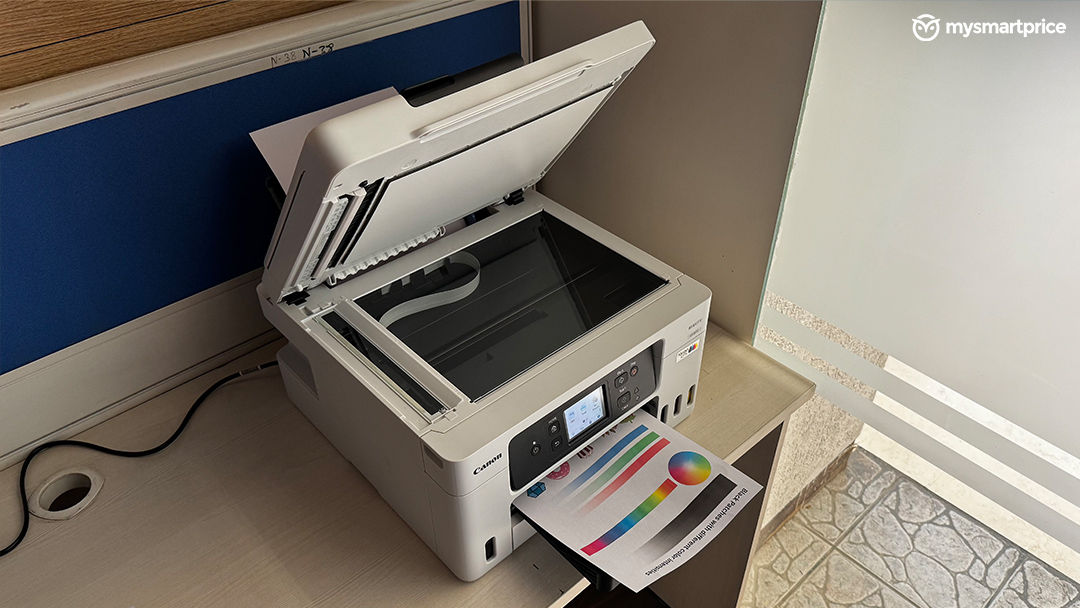
That said, I do like how it looks. The grey finish gives it a clean, professional appearance without making it look like an oversized office machine. It should fit in reasonably well in a home office or a small business environment. The build quality is also reassuring. The body flex is minimal, and the overall construction feels solid enough for regular use. This is particularly important for a printer that’s likely to see frequent interaction, whether you’re loading paper, accessing the scanner, or using the control panel.
The GX4070 looks better than I would expect from a printer of this size. The grey finish helps it blend into a modern workspace, and the build feels sturdy. My only concern is the footprint. If you’re working with a compact desk, the square design can make it feel like the printer is taking over your workspace.
Setup and App Connectivity
One of the things I appreciated about the Canon MAXIFY GX4070 is that printing itself is straightforward. Once the printer is set up, everyday printing doesn’t feel like a complicated process. You can send documents to print without having to navigate through too many steps.
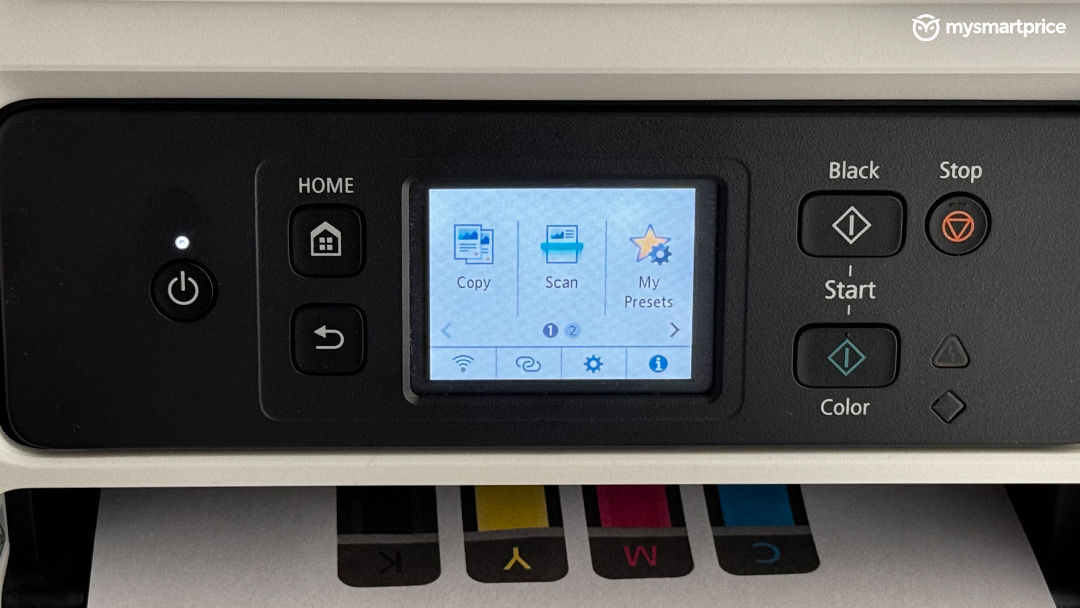
The printer also features a 2.7-inch colour touchscreen, making it easier to access its functions. Since this is an all-in-one machine, having easy access to printing, scanning and copying functions is important, particularly when multiple people are using it. The automatic document feeder is another useful addition. With a 35-sheet capacity, it can help when scanning or copying multiple pages, reducing the need to manually place each sheet on the scanner bed. A printer shouldn’t make a simple task feel like a technical exercise. The GX4070 gets the basics right here. Printing is easy, and the combination of a touchscreen and automatic document feeder makes it more practical for everyday office work. For a machine at this price, though, I would expect the entire setup and connectivity experience to be equally seamless.
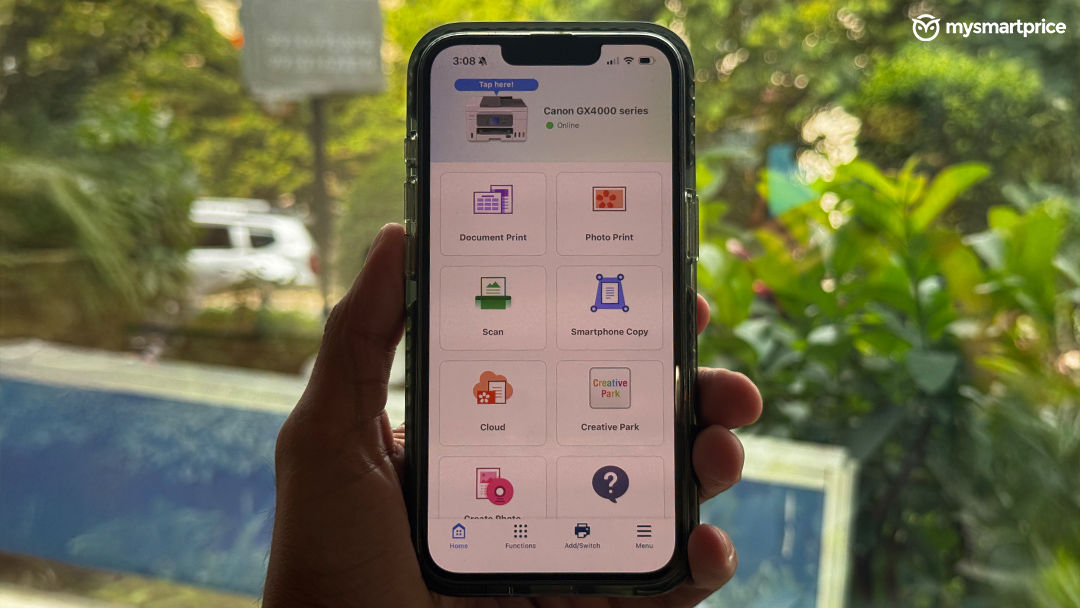
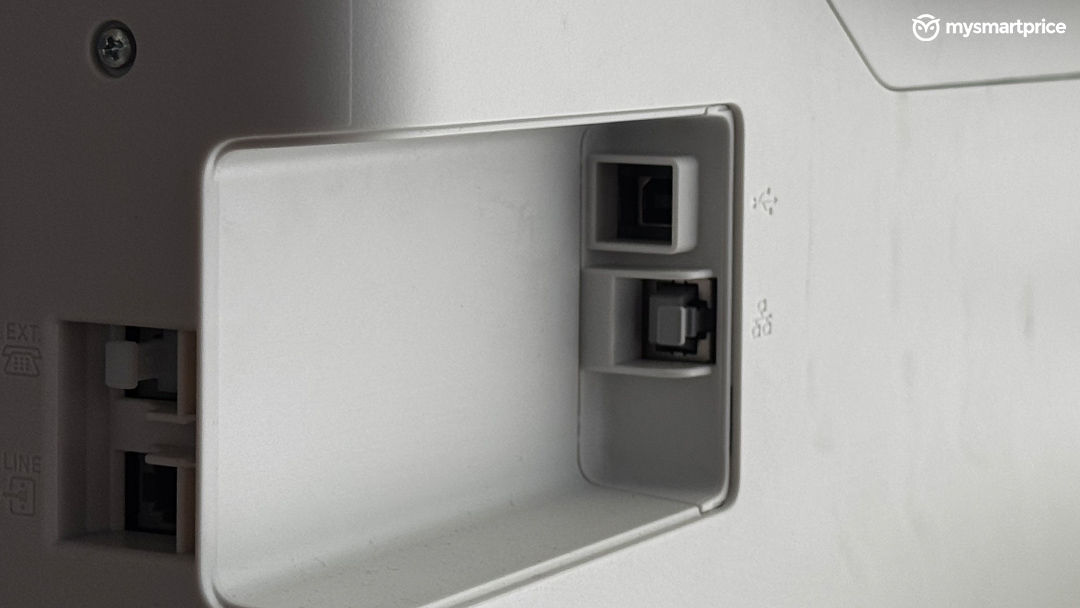
The Canon MAXIFY GX4070 offers Wi-Fi, Ethernet, USB 2.0 and Direct Wireless connectivity. It also supports mobile printing through Apple AirPrint, Mopria and the Canon PRINT app.
The app itself is good and makes it convenient to print from a smartphone without having to transfer documents to a computer first. For users who frequently print PDFs, invoices, or other documents from their phones, this is a useful addition.
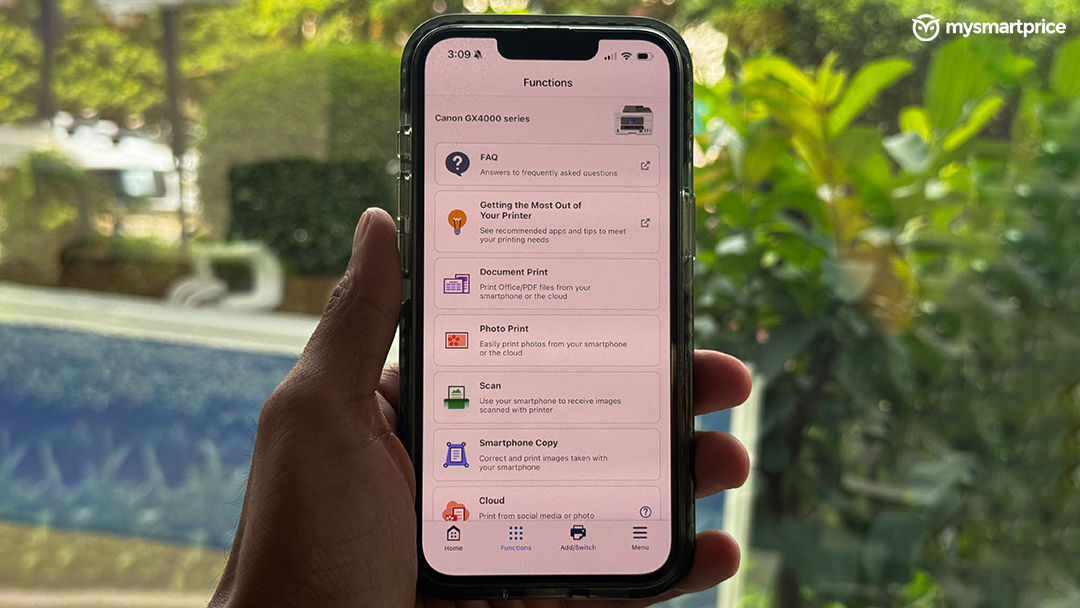
However, connectivity hasn’t been completely flawless during my experience. The app occasionally struggles to connect to the printer. I also noticed that after a power cut, you may sometimes need to reconnect the printer through the app. To be clear, this doesn’t happen every time, and it has been relatively infrequent. Still, it’s something worth mentioning because connectivity is a fundamental part of the experience, especially when the printer is being used by multiple people.
The Canon PRINT app is convenient when everything works as expected, but a printer at this price should ideally offer a consistently reliable connection.
Print Quality
Print quality is one of the most important aspects of any printer, and this is where we put the MAXIFY GX4070 through some actual testing. We ran print quality benchmarks using colour and greyscale test patterns, including gradients, black patches, fine details, and other elements that help identify inconsistencies in the output.
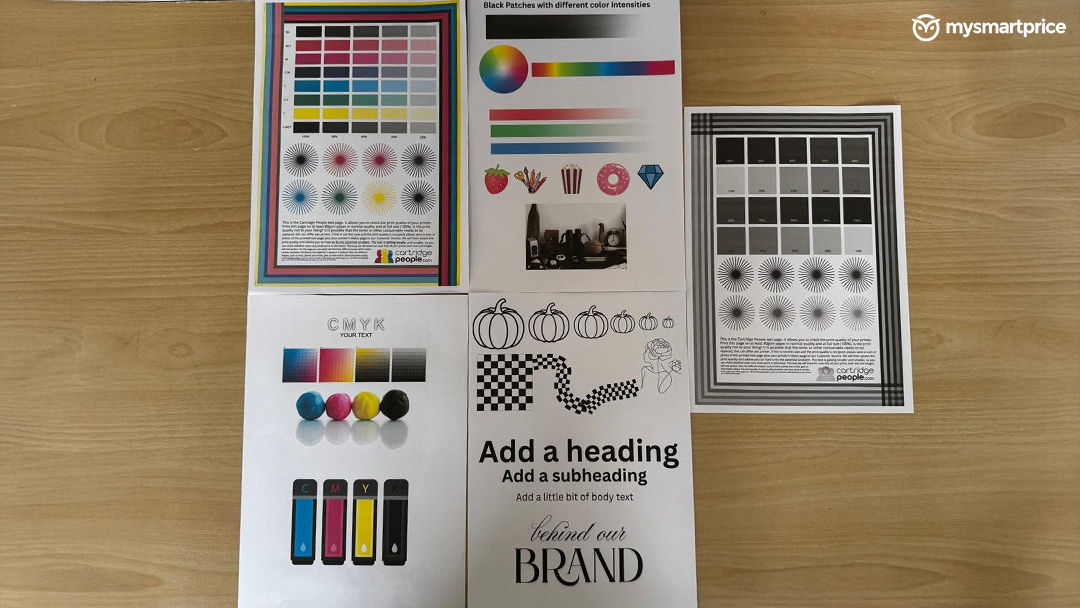
The results were reassuring. The printed benchmarks showed no visible distortion or trailing, and the test patterns came out clean. This is particularly important when printing documents containing fine lines, text, gradients, or different shades of colour, where inconsistencies can become immediately noticeable. Canon positions these inks for business documents, with an emphasis on durability and resistance to moisture and highlighting. For everyday office use, this combination makes sense. The focus is on producing clear, consistent documents rather than simply delivering visually appealing prints.
I was happy with what I saw during our benchmark printing. The absence of visible distortion or trailing is a good sign, especially for a printer intended to handle regular document workloads. However, clean benchmark output is only one part of the picture. Print speed, consistency across larger jobs, and the cost of maintaining that quality are equally important for a business printer.
The Canon MAXIFY GX4070 is rated for print speeds of up to 18 images per minute for black-and-white prints and 13 images per minute for colour prints. It also supports automatic duplex printing, with rated speeds of up to 10ipm for black and 8ipm for colour. These specifications make it suitable for environments where printing isn’t an occasional task. The 250-sheet cassette, along with a 100-sheet rear tray, also gives users flexibility when handling different types of print jobs.
Refilling the ink is also straightforward. You simply open the lid to access the ink tanks, making the process easy without having to deal with a complicated setup. The same goes for maintenance, which feels relatively hassle-free and makes the printer easier to manage over time. This is one of those practical details that makes a difference in everyday use. For a printer designed for regular office workloads, easy ink refilling and maintenance mean less time spent managing the machine and more time getting work done.
The GX4070 has the features you would want in a productivity-focused printer. Automatic duplex printing and a decent paper capacity make it more convenient for regular office use. That said, rated print speeds don’t always reflect how quickly a real-world job finishes, especially when printing colour documents or using duplex mode. That’s something worth considering if your workload involves frequent large print jobs.
Scanning, Copying and Faxing
It features a flatbed scanner alongside a 35-sheet automatic document feeder, with an optical scan resolution of 1200 × 2400 dpi. This gives users the flexibility to scan individual documents as well as handle multiple pages in one go. The fax functionality is also available, which may still be useful for certain businesses that rely on traditional document workflows. However, I do wonder how many users will actually make regular use of faxing today. For most home offices and smaller businesses, printing, scanning, and copying are likely to be the functions that see the most use.
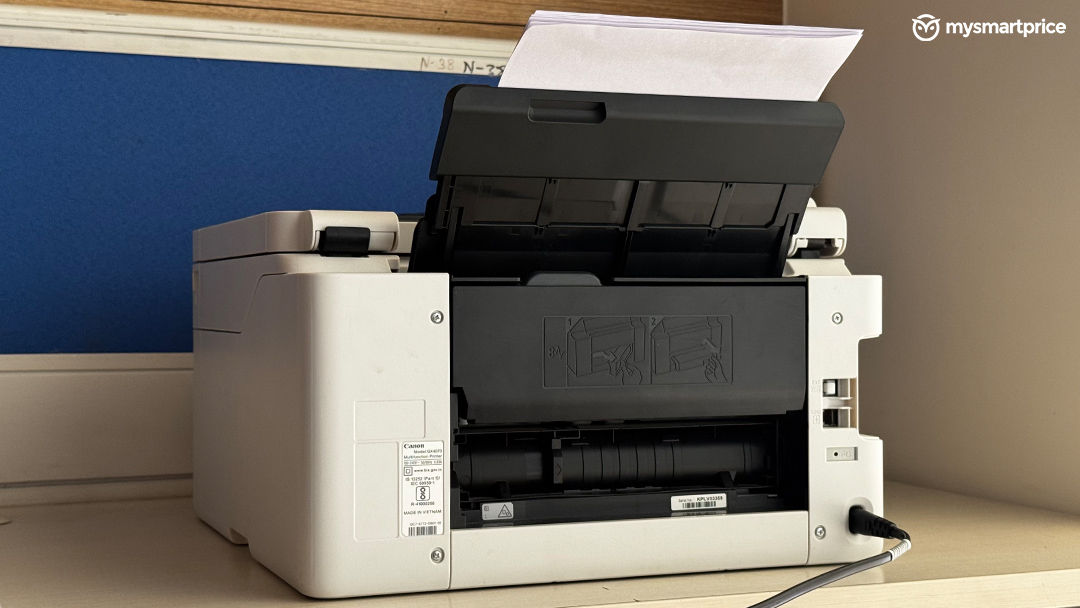
The automatic document feeder is probably the more valuable addition here. If you regularly deal with multi-page paperwork, it can save a lot of time compared to manually scanning every page. Fax is nice to have, but I wouldn’t consider it a major reason to buy this printer unless your work specifically requires it.
Ink System and Running Costs
One of the biggest selling points of the Canon MAXIFY GX4070 is its refillable ink tank system.
It uses Canon’s GI-76 all-pigment inks, with a claimed yield of up to 9,000 black-and-white pages and 21,000 colour pages in Economy mode. These figures are based on Canon’s stated testing conditions, so actual yields will vary depending on what you print and how frequently you use the printer. The all-pigment ink system is particularly relevant for businesses that primarily print documents. Canon positions the inks around document durability, including resistance to moisture and highlighting.
The printer also supports a wide range of paper types and sizes, including A4, A5, A6, B5, Letter and Legal. It can even accommodate paperboard up to 0.7mm thick through its rear flat tray, offering some flexibility for specialised printing requirements. The high claimed ink yield is one of the most practical reasons to consider a MegaTank printer like the GX4070. For businesses printing hundreds or thousands of pages every month, ink efficiency can matter much more over time than the initial purchase price. However, the real value depends on your actual printing volume and how much you spend on refills over the long term.
Final Verdict
The Canon MAXIFY GX4070 is a capable multifunction printer that gets several important things right. It has a solid build, a professional-looking design, straightforward printing, clean benchmark output, and useful productivity features such as automatic duplex printing and a 35-sheet automatic document feeder.
The high-yield pigment ink system also makes it an interesting option for small businesses and workgroups that regularly print documents. Add Wi-Fi, Ethernet, mobile printing and scanning, and the GX4070 covers most of the requirements you’d expect from a modern business printer.
However, at a price of Rs 52,060, it’s not an inexpensive purchase. The bulky design means you’ll need to dedicate a fair amount of space to it, and the occasional connectivity issues prevent the overall experience from feeling completely seamless. Fax functionality is useful for some businesses, but it may not add much value for everyone.
I feel the Canon MAXIFY GX4070 is a good machine for its intended audience. It delivers on the fundamentals and has the features to handle regular office workloads, but I would want a more consistently reliable connectivity experience and a stronger overall value proposition at this price. If you’re running a small business or workgroup and need a multifunction printer with high ink yields, the GX4070 is worth considering. But if you’re buying one for lighter home-office use, its price, size, and feature set may be more than you actually need.