A security camera at home is more of a necessity than a luxury these days. There are an infinite number of options available in the market, ranging from cameras that are fit for outdoor and indoor conditions. While options are plenty, ease of use with these things is the top priority. I think this is where the Philips 5000 Series camera gets things right. It’s an indoor camera which has a very straightforward app to deal with settings, live preview, subscriptions, and more. With a price tag of Rs 6,999, the camera is on the higher side of the price spectrum when compared to other options. Is it able to justify that? Let’s find out in this review.
Philips 5000 Series Indoor 360° Wi-Fi Camera
Rs 6,999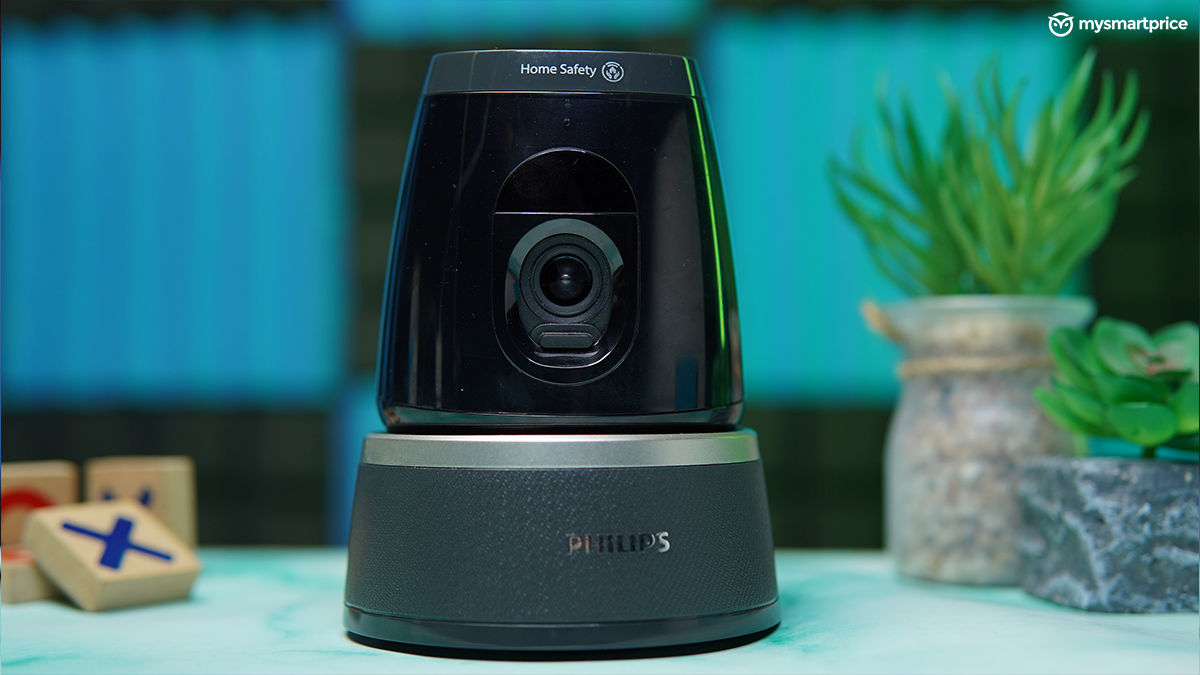
What Is Good?
- Functional design, privacy shutter
- 2K resolution, good picture quality
- 360° pan, tilt and zoom
- Excellent and feature-rich app
- Two-way audio is a nice addition
What Is Bad?
- Costly
- Blurry photos in low-light conditions
Philips 5000 Series Indoor 360° Wi-Fi Camera Review: Unboxing and Installation
The unboxing experience is effortless and straightforward. The first thing you’ll be greeted with is the camera itself, followed by a user guide, drill guide, backplate, charger, and a USB-A to USB Type-C cable. The included cable is long enough, but since it uses a classic Type-C port, you can buy a longer one if need be.
Since it’s largely an indoor camera, you don’t necessarily need to drill it to the wall. You can set the camera on a table or use the included tools to mount it on the ceiling. Just make sure there’s an electrical outlet nearby. The camera receives power using a USB-C port at the back.
To enter the pairing mode, you’ll need to insert a SIM ejector tool in the slot on the top of the camera. As soon as you hear a sound cue, the camera is ready to be paired. The Phillips Home Safety app handles the rest of the process.
Philips 5000 Series Indoor 360° Wi-Fi Camera Review: Design
The Philips 5000 Series camera comes in a single shade of black, which can easily fit onto a corner table without grabbing much attention. The base portion of the camera has rubber paddings, which allow it to be placed on a flat surface easily.
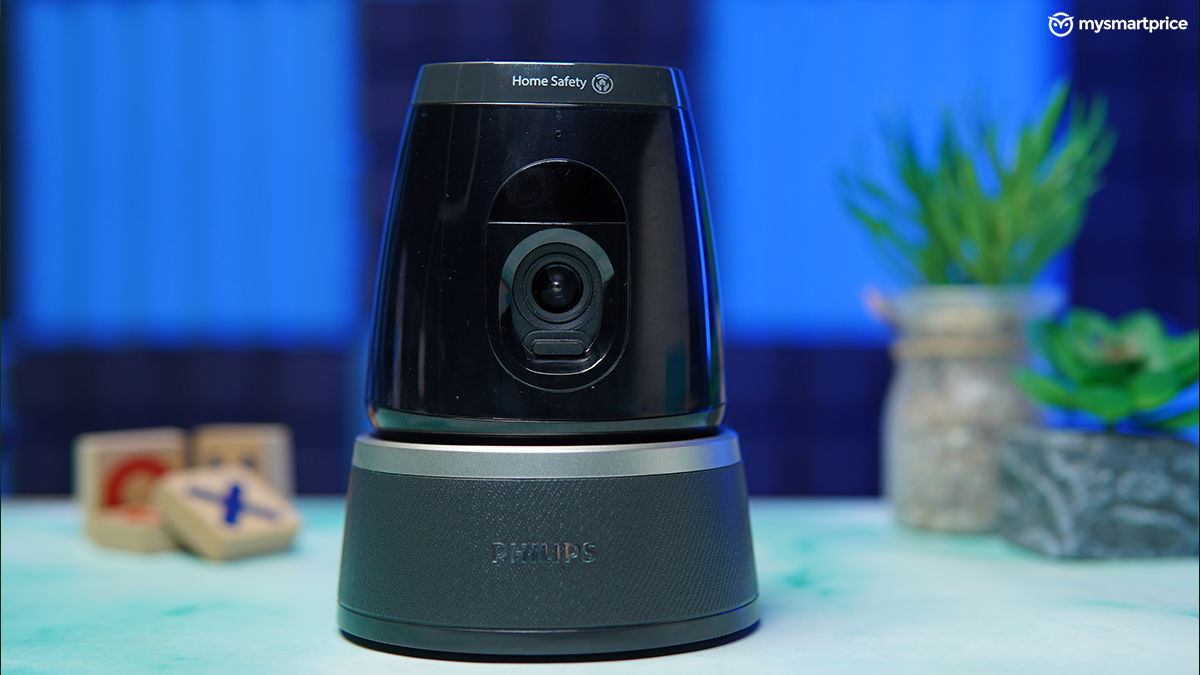
The coarse texture gives it a distinct look when compared to the glossy finish on the camera head — which is susceptible to dirt and fingerprints. While the entire device is made out of plastic, the base uses a sturdier material which allows it to stay balanced when the camera pans, tilts, and rotates.
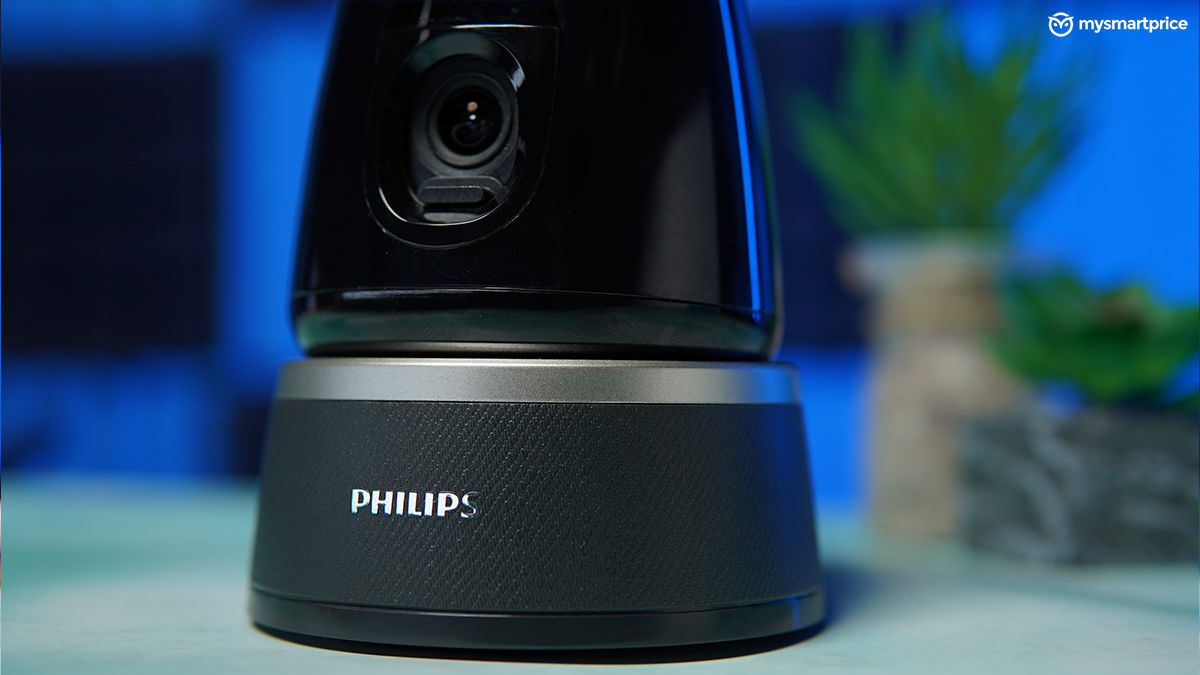
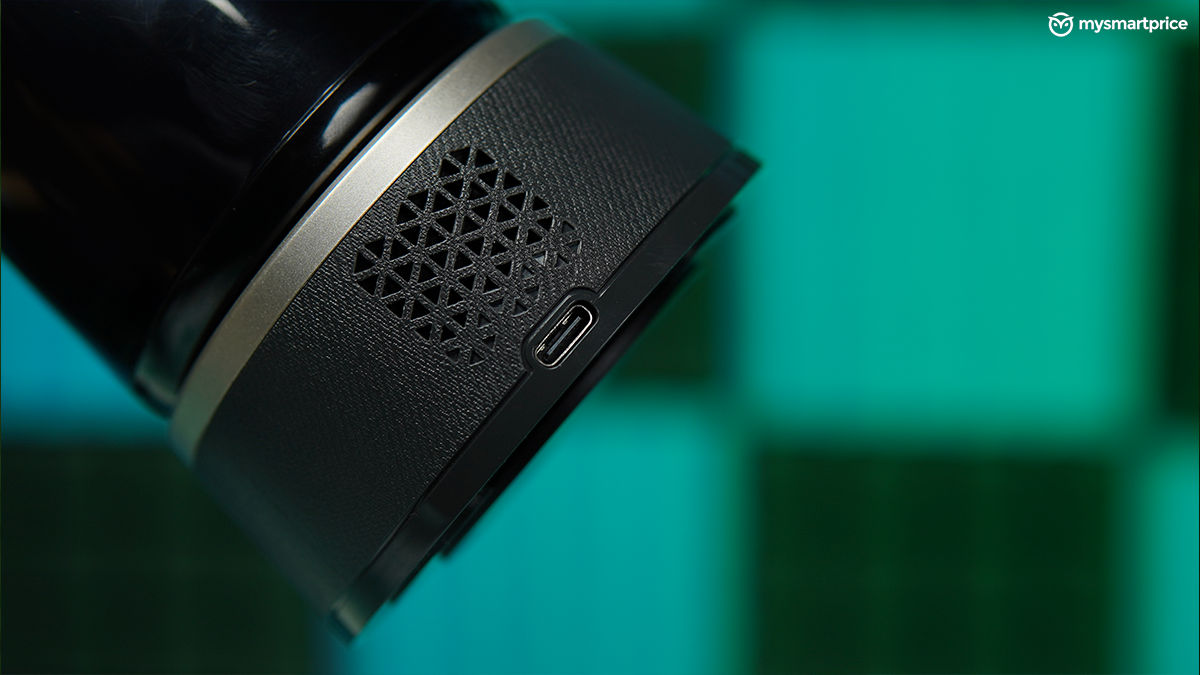
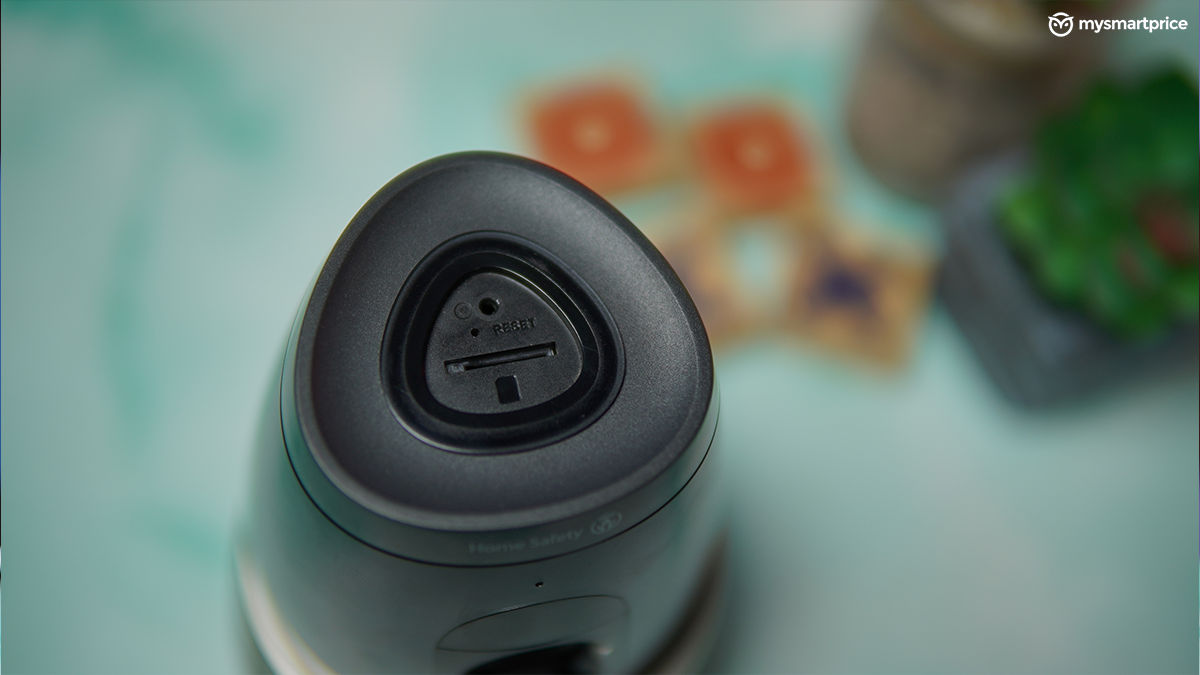
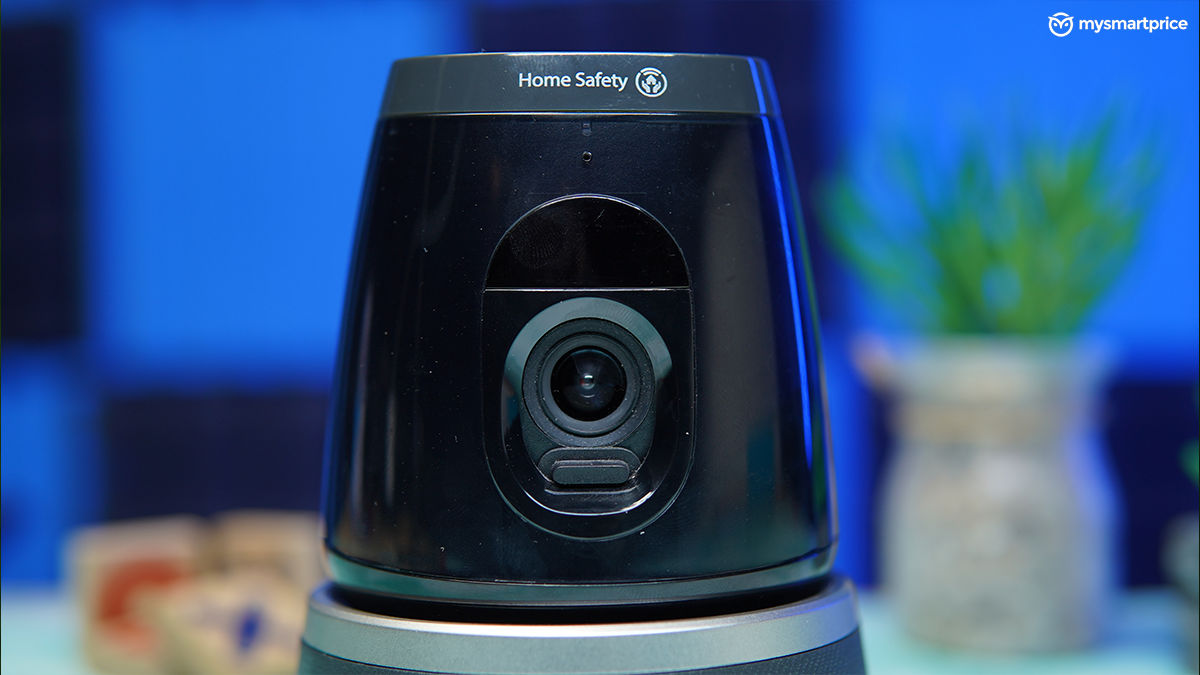
The backside of the base portion includes a Type-C port and speaker. On the top, you’ll find a reset slot and an SD card slot. This portion also has lighting shaped in reuleaux triangle, which indicates the current status of the camera. The camera lens sits flush inside the head, so there’s no risk of unintentionally damaging it. Moreover, it also has a manual privacy shutter, which is a good addition.
Philips 5000 Series Indoor 360° Wi-Fi Camera Review: Performance and App Features
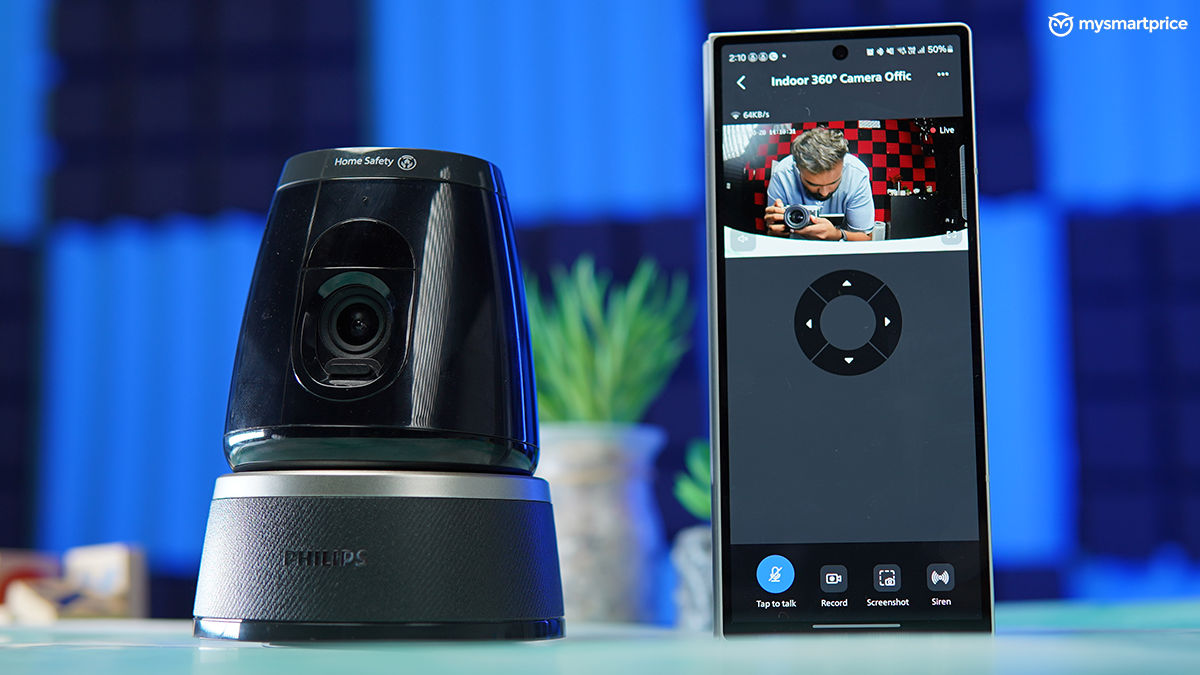
The Philips 5000 Series shows you the feed at 2K resolution using its 3-megapixel camera on the front. It’s a Wi-Fi-enabled camera so you are required to connect it to a 2.4GHz frequency. The high-resolution recording helps you get a crisp video output. This makes it easier to recognise the faces of the people. The camera also tracks movement particularly well, without any noticeable delay. This is quite useful if you are monitoring a big room.

It’s best to avoid placing the camera facing a window, as the excessive light can cause the image to be overexposed. It functions properly in dimly lit rooms thanks to its infrared visibility, but this can only track up to 10 metres. While it does the deed in low-light conditions, photos can be quite blurry if the movement of the person is fast. You won’t find this issue during the day when the sun’s out.
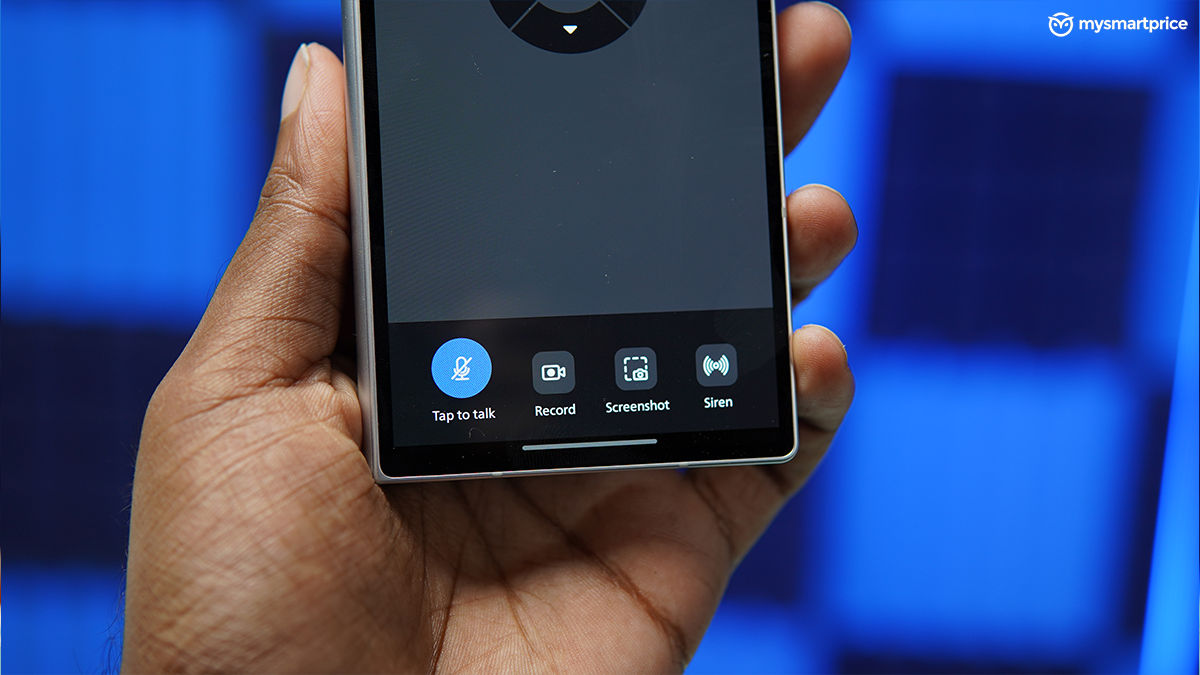
The Philips 5000 Series features a two-way audio system. This means you can speak into your phone and the camera will play back your message. If you have the camera installed outside, this makes it easier to deal with deliveries and other stuff. The camera also has movement and sound detection, both of which work well. You can also tweak the sensitivity of these in the settings column, as per your need. The camera also allows for continuous recording, the only prerequisite being an SD card. It can support a capacity of up to 128GB.
Philips also has a subscription model which can store events on the cloud with 14 days rolling. More importantly, it can show you the event playback even when devices are offline or lose power. The first month’s price is Rs 49, but post that you will be charged Rs 199. This is useful if you need the recordings to be saved on the cloud, if not, sticking to a physical memory would be a wiser choice. Here’s a practical cost comparison for your reference.
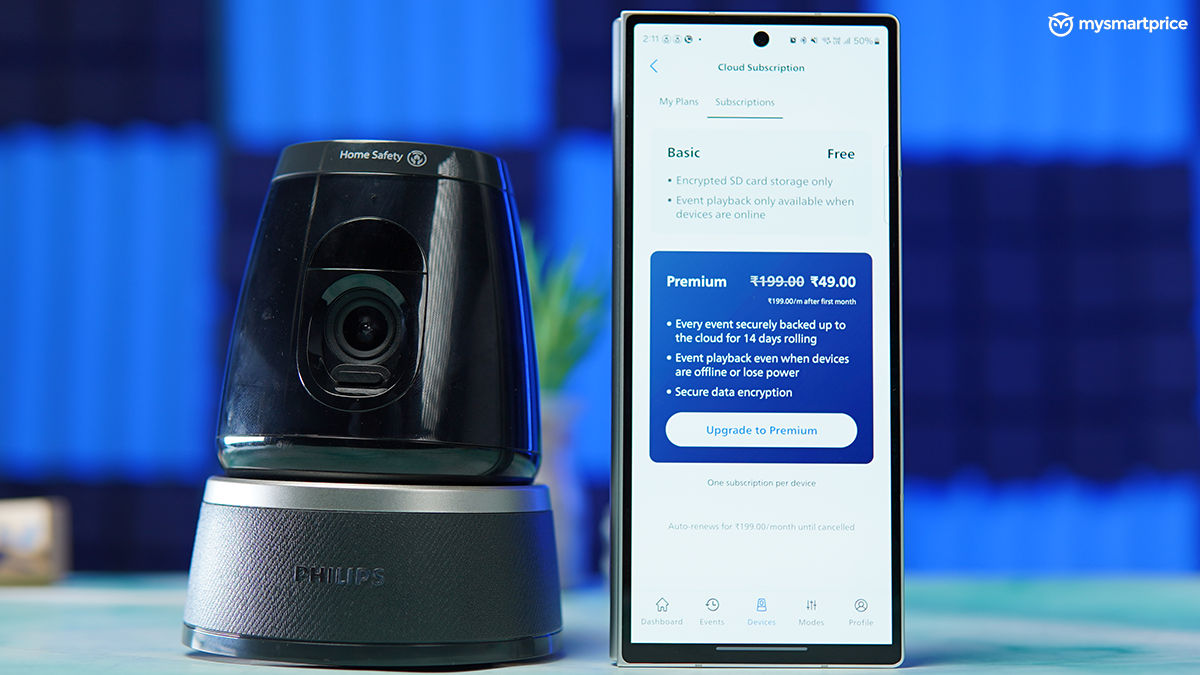
| Storage type | Cost |
| SD card (128GB) | Approx Rs 999 |
| Monthly cloud subscription | Rs 49 (first month); Rs 199 (after 2nd month) |
| Yearly cloud subscription | Rs 2,388 |
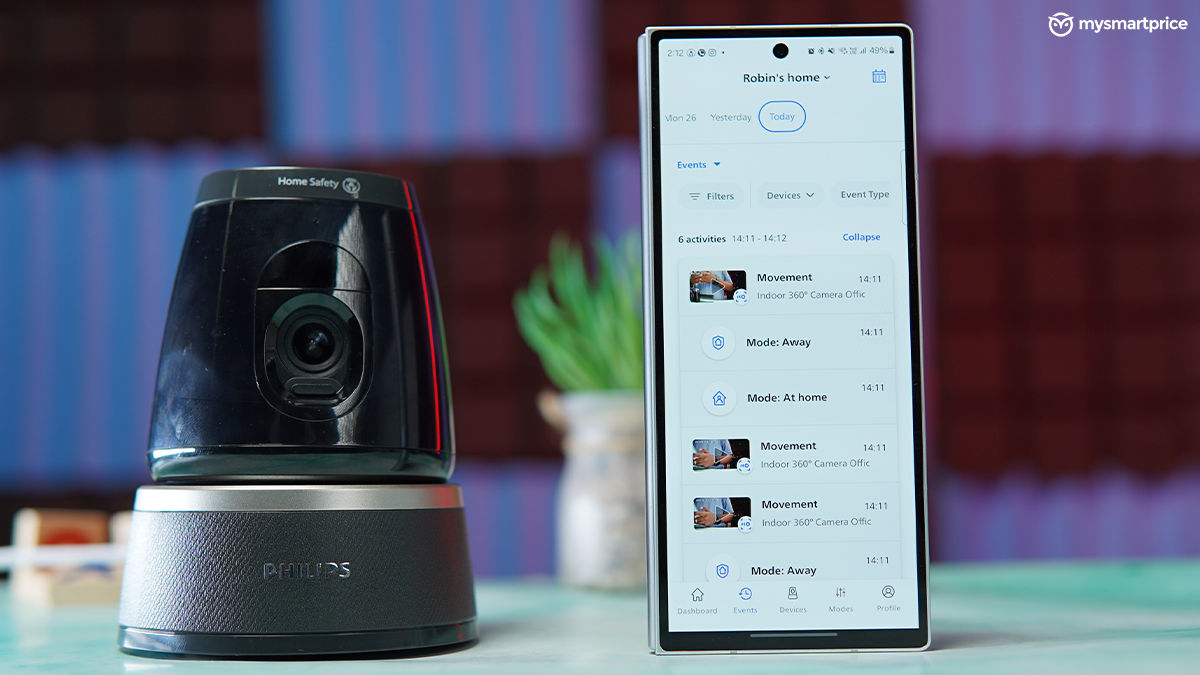
The Philips Home Safety app makes life much easier when you are away from home. It’s a very straightforward approach, one even my dad would understand in a day. The dashboard greets you with quick access to the live feed, latest events, and modes. Provided you have a stable internet connection, the live feed works seamlessly without any errors. You can also manually rotate the camera from within the app.
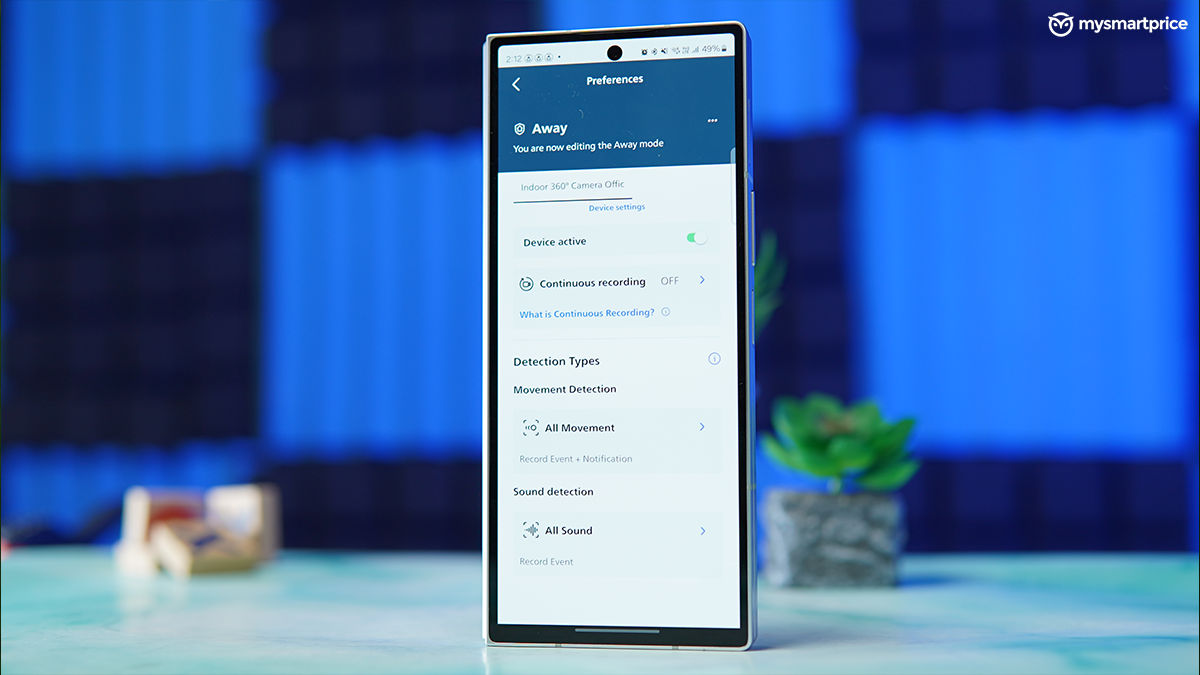
The app gives you four different modes to tweak around with, out of which the two mentioned below are the most essential ones:
- At home: This is essentially a hibernation mode which disables movement and sound detection. Enable this when you are at home, so that the app does not bug you with movement detection notifications.
- Away: This sets the camera to full alert mode. It will record a video as soon as a sound cue is heard, or if a movement happens around the camera. I usually turned this mode on whenever stepping out of the home.
That said, the app gives you the flexibility to tweak around with all these settings as per your preference. You can also record videos and take photos from the app, the output will be saved to your phone’s gallery.
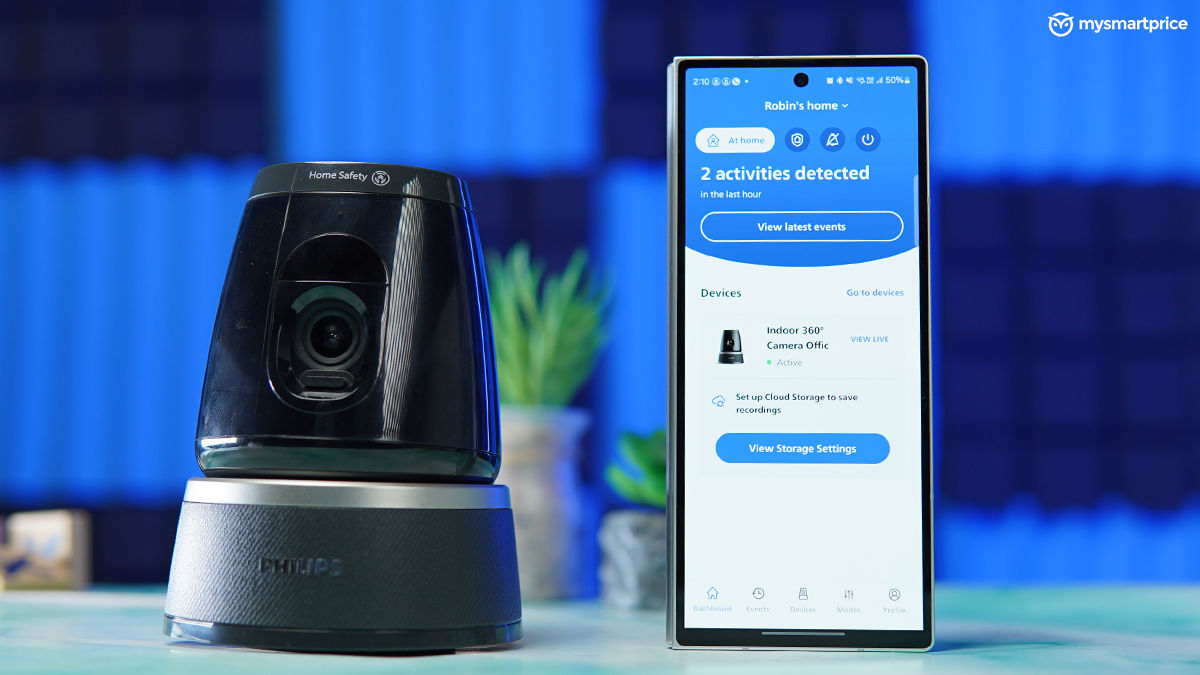
The app is one of the crucial aspects of a security camera such as the Philips 5000 series. I’m glad that the company hasn’t overlooked this. It’s one of the most seamless experiences I’ve had.
With the rise of affordable smart home ecosystems and increasing focus on indoor surveillance post-pandemic, the indoor camera market has seen strong demand. Users today look for easy setup, app control, and a privacy-first design, areas where Philips seems to have focused its efforts.
Philips 5000 Series Indoor 360° Wi-Fi Camera Review: Verdict
With a price tag of Rs 6,999, the Philips 5000 Series camera is definitely on the higher end of the spectrum. However, the features, app usability, and camera quality, in general, justify it. The 5000 Series also reflects Philips’ renewed focus on connected home solutions under its Home Safety line, which signals the brand’s intent to blend reliability with simple, user-friendly design rather than chasing specs.
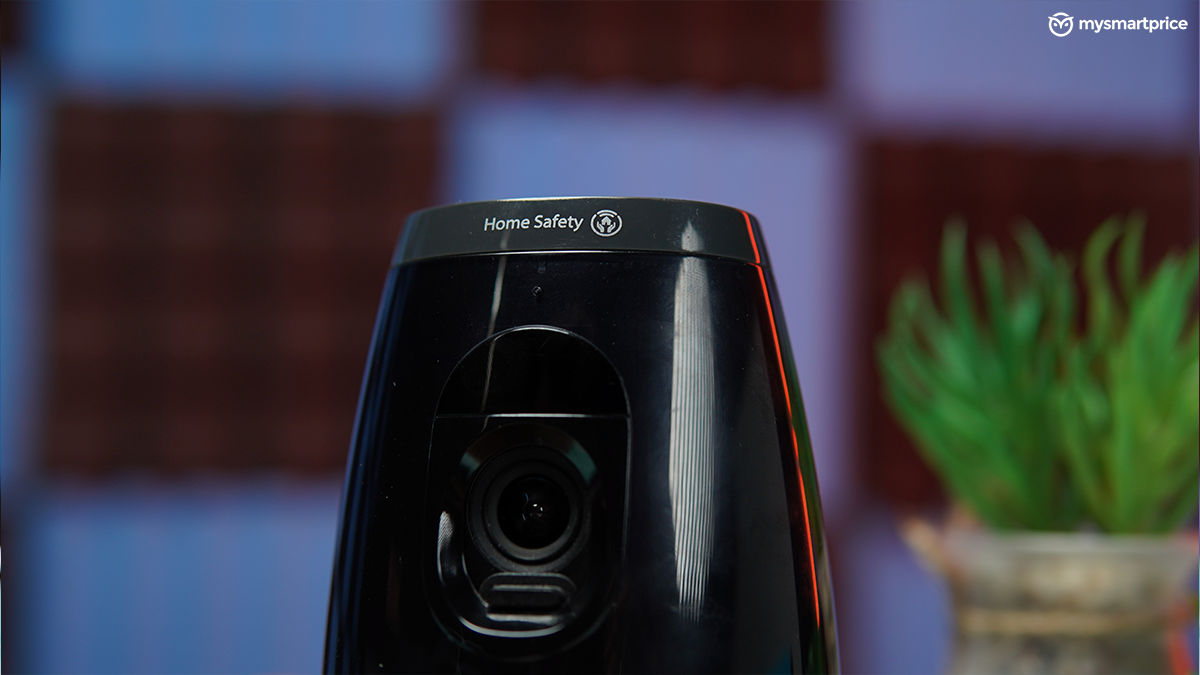
It’s a camera that does not necessarily need to be attached to your ceiling. It’s built with a plug-and-play approach, and I prefer that more. The recording and image quality is good and the privacy shutter is a nice and subtle touch that many would appreciate. While all that is good, it would have been great if the camera was quick enough to capture photos in low-light conditions.
Rest, the Philips Home Safety app is executed well, making dealing with modes and live feeds much easier. It’s an easy recommendation if everything above sounds good to you. But, if the price is on the higher side for you, cameras such as the Xiaomi Mi Wireless Home Security Camera 2i can also be a good alternative at a much lower price.