A laptop around Rs. 50,000 should have enough processing power for the work you do today and some room for the tasks you may take on later. Students move between lectures, presentations, research and assignments. Office users often work across spreadsheets, video calls and several browser tabs. That makes the processor, graphics, storage and everyday conveniences more useful indicators than a headline discount alone.
The MSI Modern 14 C7M-105IN, ASUS Vivobook Go 14 E1404FA-EB1762WS and Lenovo IdeaPad Slim 3 14AMN8 (82XN006JIN) are all compact productivity laptops, but MSI has the strongest case on the core hardware. It offers a six-core Ryzen 5 rather than a four-core Ryzen 3, a larger integrated graphics configuration and more USB connections. Lenovo counters with battery capacity, while ASUS comes in at a lower listed price.
Price adds another consideration. MSI lists the Modern 14 C7M-105IN at a starting price of Rs. 57,990 on its official Diwali promotional page. The ASUS Vivobook Go 14 has been available at Rs. 48,990, while the specified Lenovo IdeaPad Slim 3 is listed at Rs. 55,990 through online retailers. The gap is large enough to affect which features are worth paying for.
The question is whether those hardware differences make the MSI Modern 14 the better buy for students and professionals, despite its higher advertised price.
MSI Modern 14 vs ASUS Vivobook Go 14 vs Lenovo IdeaPad Slim 3: Quick comparison
| Category | MSI Modern 14 C7M-105IN | ASUS Vivobook Go 14 | Lenovo IdeaPad Slim 3 | Advantage |
| Processor | Ryzen 5 7430U, 6 cores/12 threads | Ryzen 3 30, 4 cores/8 threads | Ryzen 3 7320U, 4 cores/8 threads | MSI: six Zen 3 cores, 12 threads and more cache |
| Integrated graphics | Radeon Vega 7, 7 compute units | Radeon 610M, 2 compute units | Radeon 610M, 2 compute units | MSI: larger integrated graphics configuration |
| RAM | 8GB | 8GB | 8GB | Tie: 8GB each |
| Storage | 512GB SSD | 256GB SSD | 512GB SSD | MSI and Lenovo: twice the storage of ASUS |
| Display | 14-inch FHD IPS-level | 14-inch FHD anti-glare | 14-inch FHD TN, 250 nits | MSI over Lenovo for viewing angles; ASUS panel unconfirmed |
| Battery | 39.3Wh | 42Wh | 47Wh | Lenovo has the largest capacity |
| Ports | 4 USB, HDMI 2.1, microSD | 3 USB, HDMI 1.4 | 3 USB, HDMI, SD reader | MSI: four USB ports, HDMI 2.1; Lenovo offers USB-C DisplayPort |
| Weight | 1.40kg | 1.38kg | 1.37kg | Effectively tied |
| Practical features | Backlit keyboard, 180-degree hinge | Webcam privacy shutter | Webcam privacy shutter | MSI: backlit keyboard and lay-flat hinge; ASUS/Lenovo: privacy shutters |
| Warranty | Standard 1 year; eligible offline Diwali purchases can receive an extra year | Standard manufacturer warranty | Advertised 1-year onsite and accidental damage protection | MSI for eligible duration; Lenovo for advertised damage cover |
| Best suited to | Performance-focused productivity, light creative work | Everyday computing and storage-light workloads | Battery-focused everyday use | MSI: strongest CPU/iGPU and most USB ports of the three |
Prices are indicative and may change depending on the retailer, stock and applicable offers.
Quick verdict: MSI Modern 14 laptop offers the best overall specifications and features for students and professionals looking for an affordable laptop for daily use.
The MSI Modern 14 C7M-105IN is our pick of these three for students and professionals who want the most capable hardware for their money. Its Ryzen 5 7430U has six cores and twelve threads, while the ASUS and Lenovo processors have four cores and eight threads. MSI also offers Radeon Vega 7 graphics, a 512GB SSD, an IPS-level display, four USB ports and a backlit keyboard. Taken together, these give it the strongest specification mix for regular multitasking, programming and occasional creative work.
Click here to go to the official MSI store to avail the offers on the MSI Modern 14
That doesn’t erase the competitors’ strengths. Lenovo has the largest battery and advertises accidental damage protection; ASUS is cheaper at its listed price and should cover simpler tasks. MSI’s 39.3Wh battery is smaller, although neither rival offers MSI’s combination of six CPU cores, seven Radeon graphics compute units and a broader selection of physical connections.
At Rs. 57,990 on MSI’s official Diwali promotion, the Modern 14 costs more than the ASUS and slightly more than the specified Lenovo. That premium buys identifiable hardware advantages rather than a different badge: more CPU resources, stronger integrated graphics specifications, twice the local storage of the ASUS and useful everyday extras. The Diwali configuration also lists Office Home 2024 and Microsoft 365 Basic, useful inclusions to check when comparing what each retailer supplies. If those features match your workload, MSI is the most convincing choice here.
-
Processor And Performance: MSI Has More Headroom For Multitasking
The processor is MSI’s biggest advantage. The Modern 14 C7M-105IN uses AMD’s Zen 3-based Ryzen 5 7430U with six cores, twelve threads, up to 4.3GHz boost and 16MB of L3 cache. ASUS uses the Ryzen 3 30, while Lenovo has the Ryzen 3 7320U. Both are Zen 2-based chips with four cores, eight threads, up to 4.1GHz boost and 4MB of L3 cache. The Ryzen 3 30 is a newer name for essentially the same class of hardware as the 7320U. MSI therefore provides 50% more CPU cores and threads, as well as four times the L3 cache capacity, although those specifications do not translate directly into a fixed performance percentage.
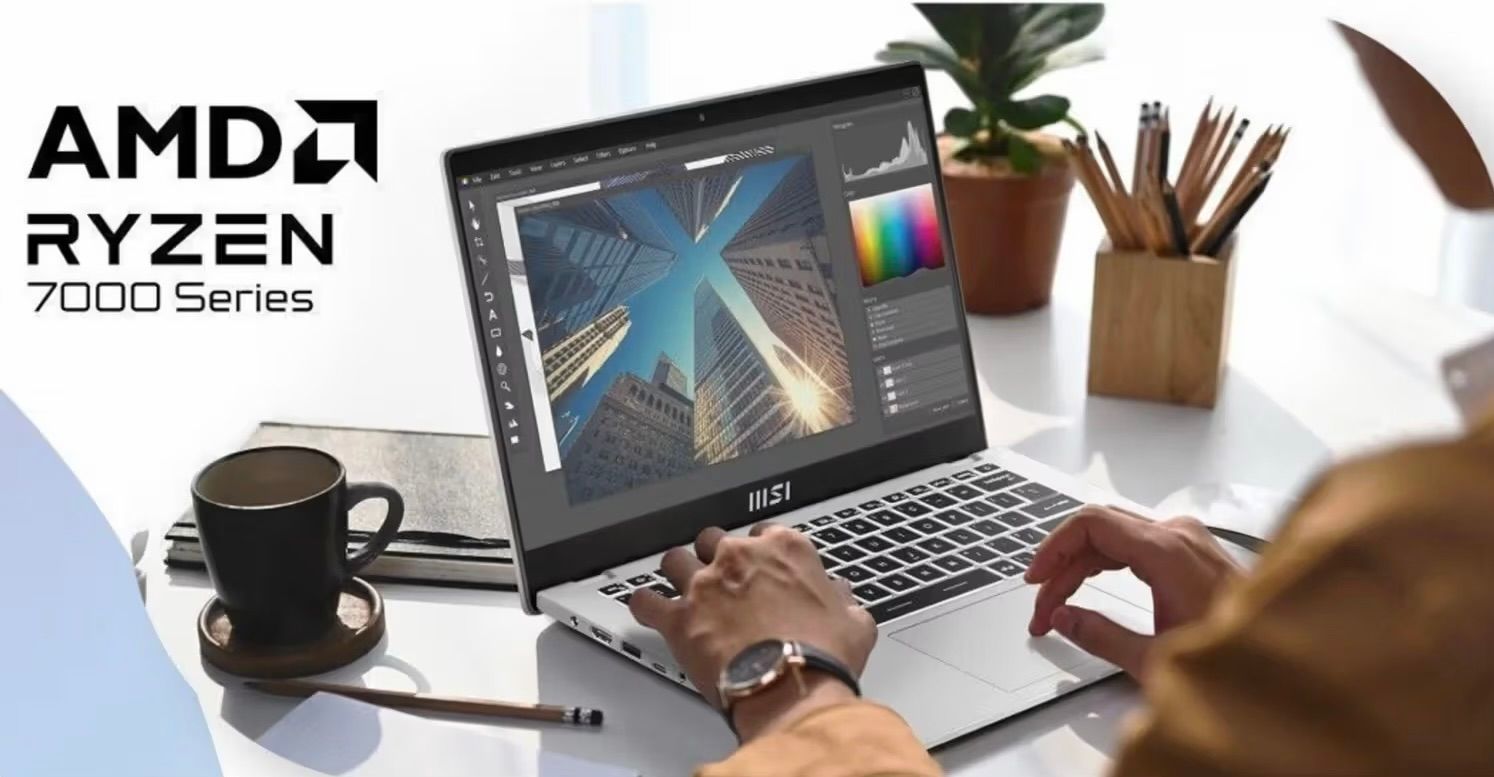
Why does that matter? A student could be preparing a presentation with research tabs open while attending a lecture. A professional might have a large spreadsheet, a Teams call and business applications running together. Extra cores and threads provide more processing resources when work overlaps. They are also useful for programming, compiling code and other tasks that can use several CPU cores. Both Ryzen 3 machines can handle general office work, but the six-core Ryzen 5 leaves MSI with more headroom as workloads become more demanding.
For email, a single document or video streaming, the three laptops may feel similar. But buyers choosing a machine for several years should pay attention to the processor they cannot replace later. Cooling, power settings and the shared 8GB memory capacity still affect responsiveness. On CPU specifications, however, MSI wins decisively: more cores, more threads, newer Zen 3 architecture and considerably more L3 cache.
-
Graphics Performance: MSI Has an Advantage for Occasional Creative Workloads
A laptop’s integrated graphics matter even if gaming is not the main reason for buying it. Image editing, design applications, visual presentations and occasional video projects can all make use of graphics resources. This is another area where the MSI Modern 14 has a more substantial hardware configuration than the ASUS and Lenovo options.
MSI’s Ryzen 5 7430U includes Radeon Vega 7 graphics with seven compute units clocked at up to 1,800MHz. The Ryzen 3 chips in ASUS and Lenovo use Radeon 610M graphics with two compute units at up to 1,900MHz. Radeon 610M uses the newer RDNA 2 architecture, so the compute-unit counts are not directly interchangeable. Even so, the larger Vega 7 configuration gives MSI the more promising integrated GPU for occasional photo editing, basic creative applications and lighter games.
Integrated Graphics Specifications Compared
| Specification | MSI Modern 14 | ASUS Vivobook Go 14 | Lenovo IdeaPad Slim 3 |
| GPU | Radeon Vega 7 | Radeon 610M | Radeon 610M |
| Architecture | Vega | RDNA 2 | RDNA 2 |
| Compute units | 7 | 2 | 2 |
| Maximum GPU frequency | 1,800MHz | 1,900MHz | 1,900MHz |
| Dedicated graphics memory | No | No | No |
| System memory type | DDR4 | LPDDR5 | LPDDR5 |
| Expected graphics capability | Strongest of the three for light GPU workloads | Basic multimedia and casual graphics | Basic multimedia and casual graphics |
There is a qualification worth keeping in mind. MSI uses DDR4 system memory, while ASUS and Lenovo use LPDDR5, and integrated graphics performance is affected by available memory bandwidth. The memory-channel arrangement of the exact MSI configuration has not been established here. A larger compute-unit count therefore does not imply a fixed frame-rate advantage. What it does show is that MSI offers substantially more graphics hardware resources on paper.
For someone who may move beyond documents and streaming into graphics-assisted applications, MSI is the sensible pick of these three. ASUS and Lenovo remain suitable for ordinary multimedia work, but their two-compute-unit Radeon 610M is more modest. None of the laptops has a dedicated GPU, so intensive 3D work, demanding modern games and professional video production call for different hardware.
-
Display Quality: MSI Has an Edge Over Lenovo, but There Are Unanswered Questions
All three laptops have a 14-inch Full HD display with a resolution of 1920 × 1080 pixels. The important difference is the type of panel each manufacturer specifies. That affects how comfortable the screen is when viewed from the side or shared during a presentation, even when the resolution is identical.
MSI specifies an ‘IPS-level’ Full HD screen, which makes it the more attractive viewing-angle option than the TN panel on this Lenovo IdeaPad Slim 3. Lenovo rates its TN screen at 250 nits, but TN technology generally shows more noticeable shifts in colour and contrast when viewed off-centre. This matters for students sharing notes or professionals showing work to a colleague. ASUS advertises a Full HD anti-glare display, although the exact panel type for the selected SKU is not confirmed.
There are still limits to the display comparison. MSI’s Diwali specifications confirm the IPS-level designation but do not provide detailed brightness or colour-gamut figures for the C7M-105IN. ‘IPS-level’ is a manufacturer’s description and doesn’t establish how bright the panel gets or how accurately it reproduces colours. Buyers doing colour-sensitive work should keep that distinction in mind.
MSI consequently has a clear specification-led display advantage over the identified Lenovo TN configuration. ASUS cannot be ranked confidently without confirming its exact panel. For buyers who value screen sharing and comfortable off-axis viewing, MSI’s IPS-level panel adds to the case already made by its CPU and graphics hardware.
-
Battery Life: Lenovo Makes the Strongest Case for Users on the Move
Lenovo has the largest battery of the three. The IdeaPad Slim 3 carries a 47Wh unit, compared with 42Wh in the ASUS Vivobook Go 14 and 39.3Wh in the MSI Modern 14. Lenovo also quotes up to 11.1 hours in one of its published endurance figures and up to 14.2 hours for local video playback under its specified conditions. Those figures depend on how the laptop is used, but the larger capacity gives Lenovo a useful starting advantage for buyers who spend much of the day away from a charger.
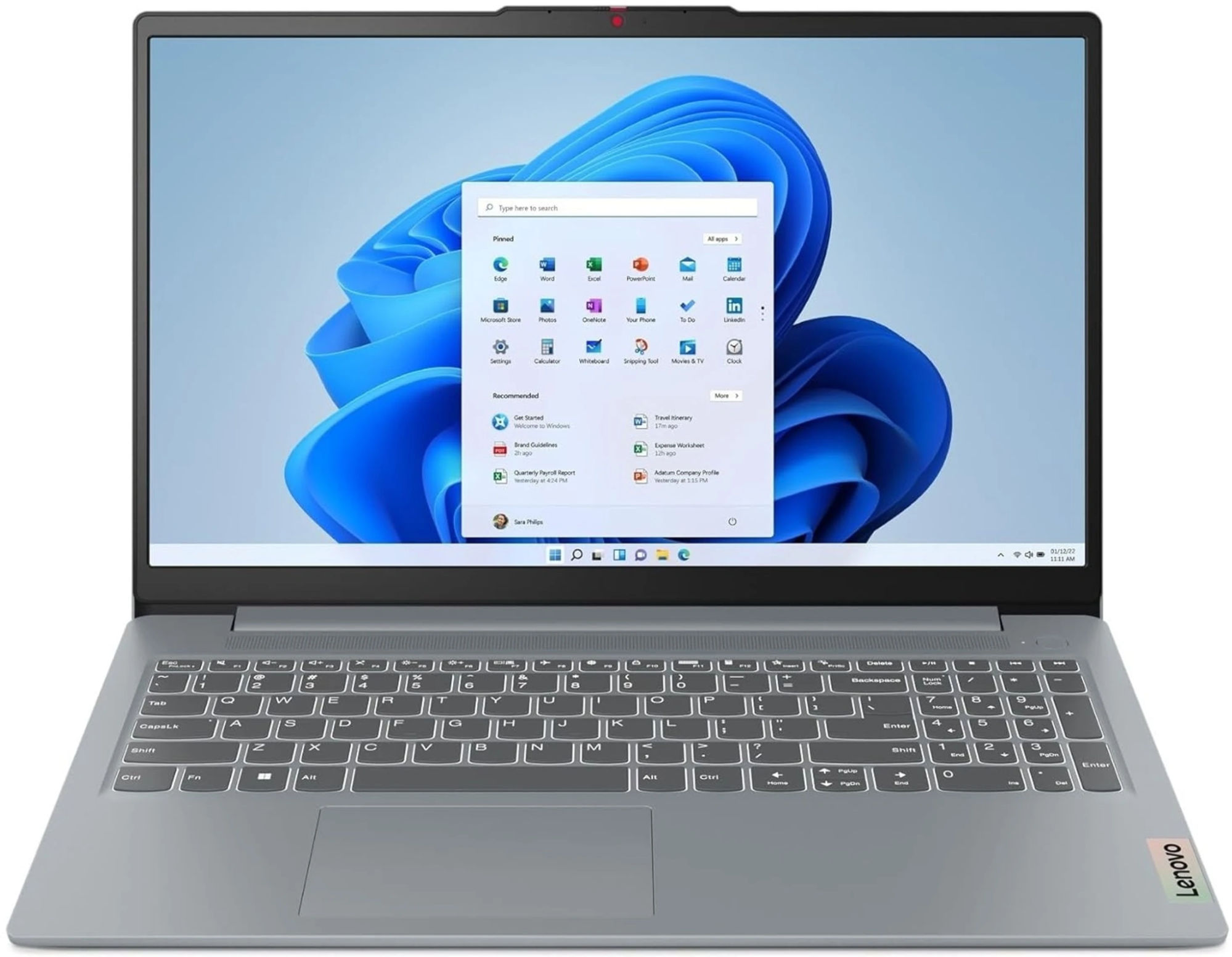
The 47Wh battery can make Lenovo attractive to students travelling between classes or professionals who spend much of the day away from a charger. MSI’s 39.3Wh unit is smaller, but its USB-C Power Delivery support provides an alternative charging option with a compatible adapter. Lenovo also supports USB-C Power Delivery and Rapid Charge Boost. ASUS sits between the two on battery capacity.
A larger battery does not guarantee a particular number of hours because brightness, applications and power settings also matter. Nevertheless, Lenovo wins the battery-capacity comparison. If you are mostly working at a desk or can charge during the day, MSI’s advantages in processing power, graphics, display specification and connectivity may be more useful than the extra battery capacity.
-
RAM and Storage: MSI Offers More Space Than ASUS
All three configurations come with 8GB of RAM, so none starts with a memory-capacity advantage. That amount is suited to documents, online meetings and everyday browsing. MSI uses DDR4, while ASUS and Lenovo use LPDDR5. The differences are more obvious when comparing the processors, graphics and SSD capacities.
The MSI Modern 14 pairs its 8GB DDR4 memory with a six-core Ryzen 5 7430U and Radeon Vega 7 graphics. ASUS and Lenovo also include 8GB RAM, but use four-core Ryzen 3 processors and Radeon 610M graphics. For anyone choosing a laptop for coursework, programming or regular multitasking, MSI’s CPU and GPU specifications are the stronger reasons to consider it.
Storage gives MSI a much clearer advantage over ASUS. The Modern 14 includes a 512GB SSD, the same capacity as Lenovo and double the 256GB supplied with the Vivobook Go 14. For locally stored coursework, large documents, software installations and media projects, that extra room is useful immediately. ASUS advertises a limited-time Microsoft 365 Basic cloud benefit, but online storage is not the same as local SSD capacity. All three use M.2 SSD storage; replacing an installed drive should not be mistaken for having a free second slot. MSI and Lenovo share the storage lead, while all three provide 8GB RAM.
-
Ports and Connectivity: MSI Offers More Connections, While Lenovo Has a Useful USB-C Advantage
MSI also comes out ahead for the number and mix of physical ports. The Modern 14 offers four USB connections: USB-C 3.2 Gen 2 with Power Delivery, USB-A 3.2 Gen 2 and two USB-A 2.0 ports. It also includes HDMI 2.1 with up to 4K output at 60Hz, a microSD card reader and Wi-Fi 6E. For a student or office user connecting a mouse, external storage, a keyboard and a display, having an extra USB socket can avoid carrying a hub. Two ports are slower USB 2.0 connections, but they remain useful for everyday peripherals.
ASUS offers three USB ports and HDMI 1.4, while Lenovo also has three USB ports, HDMI and a full-size SD card reader. Lenovo’s USB-C port supports DisplayPort output as well as Power Delivery, which is useful for compatible monitors. MSI does not list USB-C DisplayPort output for the C7M-105IN, so buyers specifically using a USB-C display should take that into account. Otherwise, MSI provides the broadest general-purpose port selection of the three.
MSI is our connectivity pick because it combines four USB ports, faster Gen 2 USB connections, HDMI 2.1 and a microSD reader. Lenovo’s USB-C DisplayPort capability is the exception worth highlighting. For typical classroom and office accessories, however, MSI gives buyers more ways to connect without an adapter.
-
Design and Build: All Three Are Portable, With Different Practical Strengths
Weight is unlikely to decide this comparison. Lenovo is listed at approximately 1.37kg, ASUS at 1.38kg and MSI at 1.40kg. That’s only 30 grams between the lightest and heaviest models. All three are suitable for carrying between home, college and the office, and their restrained designs should fit most professional settings.
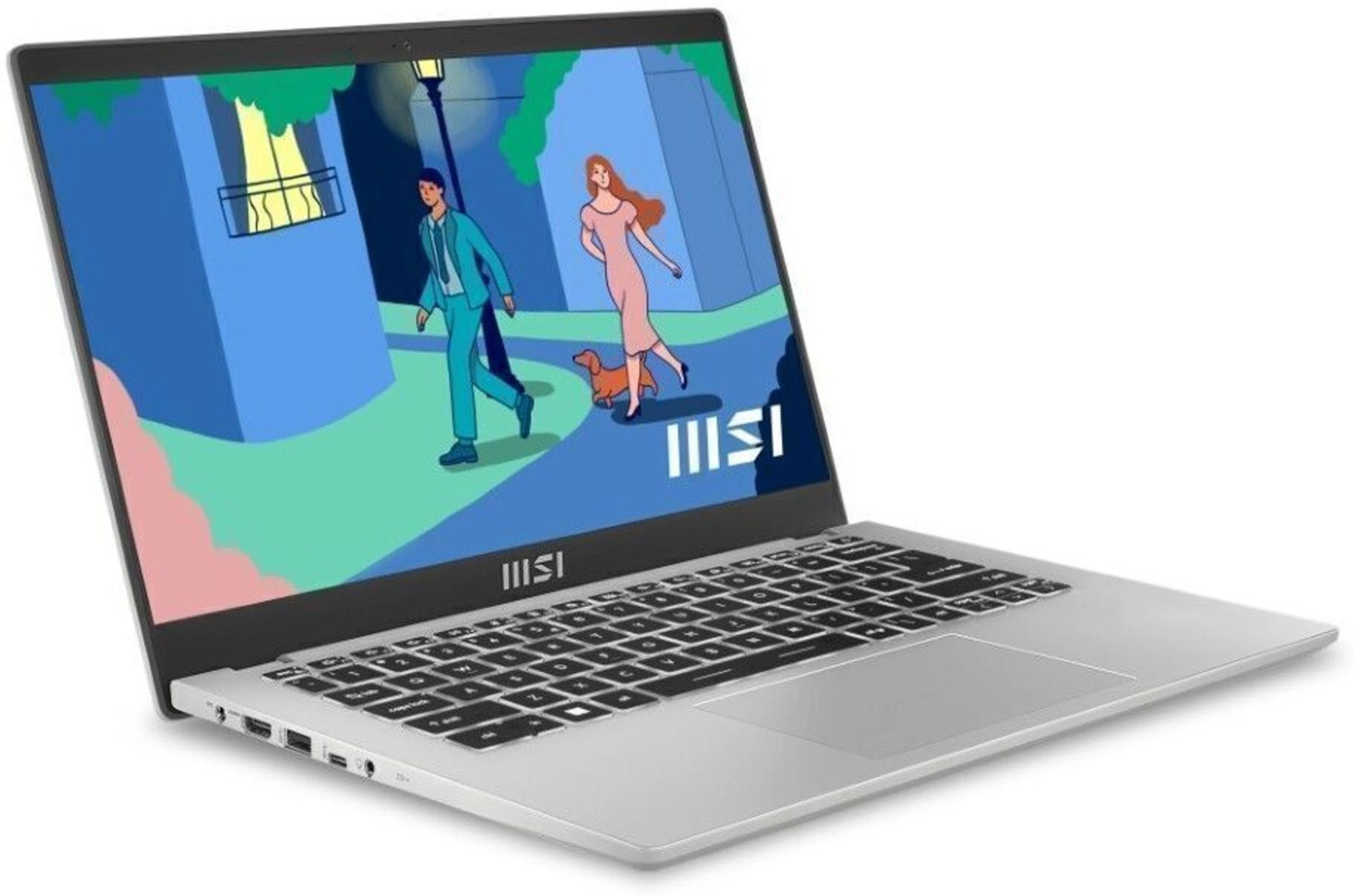
MSI finds room for two practical features that can make a difference every day: a white backlit keyboard and a 180-degree lay-flat hinge with Flip-n-Share. The backlight is useful during late study sessions or in dim meeting rooms, while the hinge makes it easier to show a document across a desk. ASUS and Lenovo instead highlight webcam privacy shutters. ASUS also advertises MIL-STD-810H testing for its Vivobook Go platform, although that does not establish a clear durability winner for these exact units.
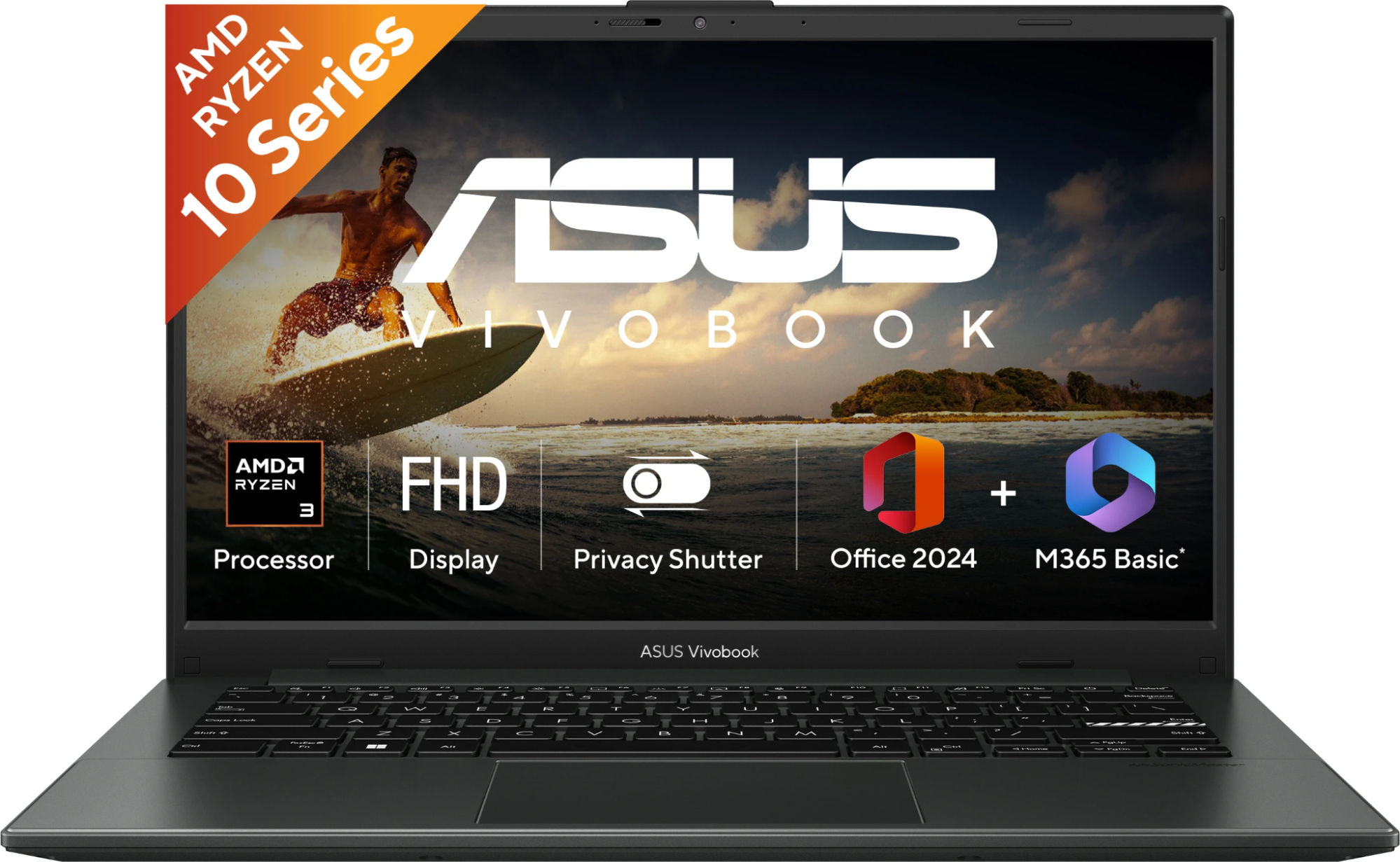
When the weights are so close, features become the more sensible way to choose. MSI’s backlit keyboard and lay-flat hinge suit people who type and present regularly, adding another practical advantage to its stronger processor and integrated graphics. ASUS and Lenovo do have privacy shutters, and Lenovo is fractionally lighter, but the 30-gram gap is unlikely to matter in a backpack.
-
Warranty and After-Sales Support: MSI Offers Longer Promotional Coverage, While Lenovo Provides a Different Kind of Protection
A good laptop should also be affordable to own after the purchase. MSI normally supplies the Modern 14 with a one-year limited warranty, and its Diwali 2026 offer can add a second year on eligible Modern-series models bought through authorised physical retailers in India between October 1 and November 15, 2026. Buyers must register the laptop through MSI Member Center and apply for the extension before November 22; approval is required. For qualifying customers, this gives MSI a longer manufacturer warranty period than its usual one-year coverage.
The offer is restricted to eligible offline purchases. It does not apply to laptops bought from Flipkart, Amazon or other online retailers, so a lower online price should not be compared with an offline offer as though both include the same coverage. Buyers may want to compare the total purchase cost with the price of separate extended protection. MSI also provides service-centre assistance, technical support, repair tracking and service requests in India; on-site support depends on the model and location.
Lenovo’s specified IdeaPad Slim 3 listing advertises a one-year onsite warranty together with one year of accidental damage protection. The service description is not entirely consistent, so it is sensible to confirm the cover before paying. Protection against accidental damage can be valuable for students who carry their laptops frequently, as it addresses some risks that a standard hardware warranty may not cover. ASUS provides manufacturer warranty support and service facilities, but the exact bundled benefits depend on the seller. Warranty length and the types of damage covered are separate considerations.
MSI’s Diwali promotion also mentions EMI cashback of up to Rs. 6,000, financing for up to 24 months and a discounted backpack at MSI Laptop Brand Stores. These benefits depend on the participating physical retailer and the transaction conditions. They may make a qualifying purchase more attractive, but shouldn’t be treated as an automatic reduction in the advertised laptop price or as part of the warranty.
For an eligible offline purchase, MSI’s potential second warranty year adds a practical ownership benefit to its CPU, graphics and connectivity advantages. Lenovo’s accidental damage cover is different and may suit buyers worried about drops or spills. The right comparison is the actual protection included at the final price, rather than assuming that either promotion applies automatically.
Final Verdict: Is MSI Modern 14 the Best Laptop To Buy Around Rs. 50,000?
MSI Modern 14 C7M-105IN is the most convincing all-rounder of these three for buyers prioritising the specifications that affect productivity. Its Ryzen 5 7430U has six Zen 3 cores, twelve threads and 16MB of L3 cache, against four Zen 2 cores, eight threads and 4MB of L3 cache on both Ryzen 3 competitors. It also brings the larger Radeon Vega 7 integrated graphics configuration, a 512GB SSD, an IPS-level display, four USB connections, a backlit keyboard and a 180-degree hinge. The advantages extend beyond one component and are relevant to multitasking, coding, light creative work and day-to-day convenience.
There are trade-offs, and buyers should know them. Lenovo has the largest battery and an advertised accidental damage protection benefit. ASUS is less expensive and sufficient for straightforward browsing, documents and video calls. MSI also has a smaller battery, and its display brightness and colour-gamut details have not been fully specified. Those limitations matter, but they do not change which of the three has the strongest CPU and integrated graphics specifications.
MSI’s official Diwali starting price is Rs. 57,990, compared with Rs. 48,990 for ASUS and Rs. 55,990 for Lenovo at the cited listings. That is a real premium over ASUS, but MSI provides more CPU cores and threads, a larger graphics configuration, twice ASUS’s local SSD capacity and a better-specified port selection. Against Lenovo, MSI has a stronger processing proposition and an IPS-level rather than TN display, while Lenovo wins on battery size.
The possible extra year of MSI warranty for qualifying offline purchases strengthens the offer further, provided the final retailer price remains attractive. Overall, the Modern 14 is our clear pick for someone who expects regular multitasking, programming or occasional graphics-assisted work and wants a versatile laptop for study or the office. Lenovo is the battery-first alternative; ASUS is the lower-cost option for lighter workloads.
Our pick: MSI Modern 14 C7M-105IN for its six-core Ryzen 5, stronger integrated graphics configuration, 512GB SSD, IPS-level display and broader connectivity, provided its higher asking price fits your needs.
Frequently Asked Questions (FAQs)
- Which is the best laptop around Rs. 50,000 for students and professionals?
The MSI Modern 14 C7M-105IN is our choice for students and professionals who want the most capable overall specifications of these three. Its six-core Ryzen 5, Radeon Vega 7 graphics, 512GB SSD, IPS-level display and four USB ports make it the better-equipped productivity option. Lenovo is worth a look for its battery and accidental damage cover, while ASUS costs less for lighter tasks.
- Which laptop has the best processor and graphics performance?
MSI leads this comparison with the Ryzen 5 7430U: six Zen 3 cores, twelve threads and 16MB of L3 cache. The ASUS Ryzen 3 30 and Lenovo Ryzen 3 7320U have four Zen 2 cores, eight threads and 4MB of L3 cache. MSI also has the larger Radeon Vega 7 graphics configuration, compared with Radeon 610M in both rivals. Actual responsiveness still depends on workload, memory and cooling.
- Which laptop has the best display?
MSI’s Full HD IPS-level screen is the more appealing option on viewing-angle specifications than the TN display fitted to this Lenovo IdeaPad Slim 3. ASUS’s exact panel technology has not been confirmed for the stated SKU. MSI does not publish complete brightness or colour-coverage figures for the model, so its lead should be understood as a panel-type advantage over Lenovo rather than a claim of superior colour accuracy.
- Which laptop has the best battery life?
Lenovo has the largest battery at 47Wh, followed by ASUS at 42Wh and MSI at 39.3Wh. Lenovo also publishes endurance figures for its platform, making it the strongest option here for buyers concerned with time away from a charger. Actual battery life still depends on your workload and settings.
- How do the RAM and storage specifications compare?
All three laptops include 8GB RAM. MSI uses DDR4, while ASUS and Lenovo use LPDDR5. For storage, MSI and Lenovo both supply 512GB SSDs, twice the 256GB available in this ASUS configuration. MSI also pairs its memory and storage with the stronger six-core Ryzen 5 processor and Radeon Vega 7 integrated graphics.
- Which laptop offers the best warranty and support?
MSI’s Diwali 2026 offer can extend the limited manufacturer warranty to two years on eligible offline Modern-series purchases after registration and approval. Lenovo advertises one year of onsite warranty and accidental damage protection. MSI has the longer potential warranty term, while Lenovo’s protection addresses different risks. Check the terms and final retailer price.
- Is MSI Modern 14 good for programming, multimedia editing and casual gaming?
Yes. Among these three, MSI is the best-equipped for programming, light multimedia editing and occasional casual gaming. Its Ryzen 5 has two more CPU cores than the rival chips, and its Radeon Vega 7 has a larger graphics configuration than the Radeon 610M in ASUS and Lenovo. All three have 8GB RAM and no dedicated graphics card, so demanding professional workloads call for more specialised hardware.
- Is the MSI Modern 14 worth paying extra for?
For buyers who mainly browse and write documents, a cheaper Ryzen 3 laptop may be enough. If you expect to multitask heavily, learn programming, edit photos or use a wide range of peripherals, MSI’s six-core Ryzen 5, stronger integrated graphics, IPS-level screen and port selection offer more tangible benefits. At the official Diwali starting price of Rs. 57,990, those are the specifications that make MSI stand out in this comparison.
Editor’s note: Prices checked on October 16, 2026: MSI Modern 14 at Rs. 57,990 (official Diwali offer), ASUS at Rs. 48,990 and Lenovo at Rs. 55,990. Prices and stock may change. MSI’s additional one-year warranty is limited to eligible offline purchases and requires registration.