The first Diwali in a shared flat comes with its own traditions. Someone brings fairy lights, someone orders far too much food, and the rangoli takes three attempts before everyone agrees to stop fixing it. Your phone records the preparations as faithfully as the final group photograph. When you send pictures home, your family gets a glimpse of the celebration you have made your own.
Across a Pujo outing, a garba evening or a long-awaited visit home, those photographs become a record of the people and places that make the season yours. A useful smartphone helps you do more with them: improve a favourite shot, put an evening’s highlights together, keep personal pictures private and share the originals.
The Samsung Galaxy A27 5G, Galaxy A37 5G and Galaxy A57 5G bring these experiences together through One UI 8.5. From editing and organising photographs in Gallery to sharing original files through Quick Share, these connected tools are part of what makes One UI one of Samsung’s biggest advantages. The benefit becomes clear during the festive rush: you can refine a favourite picture, keep personal photographs private and send memories to family and friends through a familiar interface, with supported features varying by model. For anyone considering a festive upgrade, that everyday convenience adds to the appeal of the Galaxy A series.
Camera Features for Festive Nights
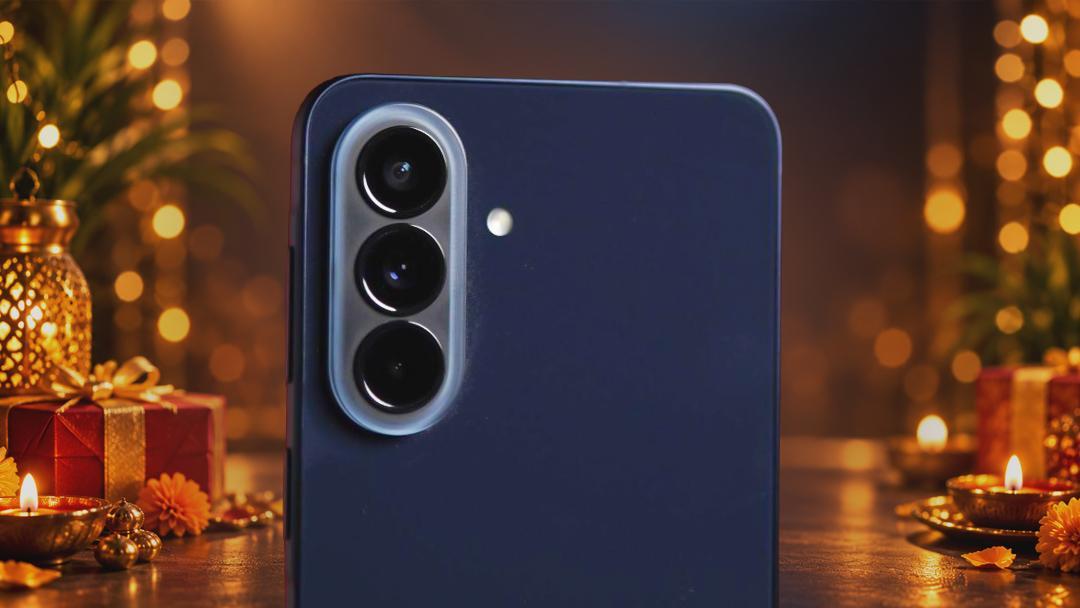
Festive lighting is part of the photograph. Think of a friend standing beneath the lights outside a pandal, or your family gathered around the diyas at home. Samsung’s Nightography helps capture brighter low-light images with reduced noise, preserving more detail when the celebrations continue after sunset.
People can be harder to coordinate than the lighting. In a group photograph, one friend may blink while another turns towards the camera. Best Face lets you choose expressions from supported Motion Photos and combine them into one picture. You can improve the shot you already have without pulling everyone away from dinner for another attempt.
For video, Instant Slow-mo offers a different way to revisit the moment. On compatible devices, you can slow down supported clips during playback, drawing attention to a garba turn or the laughter after someone forgets the choreography.
Give Your Favourite Shots the Finishing Touches
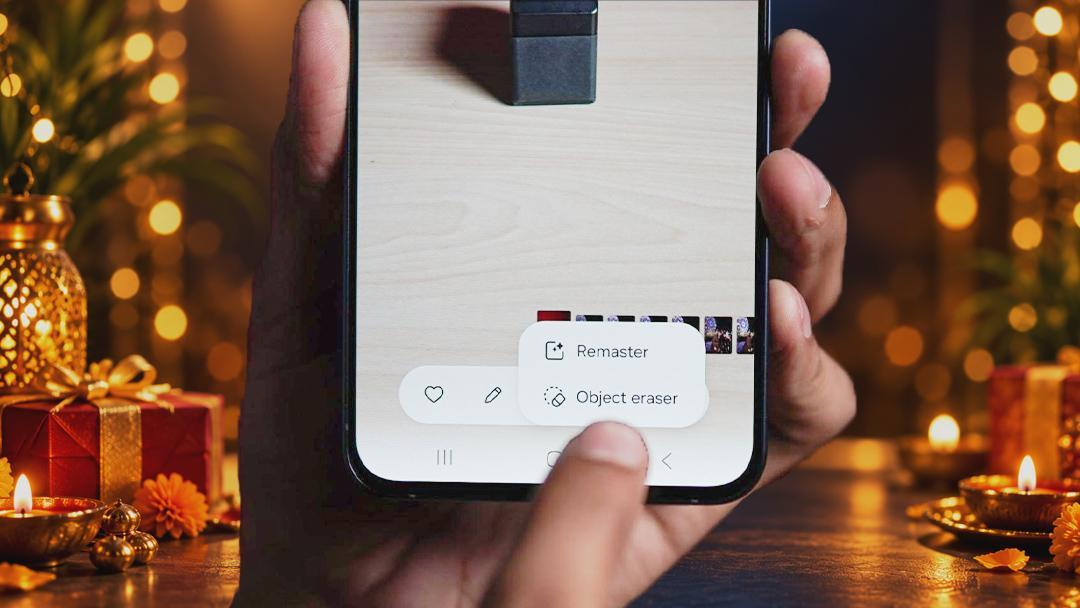
Once you have shortlisted the pictures, small edits can make a difference. Object Eraser helps remove distractions such as an empty chair or a paper cup in the background, keeping attention on the people in the frame. Samsung includes both Object Eraser and Best Face among its Galaxy A camera experiences.
Photo Assist offers further creative tools on compatible Galaxy devices, including supported options to add or remove objects and change backgrounds. An outfit photograph can become the starting point for a more playful festive post. Galaxy Enhance-X provides another photo-enhancement option on supported devices, helping refine selected images before you share them.
Having these choices within the broader Galaxy experience makes it easier to finish the pictures you like while the occasion is still fresh, whether you are choosing a new profile photograph or putting together a carousel.
Make Room for the Memories and the Practical Stuff
A festive Gallery contains more than photographs. Outfit references, event passes and screenshots of addresses sit alongside videos and family portraits. Screenshot Management helps organise these saved references, with tagging options on supported devices making particular captures easier to find. A relevant keyword can save you from scrolling through the entire evening’s pictures to locate a booking screenshot.
Gallery Stories helps bring related photographs and videos together. Your Diwali collection can include the preparations, the meal and the candid moments between posed pictures. Separate albums can keep the office celebration, a weekend outing and the visit home easy to revisit.
Private Album adds control over what other people see. Selected photos and videos can sit behind your device’s security lock, with screenshots disabled inside the album on supported devices. When you hand over your phone to show someone a photograph, personal media can remain in its own protected space.
Share Across the Screens You Actually Use
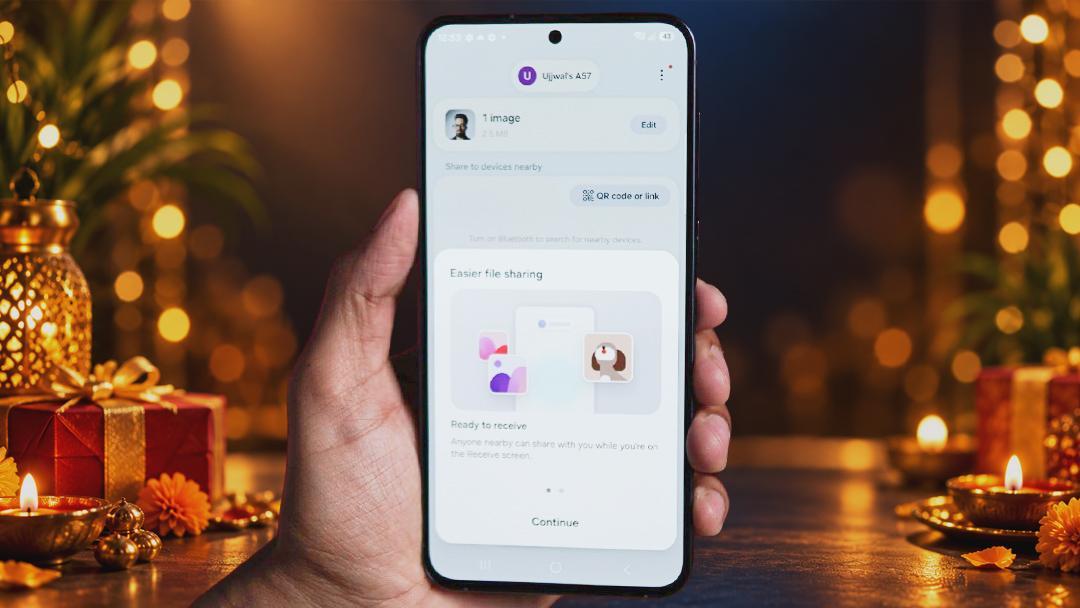
Quick Share helps get original photos and videos to friends without the compression commonly applied by messaging apps. When everyone is together, you can send files directly to nearby compatible devices, including supported Android phones and Windows PCs. Friends receive photographs they can crop or edit themselves, while you can move a selection to your laptop for a closer look.
The sharing does not have to stop when everyone heads home. Quick Share also lets you create a link and send it through a chat or email, so family members in another city can download the files over the internet. A QR code provides another way to access shared files, including on devices outside the Galaxy range. Whether someone is beside you at the celebration or catching up from afar, there is a way to send them the memories.
Samsung Galaxy A Diwali Offer: A Good Time for a Festive Upgrade
A phone bought for this year’s celebrations may still be with you when your routines and surroundings change. Long software support strengthens the Galaxy A series’ “Trusted by India” promise, with up to six generations of OS upgrades and six years of security updates. It gives buyers a reason to consider the experience beyond the initial purchase.
Samsung’s festive offers add to that longer-term value, with monthly EMIs starting at ₹650 for the Galaxy A37 5G, ₹787 for the Galaxy A57 5G and ₹937 for the Galaxy A27 5G. Eligible plans include up to 40 months of no cost EMI, helping spread the expense during a season of travel, gifts and celebrations.
| Model and variant | Starting monthly EMI | Instant cashback |
| Galaxy A57 5G — 8GB + 256GB | ₹787/month | ₹8,500 |
| Galaxy A57 5G — 12GB + 256GB | ₹950/month | ₹9,500 |
| Galaxy A37 5G — 8GB + 128GB | ₹650/month | ₹4,000 |
Instant cashback goes up to ₹9,500 on the Galaxy A57 5G 12GB + 256GB variant. Combined with the monthly payment options, the offers make this a good time to consider an upgrade if a new phone is already on your shopping list.
For buyers weighing a Diwali smartphone deal, the everyday experience matters alongside the offer. One UI’s editing, organisation and sharing tools give the Galaxy A series a role throughout the celebrations, while long-term software support adds value well beyond the festive season.
These offers are valid at the time of writing this article and may change over time.
Frequently Asked Questions
How Can Best Face Improve Festive Group Photos?
Best Face lets you select expressions from supported Motion Photos and combine them into one group picture. It can help when someone blinks or looks away during the original shot.
What Is the Difference Between Gallery Stories and Albums?
Albums organise selected photos and videos into collections. Gallery Stories brings related moments together as a story, making it easier to revisit an occasion such as a Diwali gathering or Pujo outing.
Can Quick Share Send Photos to Someone Who Is Far Away?
Yes. Alongside direct transfers to nearby compatible devices, Quick Share supports sharing through a link that you can send through a chat or email. The recipient can download the files over the internet, making it useful for sharing festive photographs with family and friends in another city.
How Does Private Album Feature Protect Personal Photos?
Private Album places selected photos and videos behind your device’s security lock on supported Galaxy devices. Access requires authentication, and screenshots are disabled inside the album.
What Monthly EMI Options Are Available Under the Samsung Galaxy A Diwali Offer?
Monthly EMIs start at ₹650 for the Galaxy A37 5G 8GB + 128GB, ₹787 for the Galaxy A57 5G 8GB + 256GB and ₹937 for the Galaxy A27 5G 6GB + 128GB. The Galaxy A57 5G 12GB + 256GB is available at ₹950/month under the specified financing plan.
How Much Instant Cashback Is Available on the Galaxy A Series?
Instant cashback goes up to ₹9,500 on the Galaxy A57 5G 12GB + 256GB variant. The Galaxy A57 5G 8GB + 256GB offers ₹8,500, while the Galaxy A37 5G 8GB + 128GB and Galaxy A27 5G 6GB + 128GB offer ₹4,000 and ₹2,500 respectively.
Disclaimer: This is a Promotional post. The content and opinions expressed are those of the sponsor and do not necessarily reflect the views of our editorial team.