Anyone hunting for a large-screen Android tablet meant for classes, binge-watching and routine office chores should give the HP OmniPad 12 a closer look. Rather than dressing itself up as a full laptop substitute, this environmentally conscious slate leans into being a flexible, tablet-first device for students, hobbyist creators and desk workers. Its biggest differentiator is that HP ships a full-sized pogo-pin keyboard with a built-in trackpad in the retail box, so you are not left buying the one accessory that makes the product usable. Our review unit is the higher-tier 256GB model (with 8GB of RAM), which sells for Rs 55,490.
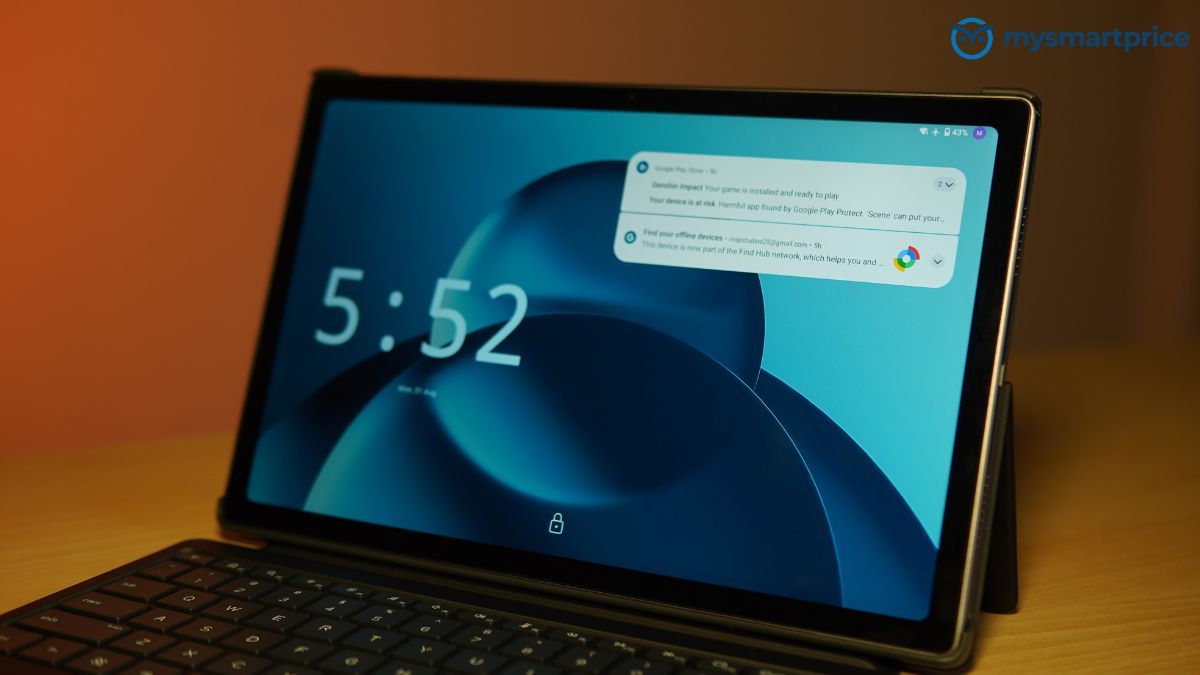
The spec sheet reads well for a daily-use machine: a roomy 12-inch 2K panel at 90Hz, Qualcomm’s mid-tier Snapdragon 6 Gen 3, four DTS-tuned speakers and a front camera mounted on the long edge for landscape video calls. Specs, of course, are only half the picture. Is a 12-inch slate comfortable to carry? How well does it juggle split-screen apps on Android 16, and do the ports and battery survive a full day of use? Here is what we found after putting it through its paces.
HP OmniPad 12 (256 GB, India) Specifications
- Processor: Qualcomm Snapdragon 6 Gen 3 (SM6475Q, 6 cores, up to 2.4 GHz)
- Graphics: Integrated Qualcomm Adreno GPU
- Display: 12.0-inch 2K IPS multi-touch (2000 x 1200, 90Hz, 16:10), 400 nits, 100% sRGB
- Memory: 8 GB LPDDR5-3200 RAM (soldered, not upgradeable)
- Storage: 256 GB UFS, microSD expansion up to 1 TB
- Battery: 31 Wh 2-cell Li-ion polymer, rated for up to 18 hours; 33W adapter (0–90% in roughly 90 minutes)
- Dimensions: 7.3 mm thick, 600 g (1.19 kg with keyboard attached)
- Connectivity: Wi-Fi 6E (2×2) and Bluetooth 5.2 (Qualcomm WCN6755); Wi-Fi only, no cellular option
- Ports: 1x USB 2.0 Type-C, 3.5mm audio jack, pogo-pin keyboard connector
- Audio: Quad speakers with DTS:X Ultra tuning, dual high-SNR microphone array
- Cameras: 13 MP rear, 8 MP front with HDR photo mode
- Software: Android 16
- Sensors: Accelerometer, gyroscope, Hall effect sensor, ambient light sensor
- Included accessory: Detachable full-size soft-cover keyboard (590 g)
- Finish: Recycled aluminium chassis in Denim Blue or Meteor Silver, matte
- Price: ₹54,999 (256 GB); ₹48,999 (128 GB)
Build Quality and Design: Recycled Aluminium, Bundled Keyboard and Ports
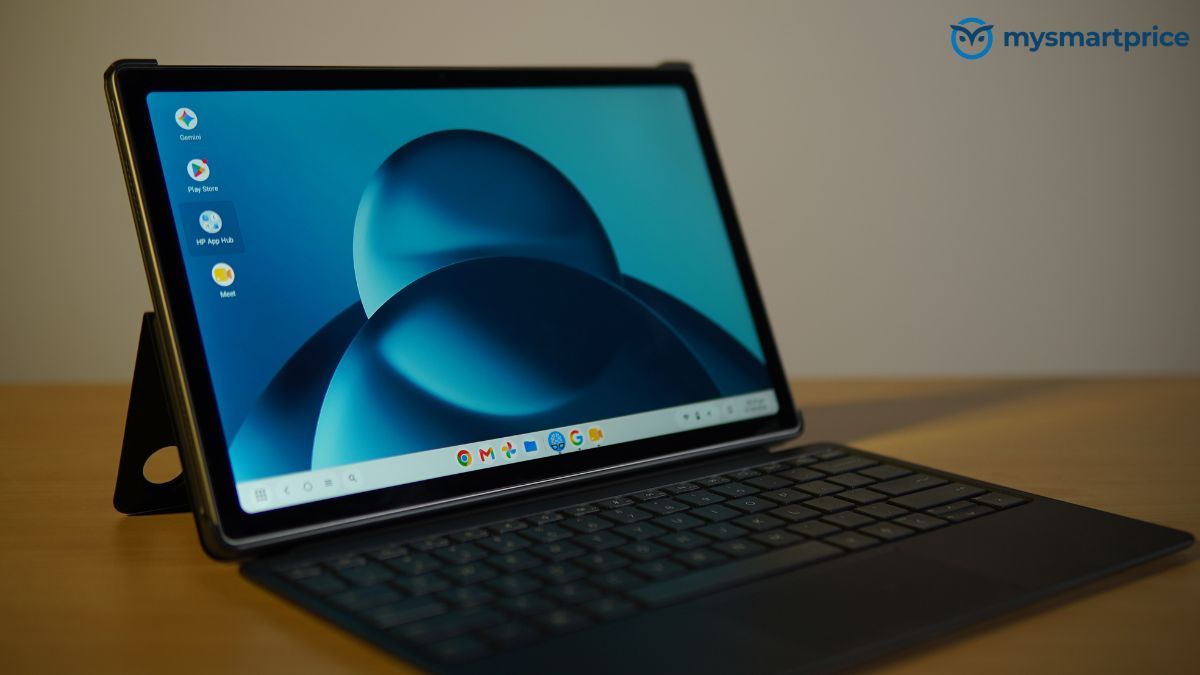
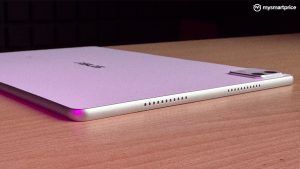
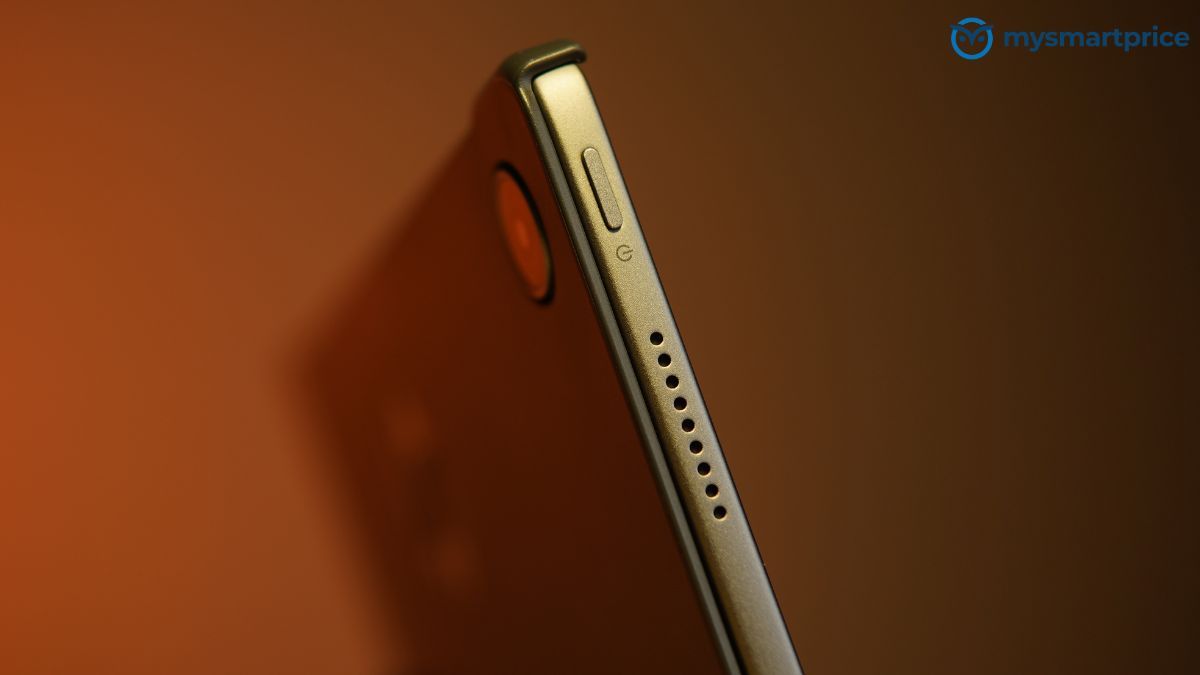
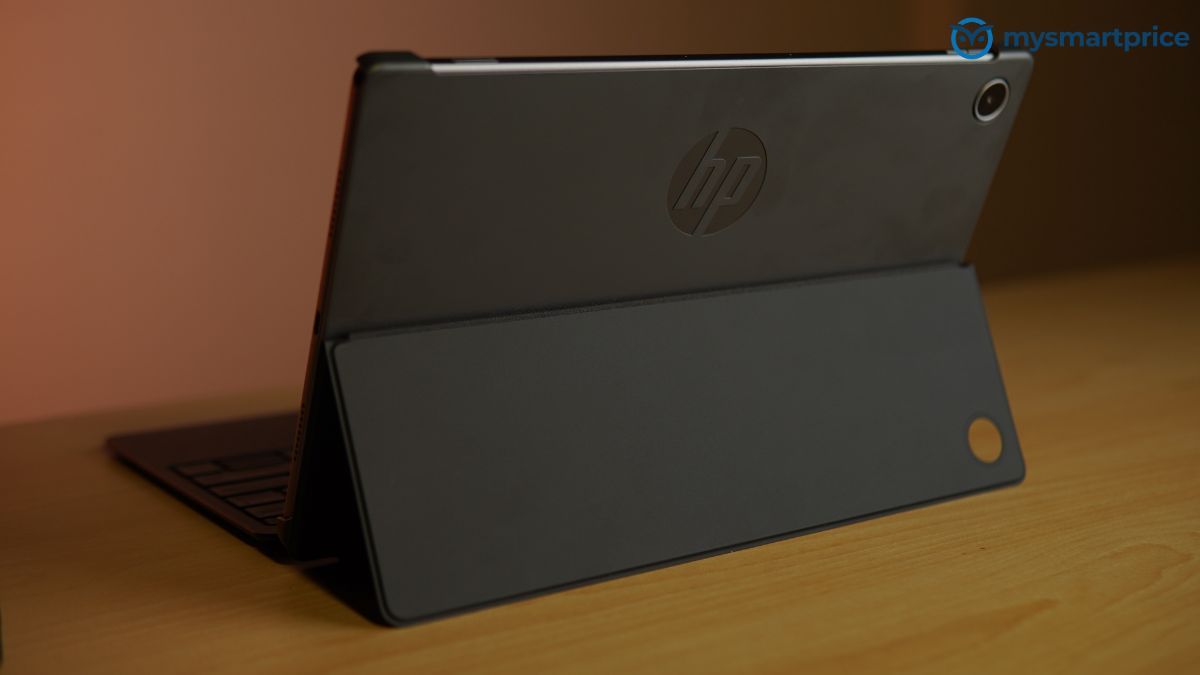
The OmniPad 12’s body is made from recycled aluminium, and the keyboard cover is moulded from post-consumer recycled plastic. Both carry a matte finish, and the materials choice helps the tablet earn EPEAT Silver and ENERGY STAR certification. Two colours are on offer: Denim Blue and Meteor Silver.
At 283 x 178.1 x 7.3 mm and 600 g on its own, the tablet is reasonably thin and light for a 12-inch device. Clip on the keyboard cover, though, and you add a further 590 g, bringing the whole setup to 1.19 kg. That is heavier than a fair number of thin-and-light Windows laptops, so the OmniPad 12’s real selling point is flexibility, not portability.
The screen is a 12-inch 2000 x 1200 panel in 16:10 with a 90 Hz refresh rate. HP quotes 400 nits and full sRGB coverage.
Wired connectivity is minimal: a single USB Type-C port, a 3.5 mm headphone/microphone combo jack and a microSD slot that accepts cards up to 1 TB. The card slot matters, because the entry-level OmniPad 12 ships with only 128 GB of UFS storage, with 256 GB the only other option. Both versions come with 8 GB of LPDDR5 RAM and the Snapdragon 6 Gen 3, and both run Android 16 from the factory.
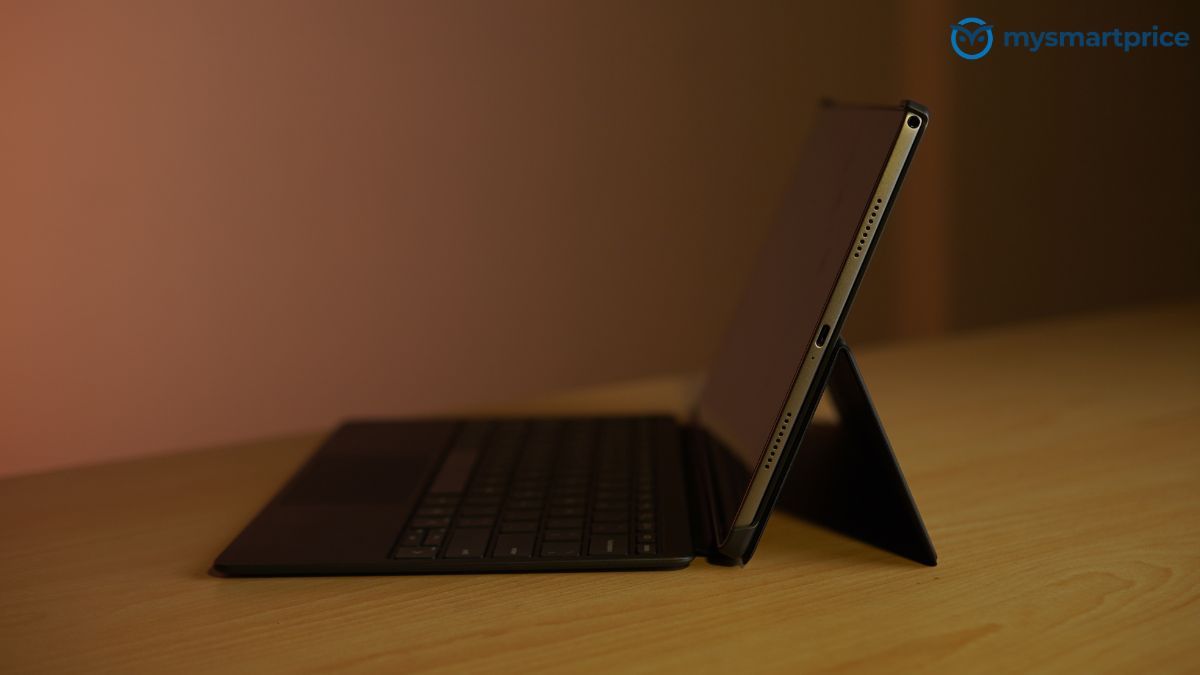
The Type-C port is a sore point. HP specifies it as USB 2.0, capping transfers at 480 Mbit/s, and there is no confirmation of DisplayPort output. Because charging also happens through this port, using a wired accessory while topping up the battery means reaching for a hub. HP says the 31 Wh cell gets to about 90 per cent in 90 minutes.
On the wireless side you get Wi-Fi 6E and Bluetooth 5.2. Sound comes from four speakers with DTS:X Ultra tuning plus a pair of high-SNR microphones. Up front is an 8 MP camera with HDR; round the back sits a 13 MP sensor.
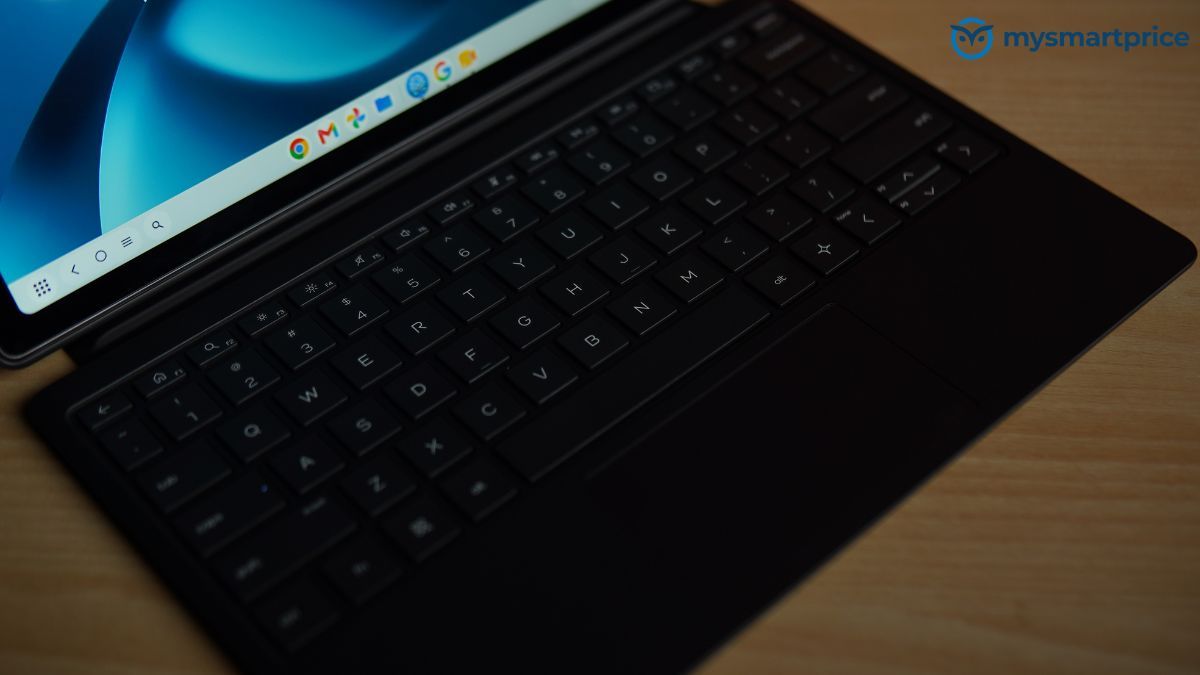
The keyboard is part of the package rather than an optional extra. It attaches via pogo pins, so there is no Bluetooth pairing to fuss with and no separate battery to keep charged. HP calls it full-size and fits it with an integrated Imagepad.
Display, Speakers and Cameras: 2K at 90Hz, Four Speakers, 13MP Rear Sensor
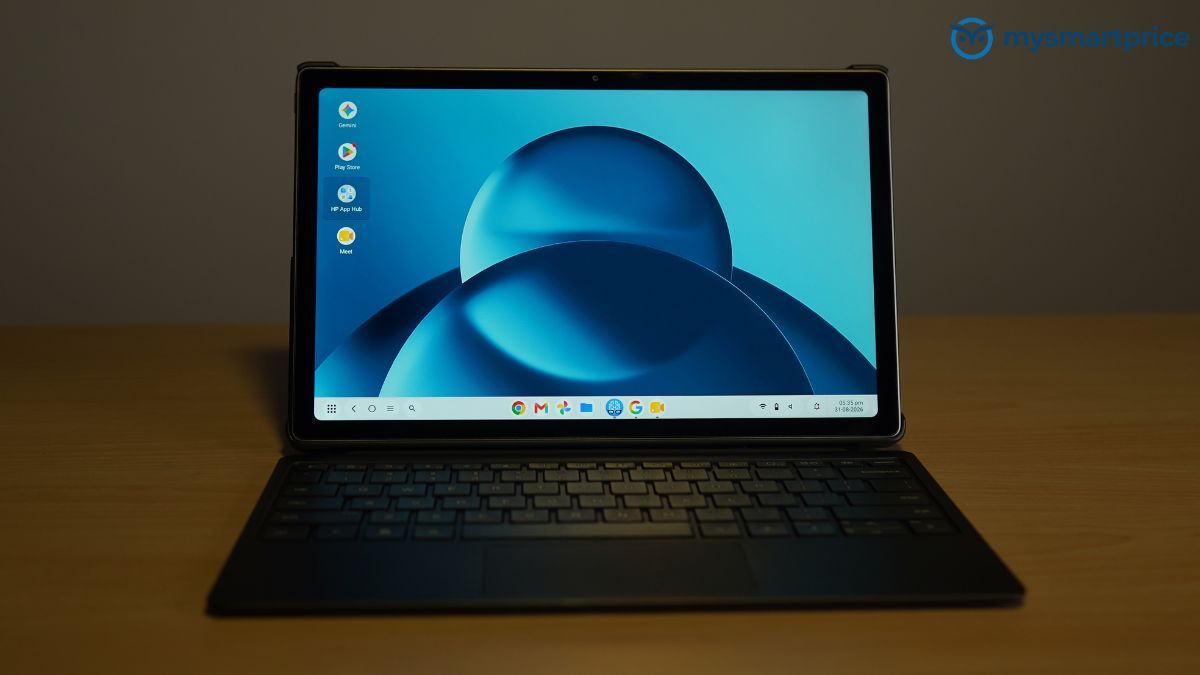
Rather than looking at the screen, speakers and cameras separately, I found it more useful to judge them in the situations where I actually used the tablet. Most of my time with the OmniPad 12 involved video calls, watching films, browsing and occasionally using the cameras for documents.
The first of those was video calling, because that is where the tablet’s design makes the most sense. Docked to the keyboard, the 8 MP front camera sits at the top centre of the long edge, so I appear properly framed and level in landscape rather than looking in from the side. Eight megapixels is sufficient for Meet and Teams, and the HDR mode helps keep a bright window behind me from becoming distracting. The dual high-SNR microphones capture my voice clearly when I am sitting directly in front of the display, although they do little to suppress nearby conversations or keyboard noise. In a shared office, the other side of the call can therefore hear more of my surroundings than I would prefer. For calls and lectures, I also kept DTS Ultra switched off. With the processing enabled, voices lose some mid-range clarity. Without it, speech sounds cleaner.
The second situation is watching films in the evening. The 12-inch 16:10 IPS panel at 2000 x 1200 is well suited to video, while the 90 Hz refresh rate makes scrolling through menus and feeds feel smooth during lighter use. The four speakers also work well for media. They reach 66 dB from a metre away, which is enough for watching content without headphones in a quiet room. DTS Ultra widens the stereo presentation for films, although I found the effect less useful for dialogue. At higher volume levels, the slim 7.3 mm chassis begins to resonate and the lower mids become less clean. Speaker placement is also better when the tablet is docked: in landscape use without the keyboard, my palms can cover the lower grilles and reduce the volume.
The display itself is generally well suited to everyday use. HP’s 400-nit brightness and 100% sRGB claims hold up, and I found colours consistent for browsing, documents and streaming. DCI-P3 coverage is around 72%, so the panel is not intended for wide-gamut creative work. In a darkened room I also noticed some backlight bleed along the bottom edge. Viewing angles are otherwise fine, while the relatively thick bezels make the tablet easier to hold without accidentally touching the display.
Taking the OmniPad 12 outdoors is where the display becomes less practical. The reflective glass combined with the 400-nit brightness makes the screen difficult to read in direct sunlight. I often found myself looking for shade rather than increasing the brightness further. The tablet is therefore much better suited to a desk, sofa or lecture hall than outdoor use.
The 90 Hz refresh rate also depends on what I am doing. Scrolling through documents and feeds is smooth during lighter workloads, but once I start heavily multitasking in Android 16, the Snapdragon 6 Gen 3 cannot always keep up. The frame rate can fall below 60 Hz, and the difference is immediately noticeable when switching between demanding apps.
The rear camera sees less use. The 13 MP sensor records at up to 1080p30 or 720p60, but I mainly used it for photographing documents. Under office lighting, it captures printed pages clearly enough to resolve 10-point text with little visible noise. Combined with the front camera’s more useful placement for calls, the camera setup covers the tablet’s intended uses without trying to do much more.
Performance and Battery: Snapdragon 6 Gen 3 and Sustained Load
The best way I found to judge the OmniPad 12 was to use it through a normal working day rather than rely on benchmark runs, so this section is loosely arranged around that experience. It starts at 8am with the tablet docked to its keyboard and ends after midnight, with the charger still in the bag.
The first thing I noticed was the storage. The tablet is ready to work as soon as I open the lid, apps launch promptly, and a folder of photos copied from the microSD card to internal storage is transferred before I have even looked for a progress bar. Later in the week, a multi-gigabyte game installed in the time it took to make a cup of tea. The file manager rarely feels held back by the drive, and this is a big part of why the OmniPad 12 feels quicker in everyday use than its processor performance might suggest. The storage benchmarks back up that impression.
| Storage benchmarksResult | |
|---|---|
| AnTuTu Storage | 107,010 |
| PCMark Android Storage | 85,424 |
| Sequential Read | 2,053.5 MB/s |
| Sequential Write | 1,118.8 MB/s |
| Random Read | 763.4 MB/s |
| Random Write | 687.9 MB/s |
HP positions the OmniPad 12 as a laptop stand-in for productivity, and that is largely how I used it. Writing in Google Docs with a browser pinned alongside for research works well, while the keyboard-and-trackpad combination makes moving between windows reasonably close to a laptop experience. The 8 GB of RAM also does a good job of keeping the apps I switch between resident, so a document I left half an hour ago is still where I left it. Email, a Teams stand-up with a notes app on the other half of the screen, and then more writing. None of this puts much pressure on the Snapdragon 6 Gen 3.
Later in the day is where I start asking more of it, and the limitations become easier to spot. Having a spreadsheet with a few rows open while a Meet call runs, or placing a demanding web app alongside another website in split-screen, is enough to make the interface hesitate. Scrolling becomes less fluid, app switching takes noticeably longer, and the 90 Hz refresh rate also becomes unstable. Nothing crashes and the tablet never becomes unusable, but the difference between “this will do” and the effortless responsiveness of a flagship platform is clear. The benchmark results put numbers to the same experience.
| Performance benchmarksScore | |
|---|---|
| AnTuTu v10 | 792,724 |
| Geekbench 6 Single-Core | 890 |
| Geekbench 6 Multi-Core | 2,694 |
| PCMark Work 3.0 | 11,730 |
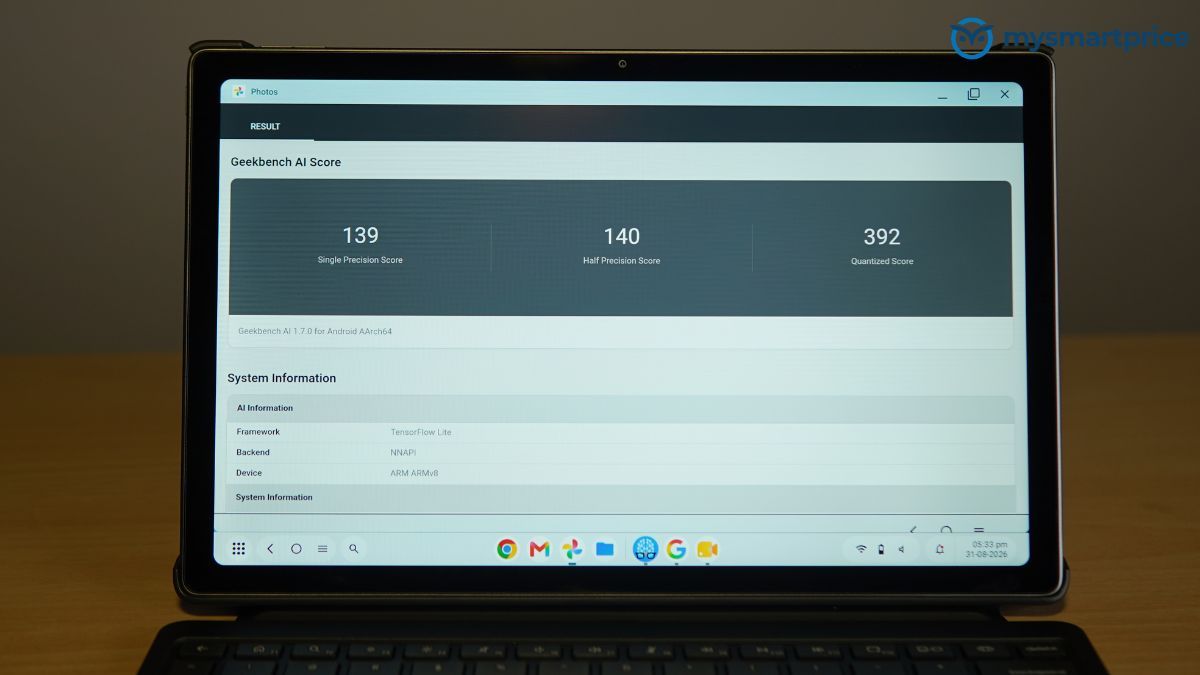
I also tried the on-device AI features. They work, but local processing is slow enough that I would not consider AI performance a reason to buy the OmniPad 12.
The evening is split between gaming and streaming, and the experience is rather different depending on what I am doing. Puzzle games, card games and lighter 2D titles run without complaint, while older 3D games remain playable if I am willing to lower the settings. Modern, graphically demanding titles are a different matter. The Adreno GPU struggles to handle them comfortably at the panel’s native resolution, so detail levels need to come down to maintain a playable frame rate.
By the time I close the keyboard, after a full day of writing, browsing, a couple of hours of calls and some streaming, there is still charge to spare. In practical use, the OmniPad 12 comfortably makes it through a full working day without forcing me to plan around the battery.
When the battery finally does run down, the bundled 33W adapter takes it back to around 90 per cent in roughly 90 minutes. That makes a lunch break enough to get me through the rest of the day, and means I rarely have to leave the tablet plugged in for long periods.
Verdict: A Sensible Android Tablet for Everyday Productivity
The HP OmniPad 12 is a solid Android tablet designed to handle everyday productivity, web browsing and video calls. After using it for a week, I found the bundled pogo-pin detachable keyboard and trackpad particularly useful, turning it into a ready-to-work package without needing to buy additional accessories. The 12-inch 16:10 display and loud quad speakers are well suited to both work and media consumption, while the landscape-mounted 8MP front camera makes online classes and meetings much more comfortable. Its Snapdragon 6 Gen 3 processor and responsive UFS storage also deliver good day-to-day performance, while the battery easily gets me through a full working day without worrying about the charger.
However, the OmniPad 12 falls short against the competition. In my experience, the mid-range chip starts to struggle when I push it with heavier multitasking, with scrolling becoming less fluid and app switching taking noticeably longer. The most glaring compromise is the USB Type-C port, which uses the outdated USB 2.0 standard. Large file transfers are therefore unnecessarily slow, and I need a hub if I want to charge the tablet while using wired accessories. The reflective glass and modest brightness also make the screen difficult to read in direct sunlight. The thick bezels further give the tablet an outdated appearance, especially in 2026.
Ultimately, I found the OmniPad 12 a practical choice for students and light office users whose daily workflows revolve around document editing, media consumption and video conferencing. However, power users, gamers or anyone expecting more performance and features at this price point should look elsewhere.