For most of us, we don’t wake up suddenly one day and decide to upgrade our TV. In most cases, we are pushed into that decision. It starts with small annoyances. Apps take a few seconds too long to open. The interface lags just enough to be noticeable. Sometimes things crash, sometimes they don’t load at all. And eventually, the whole relaxing and watching something time feels like a task.
The Amazon Fire TV Stick 4k Select is clearly designed for this exact situation. At Rs 5,499, it’s not trying to be the most powerful streaming device you can buy. Instead, it positions itself as a simple, relatively affordable way to upgrade your TV experience. And it even delivers on that promise, for the most part.
Amazon Fire TV Stick 4K Select
What Is Good?
- Consistently smooth performance
- Simple setup and easy to use
- Clean, content-first UI
- Reliable streaming quality
What Is Bad?
- No Dolby Vision or Dolby Atmos support
- Micro USB port feels outdated
- Not for power users
I have been using the Fire TV Stick 4K Select for a few days now, and what stood out for me wasn’t any one single feature but how consistent everything feels. You don’t have to think about it. Apps open quickly, navigation keeps up with your inputs, and streaming runs without interruptions. It isn’t too glamorous, yes, but it is reliable, and I think that’s more important.
Simple and Predictable Design with One Odd Drawback
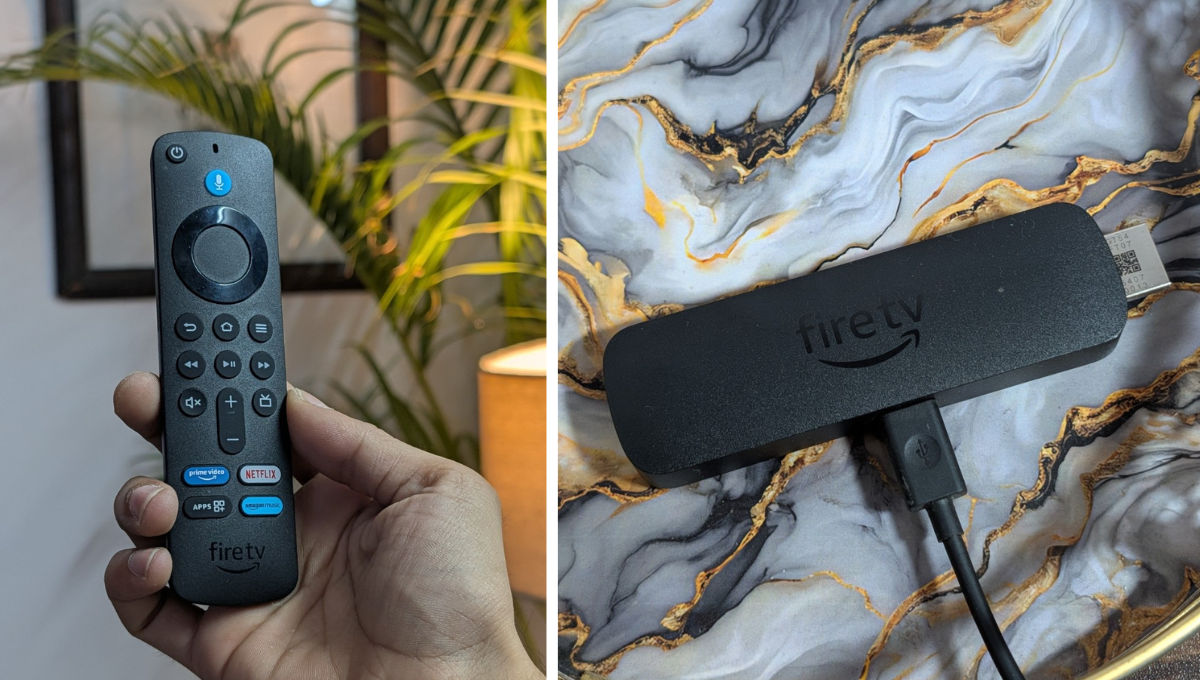
Using the Fire TV Stick is pretty simple. Just plug the stick into your TV’s HDMI port, connect the power adapter, pair the remote, and log in. You even get an option to log in via your phone, which speeds up the entire process. You get everything that you would need inside the box: Alexa Voice Remote, power cable, adapter, and an HDMI extender.
Speaking of the design, it’s functional but forgettable, but that’s fine because you will plug this device once onto your TV and never look at it again. It’s compact, lightweight, and easy to tuck behind your TV.
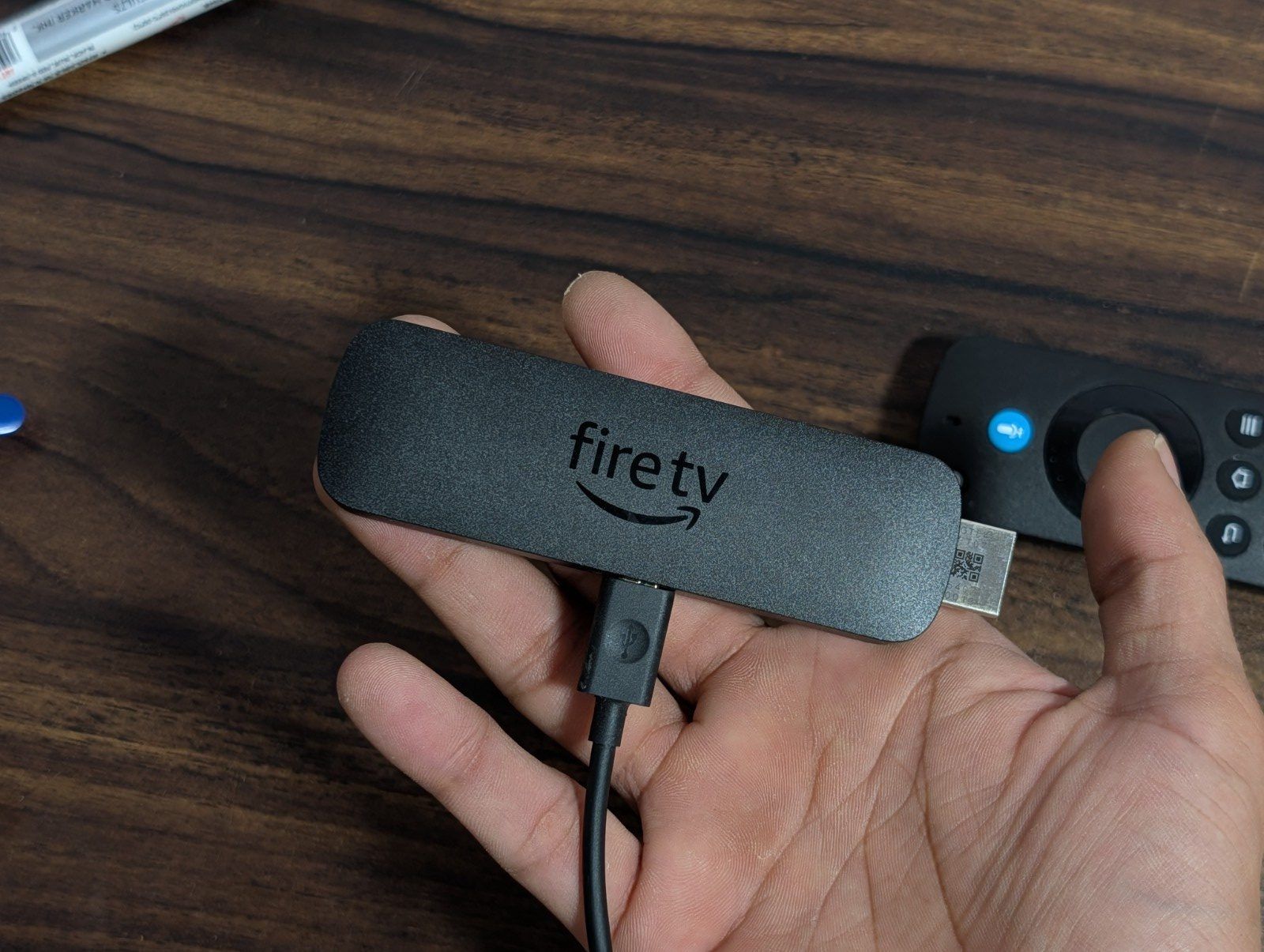
The only thing that didn’t sit well with me was the micro USB port for power. It’s 2026, and who is still using micro USB ports? Even budget devices have moved to USB-C. It doesn’t affect usability, but it does feel like a missed opportunity.
Performance Makes A Difference
Performance is where the Fire TV Stick 4K Select earns most of its points. This is one of the first devices in India to run Amazon’s new Vega OS, and whether it’s the software optimisation or general tuning, the experience is a lot smoother than the older Fire TV sticks in this price range.
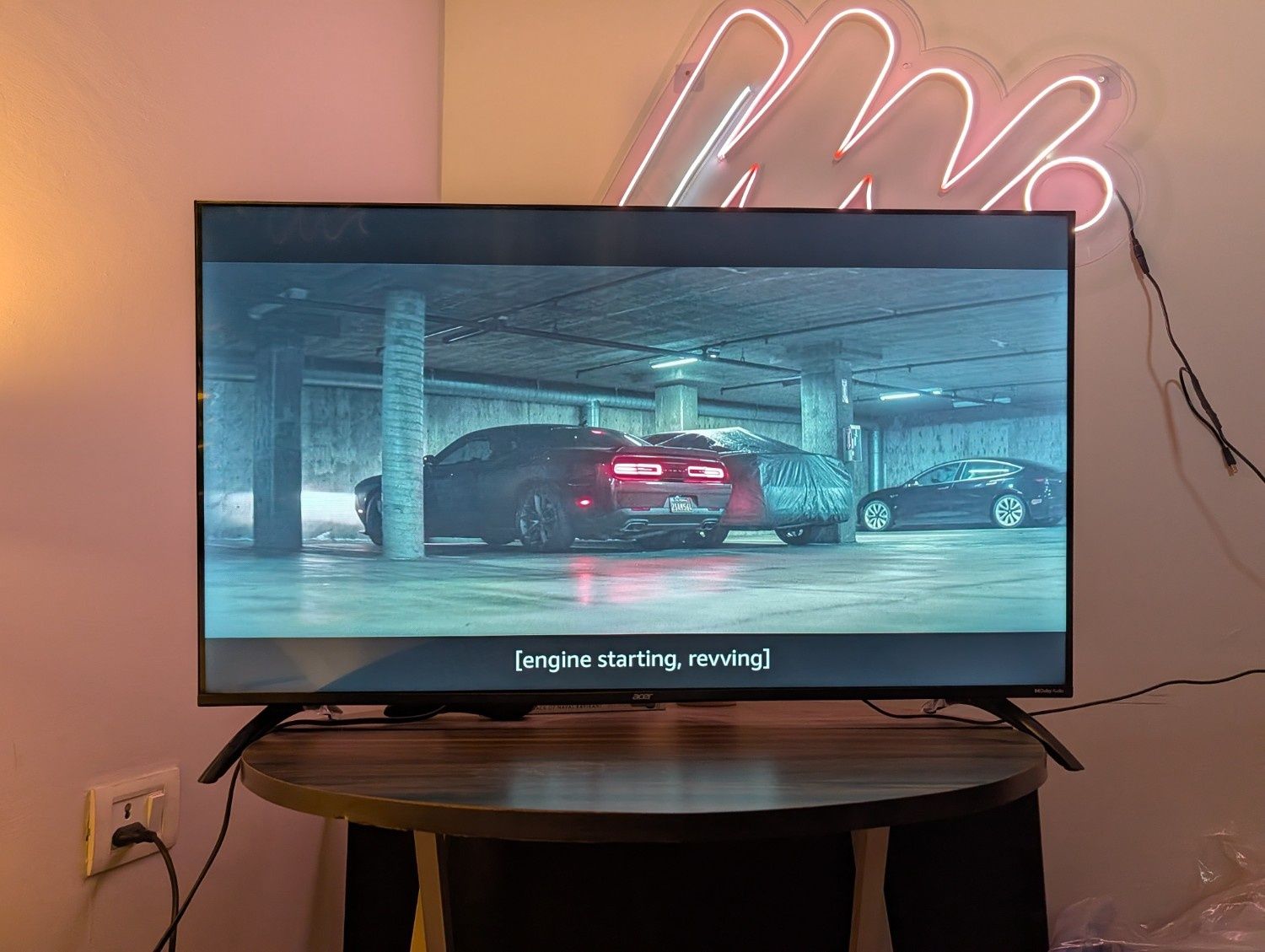
You get a quad-core processor paired with 8GB of storage, and in everyday use, this doesn’t feel underpowered. You can smoothly scroll through menus, app launches are quick, and switching between platforms like Netflix, Prime Video, YouTube, and Disney+ Hotstar is pretty seamless.
But that said, it’s not perfect. If you try to rapidly jump between apps or scroll aggressively through content, you might catch the occasional stutter. But during your normal use, watching shows, browsing, switching between apps, it stays stable and responsive. What’s most important is that it doesn’t have the kind of lag that makes budget streaming devices frustrating.
Streaming Quality: Good Enough for Most, Limited for Some
When you get a 4K streaming stick, picture quality becomes a big part of the experience, and Amazon’s Fire TV Stick does a solid job here.
It supports 4K Ultra HD, HDR10+, HLG, and playback up to 60fps. On a compatible TV, this means that you get sharper visuals, better contrast, and more vibrant colours, especially when you’re watching HDR content. If you’re coming from an older HD interface or a not-so-good smart TV UI, you will immediately notice the difference.
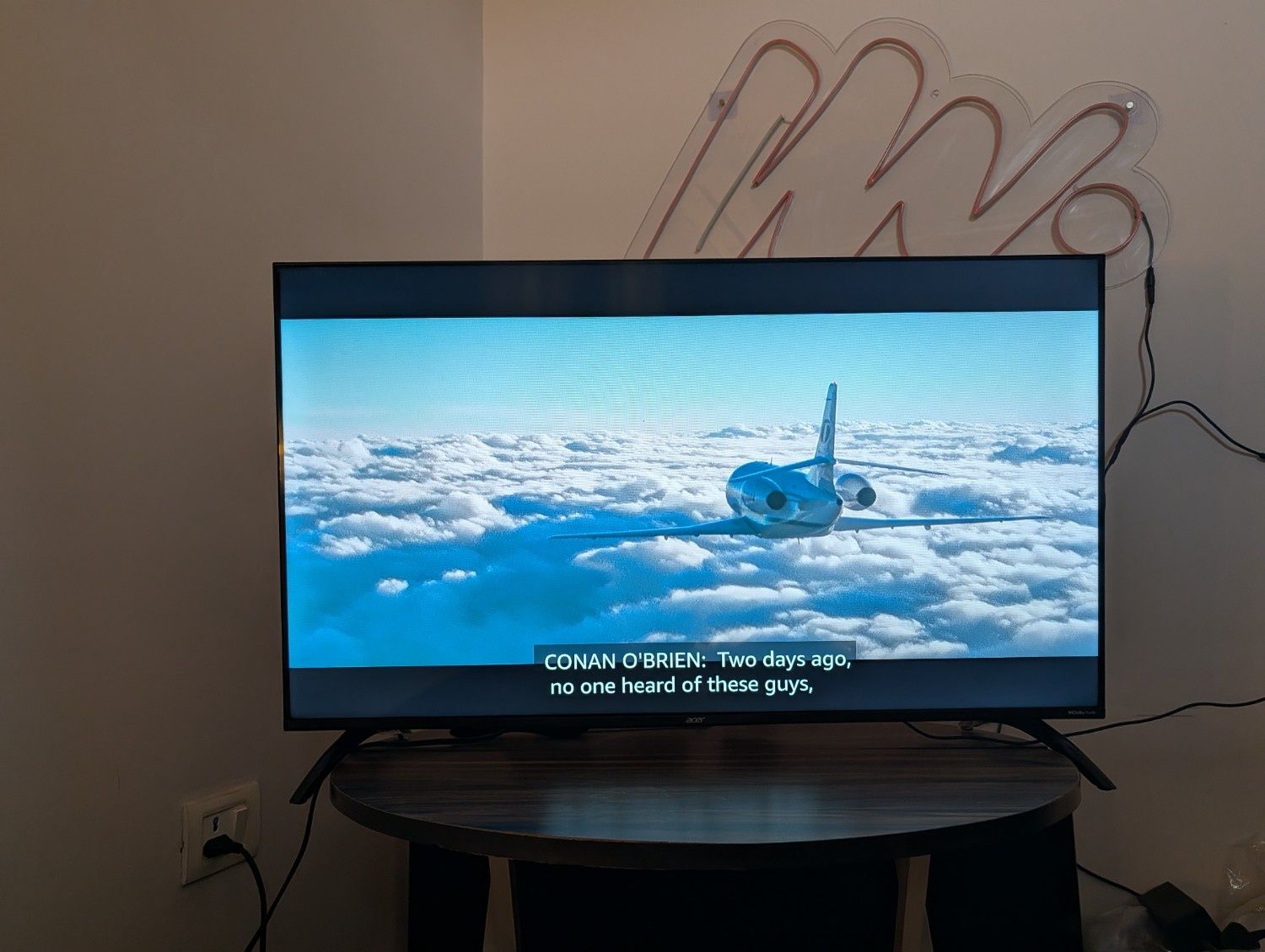
Streaming performance is also consistent. If your internet connection is stable, once a video starts playing, it holds steady without any buffering issues. You also get dual-band WiFi support, which also helps maintain that reliability.
But it does not support Dolby Vision, nor does it support Dolby Atmos. If your TV supports this format and if you’re someone who wants the absolute best visual and audio quality, this isn’t the right device for you. You’ll need to step up to something like the Fire TV Stick 4K Plus or 4K Max. But for the rest, this device is sufficient.
More Controlled and Streamlined UI Experience
The Amazon Fire TV Stick 4K Select supports all the major streaming apps in India: Prime Video, Netflix, Disney+ Hotstar, JioCinema, Zee5, YouTube, Apple TV+, and more. All of this is placed in one interface, and recommendations adapt fairly quickly based on what you watch.
If you have used a Fire TV device earlier, the UI will feel familiar to you. It’s content-first, slightly biased towards Amazon’s own ecosystem, but still easy enough to navigate. The bigger change this time is the shift to VegaOS. It is pretty fast and efficient, but also more restrictive. Unlike older Fire TV devices, you can’t sideload apps. You’re limited to what’s available on Amazon’s official app store.
Now, for most users, this won’t matter at all. But if you need that kind of flexibility, this is something that you will have to consider.
Remote, Alexa and Everyday Usability
The Alexa Voice Remote is one of the best parts; it quietly improves the overall experience.
It’s lightweight, responsive, and includes dedicated buttons for power, volume, mute, and popular apps. You can control your TV and streaming with a single remote, which is a genuinely useful upgrade if you’re used to juggling multiple remotes.
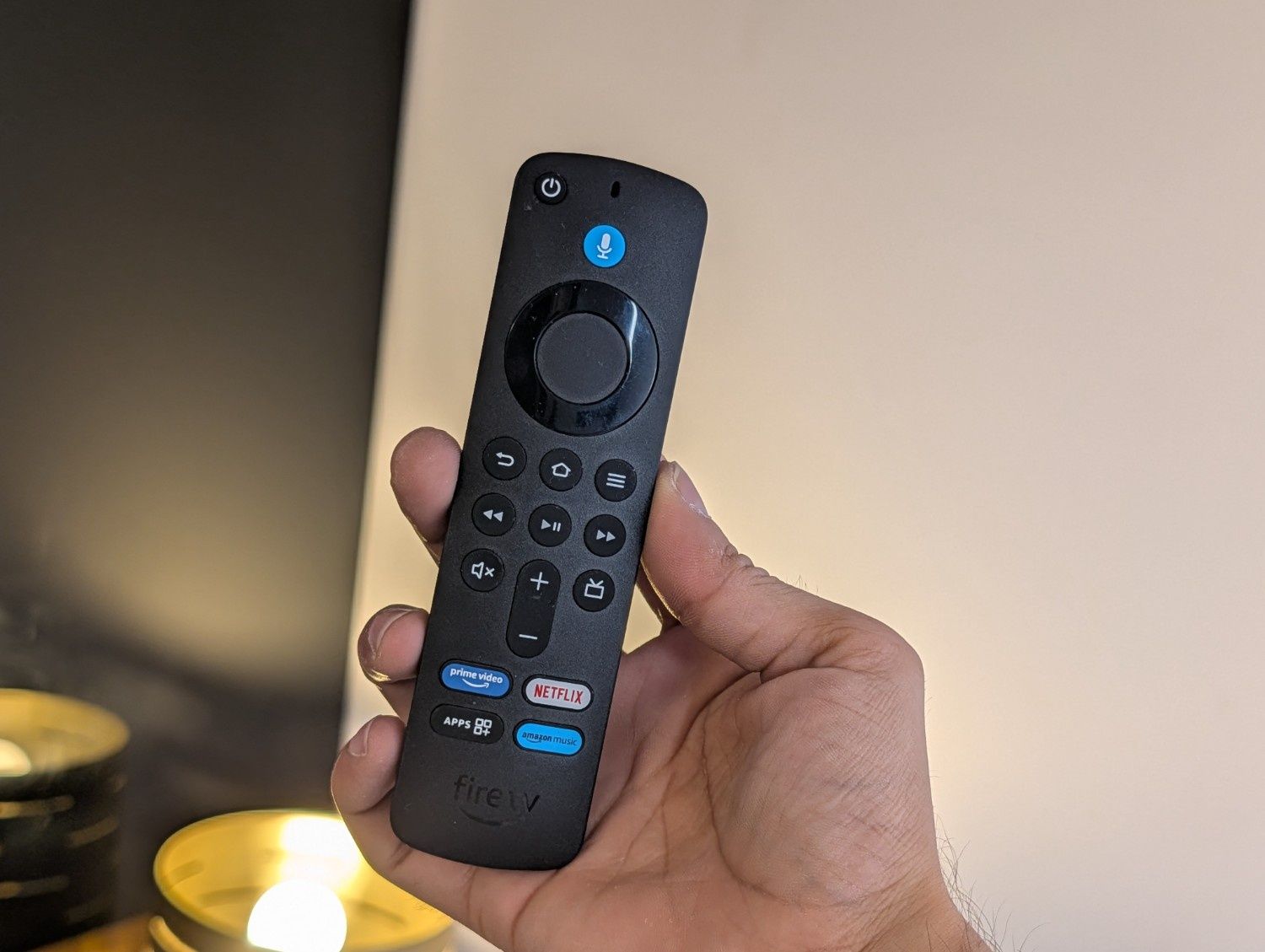
Alexa voice controls also work pretty well. You can search for content, open apps, control playback, or even manage smart home devices using simple voice commands. It’s fast, accurate, and actually convenient enough that you will use it regularly.
You also get support for Bluetooth audio, so you can pair wireless headphones as well for those late-night binge sessions.
An interesting addition is the Ambient Experience. When no one is using the TV, the fire stick can display curated artwork and photography, turning your screen into something closer to a digital frame. It isn’t a life-changing feature, but it adds to the premiumness of the device.
Lastly, if you have other Alexa-enabled devices at home, the integration here also feels pretty seamless. You can control lights and appliances or even view camera feeds directly from your TV.
Good Enough and That’s Exactly the Point
The Amazon Fire TV Stick 4K Select doesn’t try to do everything, and that’s exactly why it works. It fixes a very specific problem: slow, frustrating TV interfaces. And it does that well. You get a fast experience, it is easy to use, and stable, which is what most people expect from a streaming device.
There are some compromises, though, but they’re clearly defined and easy to work around if you’re in the target audience. If your current TV setup feels annoying and outdated, this is one of the most affordable upgrades that you can go for.