Graphic design and video editing put very different demands on a laptop. Photoshop, Illustrator and Lightroom benefit enormously from a good display, while Premiere Pro, After Effects and DaVinci Resolve can make much better use of a dedicated GPU.
That makes shopping around ₹1 lakh slightly complicated. Some of the fastest laptops in this price range use gaming-focused displays with limited colour coverage, while machines with excellent OLED panels often rely on integrated graphics. The right choice depends on whether your workload leans more towards design, video production or a mixture of both.
We shortlisted five laptops that can be bought for under ₹1 lakh once currently available offers are taken into account. The list ranges from lightweight OLED machines for designers to RTX 4050 laptops better suited to heavier video-editing workloads.
| Laptop | Current price | Lowest effective price | Best suited for |
|---|---|---|---|
| Motorola Moto Book 60 Pro | ₹89,990 | ₹85,990 | Graphic design and display quality |
| MSI Katana 15 B13UDXK | ₹96,990 | ₹92,990 | Storage-heavy video projects |
| Lenovo LOQ Essential 83S000G8IN | ₹98,490 | ₹95,536 with eligible cashback | Best overall balance |
| Acer Aspire 7 A715-79G | ₹99,999 | ₹95,999 | Strong CPU + RTX 4050 performance |
| Acer Nitro Lite 16 NL16-71G-54MY | ₹1,02,799 | ₹98,799 | Best RTX 4050 option under ₹1 lakh after offer |
Bank discounts and cashback eligibility can change. The Lenovo price includes the maximum Amazon Pay cashback currently shown, rather than an instant checkout discount.
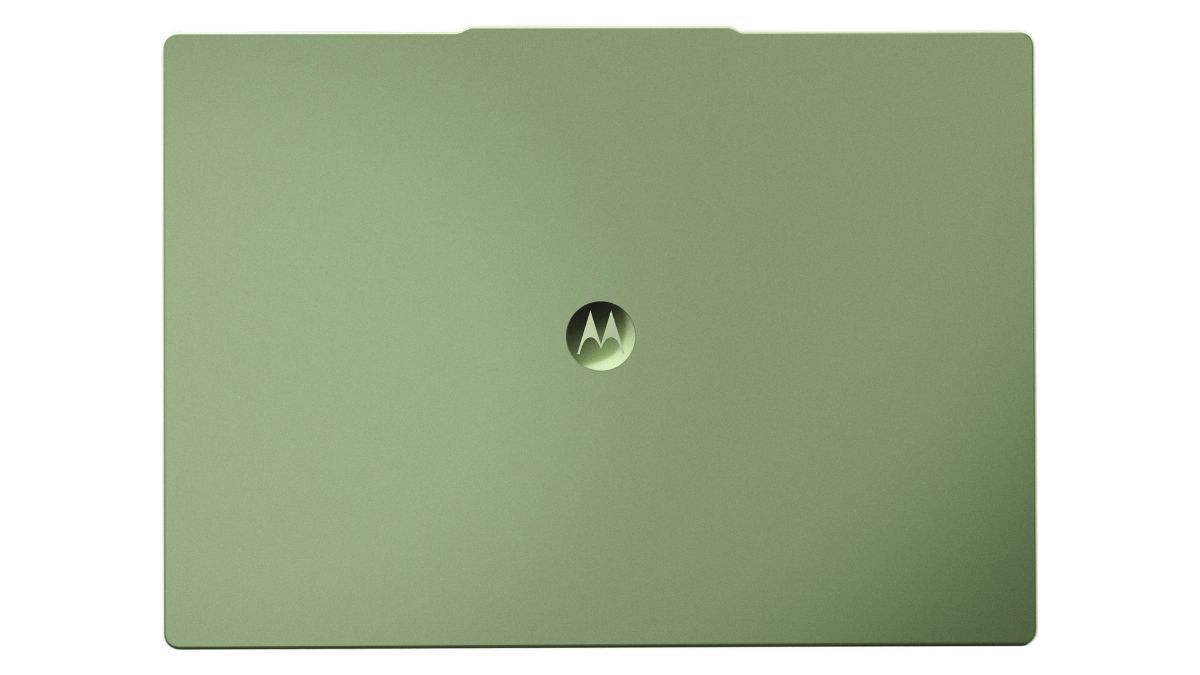
Motorola Moto Book 60 Pro — ₹89,990
Check the Motorola Moto Book 60 Pro price
If most of your creative work starts and ends with what you see on the screen, the Moto Book 60 Pro is one of the easiest laptops here to appreciate.
Its 14-inch OLED display has a 2880 × 1800 resolution, 120Hz refresh rate and claimed 100% DCI-P3 colour coverage. Motorola also rates the panel at up to 500 nits of typical brightness. For Photoshop, Illustrator, Lightroom, UI/UX work and other visually focused applications, that is a far more useful specification than simply having a faster GPU attached to a poor display.
The rest of the machine is built around Intel’s Core Ultra 5 225H, 16GB memory and a 512GB SSD. At around 1.39kg, it is also dramatically easier to carry than the gaming laptops elsewhere in this list.
That combination makes the Moto Book particularly suitable for designers who work between home, office, college or client locations. The high-resolution OLED screen gives photographs, illustrations and typography considerably more room to breathe than a standard Full HD panel.
There is a clear limitation, though. The Moto Book does not have a dedicated Nvidia GPU.
It can still handle lighter Premiere Pro projects, short-form social content and general video editing, but users working extensively with GPU-heavy effects, complex DaVinci Resolve timelines or 3D applications will get considerably more performance from an RTX-equipped machine.
Storage is another thing to consider. A 512GB SSD is perfectly reasonable for design work, but video footage, caches and proxies can eat through that capacity quickly.
The laptop is currently ₹89,990, with the applicable bank offer bringing it down to ₹85,990. For somebody whose workload is primarily graphic design with occasional video editing, the quality of the display makes the Moto Book 60 Pro one of the strongest choices here.
Lenovo LOQ Essential — ₹98,490
Check the Lenovo LOQ Essential price
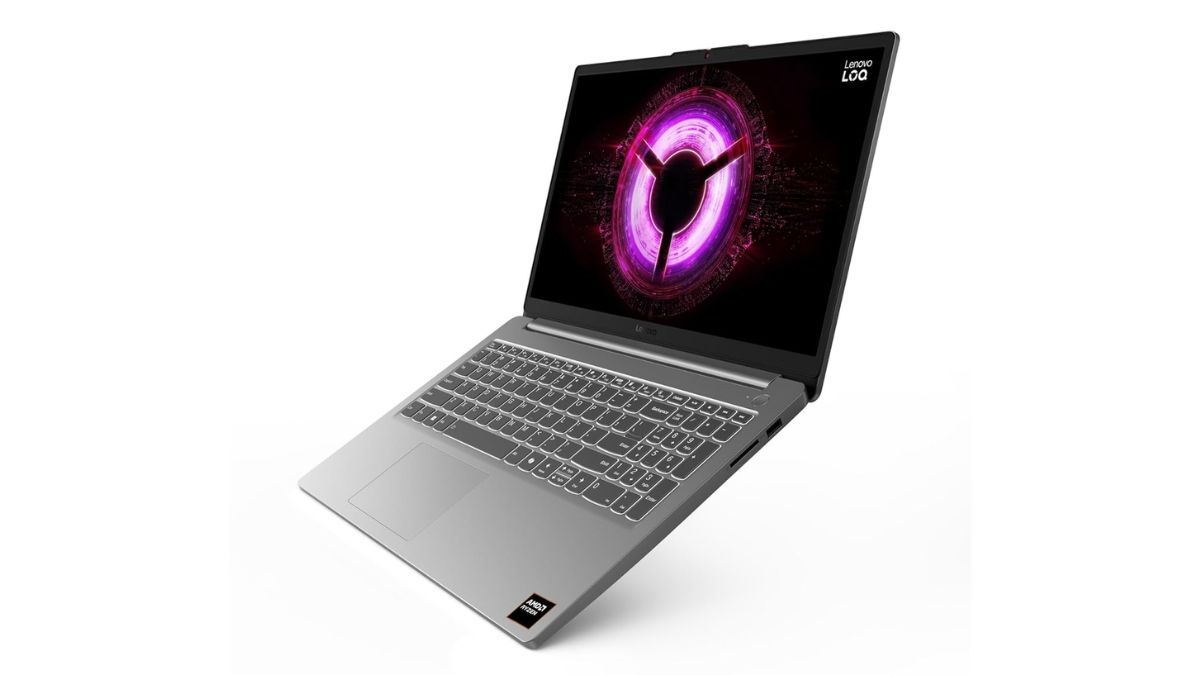
The Lenovo LOQ Essential is probably the safest recommendation if you want to do both design and video editing without immediately adding an external monitor.
That is because Lenovo manages to combine dedicated Nvidia graphics with a display that is actually useful for creative work. The 15.6-inch Full HD IPS panel runs at 144Hz and is specified for 100% sRGB coverage, giving it much better colour reproduction than the 45% NTSC gaming panels found on several alternatives.
Inside is AMD’s Ryzen 5 7535HS, an RTX 3050 with 6GB VRAM, 16GB RAM and a 512GB SSD.
The RTX 3050 is not the fastest GPU in this list, but having 6GB of dedicated VRAM and CUDA support still gives applications such as Premiere Pro, After Effects and DaVinci Resolve considerably more room than integrated graphics. GPU-accelerated effects, encoding and some rendering workloads can all benefit.
The Ryzen 5 7535HS has six cores and 12 threads, so there is enough CPU performance here for everyday creative work without turning the laptop into an unnecessarily expensive workstation.
Upgradeability is another advantage. The LOQ platform gives you conventional DDR5 memory slots and room for storage expansion, which matters if 16GB RAM or 512GB storage eventually starts feeling restrictive.
Its biggest weakness is that the RTX 3050 is now an older GPU. Anyone whose workload is heavily weighted towards video editing rather than design can get noticeably more graphics performance from the RTX 4050 laptops below.
What makes the LOQ appealing is balance. You do not have to choose between having a usable internal display and dedicated graphics.
The laptop is currently ₹98,490. Amazon also shows up to ₹2,954 cashback, which would bring the effective cost to ₹95,536 if you qualify for the full offer. Since this comes as cashback rather than an instant discount, I would still budget around the ₹98,490 purchase price.
For somebody splitting their time between Photoshop, Illustrator, Premiere Pro and similar applications, this is the machine I would recommend to the largest number of buyers.
Acer Nitro Lite 16 — ₹1,02,799
Check the Acer Nitro Lite 16 price
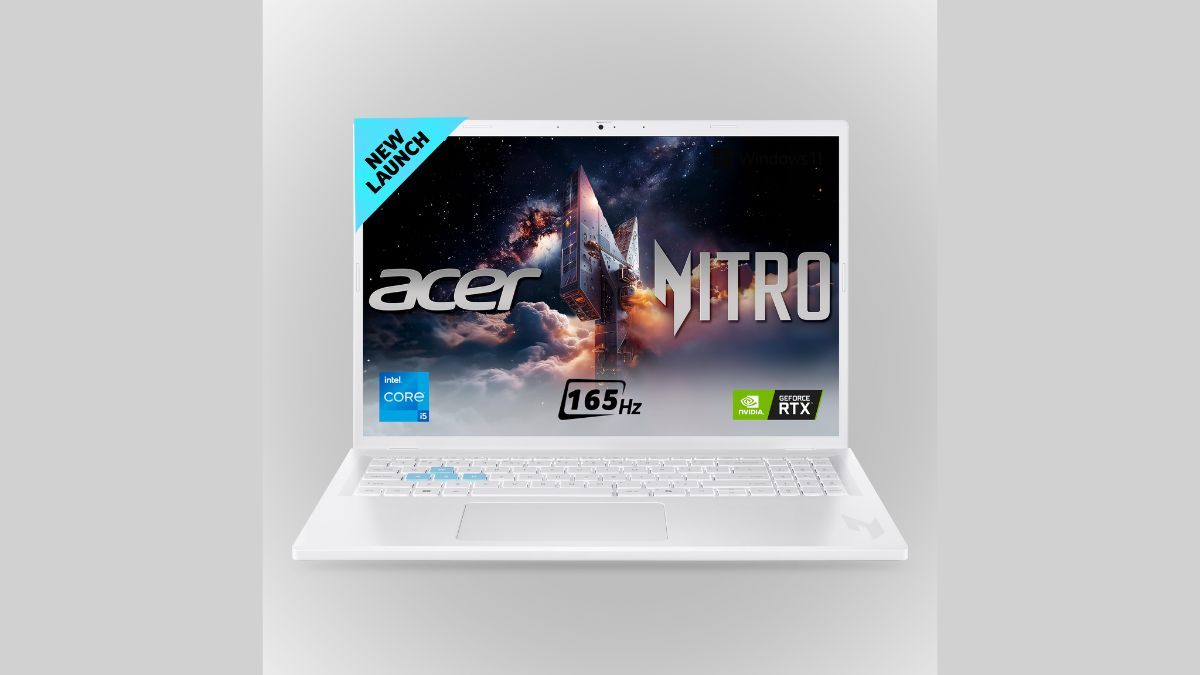
The Nitro Lite 16 is the performance-focused choice in this group. Its regular ₹1,02,799 price technically puts it slightly above our budget, but the currently applicable ₹4,000 bank discount brings it down to ₹98,799.
That gets you an Intel Core i5-13420H, 16GB DDR5 RAM, a 512GB SSD and, crucially, an RTX 4050 Laptop GPU with 6GB of dedicated graphics memory.
For video editing, that GPU matters. Premiere Pro, After Effects and DaVinci Resolve can all take advantage of Nvidia’s CUDA ecosystem, while GPU-assisted effects, rendering and encoding have considerably more performance available than on an integrated-graphics laptop.
The 16-inch display uses a 1920 × 1200 resolution and 165Hz refresh rate. The taller 16:10 aspect ratio is genuinely useful for editing because timelines and control panels have more vertical room than on a conventional 16:9 display.
There is a catch that graphic designers should not ignore. The panel is specified at only 45% NTSC colour coverage.
That is acceptable for gaming and ordinary productivity, but it is difficult to recommend for colour-critical Photoshop work, print design or video grading. If you already own a good external monitor, this becomes far less important. If the laptop screen will be your only display, the Lenovo LOQ or Moto Book is the safer choice.
The 512GB SSD is another area where you may run into limits. Video projects can easily consume hundreds of gigabytes once original footage, caches, proxies and exports are included.
Still, ₹98,799 for an RTX 4050 laptop is compelling if editing performance takes priority over internal display quality. Pair it with a colour-accurate monitor and the Nitro Lite 16 becomes one of the fastest creator setups you can build around this budget.
Acer Aspire 7 — ₹99,999
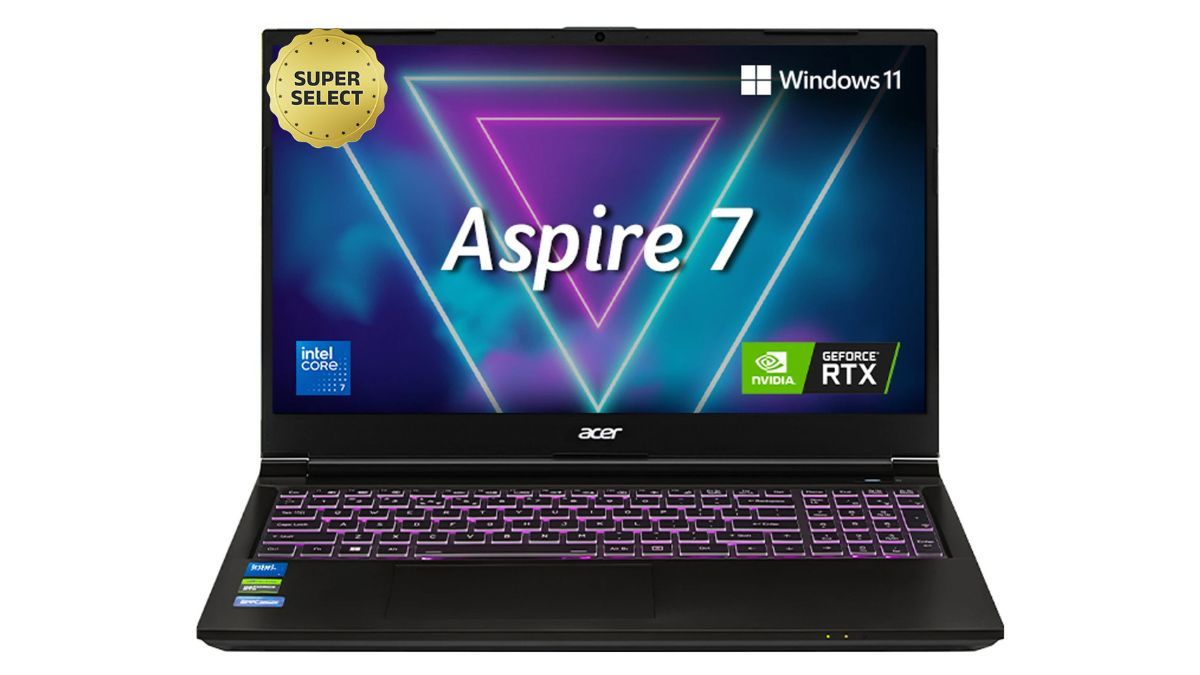
The Aspire 7 is Acer’s more understated way of delivering RTX 4050 performance. It lacks some of the obvious gaming styling of the Nitro line, but the underlying hardware is arguably even more interesting for somebody buying the laptop for work.
This configuration uses Intel’s Core 7 240H alongside an RTX 4050 6GB, 16GB RAM and a 512GB SSD. At ₹99,999, it just fits within the budget before offers, while the applicable ₹4,000 bank discount takes the effective price to ₹95,999.
The Core 7 240H is a considerably capable H-series processor, which gives the Aspire 7 plenty of headroom for exports, transcoding and other CPU-heavy parts of a creative workflow.
The RTX 4050 then handles the GPU side of the equation. That makes the Aspire particularly useful for Premiere Pro, Resolve, After Effects, Blender and other applications that can leverage Nvidia acceleration.
This is also a fairly restrained machine physically. At around 1.99kg, it is lighter than several conventional gaming laptops despite carrying dedicated RTX graphics.
The internal display is the weak point.
Its 15.6-inch Full HD panel runs at 144Hz but is geared towards gaming rather than colour-critical creative work. The limited colour coverage means I would not trust it as the sole display for professional graphic design or colour grading.
That changes the recommendation considerably. If you work at a desk with a proper monitor, the Aspire 7 becomes one of the more attractive machines here because you can take advantage of its Core 7 and RTX 4050 without caring much about the built-in panel.
At ₹95,999 after the applicable discount, it is a particularly strong choice for editors who already have an external display and want as much CPU and GPU performance as possible around ₹1 lakh.
MSI Katana 15 — ₹96,990
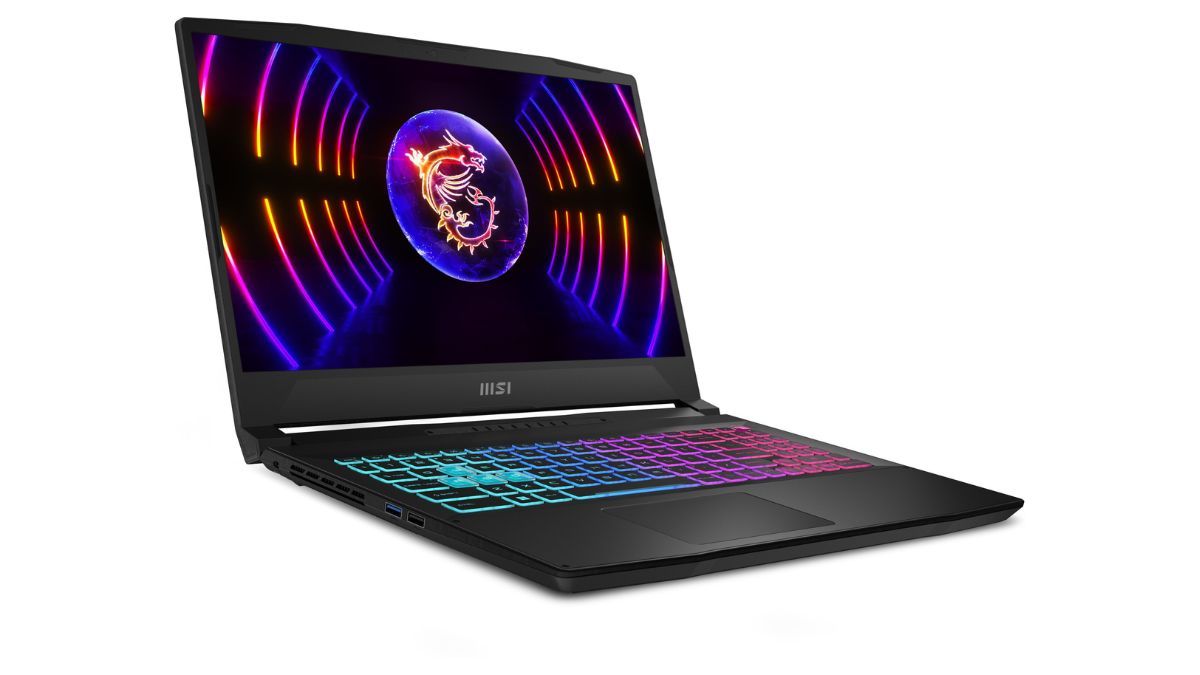
Video editing has a habit of turning storage into a problem much faster than expected. The Katana 15’s biggest advantage is therefore not its processor or graphics card, but the fact that MSI gives you a 1TB SSD from the start.
That is twice the storage included with every other laptop in this shortlist and gives you far more room for footage, proxies, cache files, project assets and finished exports.
The rest of the specification consists of an Intel Core i5-13420H, 16GB DDR5 RAM and an RTX 3050 Laptop GPU with 6GB of graphics memory. MSI specifies this GPU implementation at up to 75W.
The RTX 3050 falls behind the RTX 4050 in the two Acer machines, but it still provides CUDA acceleration and dedicated VRAM for applications such as Premiere Pro, After Effects and DaVinci Resolve.
For somebody editing larger projects, having both Nvidia acceleration and a 1TB SSD can be more convenient than buying a faster laptop and immediately having to spend more on storage.
The 15.6-inch Full HD display runs at 144Hz, but colour coverage is again the compromise. The 45% NTSC panel is designed more for gaming than colour-sensitive professional work.
That means graphic designers should either use an external colour-accurate monitor or look towards the Lenovo or Motorola instead.
The Katana is currently ₹96,990, while the applicable ₹4,000 bank offer can bring it down to ₹92,990.
At that effective price, its appeal is easy to understand: you get an Nvidia GPU, 16GB RAM and 1TB of storage without crossing ₹1 lakh. For video editors expecting their project files to grow quickly, that extra storage could prove more useful than a small improvement elsewhere.
Which laptop should you actually buy for graphic design and video editing?
The Lenovo LOQ Essential is the easiest recommendation if you want one laptop to handle both jobs. Its RTX 3050 is not the fastest GPU here, but the combination of dedicated graphics and a 100% sRGB IPS display means you can comfortably work on the laptop itself without immediately budgeting for an external monitor.
If graphic design is the bigger priority, I would choose the Motorola Moto Book 60 Pro. Its 2.8K 120Hz OLED panel with 100% DCI-P3 coverage is in a completely different class from the basic gaming displays found on several competitors. The 1.39kg chassis is another major advantage for somebody carrying the laptop every day.
For video editing performance, the Acer Nitro Lite 16 and Aspire 7 are the machines to watch. Both give you an RTX 4050 with 6GB VRAM, which provides considerably more GPU headroom than the RTX 3050 options. Their displays are the compromise, so they make the most sense when paired with an external colour-accurate monitor.
Between the two, the Nitro Lite 16 gets you RTX 4050 performance for ₹98,799 after the applicable offer, while the Aspire 7 combines the same GPU tier with a stronger Core 7 processor for an effective ₹95,999.
The MSI Katana 15 takes a different route. Its RTX 3050 is slower, but the standard 1TB SSD gives video editors much more storage to work with from day one.
The two HP laptops from the original shortlist have been left out because their current ₹1,06,990 pricing keeps them above the ₹1 lakh ceiling even after the visible cashback offers.
For most buyers who need both design and editing capabilities, the Lenovo LOQ Essential is the most balanced option. For designers, pick the Moto Book 60 Pro. For video editors who already have a good external monitor, the RTX 4050 Acer machines offer the strongest performance for the money.