For most people, a streaming stick isn't about adding new features to a TV. It's about fixing the experience they already have. Slow menus, outdated software, and apps that take forever to load are usually what push people toward buying one.
The Amazon Fire TV Stick 1080p sits at the most affordable end of Amazon's streaming lineup at Rs. 4999. It's designed for users who still own Full HD televisions and don't necessarily need 4K streaming. On paper, it offers everything you need: access to major streaming apps, Alexa voice controls, and Amazon's familiar Fire TV experience. After using it for a few days, one thing became clear. It handles streaming reasonably well, but the hardware limitations are difficult to ignore during everyday navigation.
Familiar Design With One Daily Irritation
Getting started is straightforward. Plug the Fire TV Stick into your TV's HDMI port, connect the power cable, pair the remote, and log in. The stick itself is compact enough to disappear behind the television, which is exactly what most users will want. The remote is surprisingly good for a budget streaming device. It feels sturdy, has a premium finish, and includes dedicated buttons for power, volume, mute, Alexa, and popular streaming platforms. Amazon has clearly not cut corners here.
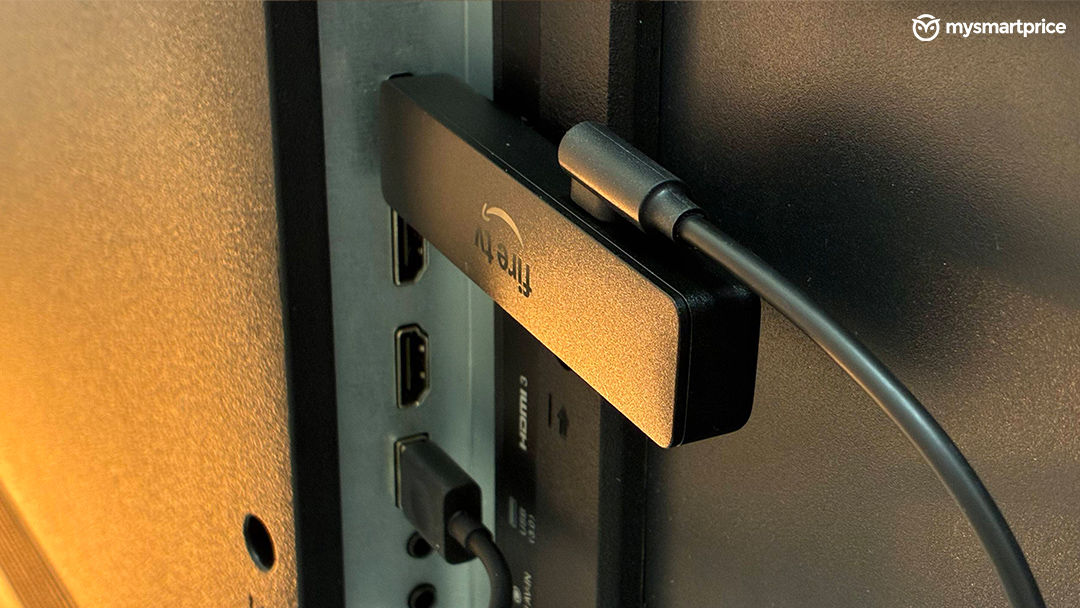
What did become annoying over time was the port situation. The Fire TV Stick requires both an HDMI port and a USB-A port for power. If your television has only a single USB-A port, which is common on budget TVs, you'll have to disconnect the Fire TV Stick whenever you want to use a pen drive or anything else that requires an HDMI port. It's a small inconvenience, but one that comes up often enough to be frustrating.
Performance Feels Underpowered
The biggest difference between the Fire TV Stick 1080p and the Fire TV Stick 4K Select becomes obvious within minutes of use.
Navigation feels laggy. Scrolling through menus, opening apps, and moving around the interface all have a slight delay. The lag isn't severe enough to break the experience, but it's always there. Every button press feels a fraction slower than it should, and for some this could be irritating.
For basic streaming, that's manageable. Once a movie or TV show starts playing, everything works as expected. But the moment you begin rapidly switching between apps or browsing content, the hardware starts showing its limits.
Gaming is where things fall apart completely. I tried suggested games that came on the home screen; performance is inconsistent and choppy enough that gaming isn't a practical use case. If gaming matters at all, you're better off spending more on a higher-end streaming device.
Amazon Silk Browser Is Useful, But Too Slow
One feature that deserves credit is Amazon Silk.
Most streaming devices don't include a proper web browser, and having one available directly on the TV is genuinely useful. For quick searches, checking scores, opening websites, or reading something briefly, it works.
The problem is performance. Page loading feels slow, scrolling isn't particularly smooth, and overall responsiveness isn't where it needs to be for regular browsing. Silk feels more like an emergency tool than something you'd intentionally use every day. It's a nice feature to have, but not one that this hardware can fully take advantage of.
Streaming Quality Gets the Job Done
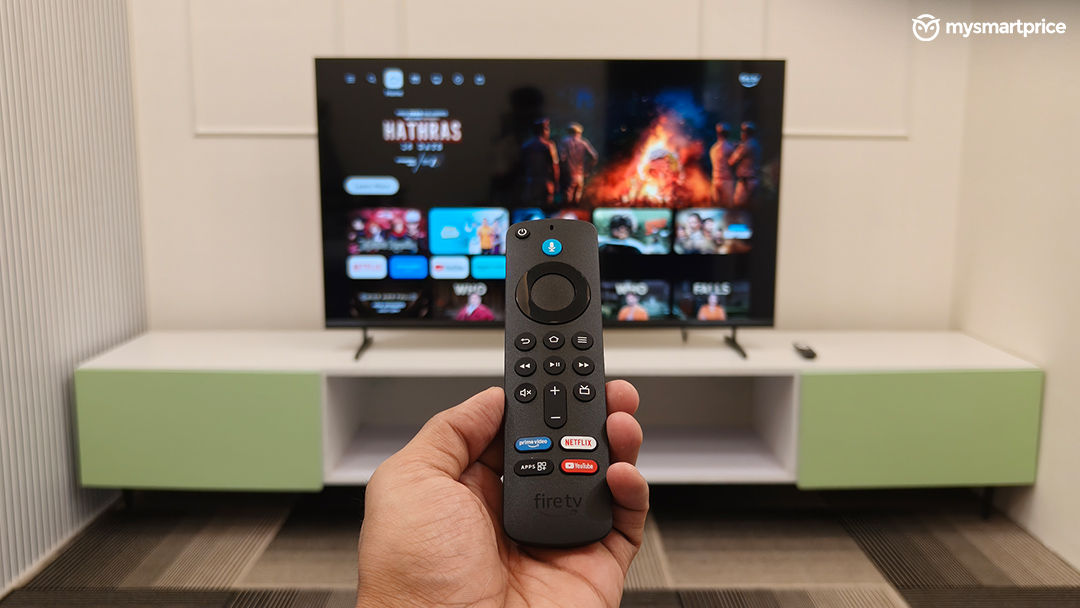
As a Full HD streaming device, the Fire TV Stick 1080p performs well where it matters most.
Video quality looks clean, streaming remains stable, and content from Netflix, Prime Video, YouTube, and other platforms plays without issues. If your television is limited to 1080p resolution, there isn't much reason to spend extra money on a 4K streaming stick. Dual-band Wi-Fi support also helps maintain stable playback during longer viewing sessions.
Of course, there are limitations. You don't get 4K streaming, Dolby Vision, or Dolby Atmos support. But those omissions are expected at this price point and unlikely to matter for users with older Full HD televisions.
Alexa Does Most of the Heavy Lifting
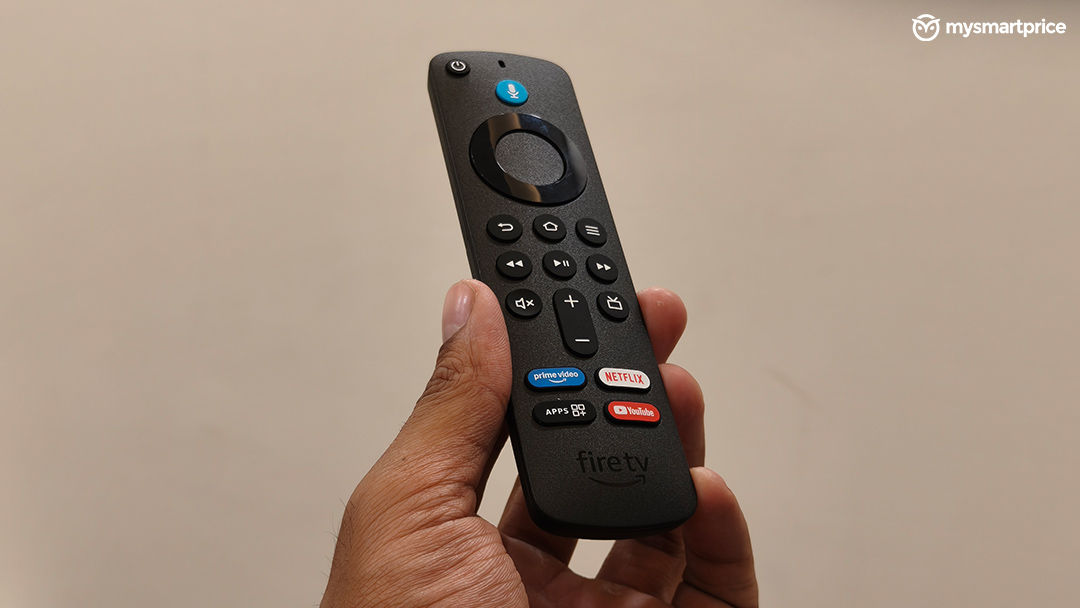
The Fire TV interface remains familiar and easy to understand. Content recommendations appear quickly, major streaming services are easy to access, and the overall layout prioritises content discovery over unnecessary menus.
Alexa is easily one of the strongest parts of the experience. Voice search works reliably, app launches happen quickly, and playback controls respond without issue. In many situations, using Alexa is actually faster than navigating through menus manually. If you already have Alexa-enabled smart home devices, the integration also works smoothly.
Verdict
The Amazon Fire TV Stick 1080p succeeds at its primary job. It gives older televisions access to modern streaming apps and delivers a significantly better experience than many built-in smart TV platforms. Streaming quality is reliable, Alexa works well, and the bundled remote feels far more premium than you would expect at this price.
The problem is that the Fire TV Stick 1080p sits in an awkward position within Amazon's own lineup. At Rs. 4,999, it is only Rs. 500 cheaper than the Fire TV Stick 4K Select, which is currently available for Rs. 5,499. That small difference gets you noticeably smoother navigation, quicker app launches, better overall responsiveness, and future-ready 4K streaming support.
During everyday use, the performance gap is more noticeable than the price gap. The Fire TV Stick 1080p constantly reminds you of its hardware limitations through input lag, slower navigation, and inconsistent performance outside of streaming. The Fire TV Stick 4K Select, on the other hand, feels far more polished and responsive, even if you are only using it on a Full HD television.
If your budget is strictly capped at Rs. 5,000 and your primary goal is watching Netflix, Prime Video, YouTube, and other streaming apps on a 1080p TV, the Fire TV Stick 1080p gets the job done. However, if you can stretch your budget by just Rs. 500, the Fire TV Stick 4K Select is a significantly better buy and the one most users should choose.
Amazon Fire TV Stick HD
Rs 4,999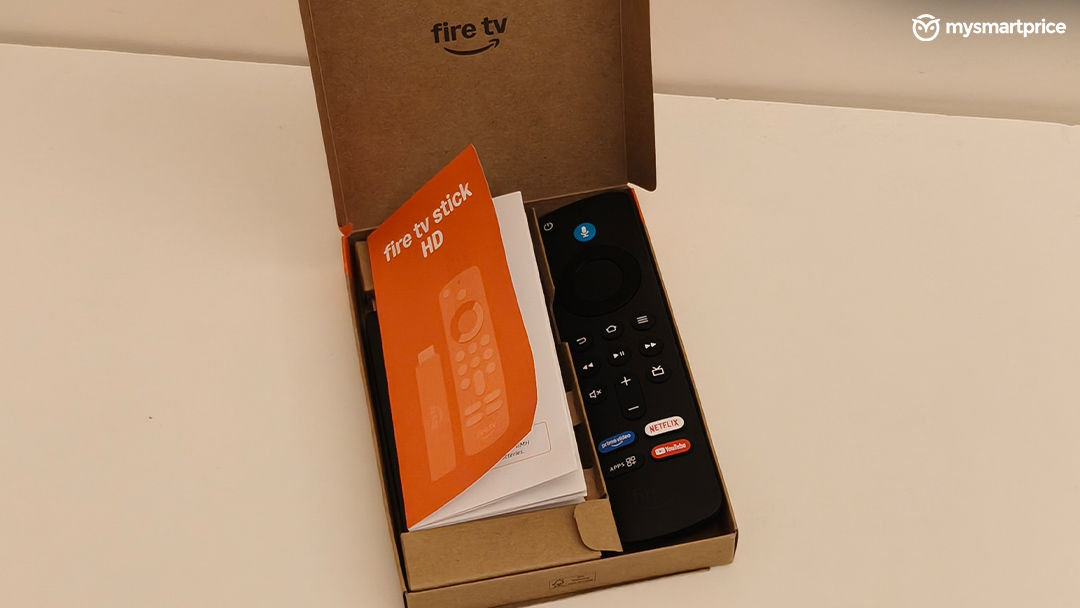
What Is Good?
- Alexa voice controls work reliably
- Remote feels premium and well-built
- Good 1080p streaming quality
- Amazon Silk browser is a useful addition
- Familiar and easy-to-use Fire TV interface
What Is Bad?
- Noticeable input lag during navigation
- Gaming performance is poor
- Silk browser feels sluggish
- Occupies HDMI and USB-A ports simultaneously
- No support for 4K, Dolby Vision, or Dolby Atmos