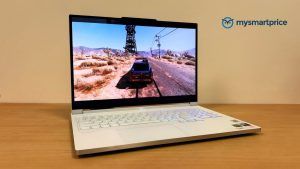
The Xbox Cloud Gaming service recently hit the Indian shores, which may have helped Xbox reach a pleasantly unexpected milestone. For context, India is home to many aspiring gamers; however, high import duties and other costs make it difficult to afford proper gaming hardware. That’s where cloud gaming steps in, letting users bypass these barriers and enjoy AAA titles anytime, anywhere, on any smart device. While various native companies have attempted to run this service since 2020, they have often run into issues, such as a limited game library or high latency. So they remained niche, held back by their unfeasibility.
With the service now live, I wanted to see whether Xbox Cloud Gaming can actually deliver a consistent, console-like experience in real use. So I set my PS5 aside and used it full-time for a week. Here’s what stood out.
How I Put the Xbox Cloud Gaming to the Test
To use Xbox Cloud Gaming, you need an active Xbox Game Pass subscription. The service includes a rotating library of games, which I’ll explain in detail later. I used the Ultimate tier, giving me access to more than 400 titles. For my evaluation, I picked Indiana Jones and the Great Circle, Forza Horizon 5, and Fortnite, each representing a different style of play and technical load. Here’s why these three made the cut:
- Indiana Jones and the Great Circle: This modern adaptation of the classic Indiana Jones adventure, which debuted last year, has quickly climbed the ranks to become one of the most graphics-demanding games in recent history. It features elaborately designed set pieces, a visually rich location, and lifelike in-game lighting. I picked this game to assess the visual fidelity of Xbox Cloud Gaming.
- Forza Horizon 5: It is a well-known racing game developed by Xbox’s own studio, renowned for its resource-intensive graphics and dynamic gameplay. I have played it to measure the touch responsiveness of the service.
- Fortnite: This Epic Games offering is one of the most popular battle royale games, visited by over 30 million players. I have run it to assess how the Xbox Cloud Gaming handles live-service games without hampering the fun.
After covering the games I played during my week-long testing of Microsoft’s service, let’s move on to the devices I used to access it:
- M2-powered 13-inch MacBook Pro
- iQOO Neo 9 Pro
Both of these are devices I use regularly in my daily life, which gave me a realistic sense of how the service performs under normal conditions.
To evaluate performance accurately, I tested Xbox Cloud Gaming on three connections: Airtel Fibre at 100 Mbps, Jio 5G+, and Jio 4G. Recent reports place India’s median broadband download speeds in the 55–65 Mbps range, which means my home connection sits slightly above the national median but still close enough to represent a typical urban setup. Testing across both fibre and mobile networks also helps capture how the service behaves in different real-world conditions, from stable home Wi-Fi to variable mobile data environments.
Having discussed the games, devices, and network connections I used to evaluate Xbox Cloud Gaming, it’s time to look at the parameters by which I measure it:
- Ping: It helps determine the responsiveness of the input. Anything under 50 ms usually ensures smooth, responsive gameplay.
- Jitter: Shows fluctuations in latency. A jitter range of 0–50 ms indicates stable performance with minimal stutter or audio/video desync
- Bitrate: Reflects the visual quality of the streamed video. A bitrate of 10–16 Mbps generally delivers 1080p 60fps quality, while around 8 Mbps usually corresponds to 1080p 30fps
- Packet Loss: It reveals whether game data is being dropped during transmission, which can cause freezes, glitches, or missing frames in the stream.
Once I had set my parameters, the real question was how the service would perform in practice. So, let’s check it out.
Playing Without a Console: Here’s How It Went
Despite owning a PS5, I gravitated towards Xbox Cloud Gaming during my downtime thanks to its conveniences.
With my PS5, I had to follow multiple procedures before playing, from unpacking it from its dust cover to connecting it to my TV and verifying that I owned the game I wanted to play. In contrast, all I had to do with cloud gaming was load the website on the device closest to me, select a game from its vast library, and start playing.
Moreover, I could play console-grade games in areas with strong network coverage on my smartphone using the Xbox Cloud Gaming service. For instance, I was able to solve challenging labyrinths in Indiana Jones and the Great Circle while waiting for my food to arrive at Haldiram.
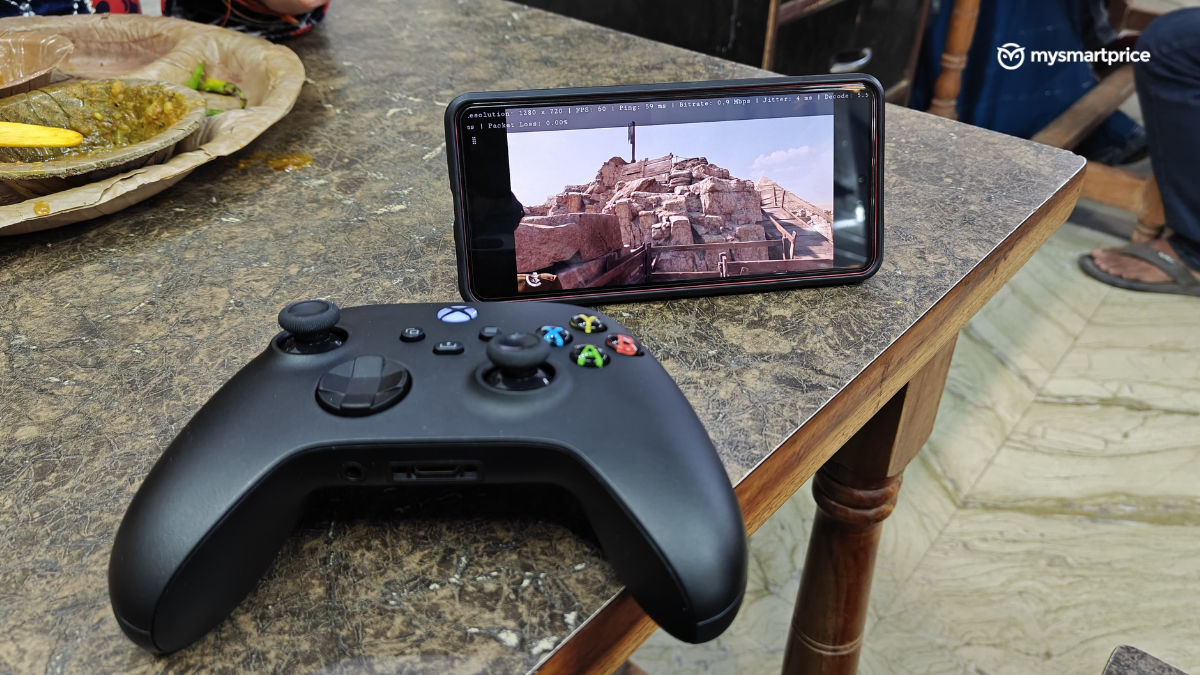
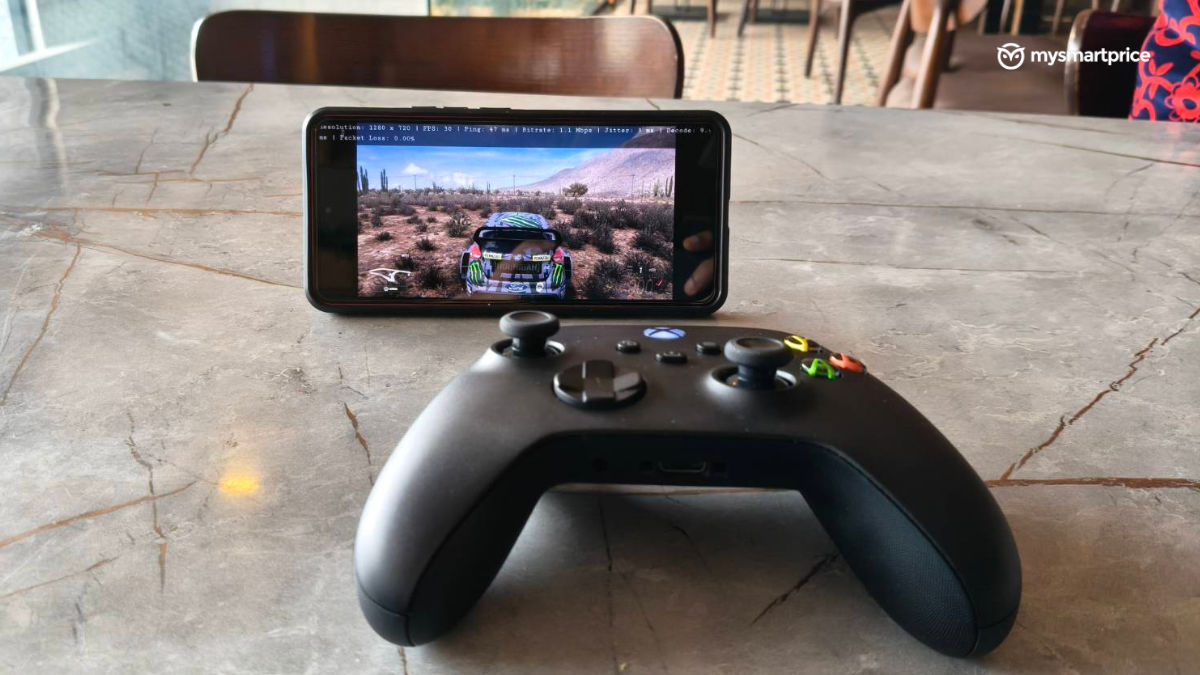
Although I could achieve the same result on my PS5 using its Remote Play service, I had to keep my console running in low-power mode at all times, which I avoided to preserve its lifespan.
- Cloud Gaming on Home Wi-Fi
While the convenience impressed me, performance matters just as much. So, let’s see how it stacked up when I accessed it on my MacBook using my Airtel broadband:
| Ping | Jitter | Bitrate | Packet Loss | Resolution | Frame Rate | |
| Indiana Jones and the Great Circle | 47 ms | 1 ms | 11.5 Mbps | 0% | 1920 x 1080p | 60 fps |
| Forza Horizon 5 | 48 ms | 1 ms | 11.5 Mbps | 0% | 1920 x 1080p | 30 fps |
| Fortnite | 49 ms | 2 ms | 10.4 Mbps | 0% | 1816 x 1136p | 60 fps |
Judging by the ping I noted when playing these games, it becomes self-explanatory that I never ran into issues with touch response. Every action, from drifting my car in Forza Horizon 5 to eliminating opponents in Fortnite, registered exactly when I intended to. I never once had to pre-plan my moves before performing them in all three games. Surprisingly, I also experienced haptic feedback on my controller at the same time as events, such as car collisions, occurred.
From a visual fidelity standpoint, the service held up equally well. As reflected in the bitrate readings, the three games maintained a crisp 1080P output throughout my session.
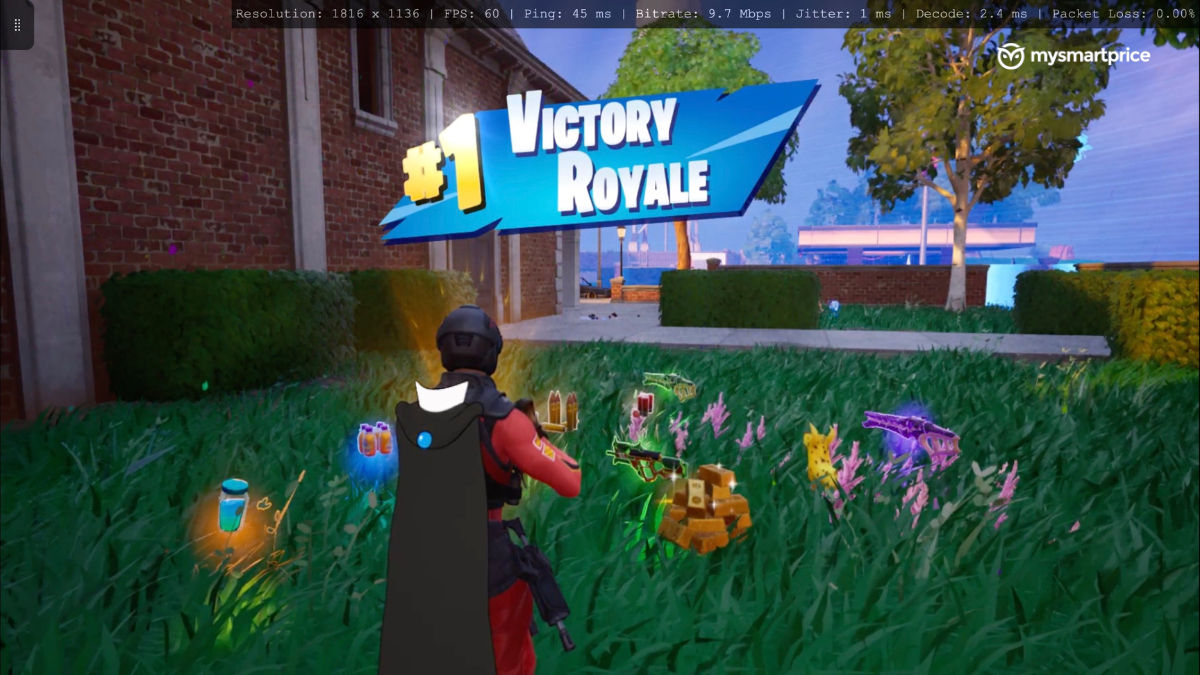
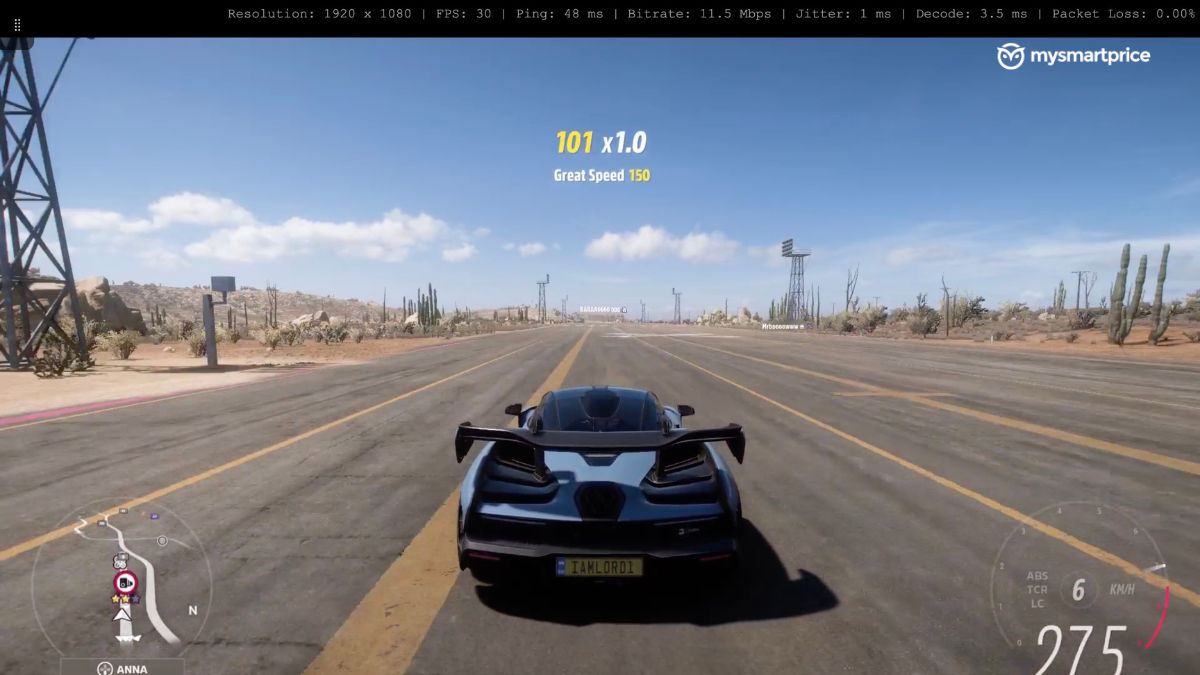
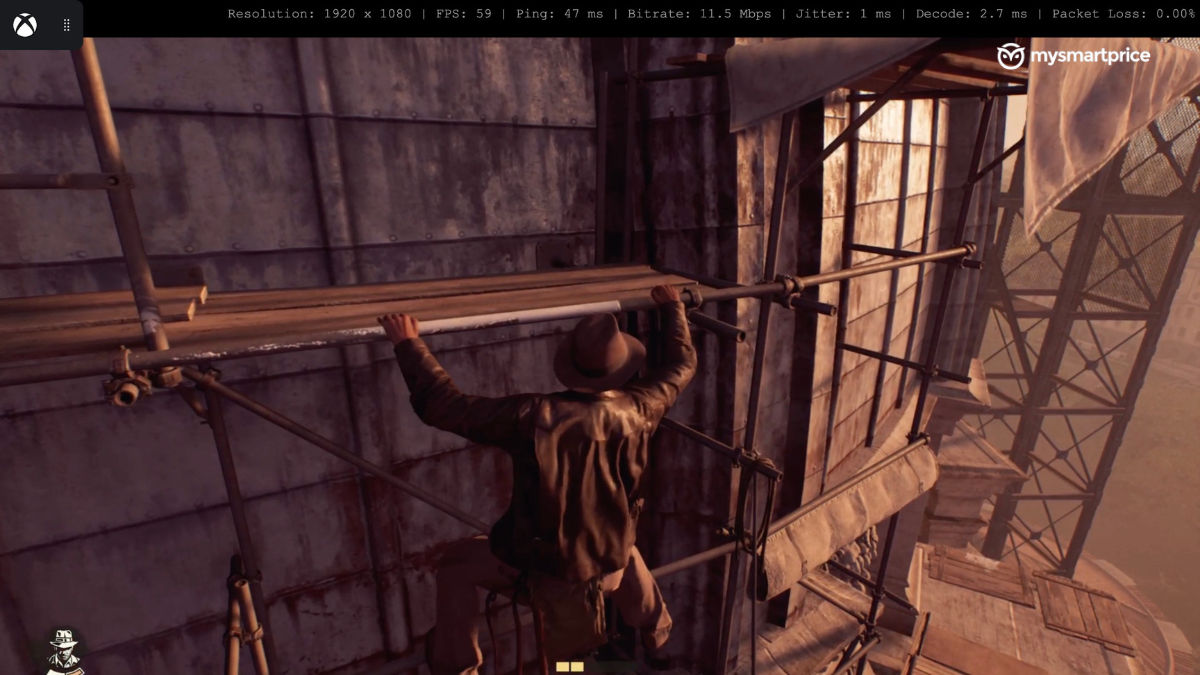
Though I should point out that Fortnite technically didn’t render at full 1080P, as indicated by the number. Even so, the image quality stayed well above 720P, hovering just below Full HD.
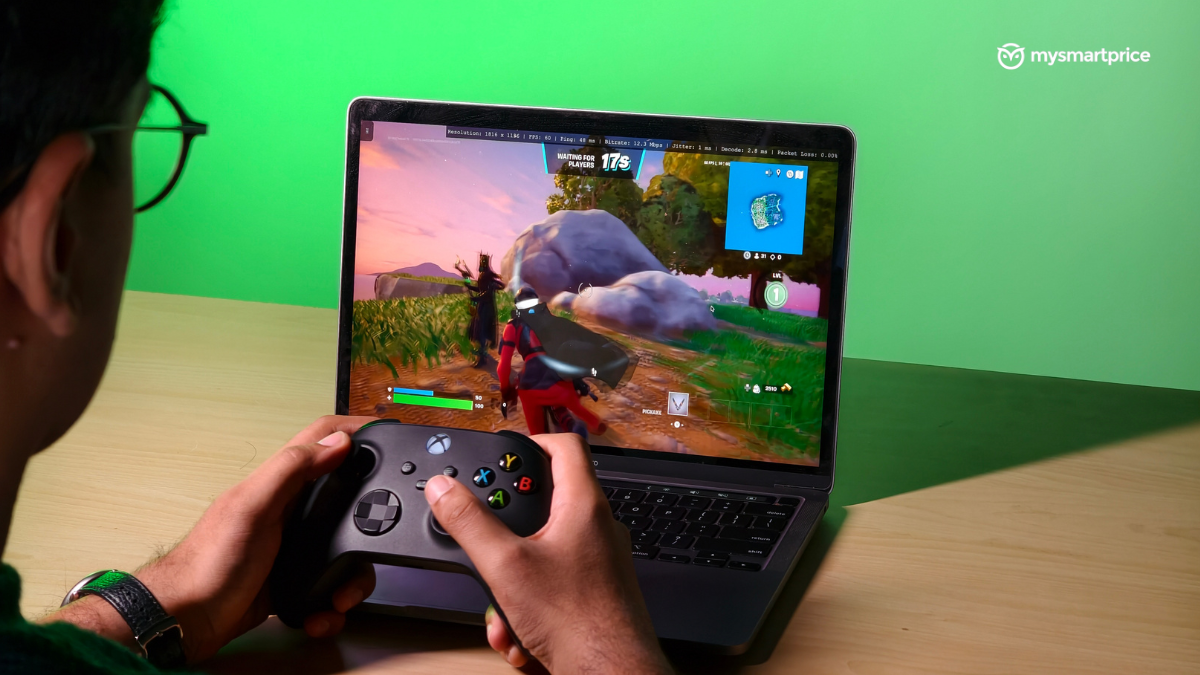
However, when I used Xbox Cloud Gaming at the same time my dad streamed TV, I occasionally saw blockiness and edge artefacts in Indiana Jones and Forza Horizon 5. This was likely due to network congestion. With two high-bandwidth activities running at the same time, the router had to redistribute available bandwidth, causing the stream to drop its visual quality to maintain smooth gameplay.
When it comes to smoothness, except for two games, Forza Horizon 5 was the only game I recorded running at a frame rate of 30fps, although it was for a specific reason. I actually bumped its graphics mode to “Quality” rather than “Performance”, configuring the game to prioritise visual output over smooth gameplay. On lowering the visual preset, it delivered fluid 60fps performance at the expense of some blockiness and edge artefacts. However, overall, I hardly encountered stutter-ridden gameplay while enjoying these three games.
- Cloud Gaming using Mobile Network:
Broadband performance gave me a strong baseline, but cloud gaming isn’t always used at home. To truly understand the service’s flexibility, I also tested it on mobile data across 5G and 4G using my Jio network on my iQOO Neo 9 Pro. Here’s what I found:
| 5G Network | Ping | Jitter | Bitrate | Packet Loss | Resolution | Frame Rate |
| Indiana Jones and the Great Circle | 55 ms | 6 ms | 5.6 Mbps | 0% | 1280 x 720p | 60 fps |
| Forza Horizon 5 | 47 ms | 5 ms | 5.4 Mbps | 0% | 1280 x 720p | 30 fps |
| Fortnite | 42 ms | 2 ms | 5.6 Mbps | 0% | 1424 x 640p | 60 fps |
Let’s first address the elephant in the room, which is that none of the games ran at 1080p resolution; instead, they delivered a 720p output. Fortnite, yet again, stood out with its distinct resolution. It was noticeably sharper than 480p, but not quite as defined as the one with 720p quality. That said, it remained the only game to cover the whole 20:9 aspect ratio of my iQOO Neo 9 Pro. The other two games featured black bars on the left and right sides of the screen.
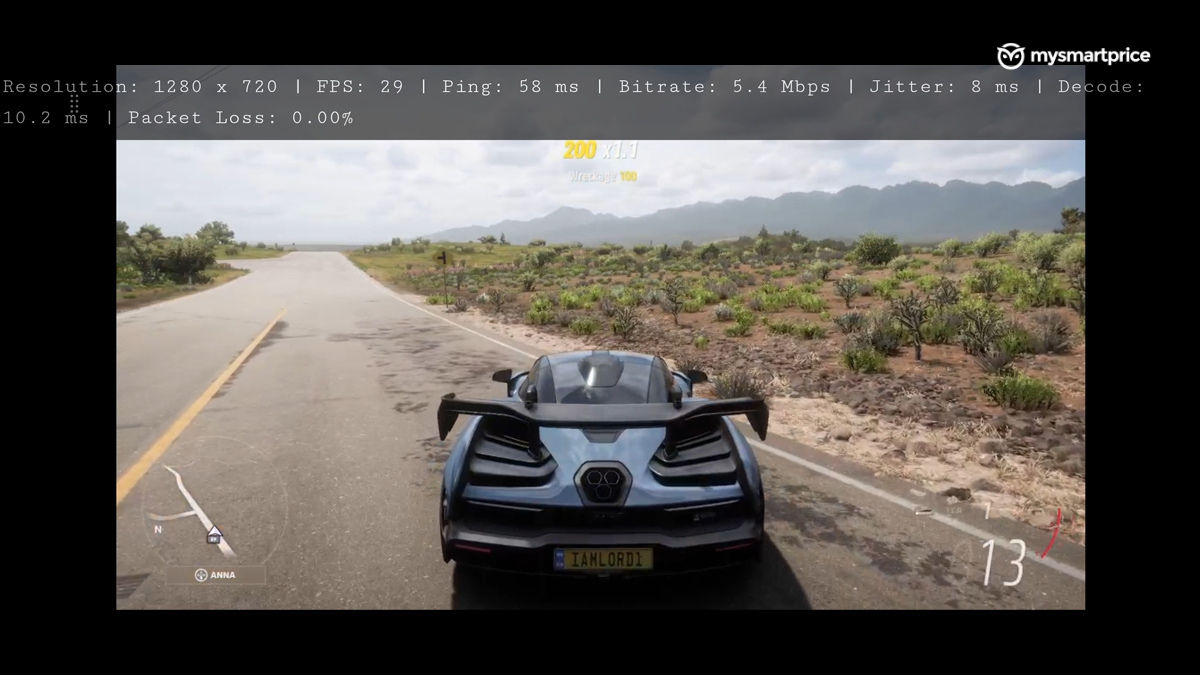
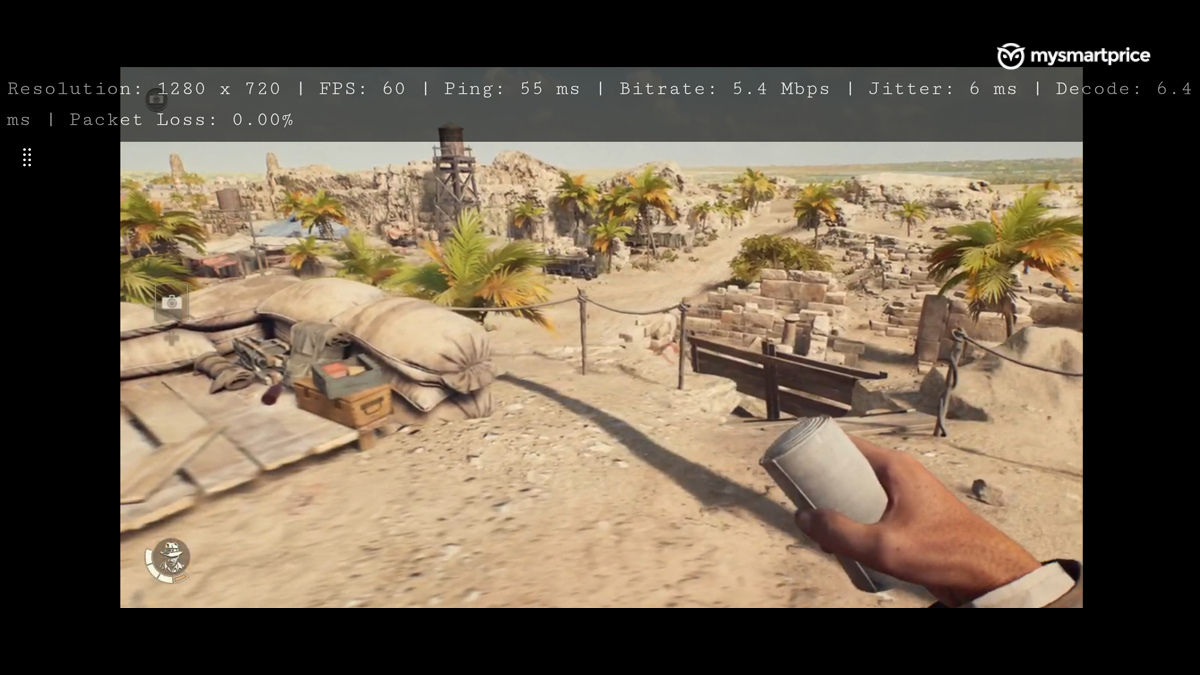
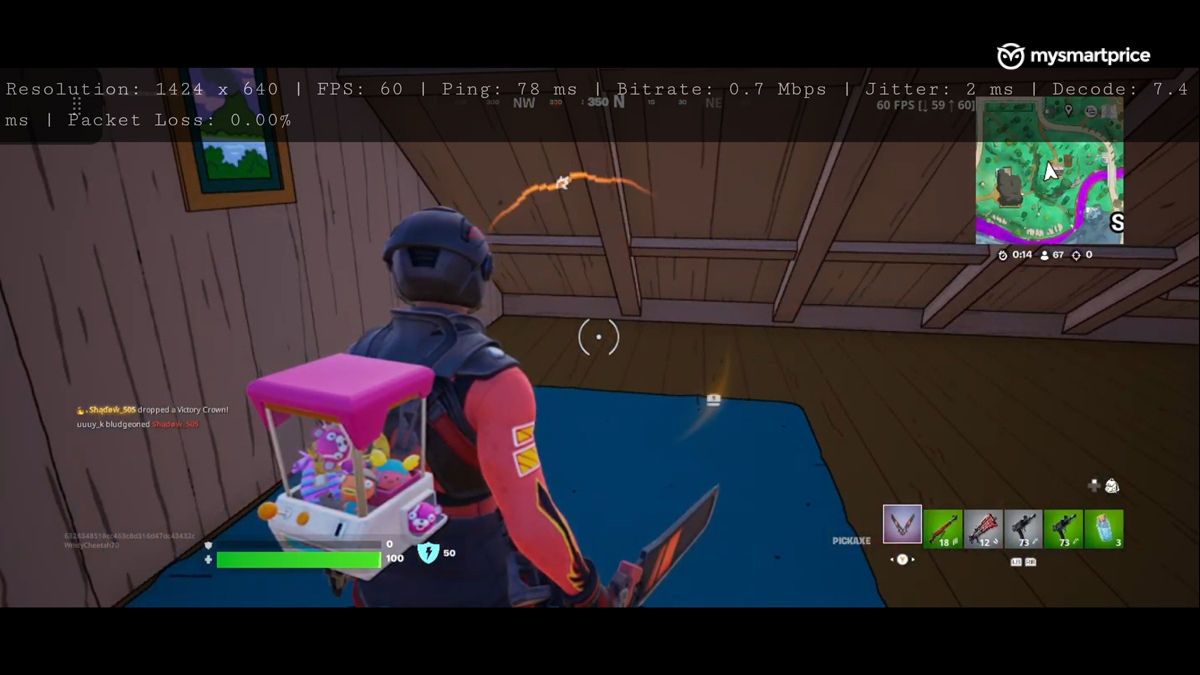
Still, this didn’t diminish the experience for me, nor did it make me dislike using Xbox Cloud Gaming on mobile. I never once felt that I was yearning for more clarity in my games. Additionally, as shown in the Ping and Frame Rate readings, the gameplay was fluid, and the touch response remained sharp throughout.
However, things changed the moment my mobile connectivity switched to 4G technology. The service didn’t behave quite the same way. Fortnite, being a live service game, suffered the most out of the three games. It hit a ping of 108ms, while the others remained closer to 78ms. As a result, correcting my camera angle in Fortnite suddenly became an uphill task, not to mention moving my character even an inch forward. This likely occurred because the signal had to make an extra trip. It travelled to the cloud computer and then to the multiplayer servers. That added distance created a delay that 4G struggled to handle.
With the other two games, the main concern was their graphical clarity, as pixel distortion marred their gameplay. Other than this, I could somewhat control Indiana Jones’ movement in his game and drive my car in Forza Horizon 5 without any concerning challenge.
In short, 5G delivered smooth and responsive cloud gaming with only a mild drop in clarity. On the contrary, 4G revealed clear limitations, including inconsistent gameplay, patchy visuals, and higher latency, making titles like Fortnite noticeably harder to play.
Breaking Down the Cost of Xbox Cloud Gaming
With performance established, the cost of Xbox Cloud Gaming becomes a key consideration. The service itself does not charge a fee, but a subscription is required. The base plan costs Rs 499 per month, the Premium is Rs 699, and the Ultimate is for Rs 1,389.
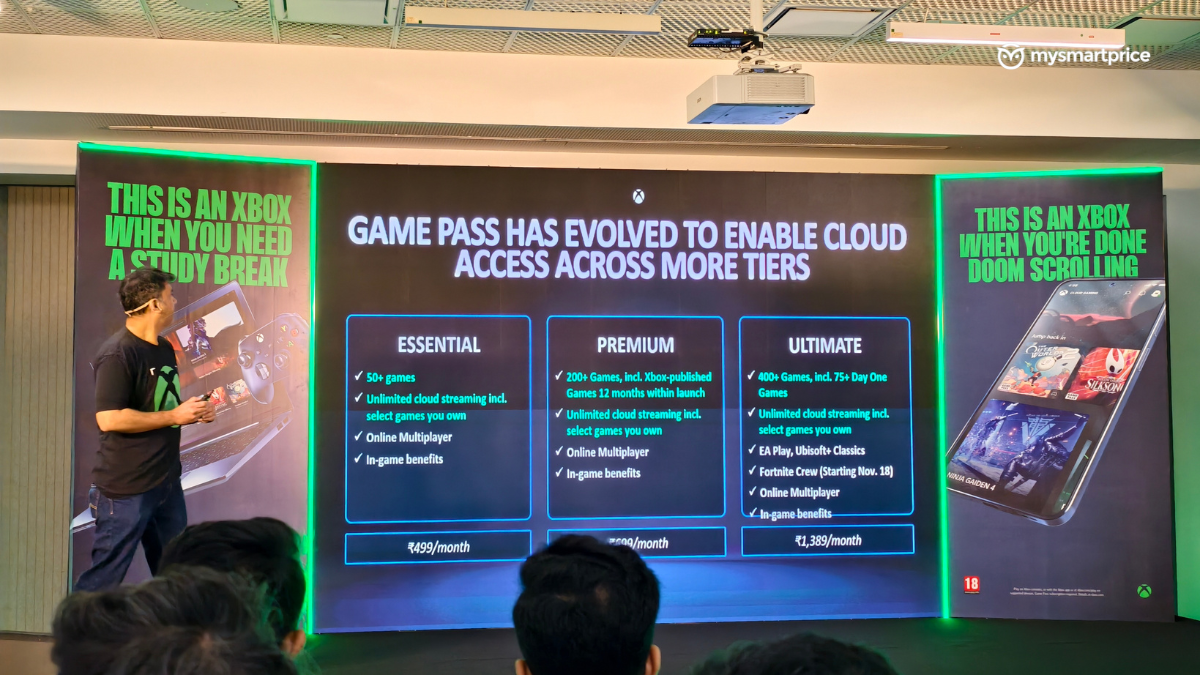
Among these, the Premium tier appears to be the most practical for Indian gamers. Xbox consoles carry a high upfront cost, often managed through EMIs, and stock remains limited. The launch price of ₹49,900 is the closest reference, with additional costs for games. A five-year Premium subscription roughly matches this cost while offering access to a large library, making it easier to manage financially.
The base plan is the most cost-effective over a longer period, but it is limited to 50 older games. The Ultimate package offers over 400 games, including more than 75 day-one titles. However, its higher monthly fee makes Premium the better balance between value and variety.
Comparing this with the PS5, its top-tier membership costs Rs 849 per month, which is cheaper than Xbox’s Ultimate plan. However, it can only be used on a PS5 console, limiting access to a single device. Xbox Cloud Gaming is compatible with laptops, smartphones, and tablets, offering more flexibility. While the PS5 membership may be cheaper in isolation, Xbox provides wider device support and a larger library for a similar long-term investment.
Verdict
While Xbox Cloud Gaming is not perfect, with 4G connectivity struggling and some games not running at full 1080p, it impresses with convenience, responsive touch controls, and broad device compatibility. Performance over broadband and 5G is smooth, visuals remain strong, and the service offers an extensive game library. Coupled with flexible subscription tiers, it provides a cost-effective alternative to owning a console. For gamers seeking accessibility and variety without being tied to hardware, Xbox Cloud Gaming is a compelling option.