In the era where most people use a laptop as their primary productivity machine, I am one of those rare breeds who continues to use a desktop computer without any gaming. While macOS users have the iMacs, there are limited options for people who prefer to eat fruits other than apples. The Asus M3702WFA All-in-One caters to this very specific niche of users who love to use a proper desktop, without consuming the additional space for a tower. In this review, let’s check how good or bad the latest Asus AIO is for being your work companion.
Asus AIO M3702WFA
Rs 60,990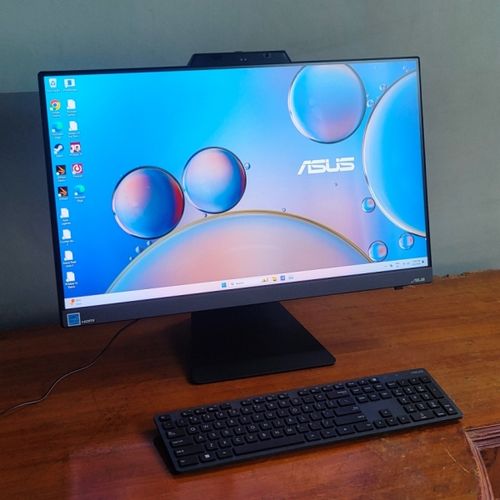
What Is Good?
- Excellent performance
- Thermal stability
- Solid build quality
- Plenty of I/O ports
What Is Bad?
- Colours on the display look pale
- Refresh rate limited to 75Hz
- Complicated process to upgrade RAM
- Bundled keyboard and mouse could have been better
Asus M3702WFA All-in-One Review: Build and Design
The Asus M3702 AIO looks like a typical professional-grade desktop, which you would find in most offices. Unlike the Zenbook laptops from Asus which always feature some kind of design elements that differentiate it from the masses, this AIO has a minimalistic look. I tested the black variant which sat quietly on my desk without catching an eye. I feel that the white colour variant looks much more premium with its silver stand.
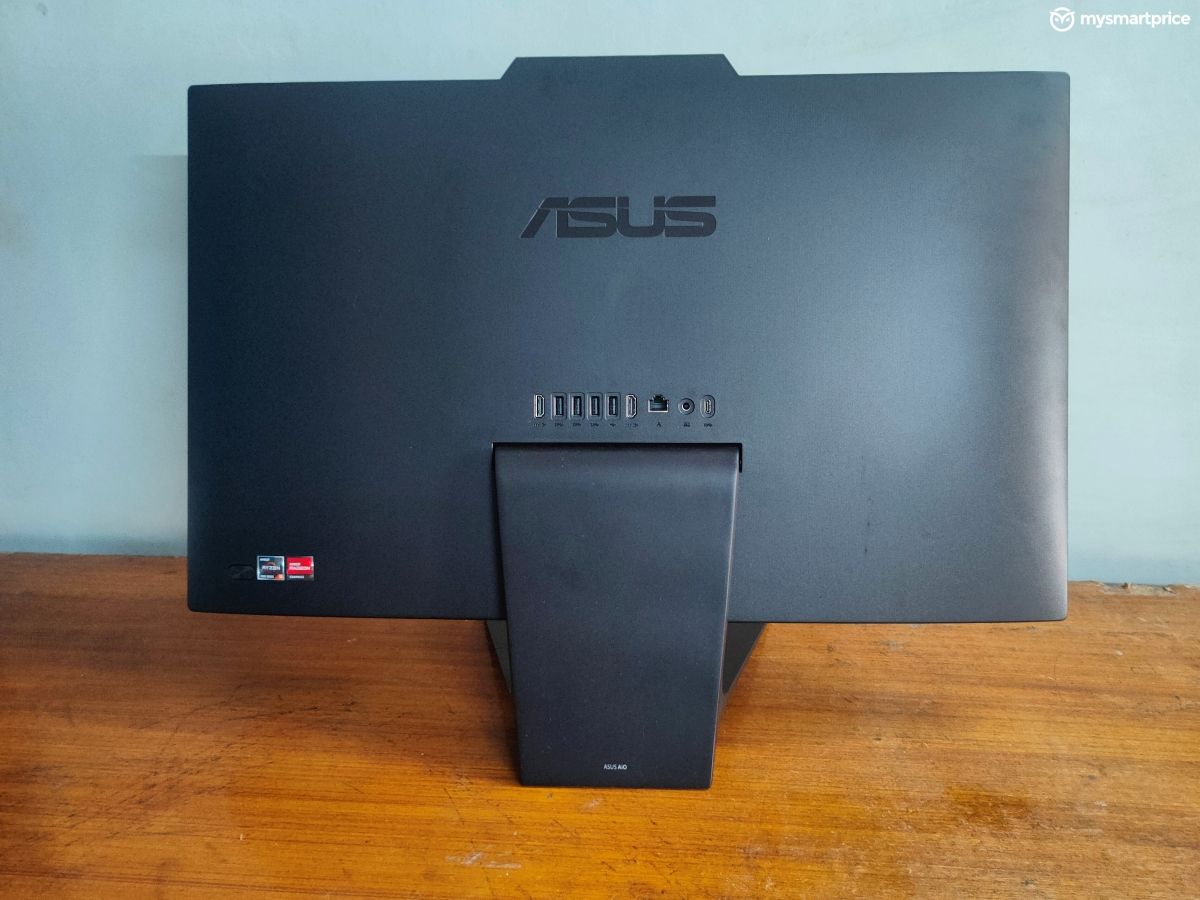
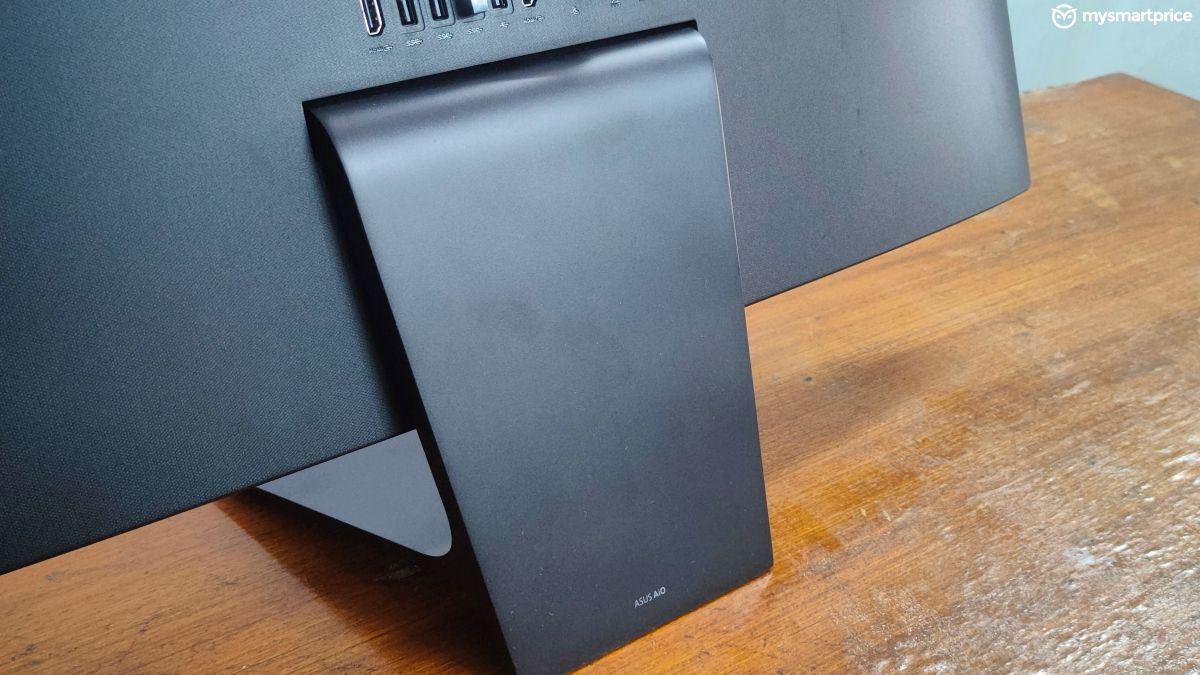
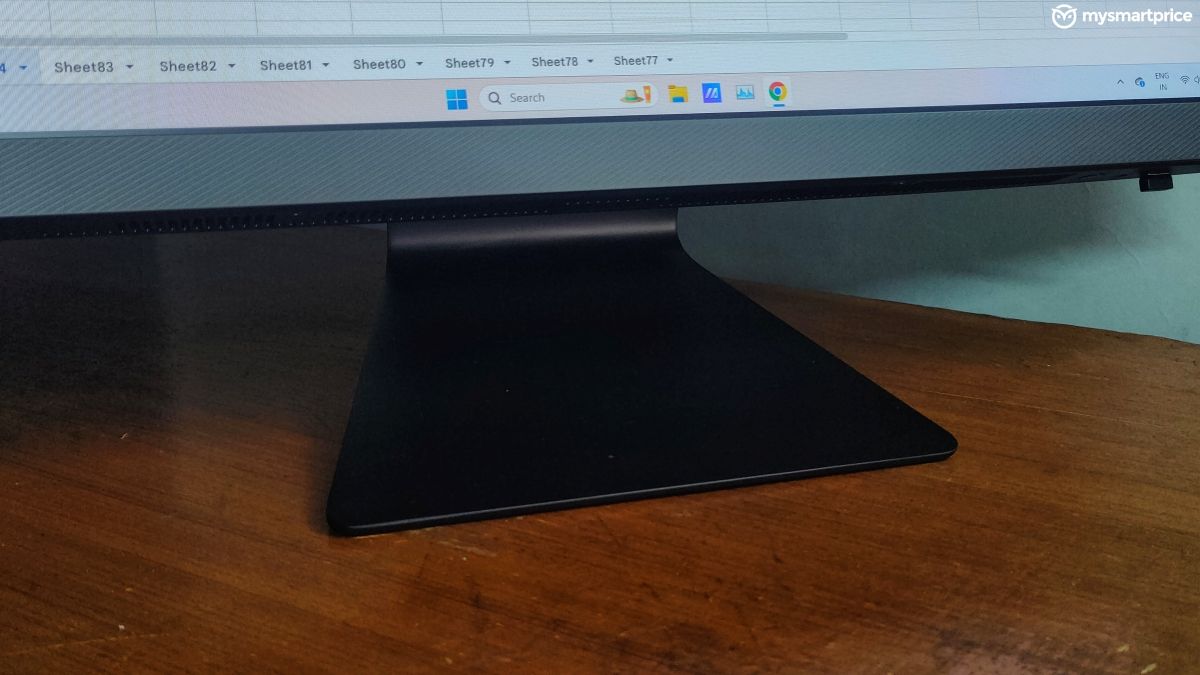
The main computer has a plastic build which is mounted on a non-detachable metal stand. You can tilt the screen up to 120-degrees in either direction, but the height is fixed. It is heavier than your regular desk monitor as the Asus M3702 AIO weighs 8.9kg. The overall build feels solid and the tilt mechanism is sturdy enough to keep the screen fixed at an angle that you choose. You can easily adjust it with a single hand, and it does not require much force.
The Asus M3702 AIO comes with plenty of I/O ports present at the back. However, reaching out to these ports can be slightly challenging if you have a compact desk setup like a cubicle. If you have a wall behind your computer, then you may have to pull the computer a little ahead to effectively reach all the ports, while managing the cables.
| Ports | Specification |
| Back | 3x USB 3.2 Gen 1 Type-A
1x USB 2.0 Type-A 1x USB 3.2 Gen 1 Type-C 1x HDMI 1.4 (out) 1x HDMI 1.4 (in) 1x RJ45 gigabit ethernet 1x power cable |
| Bottom | 1x USB 2.0 Type-A
1x microSD card reader 1x 3.5mm audio jack 1x Kensington lock |
| Connectivity | MediaTek WiFI 6E MT7902, Bluetooth 5.3 |
You can also use it as an HDMI monitor by using the HDMI-in port. Whether it’s your gaming console, a secondary computer, or even an Android TV box, you can connect everything to the Asus M7302 in a true All-in-One style.
The only downside to the design is its external notch, which houses the IR webcam. Windows Hello worked flawlessly for me, and the video footage from the FHD webcam is good enough for regular conference calls. The physical privacy shutter is a nifty addition as well.
Asus M3702WFA All-in-One Review: Display and Audio
The 27-inch IPS LCD screen on the Asus M3702WFA AIO was something that I liked and disliked at the same time. The thin bezels account for an immersive viewing experience, but this panel unfortunately does not produce the best colours. Even after tuning the settings, the colours felt a bit pale and underwhelming compared to other IPS LCD screens.
| Display | Specifications |
| Type | IPS LCD |
| Size | 27-inch |
| Resolution | 1920×1080 |
| Refresh rate | 75Hz |
| Peak brightness | 250 nits |
| Certifications and other features | Anti-glare, TUV Rheinland Eye Care, 100% sRGB colour gamut |
| Touchscreen | No |
The screen gets adequately bright and I did not encounter any bleeding issues, which are commonly found on larger LCD screens. The viewing angles are excellent and there were no colour shift patterns even when I looked at it from extreme angles. It has a matte finish which can be a little reflective, especially if you have ceiling-mounted lights.
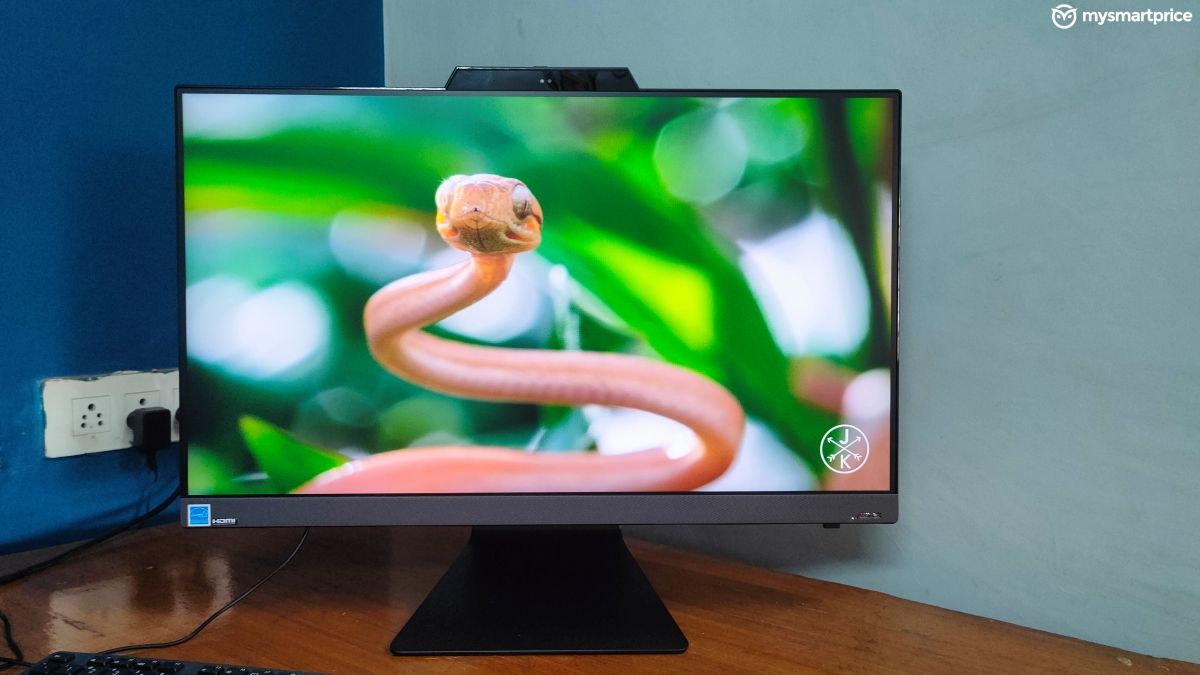
However, the 1080p resolution on a 27-inch screen means that you have to sit at least 3-4 feet away from the screen to avoid noticing the individual pixels. The 75Hz refresh rate also feels like a compromise, and I would have appreciated at least 90Hz or 100Hz, which is pretty common even for entry-level LCD monitors.
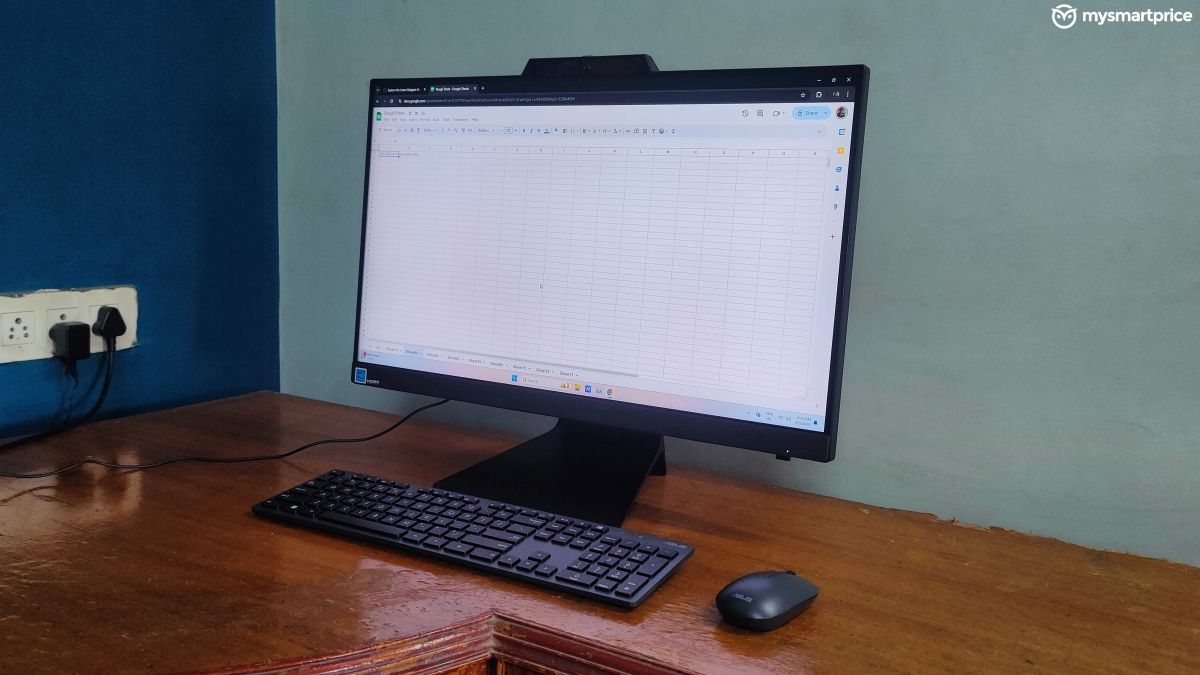
To sum it up, the screen on the Asus M3702WFA is not among the best that I have used. But it’s good enough for your regular productivity tasks like typing documents, managing excel sheets, data sets, etc. As long as you are not into professional-grade image editing, the display will not disappoint you.
The computer is equipped with downwards-firing stereo speakers which are tuned as per Asus’ SonicMaster standards. These can get pretty loud and I never felt the need to use them above 40 per cent volume. Even at full volumes, the speakers did not produce any rattling or muffling sound. But the overall output is quite flat, and there’s almost no bass.
Asus M3702WFA All-in-One Review: Performance
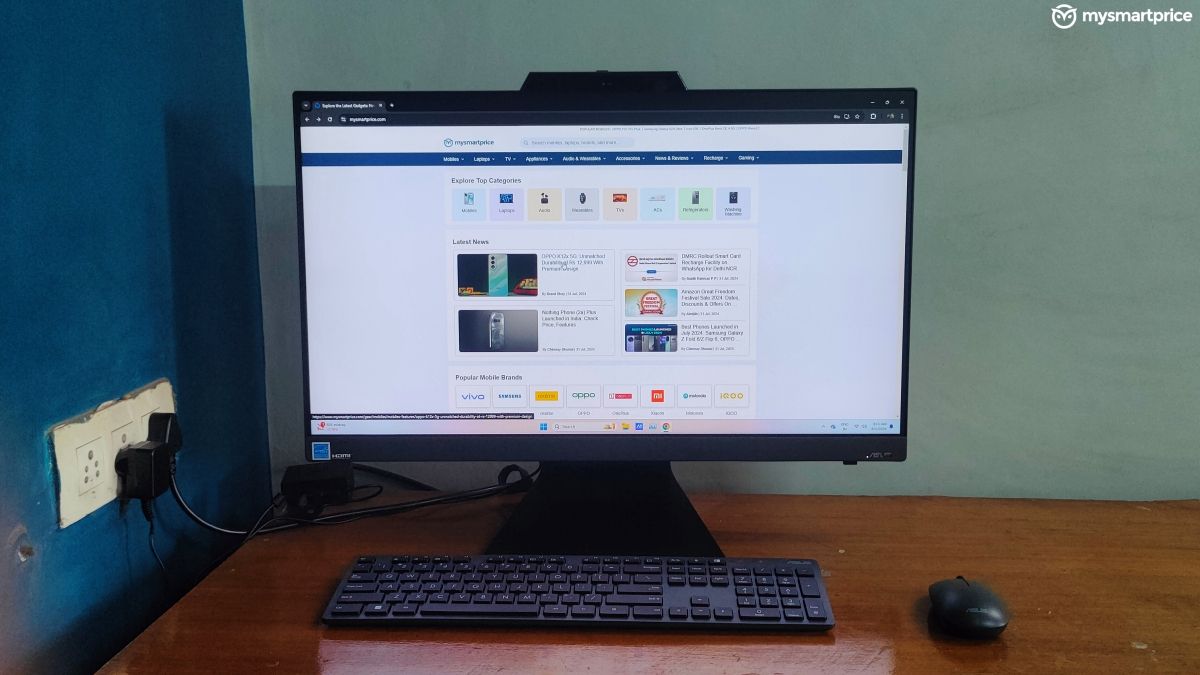
The performance of the Asus M702WFA AIO impressed me the most. It is one of the most practical machines that one can get for daily office usage. When it comes to editing documents, curating presentations, and handling multiple sheets in Excel, the computer never breaks a sweat. It’s a super smooth experience on Windows 11, and the inclusion of Microsoft Office is a bonus.
| Hardware | Specification |
| CPU | AMD Ryzen 5 7520U, 4.3GHz, 4 cores, 8 threads |
| GPU | AMD Radeon 610M |
| RAM | 16GB LPDDR5 |
| Storage | 512GB M.2 NVMe PCIe 3.0 SSD |
With some patience, you can also push the machine for basic 1080p video editing in Adobe Premiere Pro. However, I would not suggest it as a video-editing rig due to its longer render times and the underwhelming display colours. You can play light games like Valorant and Counter-Strike 2 at around 60fps on medium settings but be prepared to face a few stutters.
The best part about the Asus M7302WFA’s performance was its super silent operations and thermal stability. I kept the computer active for more than 12 hours a day, but it never showed any signs of heating. Even during my benchmark spree, the system remained cool and I did not face thermal throttling.
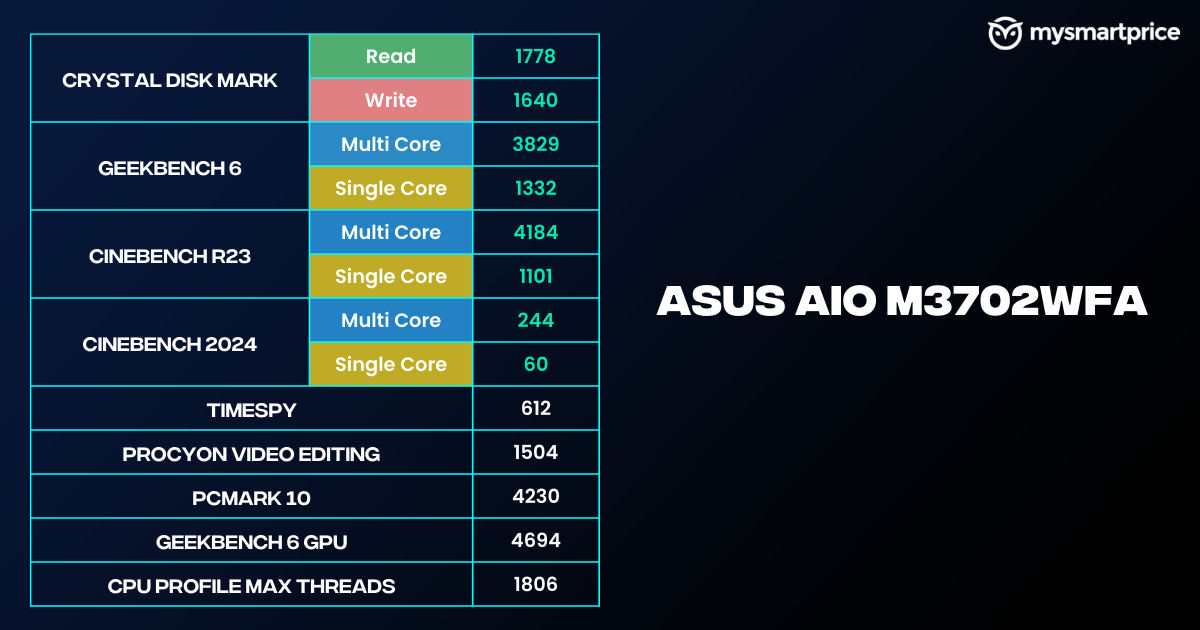 I tested the 16GB RAM variant, in which I was easily able to keep up to 20 tabs active in Google Chrome. However, the 512GB SSD is not the fastest in the market, as it does not even cross 2000Mbps in read or write speeds, as per my testing in CrystalDiskMark.
This was also noticeable when I was installing Procyon and PCMark10 on the system, which took around 20 minutes. Generally, it only takes 5-7 minutes to install these benchmarking software. Despite having the option to swap the memory module, it is quite difficult to reach and upgrade the RAM, due to its complicated internals.
In daily usage, you won’t notice any slowdowns or lags due to the slower SSD speeds. But if your work involves moving multiple files, or installing new programs regularly, then you may not have the best experience.
Asus M3702WFA All-in-One Review: Keyboard and Mouse
The Asus M3702WFA AIO comes with a wireless keyboard-mouse combo. You get a full-sized membrane keyboard featuring a numpad and a regular two-key mouse with a scroll wheel. The keys fail to provide sufficient feedback and feel mushy. They also created a weird typewriter-like sound every time I pressed a key, which I found to be annoying. You can always pair it with a third-party keyboard of your own liking but do keep in mind that will add to the cost.
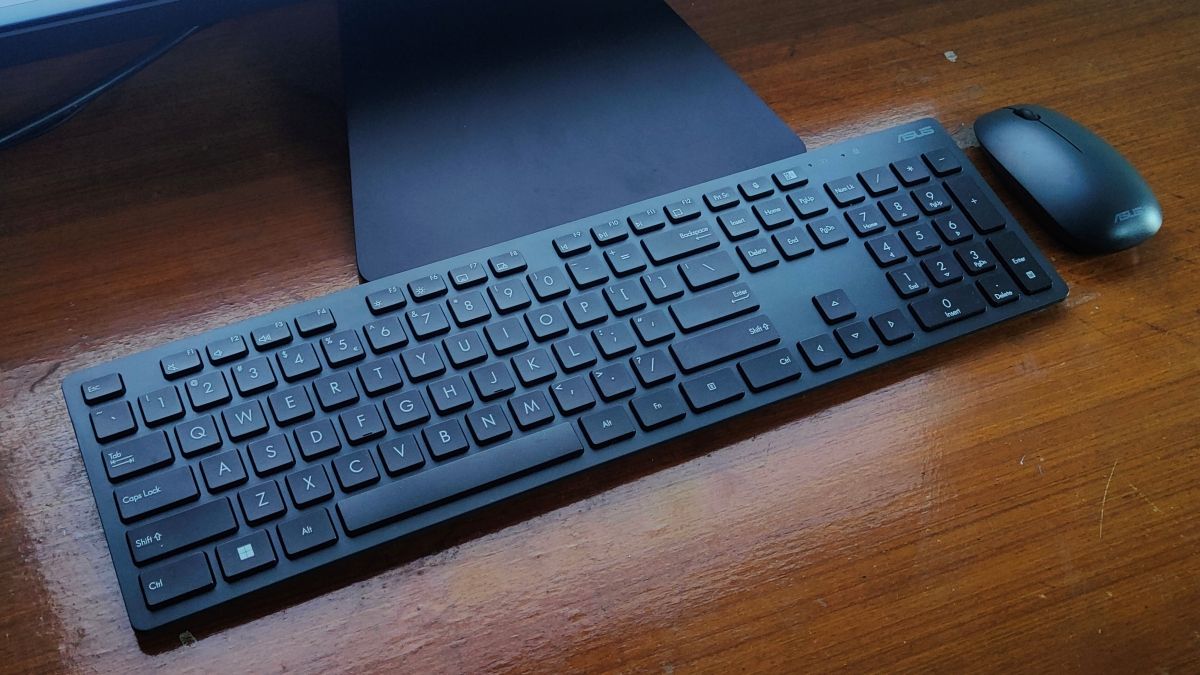
Since I am used to a multi-button gaming mouse, the bundled wireless mouse felt too tiny for my liking. It did not slide well on my mousepad either. After a couple of days, I eventually stopped using them and paired the computer with my regular Logitech keyboard and mouse.
The bundled keyboard-mouse combo is good to have as a backup, or something that you would use till you get better devices.
Asus M3702WFA All-in-One Review: Verdict
The Asus M3702WFA is a very well-built AIO that features plenty of I/O ports and offers you excellent performance. The large 27-inch display is good for most users for productivity tasks, and it gets adequately bright. However, note that it does not produce the best colours when compared to a standalone LCD monitor. The computer offers excellent performance and remains thermally stable without any throttling, which is commendable.
If you want a prebuilt system without having to mount a tower cabinet near your desk, then the Asus M3702WFA is an excellent choice for its price tag of Rs 60,990. However, if you are comfortable with building a custom computer from scratch, then you could extract more value for your money going the PCMR way.
For users who want a ready-to-use computer that can boot from the get-go, the Asus M7302 is a no-brainer choice that won’t disappoint you. As a pre-built system with a 27-inch screen, it offers pretty good value for its price. If you can get it at around Rs 50,000 in online sales using card offers, it’s a cherry on top making it a wise purchase.