For years, Samsung’s Ultra phones have carried a very specific personality. They were large, boxy, feature-heavy devices that often felt like the final evolution of the Galaxy Note era packed into a modern flagship body. The Galaxy S26 Ultra still carries that DNA, but after spending several weeks with the device, it also feels like Samsung is slowly trying to make the Ultra series less intimidating and more mainstream without taking away what made it special in the first place.
Samsung Galaxy S26 Ultra
1,30,999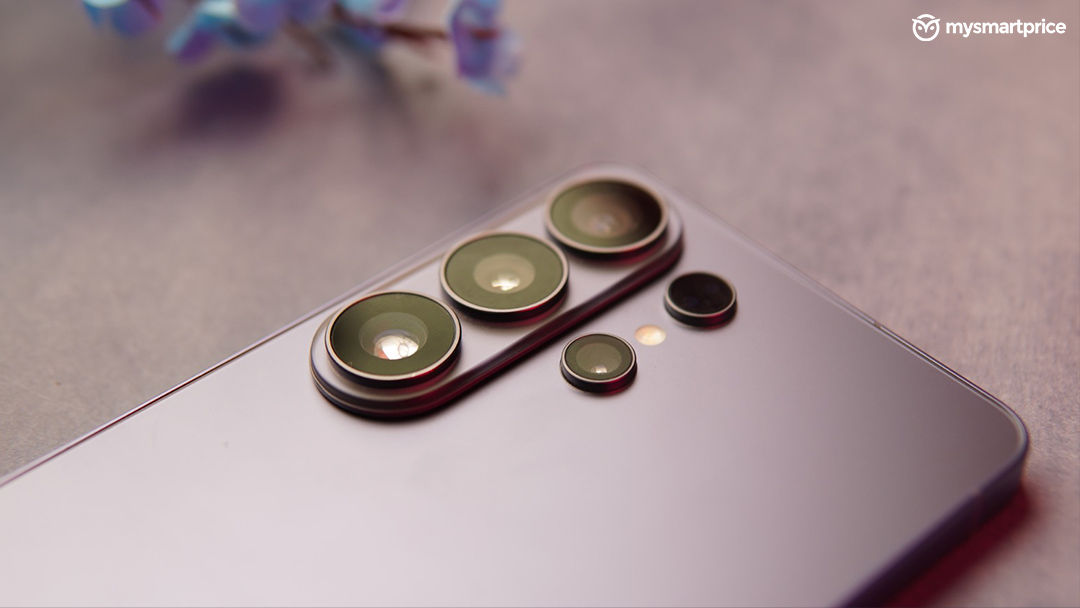
What Is Good?
- Refined ergonomics improve the in-hand experience
- Excellent display with Privacy Display Feature
- Reliable cameras with strong zoom and low-light performance
- Faster 60W charging finally improves daily usability
- Practical Galaxy AI features such as Circle to Search and Photo Assist
What Is Bad?
- Battery life still feels conservative for 2026
I first experienced the Galaxy S26 Ultra at Samsung’s Galaxy Unpacked event, where the company spent a significant amount of time talking about AI, and ecosystem integration. However, once the launch demos, stage presentations, and AI buzz faded away, what stood out during long-term usage was something much simpler. The Galaxy S26 Ultra feels more refined in the way it fits into everyday life. The slimmer body makes a noticeable difference during prolonged use, the display experience feels smarter and more context-aware, the cameras feel more dependable in difficult situations, and Samsung’s AI features work best when they quietly save time instead of trying to constantly impress you.
That shift ultimately defines the Galaxy S26 Ultra more than any single specification upgrade. Rather than dramatically reinventing the Ultra formula, Samsung seems focused on reducing the friction that users have gradually accepted over the years while making the overall experience feel more polished, approachable, and easier to live with over time. Here is my detailed experience on how this phone holds up.
Design
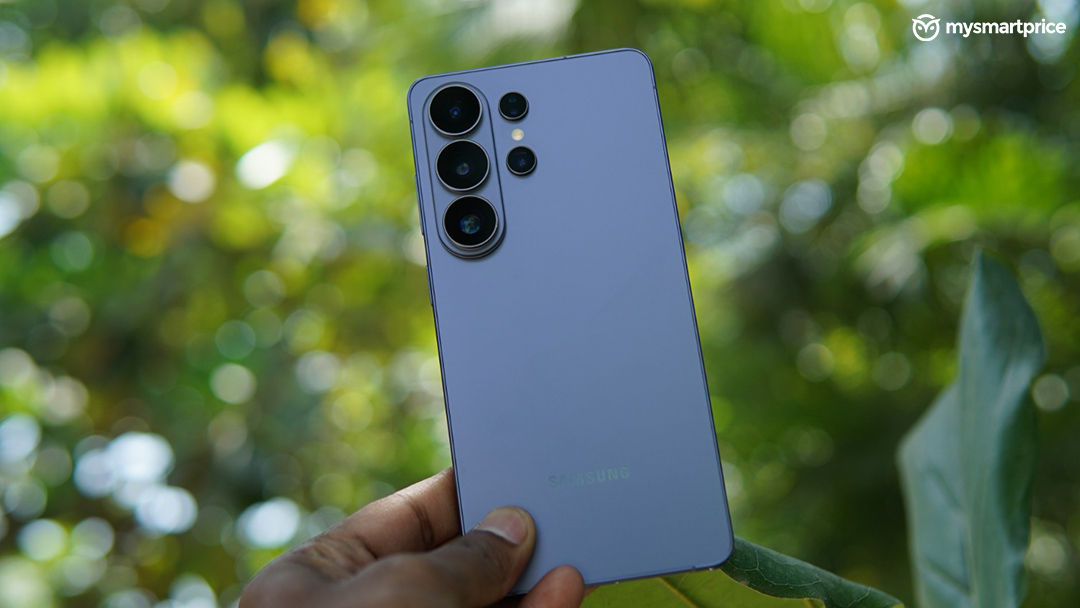
Pick up the Galaxy S26 Ultra, and the refinement I had been talking about earlier becomes clearer almost immediately. This is the thinnest Ultra Samsung has made so far, and over extended use, that reduction in thickness and weight starts making a bigger difference than expected. The phone feels slimmer and easier to manage during long reading sessions, camera use, and even one-handed scrolling in bed, which was not always true of previous Ultra devices. The edges are now more softly rounded, and the frame feels slightly more folded and contoured around the palm. Combined with the reduced weight, the Ultra feels less intimidating in hand than earlier generations despite retaining its large footprint and unmistakably flagship proportions.
Another thing that this design helped me achieve was fewer typos and a faster typing speed. Prior to using Galaxy S26 Ultra, I had been extensively using Galaxy S23 Ultra and would always prefer WhatsApp web over phone to avoid this annoyance, but I had noticed this getting better with Galaxy S25 Ultra, and even more comfortable texting on this phone.
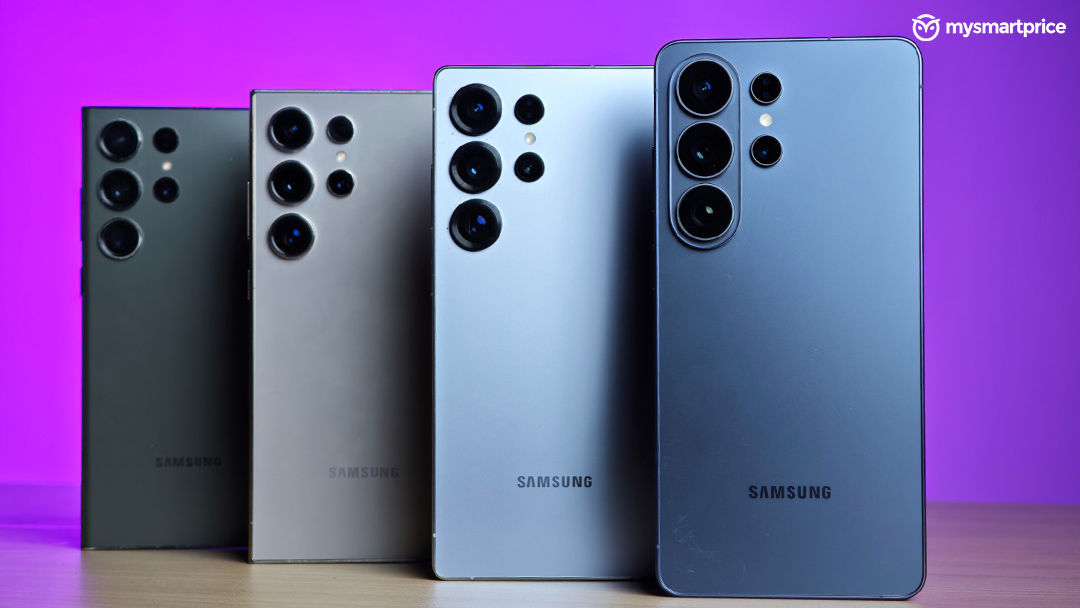
Another thing I noticed about the rear design is a subtle yet noticeable evolution that has happened over the years. The camera module now more closely resembles Samsung’s recent Fold series devices, particularly the Galaxy Fold 7, giving the phone a cleaner and more unified visual identity within Samsung’s premium ecosystem. The layout feels less industrial than older Ultra models, which often looked intentionally separate from the rest of Samsung’s lineup. Over time, this cleaner arrangement also helps the phone feel visually less bulky despite housing a very large camera system.
Samsung’s colour choices this year also contribute to that softer overall character. The Cobalt Violet, White, Black, and Sky Blue variants have a subtle sheen that shifts under different lighting conditions without becoming overly reflective or flashy. It gives the device a more mature, premium look rather than the aggressively glossy finishes that many flagship phones still lean toward. Samsung has also continued pushing its sustainability messaging in the background, with recycled lithium and tantalum now part of the materials mix, although this year the company seems more interested in letting the product experience speak for itself instead of making sustainability the centrepiece of the hardware story.
The changing story of the S Pen also reflects how Samsung’s idea of the Ultra lineup has evolved over the last few generations. The Galaxy S24 Ultra now increasingly feels like the final chapter of Samsung’s old Galaxy Note philosophy, where the stylus was not just meant for writing or productivity but also acted as a Bluetooth-powered accessory with Air Actions, gesture controls, and remote camera functionality. Starting with the Galaxy S25 Ultra, Samsung began simplifying that approach, removing Bluetooth features and repositioning the S Pen as a more focused productivity tool rather than a feature-heavy experiment.
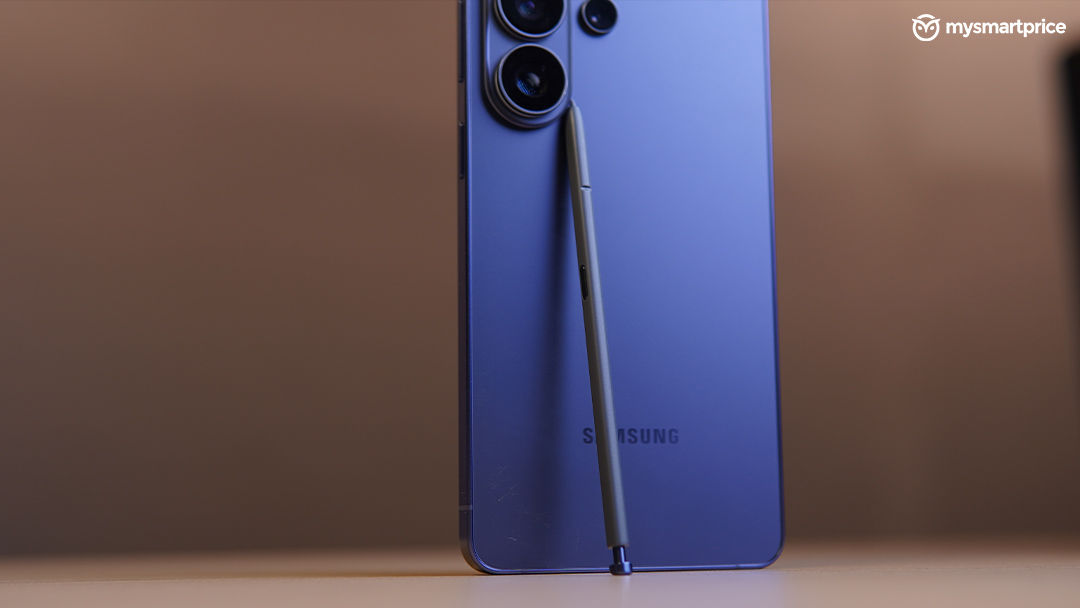
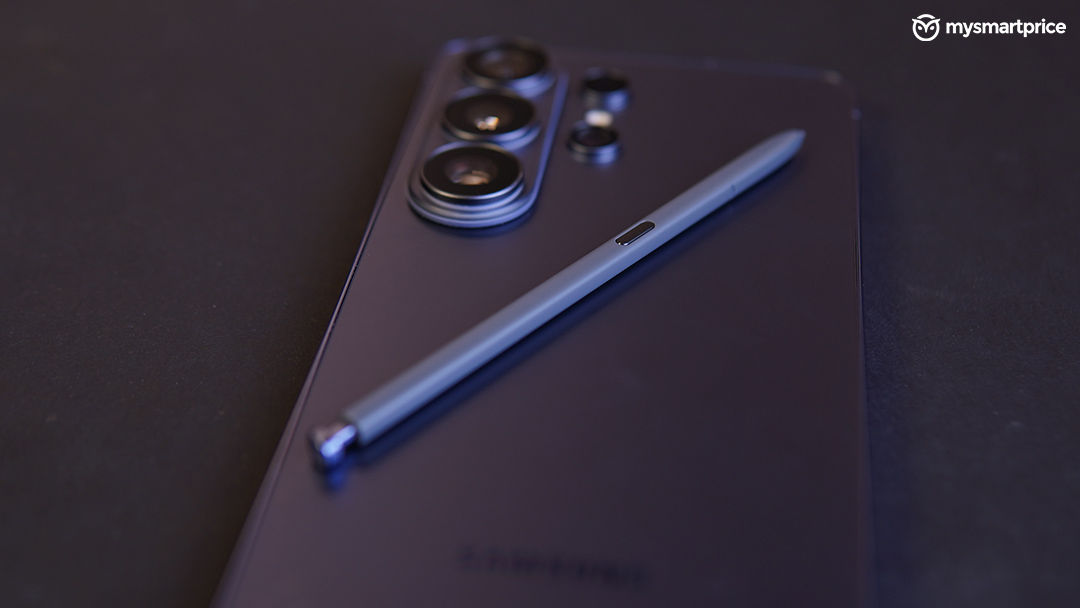
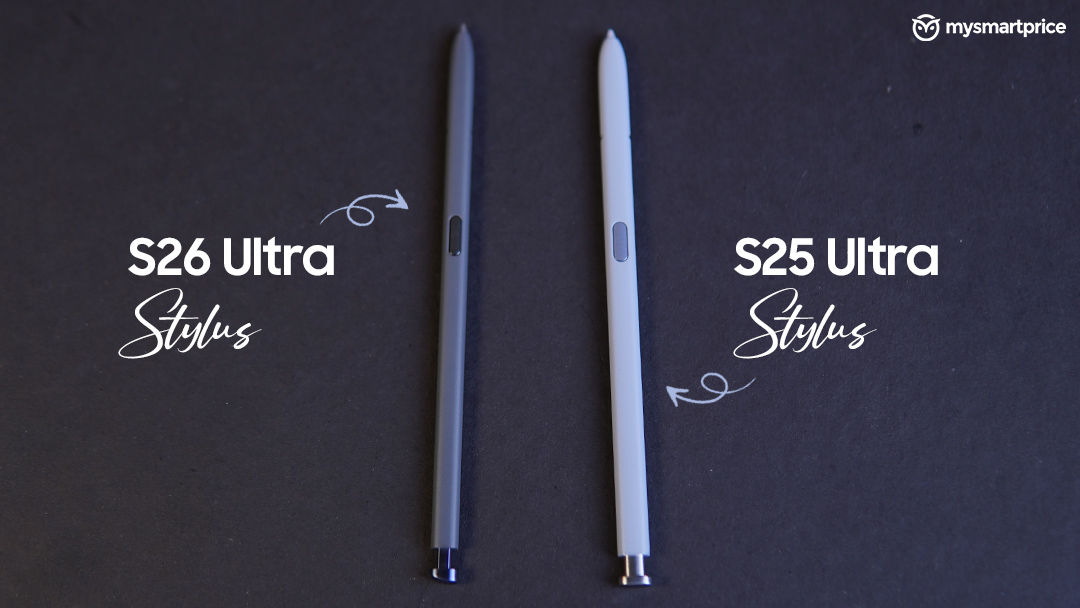
That shift continues on the Galaxy S26 Ultra, although Samsung has also made small physical refinements to how the stylus integrates into the device itself. Because the phone now uses noticeably rounder corners and a softer frame design, the S Pen housing and click-top section feel slightly different compared to the flatter Galaxy S25 Ultra. The stylus now sits more naturally within the chassis, and the insertion mechanism feels more integrated into the body instead of feeling carved into a sharp corner like older Ultra devices. The difference is subtle, but over time it contributes to the broader feeling that Samsung is trying to make the Ultra series feel less like a niche productivity slab and more like a mainstream flagship that still happens to include a stylus.
The Galaxy S26 Ultra also feels like the continuation of a design shift Samsung quietly started with the Galaxy S25 Ultra. Last year, Samsung moved away from the aggressively boxy Galaxy Note-inspired look toward softer corners and a more approachable in-hand feel. The S26 Ultra pushes that philosophy further. The corners are noticeably more rounded, the frame feels slimmer in the palm, and the overall ergonomics feel less fatiguing during prolonged use, despite the phone still being unmistakably large.
Display
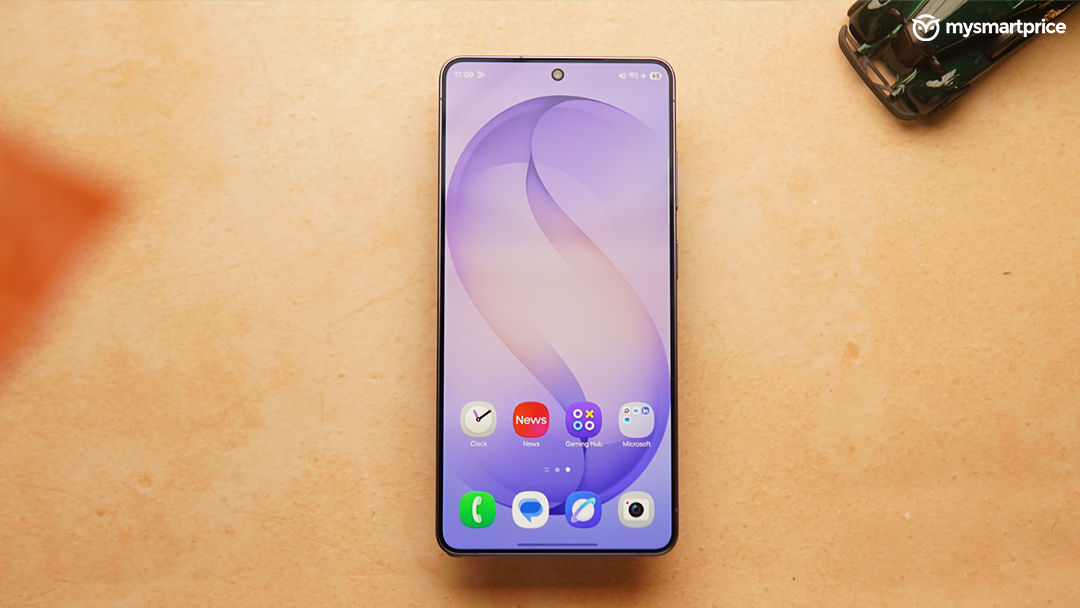
One of the features that initially felt futuristic at launch but ended up becoming genuinely useful over time was Samsung’s new Privacy Display on the Galaxy S26 Ultra. In a country like India, where phones are constantly being used in crowded public spaces such as metros, airports, flights, offices, and cafes, the idea itself immediately makes sense. Whether it is replying to WhatsApp messages, checking bank details during a UPI payment, or simply scrolling through emails in public, most people have experienced strangers casually glancing at their screens.
Samsung’s implementation feels significantly more refined than the third-party privacy screen protectors many users currently rely on. Traditional privacy guards usually come with compromises such as reduced brightness, dulled colours, awkward touch response, or a generally worse viewing experience. The Galaxy S26 Ultra handles this far more elegantly. The effect feels built into the display rather than layered on top of it, which helps the overall screen experience remain premium even when the feature is active. The ability to choose exactly which apps use Privacy Display, schedule when it activates, or quickly toggle it on and off also makes the feature feel practical instead of gimmicky.
Over extended usage, Privacy Display stopped feeling like a showcase feature and quietly became one of those things that was genuinely difficult to give up in crowded environments. At the same time, the implementation is not entirely free from criticism. Like every enthusiast, I have also reported issues such as eye strain, fuzzy text perception, headaches, or slight visual discomfort that they believe may be linked to the new display layer or Samsung’s unchanged PWM dimming behavior. Personally, I did not experience anything like this during my usage, even during extended late-night viewing sessions or long commutes, although this may ultimately vary from person to person depending on visual sensitivity.
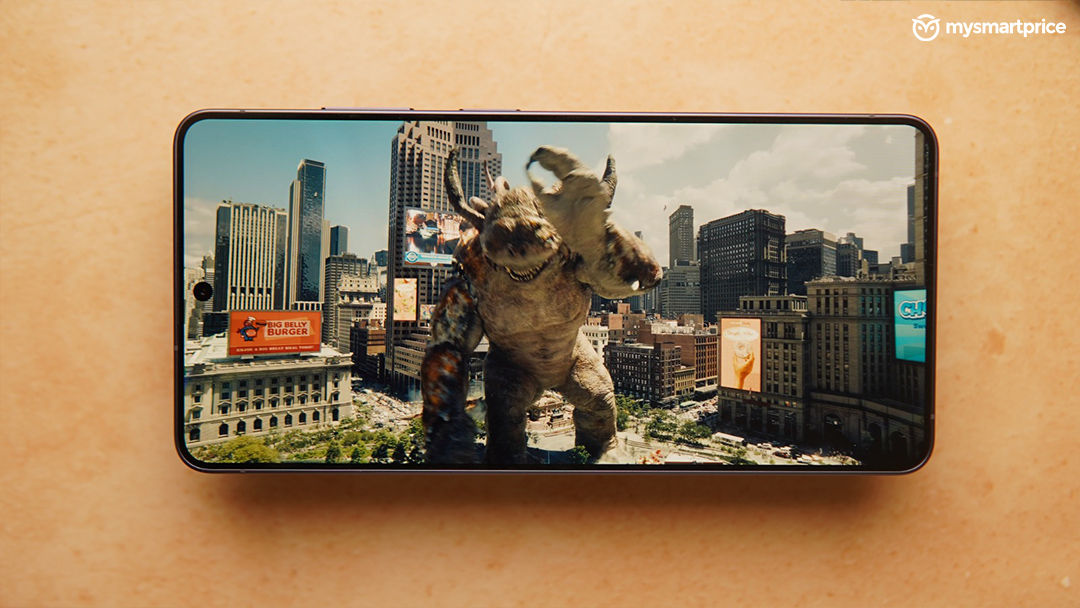
Outside of Privacy Display, the Galaxy S26 Ultra still delivers exactly the kind of flagship display experience people expect from Samsung. HDR viewing remains excellent and easily among the best on any smartphone right now. I consume a lot of content during long travel commutes, and watching Netflix, YouTube, and HDR-supported content on the device consistently felt immersive. The slimmer bezels and softer curved design also contribute to this. The screen feels more expansive without becoming distracting, and the rounded corners help the overall viewing experience feel more refined compared to older Ultra devices that leaned into sharper, more industrial-looking aesthetics.
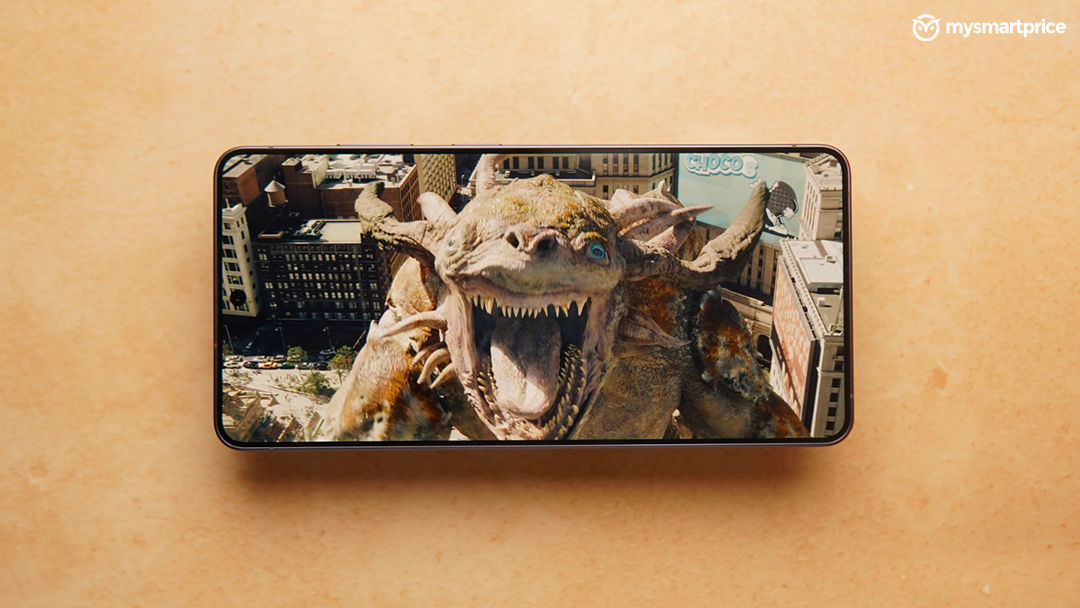
Contrast levels, colour depth, and outdoor visibility continue to be major strengths as well. While the anti-reflective behaviour is not quite as aggressive as the Galaxy S25 Ultra, which might be because of the Privacy Display implementation underneath, the Galaxy S26 Ultra still remains one of the best outdoor smartphone displays I have used in bright conditions (and the sun can be unsually harsh in this part of the country). More importantly, Samsung has managed to make the display experience feel smarter and more context-aware this year rather than simply chasing another brightness number on a spec sheet.
Performance That Feels More Focused Than Flashy
Performance on the Samsung Galaxy S26 Ultra feels slightly different from many of the Android flagships currently competing at the top end of the market. While several brands are aggressively chasing benchmark numbers, cooling demonstrations, and gaming-focused positioning, Samsung appears to be taking a more balanced approach where performance is increasingly tied to AI responsiveness, multitasking fluidity, and long-term usability rather than outright synthetic dominance alone.
The Galaxy S26 Ultra is powered by the customised Snapdragon 8 Elite Gen 5 for Galaxy processor, which is a slightly enhanced version of Qualcomm’s standard Snapdragon 8 Elite Gen 5 chip. Samsung has pushed the clock speeds slightly higher here, and the company also pairs the chipset with upgraded thermal management, including a redesigned vapour chamber intended to sustain heavier workloads over longer durations. In day-to-day usage, the phone feels consistently responsive. App launches are instant, multitasking remains smooth even with multiple heavy apps in memory, and One UI animations rarely stutter or feel delayed even after extended use.
At the same time, the Galaxy S26 Ultra does not necessarily chase benchmark dominance in the same way some competing Chinese flagships do. In our testing, the smartphone scored over 3.7 million on AnTuTu, which keeps it in the same league as devices like the Vivo X300 Ultra and OnePlus 15. However, sustained performance remains a more mixed story. During heavier benchmark stress tests and prolonged workloads, the phone throttled moderately, raising some questions around long-duration peak performance. That said, this is also a relatively new chipset paired with fresh software, and Samsung devices historically tend to stabilise further through OTA and optimisation updates over time.
Gaming performance remained consistently strong during my usage. I played BGMI extensively on the Galaxy S26 Ultra, where the device supports gameplay up to 120FPS. In our testing, the phone delivered an average FPS of 118.7 with excellent frame consistency and near-perfect smoothness throughout longer sessions. The slimmer body and aluminium frame do mean the phone can become slightly warm during extended gaming or prolonged camera usage, but not to a level that becomes uncomfortable during regular usage.
There is also some noticeable performance bump from last year’s Ultra and while it may not make it to the top of the mind conversation but you feel it especially in the gaming sessions.
However, in our usage we felt that a more noticeable difference was from how the Galaxy S26 Ultra handles AI-powered interactions across the system. Samsung’s focus this year clearly leans toward on-device AI responsiveness rather than simply raw benchmark numbers. Features such as real-time transcription, generative image editing, writing assistance, and Galaxy AI integrations across apps feel fast enough to use casually rather than as occasional showcase features. The gains in NPU performance are particularly noticeable here because many of these actions now execute with far less delay than before, making the AI experience feel more naturally integrated into everyday usage instead of existing as a separate layer on top of Android.
Ultimately, that becomes the defining characteristic of the Galaxy S26 Ultra’s performance experience. It may not be the most aggressively benchmark-focused flagship available today, but it is one of the few smartphones where the hardware, AI processing, and software experience consistently feel tuned toward making everyday interactions smoother rather than simply producing bigger performance numbers on a chart.
Camera
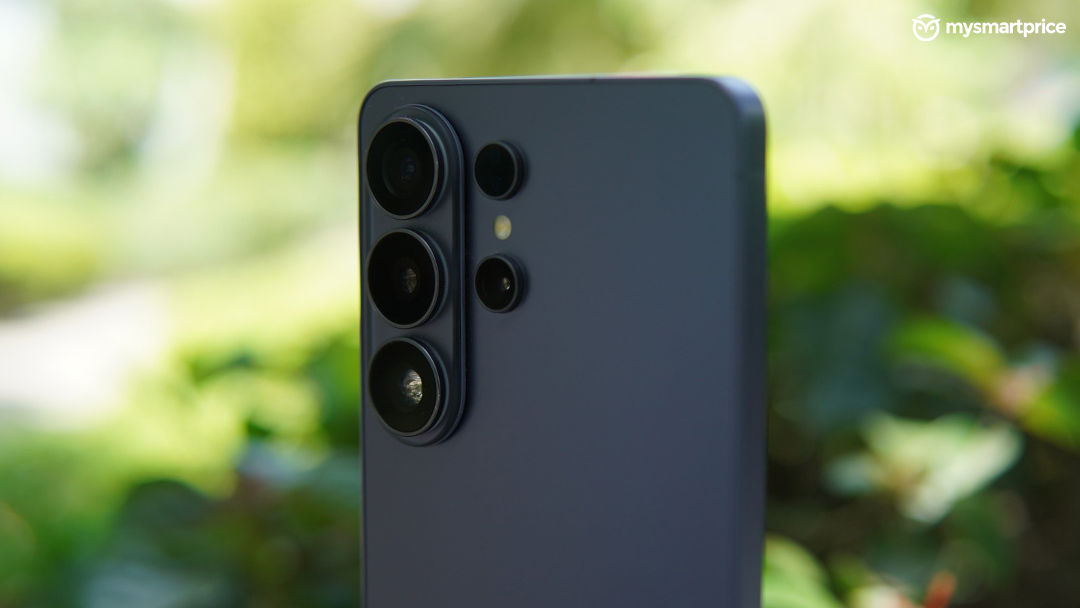
Samsung’s camera philosophy with the Galaxy S26 Ultra feels more refined than dramatic this year. Instead of chasing headline-grabbing hardware changes alone, the focus appears to be on making the overall shooting experience more dependable across different lighting conditions and focal lengths. After spending extended time with the device across low-light environments, long zoom shots, travel photography, and everyday social media usage, the biggest improvement is not necessarily that the phone captures radically different images, but that it fails less often in situations where smartphone cameras usually struggle.
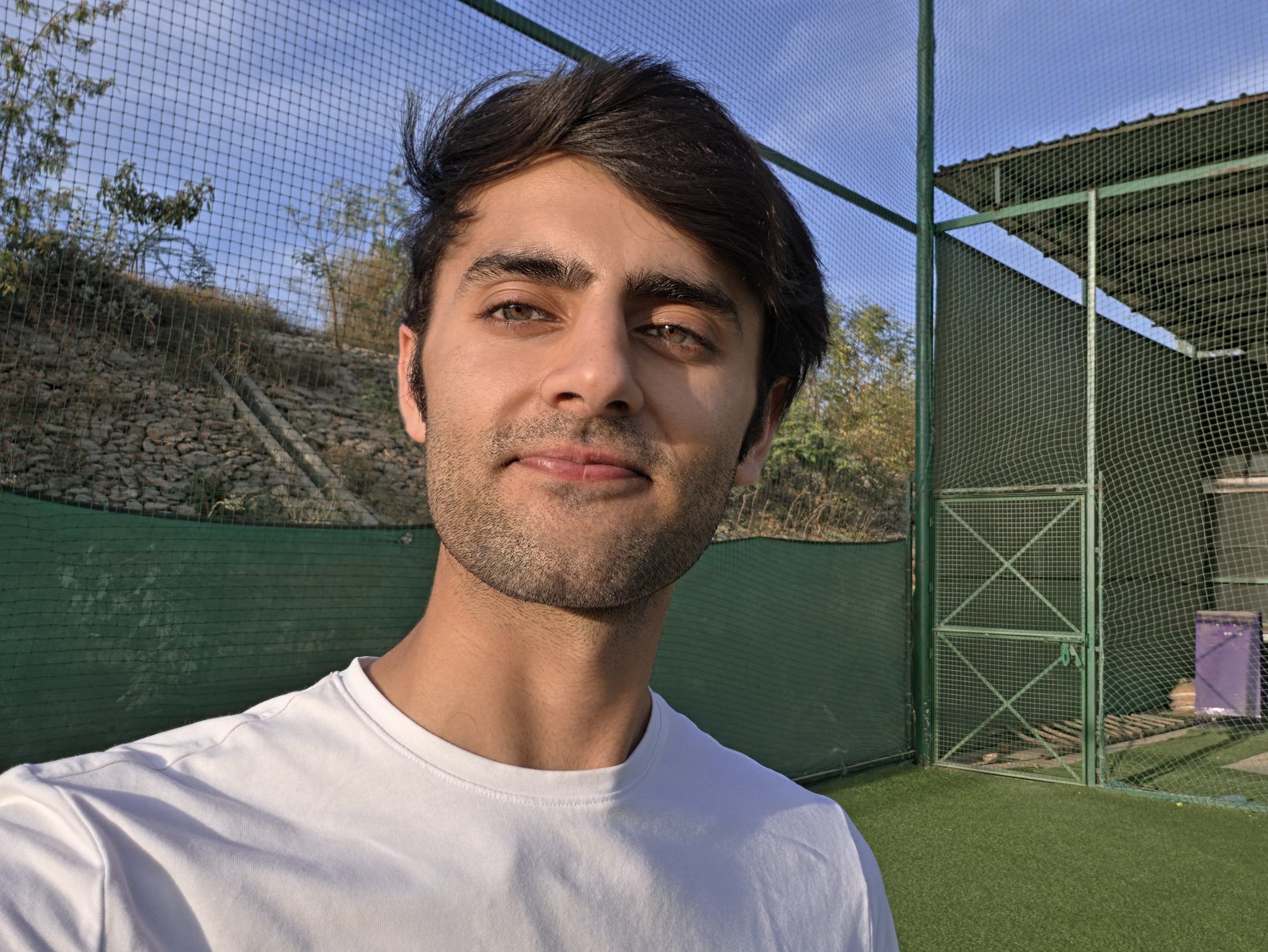



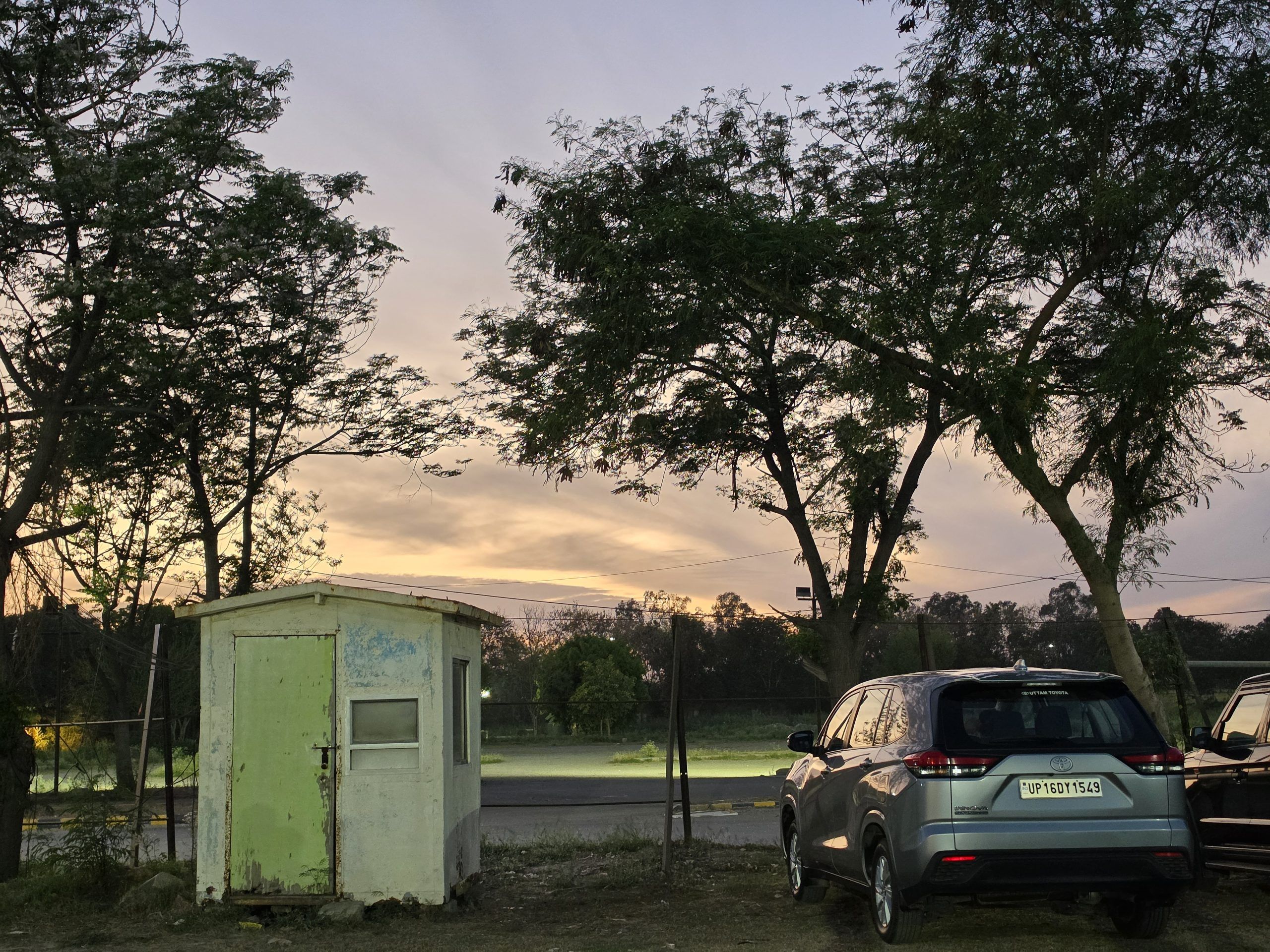

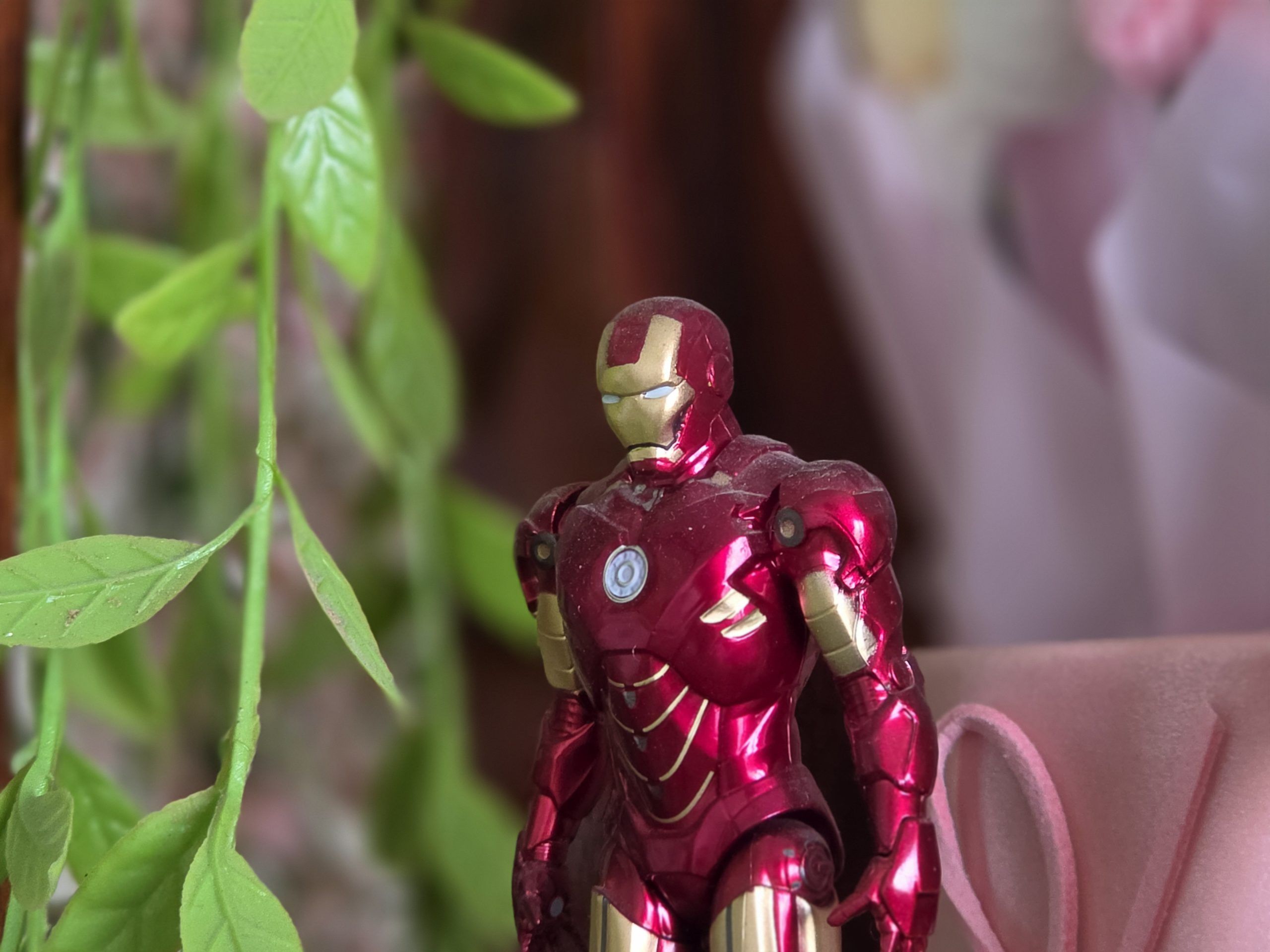






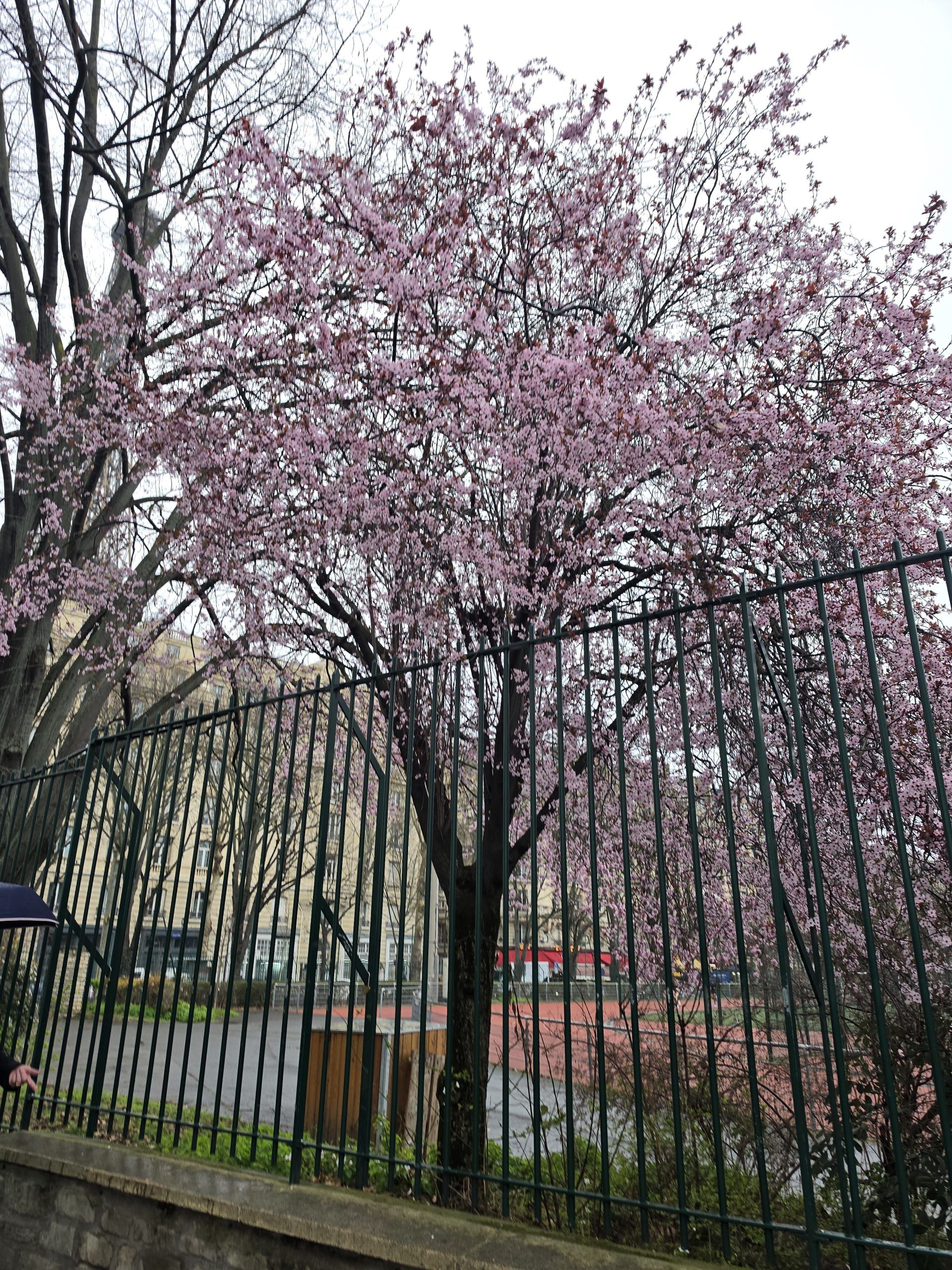

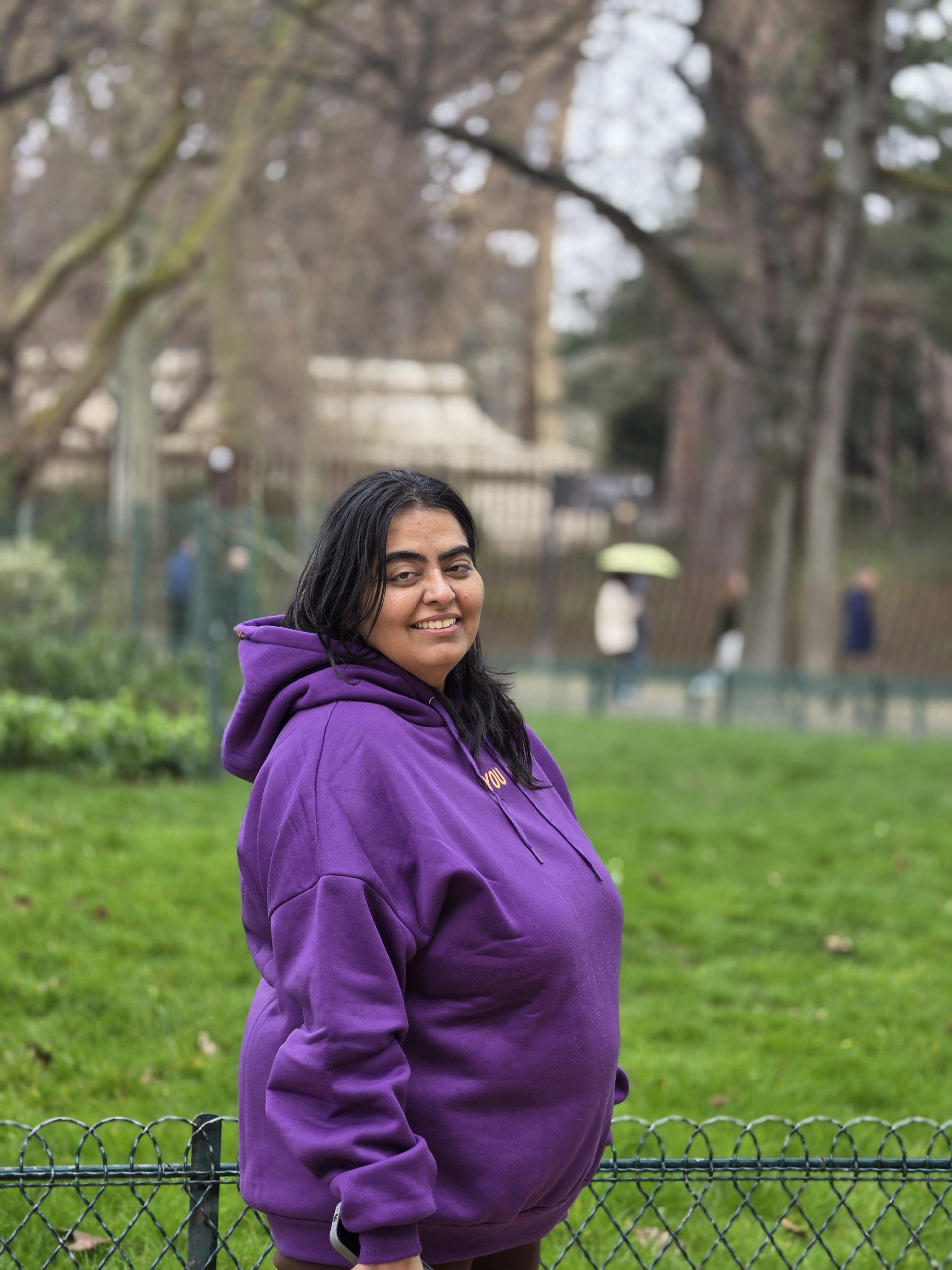

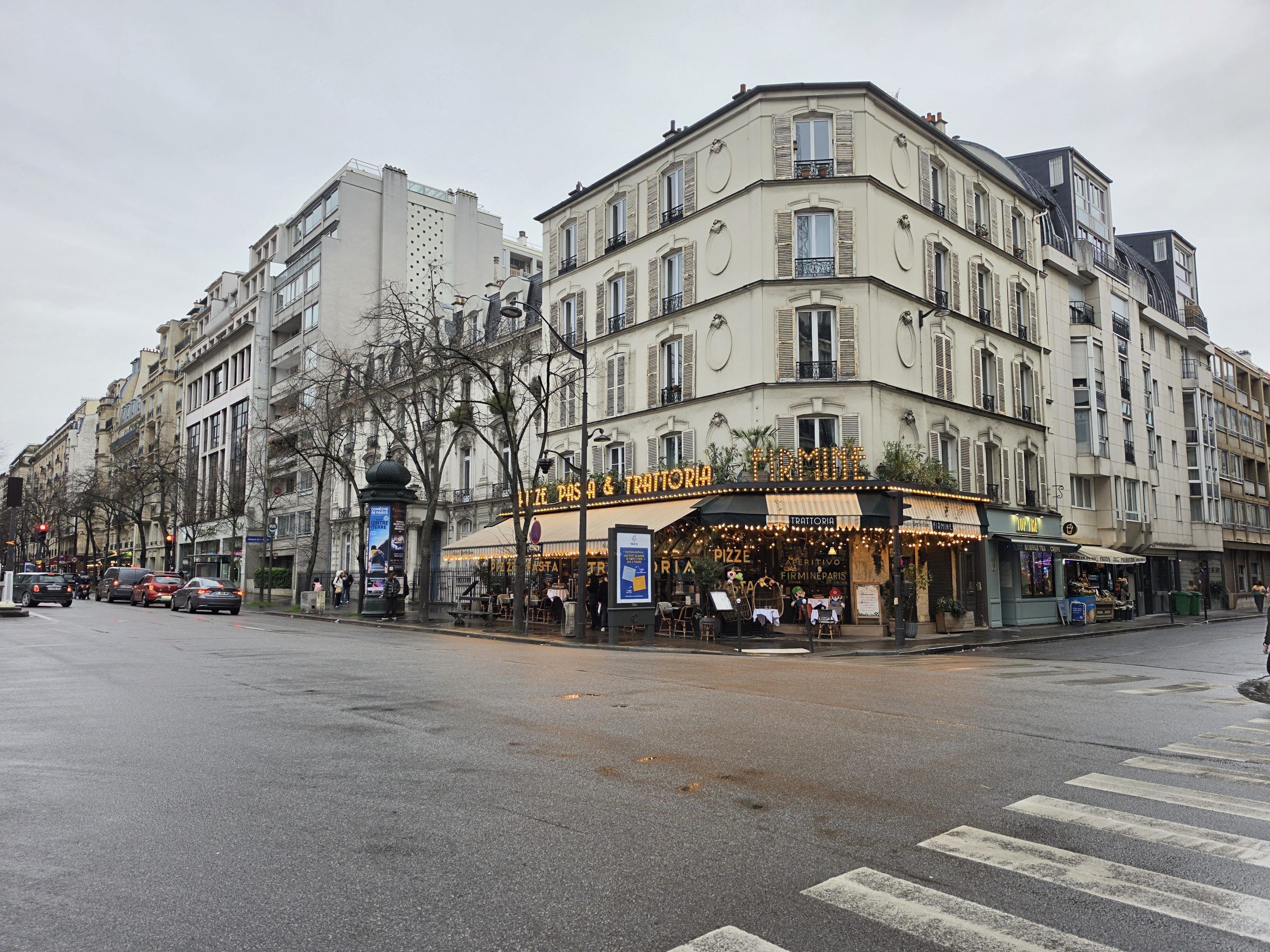

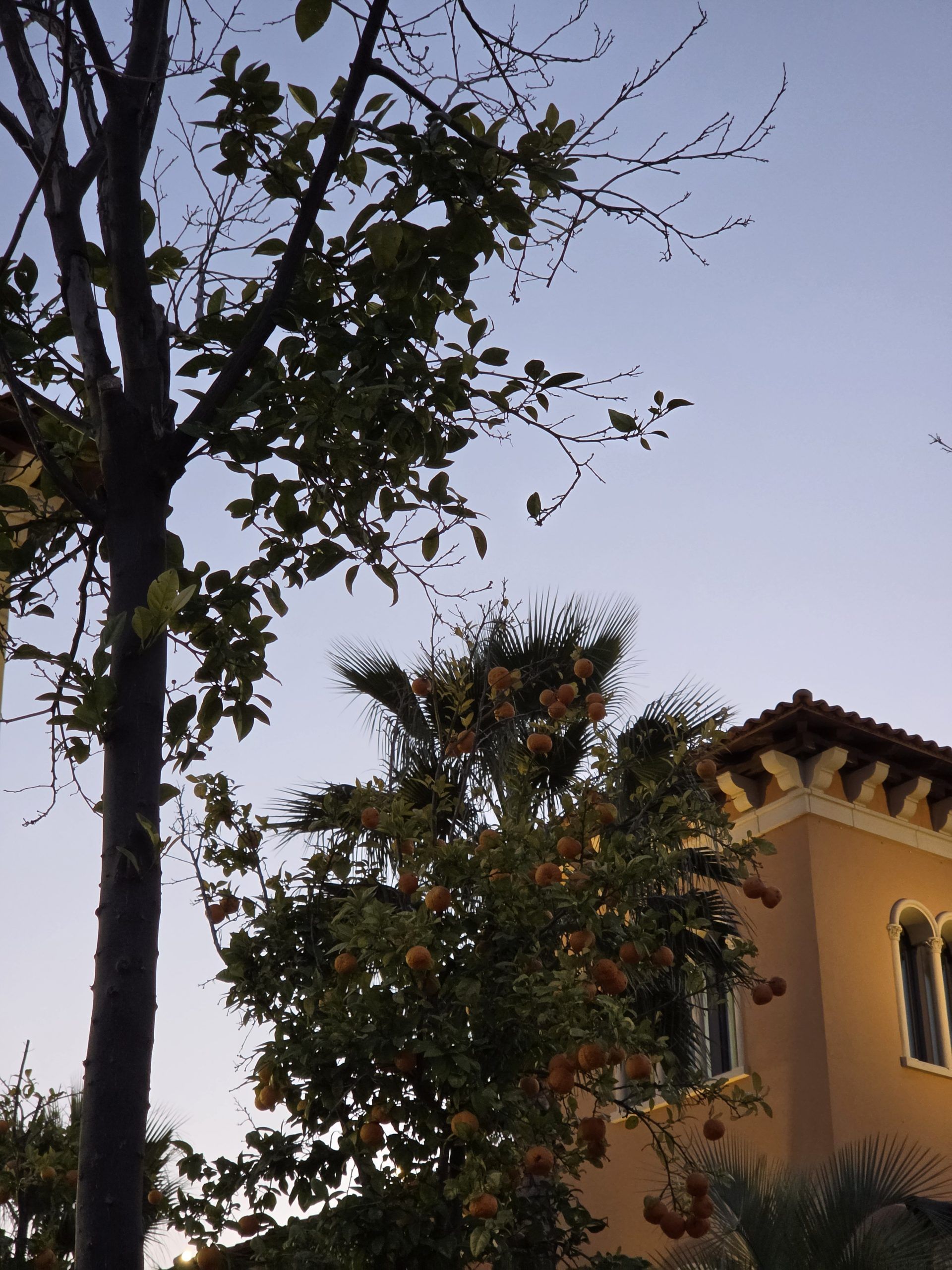
Low-light photography, in particular, feels noticeably more stable and confident compared to previous Ultra generations. Whether it was poorly lit streets, dim indoor cafes, concerts, or mixed lighting environments with aggressive artificial lights, the Galaxy S26 Ultra consistently managed to retain detail without making scenes look unnaturally bright or overly processed. Samsung’s image processing still leans slightly vibrant at times, but the overall balance between sharpness, shadows, and exposure now feels more mature than before. Moving subjects also felt easier to capture at night, with fewer completely unusable frames than what older Galaxy Ultra devices occasionally produced.



Zoom performance continues to remain one of the Galaxy S26 Ultra’s biggest differentiators. Samsung still delivers one of the most practical long-range camera systems on any smartphone right now, especially once you move beyond the typical 3x and 5x ranges where most flagship phones begin losing consistency. Long-distance captures retained surprisingly usable detail in daylight, and even in lower lighting conditions, the phone handled stabilisation better than expected. Samsung’s AI-assisted image cleanup tools also feel more useful this year when used selectively. Features such as object removal, reframing, and generative edits work best when treated as subtle corrections rather than dramatic transformations, which ultimately makes them feel more practical in day-to-day usage.
Video recording is another area where the Galaxy S26 Ultra feels more polished over time. Samsung’s new Horizontal Lock feature genuinely improves handheld video capture during walking shots and moving scenarios by keeping framing steadier without making footage feel unnaturally rigid. Combined with strong stabilisation, reliable autofocus tracking, and excellent HDR performance during daylight recording, the phone becomes particularly enjoyable for casual content creation during travel or social media usage. Samsung has also improved consistency while switching between lenses during recording, helping transitions feel smoother and less distracting than before.
We have also done a far more detailed deep dive into the Galaxy S26 Ultra’s camera performance, including low-light photography, long zoom captures, micro shots and AI imaging behaviour, which you can check out here.
Battery
Battery life continues to be one of the few areas where Samsung still feels more conservative than several of its Chinese flagship rivals. Another year down and another Galaxy Ultra arrives with a 5000mAh battery, which on paper no longer feels particularly ambitious in 2026, especially at a time when brands such as OnePlus, Vivo, Xiaomi, and iQOO are pushing larger battery capacities while also improving charging speeds aggressively.
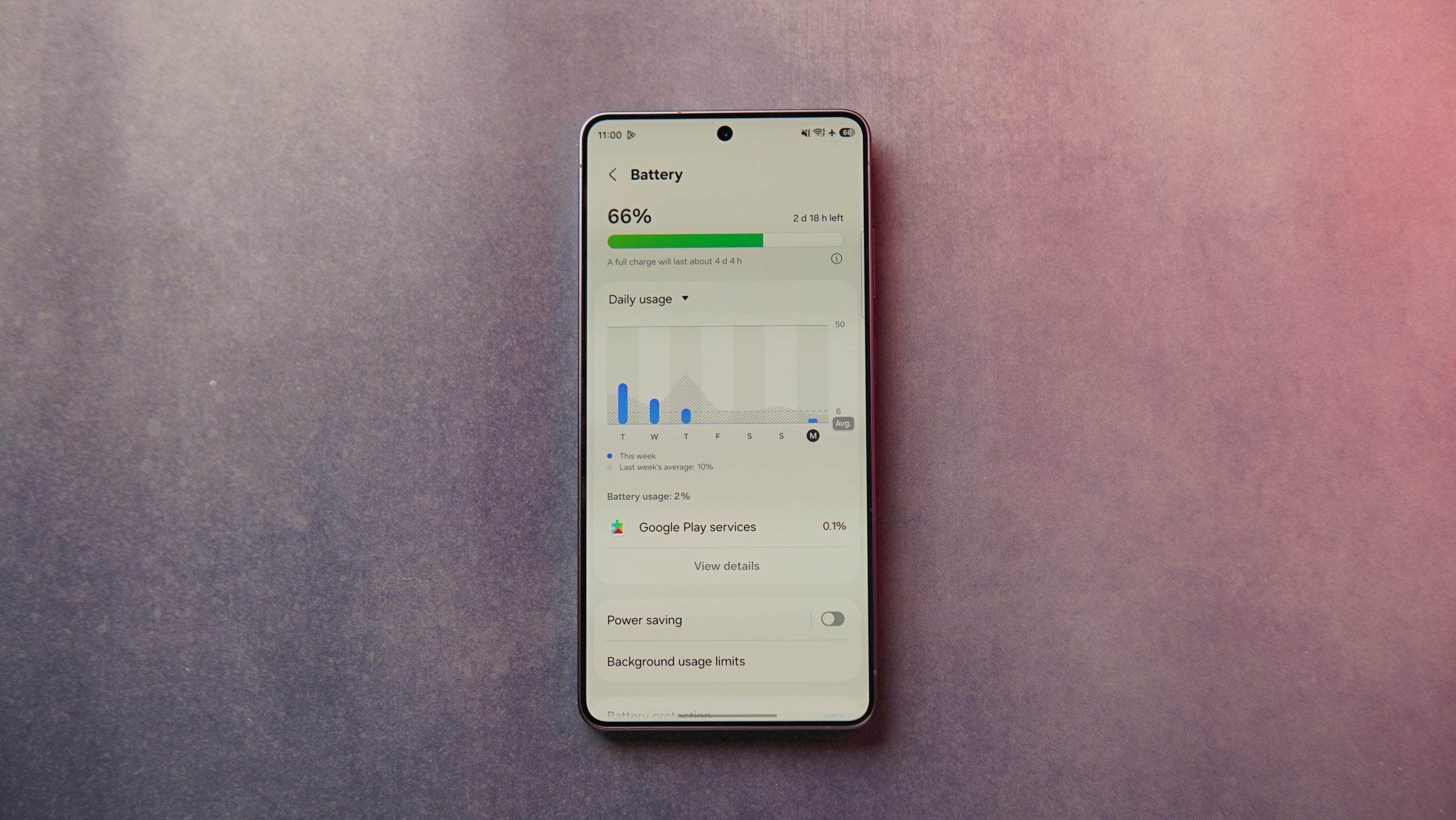
That conservative approach also reflects in our testing. The Galaxy S26 Ultra lasted under 19 hours in the PCMark battery test, which is a respectable result but not an industry-leading one anymore. In fact, there are now several smartphones priced significantly lower that can comfortably outperform Samsung’s flagship in pure endurance benchmarks. Heavy users who spend long hours gaming, shooting video, using navigation, or relying heavily on camera zoom may still find themselves reaching for the charger earlier than expected by the end of the day.
At the same time, real-world usage felt more stable than the benchmark numbers initially suggest. For users with a more typical daily routine involving social media usage, streaming, camera use, messaging, office apps, and commuting, the Galaxy S26 Ultra generally manages to get through a full workday without creating battery anxiety. Samsung’s software optimisation also helps standby drain remain fairly controlled during overnight idle usage, which continues to be one of the quieter strengths of Galaxy flagships.
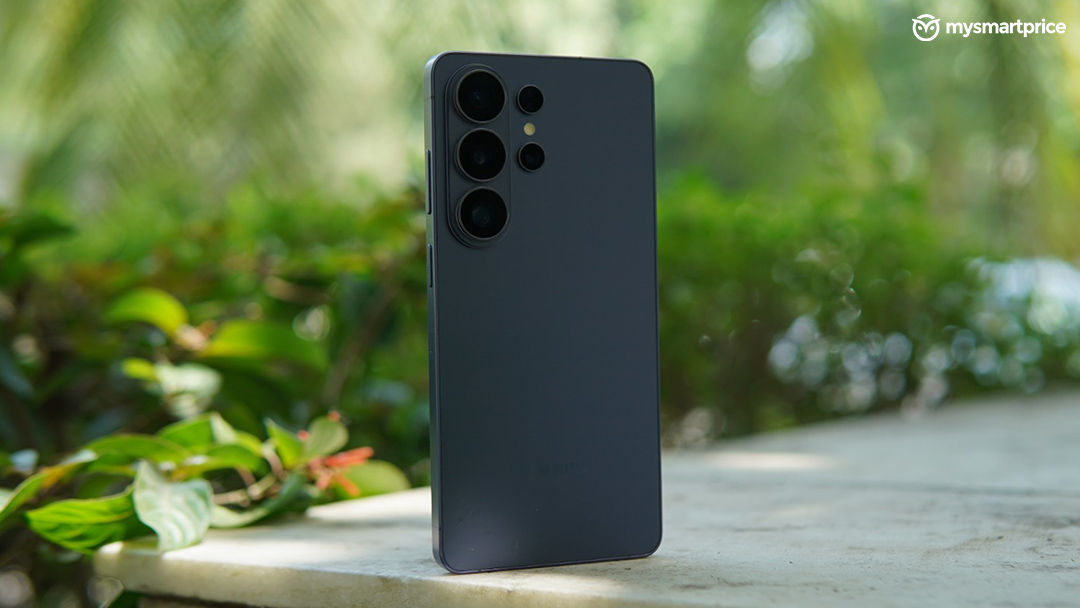
The more meaningful improvement this year comes from charging speeds. Samsung has finally upgraded the charging capabilities on the Ultra lineup, and the jump to 60W charging makes a noticeable difference during everyday usage. The Galaxy S26 Ultra now charges from 0 to 100 per cent in roughly an hour, which finally starts making the phone feel more competitive alongside other premium Android flagships. Samsung still does not chase extreme charging numbers purely for marketing purposes, but the faster top-ups now feel practical enough that even shorter charging windows before travel, meetings, or commutes become genuinely useful.
Software and AI
Samsung’s AI story on the Galaxy S26 Ultra feels far more mature compared to the earlier phase of smartphone AI, where brands were mostly chasing flashy demos and novelty features. After spending extended time with the device, the AI features that stood out the most were not necessarily the loudest ones, but the ones that quietly reduced friction during everyday usage. Features such as Circle to Search have genuinely become part of my daily workflow because of how naturally they fit into the way people already use smartphones. Whether it was quickly identifying products, searching for locations inside images, pulling context from social media posts, or simply avoiding multiple app switches, it consistently felt faster than manually typing things out.
Not every AI feature reached that same level of usefulness, though. Samsung’s Now Brief, for example, still feels like something I am trying to understand the long-term value of.
Photo Assist ended up being one of the more surprisingly practical AI additions during my usage. When Samsung repeatedly demonstrated the feature at Galaxy Unpacked, including examples such as extending birthday cake decorations or filling missing elements in a frame, it initially felt like another showcase-heavy AI demo. However, after trying it in real-world situations, the utility started making more sense. There are small moments where photos feel incomplete, especially in social settings. Something as simple as adding “Happy Birthday Mom” onto a cake design after ordering online via Zomato or Swiggy, or extending decorative elements to make the image feel more celebratory, genuinely feels useful for casual sharing and social media. Another interesting example involved changing the atmosphere of a photo entirely. We had taken shots in the conference area and were able to change the background to the San Francisco bridge during Unpacked, and being able to transform the same frame from daylight to sunset or nighttime conditions made the feature feel more creative than gimmicky when used thoughtfully.
Samsung’s Automated App Actions and newer Bixby integrations also feel like the company is finally finding more practical use cases for its voice assistant ecosystem. When I first saw Automated App Actions being demonstrated, it immediately felt like one of the strongest directions for Bixby because it focuses less on conversation and more on reducing repetitive actions. While examples like booking an Uber still feel slightly situational, the broader idea of combining multiple steps into a single voice flow has real potential if Samsung continues expanding app support and contextual understanding.
The newer conversational Bixby guidance tools also ended up being more useful than expected during everyday usage. There were moments where I knew a setting existed somewhere inside One UI but simply did not want to navigate through multiple menus to find it. Asking Bixby to guide me toward a buried setting or quickly change a system control often turned out to be faster and more convenient than manually searching through layers of menus.
That ultimately becomes the larger takeaway with Galaxy AI on the S26 Ultra. Samsung’s AI experience feels strongest when it quietly simplifies small everyday tasks instead of constantly trying to prove how futuristic it is. We had done another feature detailing all the AI features, and you can check them out here.
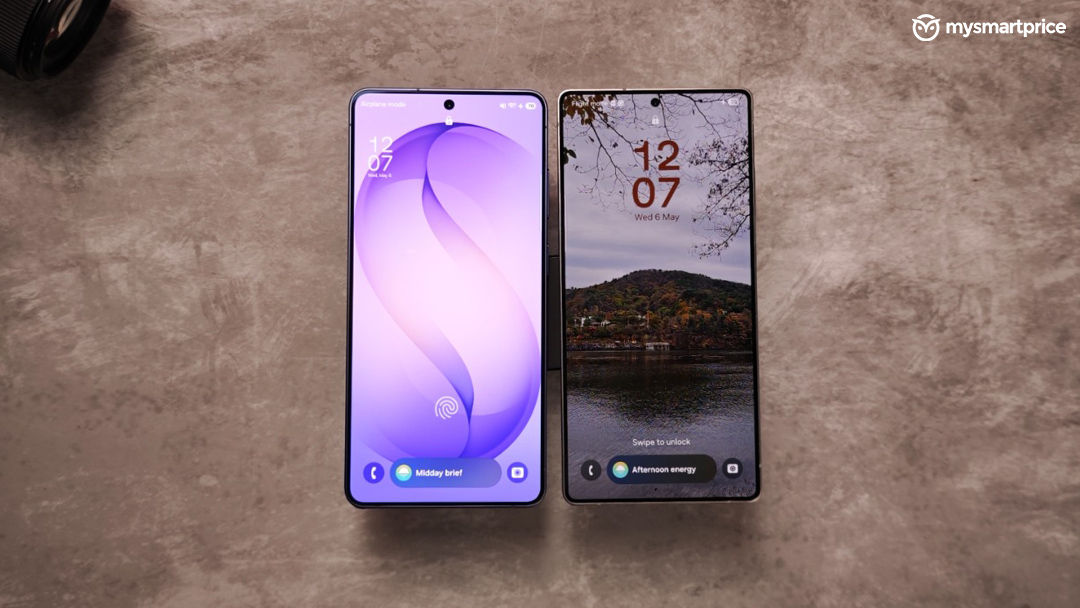 Beyond the AI additions themselves, One UI continues to remain one of Samsung’s biggest strengths on the Galaxy S26 Ultra. Having used Samsung phones for years at this point, the software experience now feels familiar in a good way. The interface has become predictable, stable, and mature enough that you rarely spend time thinking about the software itself during everyday usage. Animations remain fluid, multitasking continues to be among the best on Android, and the overall balance between customisation and usability feels well judged for a phone that is expected to do everything from productivity to entertainment.
Samsung still maintains its own parallel ecosystem of apps and services alongside Google’s offerings, which can occasionally feel repetitive, but the broader One UI experience now feels cohesive enough that most users will likely settle into it comfortably over time. More importantly, Galaxy AI no longer feels separated from One UI. Many of the smarter features now feel integrated directly into everyday interactions instead of existing as standalone showcase tools.
There is also One UI 9 on the horizon, which Samsung has already started teasing, and it is something we are genuinely looking forward to experiencing on the Galaxy S26 Ultra. However, at the time of filing this review, the update had not yet reached our review unit.
Speakers and Haptics
The Galaxy S26 Ultra may not dramatically change Samsung’s audio formula, but the overall multimedia experience still feels properly premium in day-to-day usage. The stereo speakers sound fuller and more balanced than before, especially while watching Netflix during long commutes or casually streaming YouTube videos in bed. Vocals come through clearly, there is decent separation at higher volumes, and the phone avoids the harshness that some flagship speakers still introduce once the volume is pushed close to maximum.
Samsung has also continued expanding its AI-led audio tools this year, particularly around Audio Eraser. The feature now feels less like a standalone editing trick and more like part of Samsung’s broader attempt to make media consumption and recordings smarter. Being able to reduce unwanted background sounds or improve voice clarity in certain clips can occasionally make a meaningful difference, especially while cleaning up casual travel or social media videos.
For a premium smartphone, the haptics experience on the Galaxy S26 Ultra is genuinely good. Typing feedback, navigation gestures, and smaller interactions inside One UI all feel controlled and well-tuned without becoming overly aggressive or distracting during everyday usage. Personally, though, I still slightly prefer the tactile feedback on the Apple iPhone 16 Pro, which continues to feel a little tighter and sharper during smaller interactions. Samsung’s implementation still feels premium and polished overall, but the iPhone retains a slight edge in how precise and mechanical its vibration feedback feels.
Verdict
The Galaxy S26 Ultra feels like Samsung moving the Ultra series away from being a feature-heavy enthusiast phone and closer toward becoming a more approachable mainstream flagship without losing what made the Ultra identity special in the first place. The slimmer design, smarter software integrations, dependable cameras, and genuinely useful AI features make the overall experience feel easier to live with during everyday usage rather than simply impressive during demos.
At the same time, this is still unmistakably an Ultra phone. You are getting one of the best smartphone displays in the market, excellent zoom capabilities, strong productivity features through the S Pen, and a polished One UI experience that now feels mature after years of refinement. Features such as Circle to Search, Photo Assist, and Samsung’s newer Galaxy AI integrations work best because they quietly save time instead of constantly demanding attention.
The Galaxy S26 Ultra is not the outright benchmark king, nor does it offer the biggest battery or fastest charging speeds in the segment. Rivals from OnePlus, Vivo, Xiaomi, and iQOO continue to push harder in some of those areas. However, if you want a premium Android flagship that balances cameras, software, AI features, multimedia, productivity, and ecosystem integration better than most competitors, the Galaxy S26 Ultra remains one of the easiest flagship phones to recommend in 2026.