Apple’s MacBook Neo did something the Windows world wasn’t ready for: It put a genuinely good-looking, well-built, long-lasting laptop on the table for $699 (Rs. 69,990 in India). For years, the entry-level Windows answer to a cheap Mac was a story of compromise, with plastic chassis, dim displays, and mushy keyboards. The MacBook Neo torpedoed that excuse, and the Windows PC industry now has a reply.
That reply now has a name: Intel Core Series 3, codenamed Wildcat Lake, and two of the first laptops built on it just landed at Computex 2026. I got my hands-on time on the sidelines of Computex 2026, where Intel set up a dedicated session to showcase the platform and the first machines running it. I spent time with both the Dell XPS 13 and the Acer Swift Air 14, each pitched as the Windows machine to finally take the fight to the Neo. Here’s what they’re like in the hand.
The Chip Underneath: Intel Core Series 3 (Wildcat Lake)
Before the laptops, a quick word on the silicon underneath them, because it’s the whole reason these machines can exist at this price.
Intel announced Core Series 3 (Wildcat Lake) back in April 2026. Think of it as the mainstream, value-oriented sibling of the Core Ultra 300 series (Panther Lake), which is Intel’s current top-tier PC platform. Where Panther Lake chases peak performance, Wildcat Lake is engineered to slot into a lower-priced PC: Fewer cores, a smaller GPU, narrower memory bandwidth, and, crucially, lower power draw, which translates directly into better battery life.
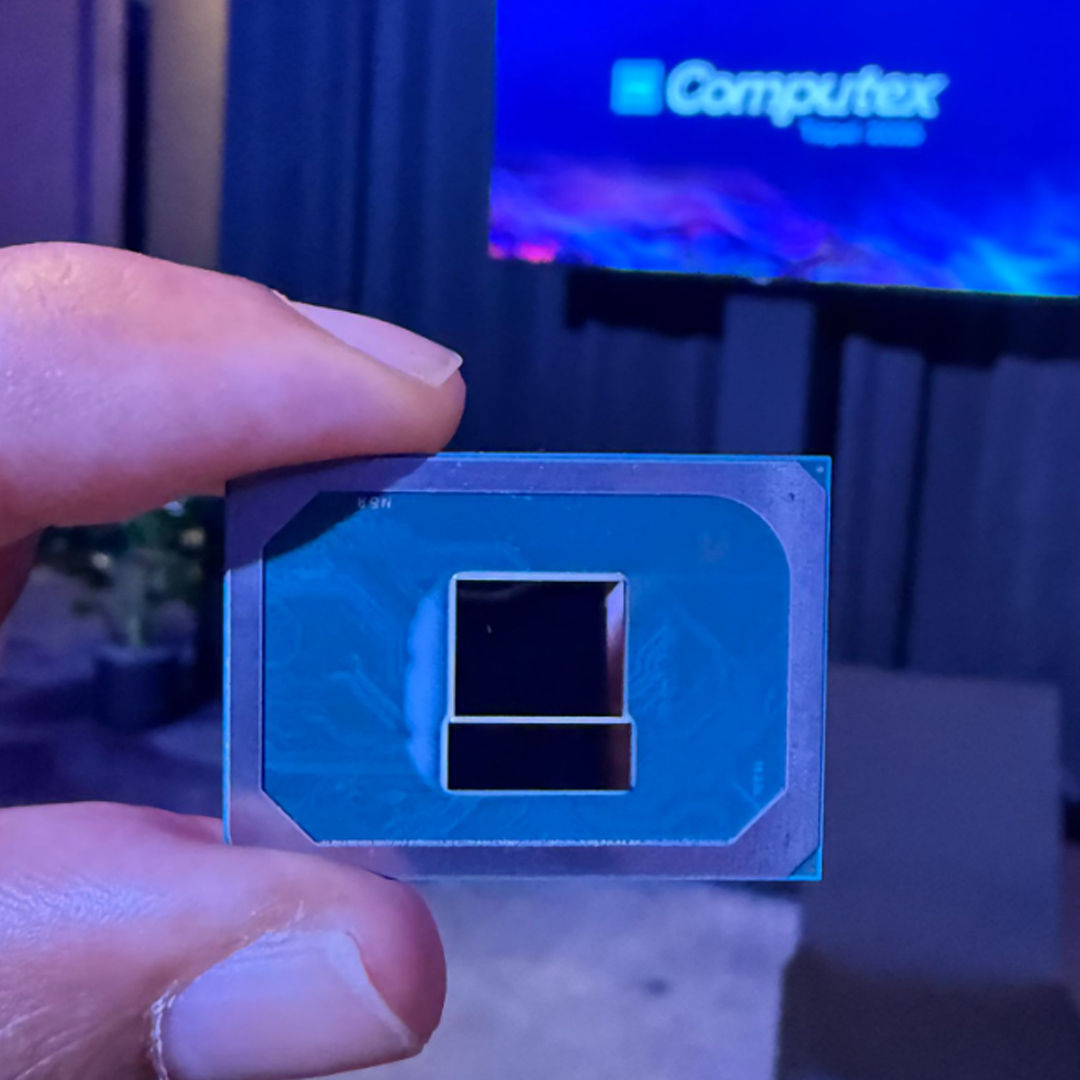
The chip doing the heavy lifting in both of these laptops is the Intel Core 5 320:
- 6 cores, made up of 2 “Cougar Cove” performance cores plus 4 “Darkmont” low-power efficiency cores
- 2 Xe3 GPU cores (versus up to 10 on the Core Ultra 300 series), with no ray-tracing support
- A 16 TOPS NPU, with the broader platform rated at up to 40 combined TOPS
- A low power envelope in the 9W to 25W range (up to roughly 35W on boost)
The honest read on this platform: It is not a chip you buy for heavy GPU work, gaming, or serious creative workloads. It’s a chip you buy for everyday computing, browsing, email, documents, video, and light multitasking, done efficiently, quietly, and on a battery that lasts. That’s exactly the territory the MacBook Neo occupies, and exactly where Windows needed a credible answer at the same price point.
Beyond the Neo comparison, these laptops are really aimed at the huge base of existing Windows users looking to upgrade to something thin, light, affordable, and good on battery, with snappy everyday performance.
What Intel told me about the performance you should expect
During the briefing, I asked Nish Neelalojanan, Senior Director of Product Management for Client CPU at Intel, what kind of performance buyers should expect from Core Series 3, both against Intel’s own previous-generation chips and against the competition, specifically the MacBook Neo and its A18 chip.
Nish wouldn’t be drawn into a head-to-head comparison with the competition. But when it came to Intel’s own platforms, he was more forthcoming. For productivity, web browsing, and battery life, he said Core Series 3 will land in similar territory to Intel’s Lunar Lake platform. For more demanding work, AI, content creation, editing, and sustained multi-threaded performance, he pointed buyers toward the higher tier, the Core Ultra series.
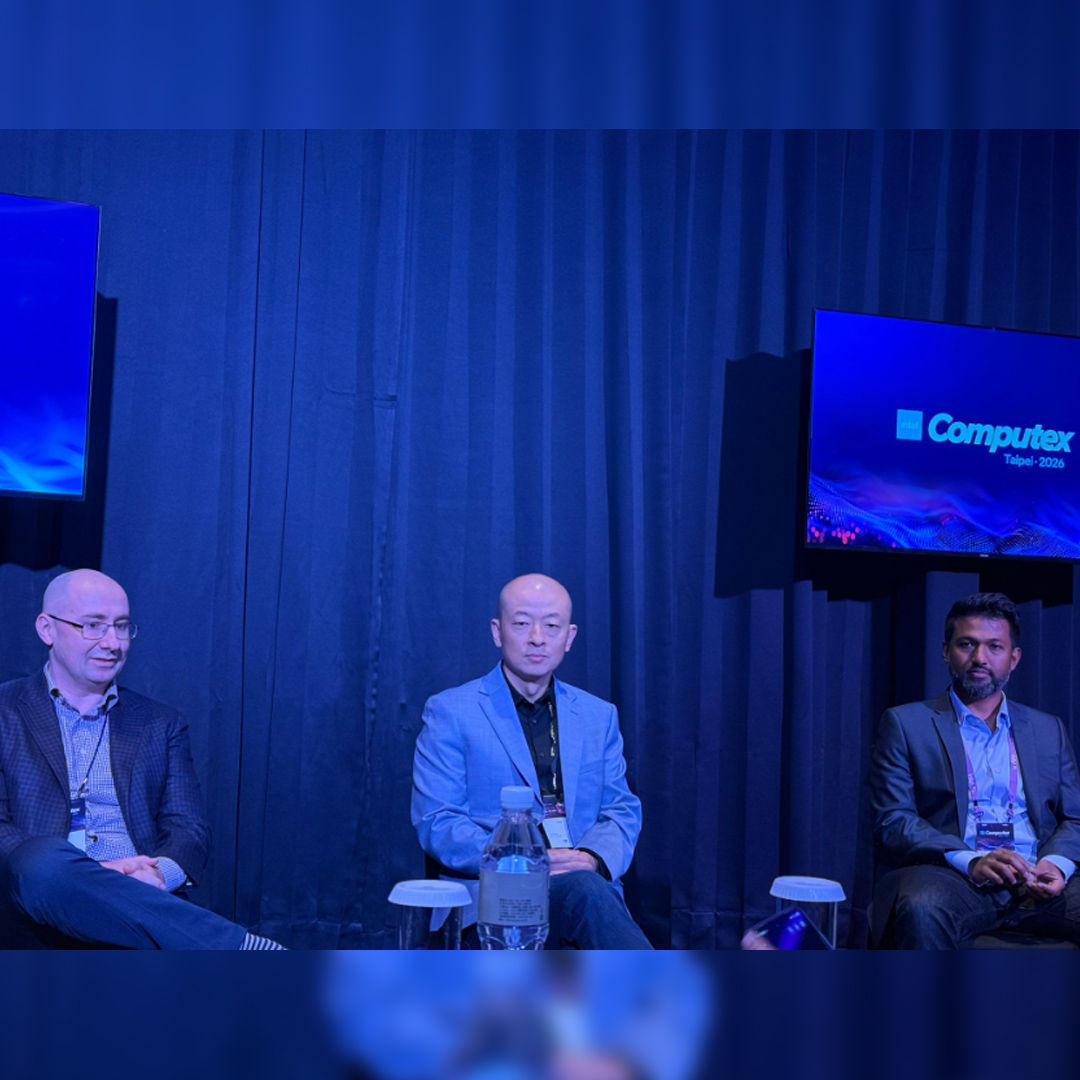
He also made a point about where Wildcat Lake’s on-device AI is actually meant to shine. Rather than heavy generative workloads, he said the platform is optimized for utility-focused, on-device AI: things like real-time antivirus threat detection, background noise suppression, and optimized video conferencing. In other words, the kind of always-on AI that quietly improves the everyday experience rather than the kind you sit down to run on purpose.
One quick note before we start: the units Intel had on the floor were the 16GB configurations, not the 8GB entry models, which is worth keeping in mind when I talk about my hands-on experience of the two laptops, later in the article.
Dell XPS 13: Looks and feels premium, all-around
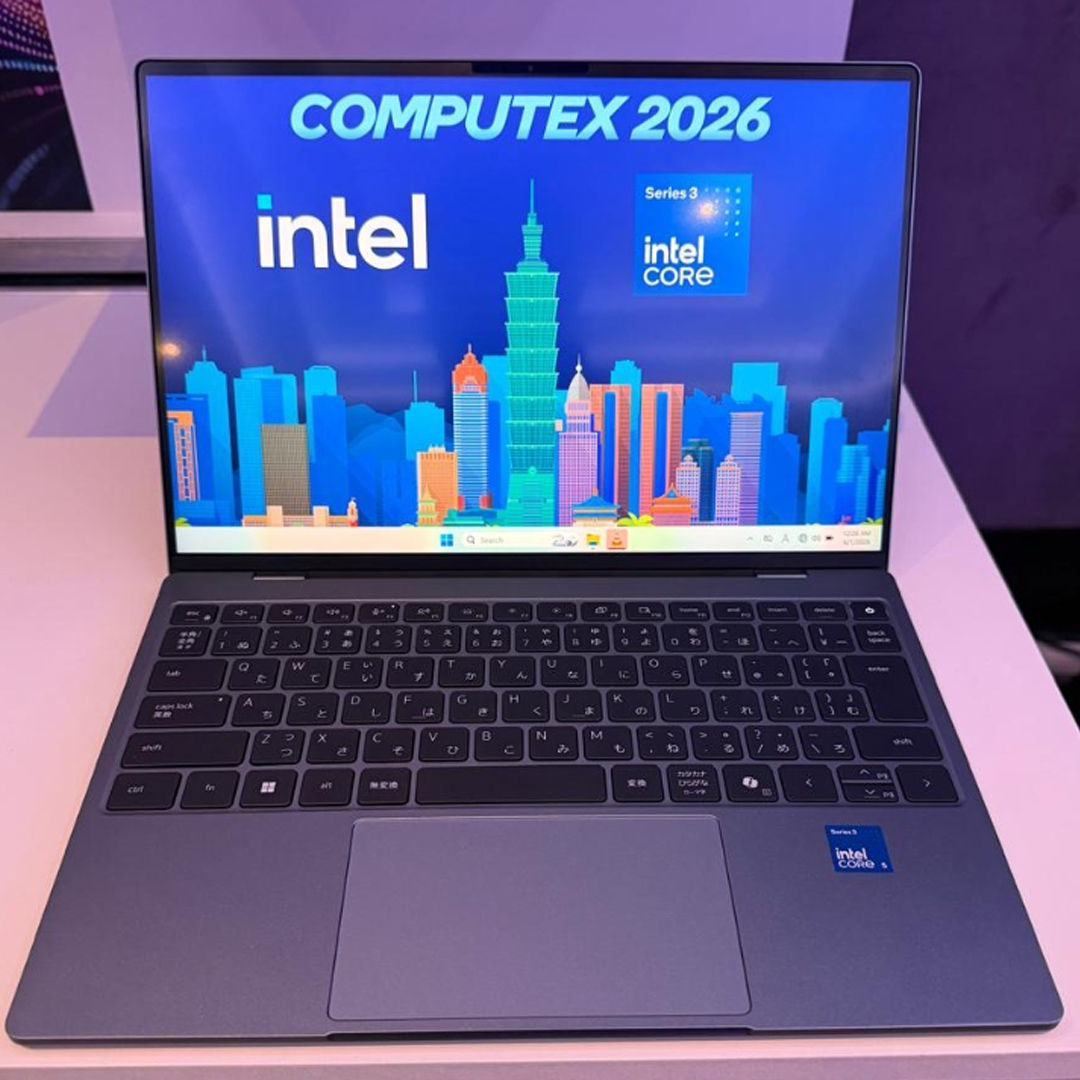
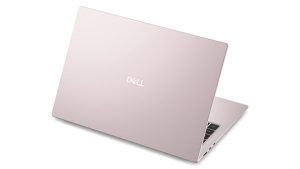
Glance at the XPS 13 and your first instinct is to double-check the price tag. This is the $699 laptop? It looks and feels premium properly. The design language is pure XPS: clean lines, an all-metal CNC-machined aluminum chassis, that understated, elegant “XPS” lid branding, and the famously slim InfinityEdge bezels. (Worth remembering: Dell started the bezel-shrinking trend with the original InfinityEdge XPS 13 back at CES 2015. Everyone else has been catching up since.) At roughly 1 kg (2.2 lbs) and just 12.7 mm thin, Dell says this is the thinnest and lightest XPS it has ever built, and it shows. Nothing about it reads budget, or even mainstream. It outright feels premium, and to my eye, it feels more premium than the MacBook Neo. So far, so good. The obvious question, then: what corners did Dell cut to hit $699?
What’s missing?
There are two USB-C ports, and that’s it. No USB-A. Not even a 3.5mm headphone jack. That’s a MacBook Air or MacBook Neo move more than a Windows one. On the higher Core Ultra trims, those USB-C ports step up to Thunderbolt 4; on this base Core Series 3 model, they’re standard USB-C. It’s not a crime. For a thin-and-light built for everyday work, I’m personally fine with fewer ports. But on a Windows laptop, generous port selection has always been a quiet advantage over MacBooks, and Dell has given that advantage up here. I’d have loved to see two USB-C plus a single USB-A for legacy support. As it stands, it counts as a compromise in my book.
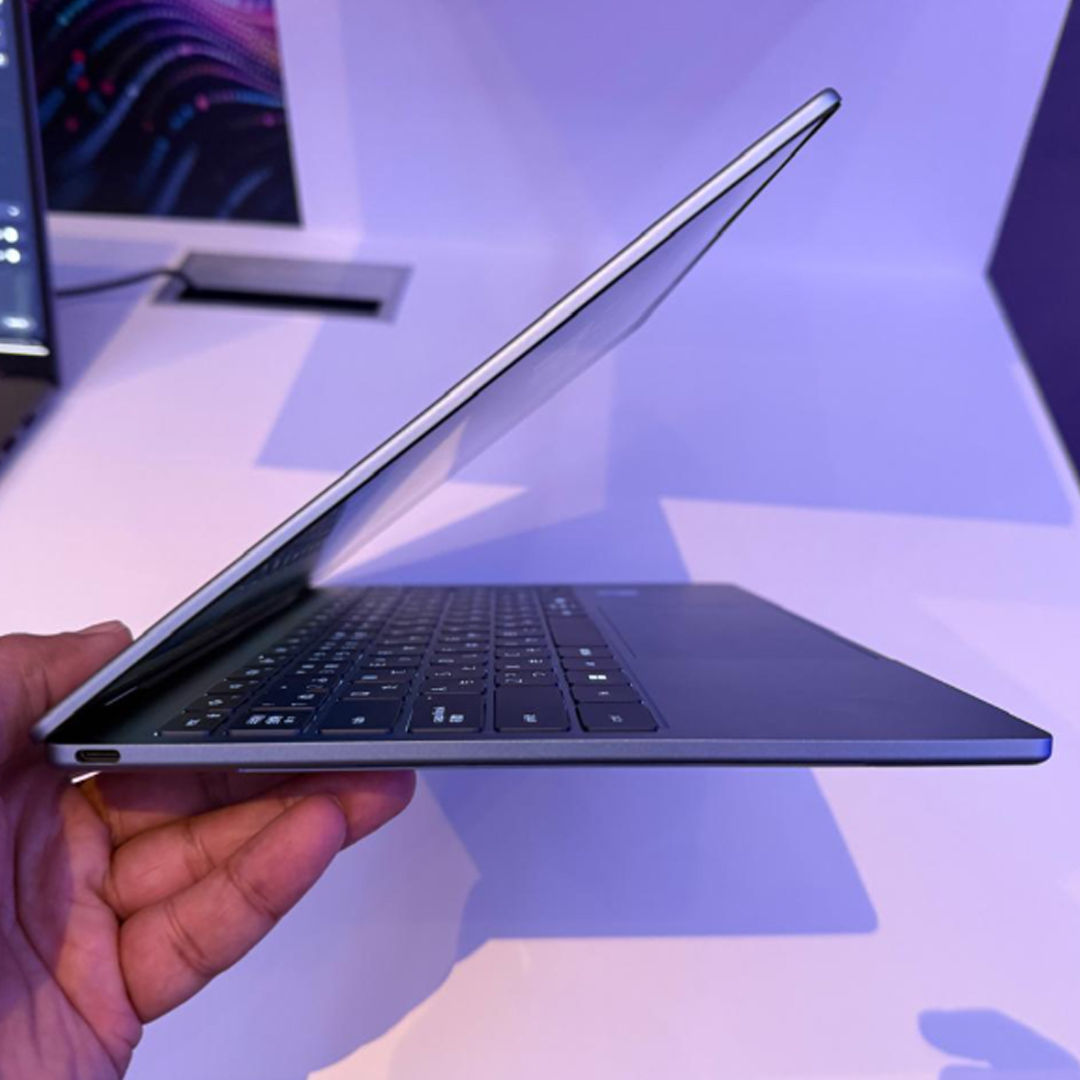
Move past the design to the core specs, and the XPS 13 runs the Core 5 320: 6 cores (2P + 4E), 2 Xe3 GPU cores, no ray tracing. Fine for the target audience. The display is genuinely excellent for the money: a 13.4-inch 2.5K (2560×1600) InfinityEdge touch panel, up to 120Hz with variable refresh, 500 nits, and 100% DCI-P3 coverage. Add Wi-Fi 7, Windows Hello face unlock, quad speakers, and a backlit keyboard as standard features. These specs are surely way better than the MacBook Neo, clear win for the XPS 13.
But here’s the catch. The base $699 variant ships with just 8GB of RAM, single-channel. This is the one real soft spot. Yes, you can configure up to 32GB, but the entry unit is 8GB, and Windows 11 on 8GB will feel cramped.
Honestly, I wish Dell had made 16GB the floor and dropped the touchscreen to get there. On a 13-inch Windows 11 laptop that isn’t a 360-degree convertible, where the hinge doesn’t fold back, and the touch panel buys you very little day to day, I’d take the extra memory over touch every single time. My advice to anyone eyeing the entry XPS 13: skip the 8GB and step up to the 16GB configuration. The 8GB model is a non-starter.
How it actually felt
In my brief hands-on, the laptop felt snappy. The browser launched instantly, and opening eight to ten tabs and flicking between them was smooth and immediate. For an office or student machine, anything that isn’t heavy multitasking or graphically and memory-intensive work, you’d be perfectly happy here. (Worth repeating: the demo unit Intel had on hand was a 16GB configuration, so my snappiness impression came from that, not the 8GB base model.)
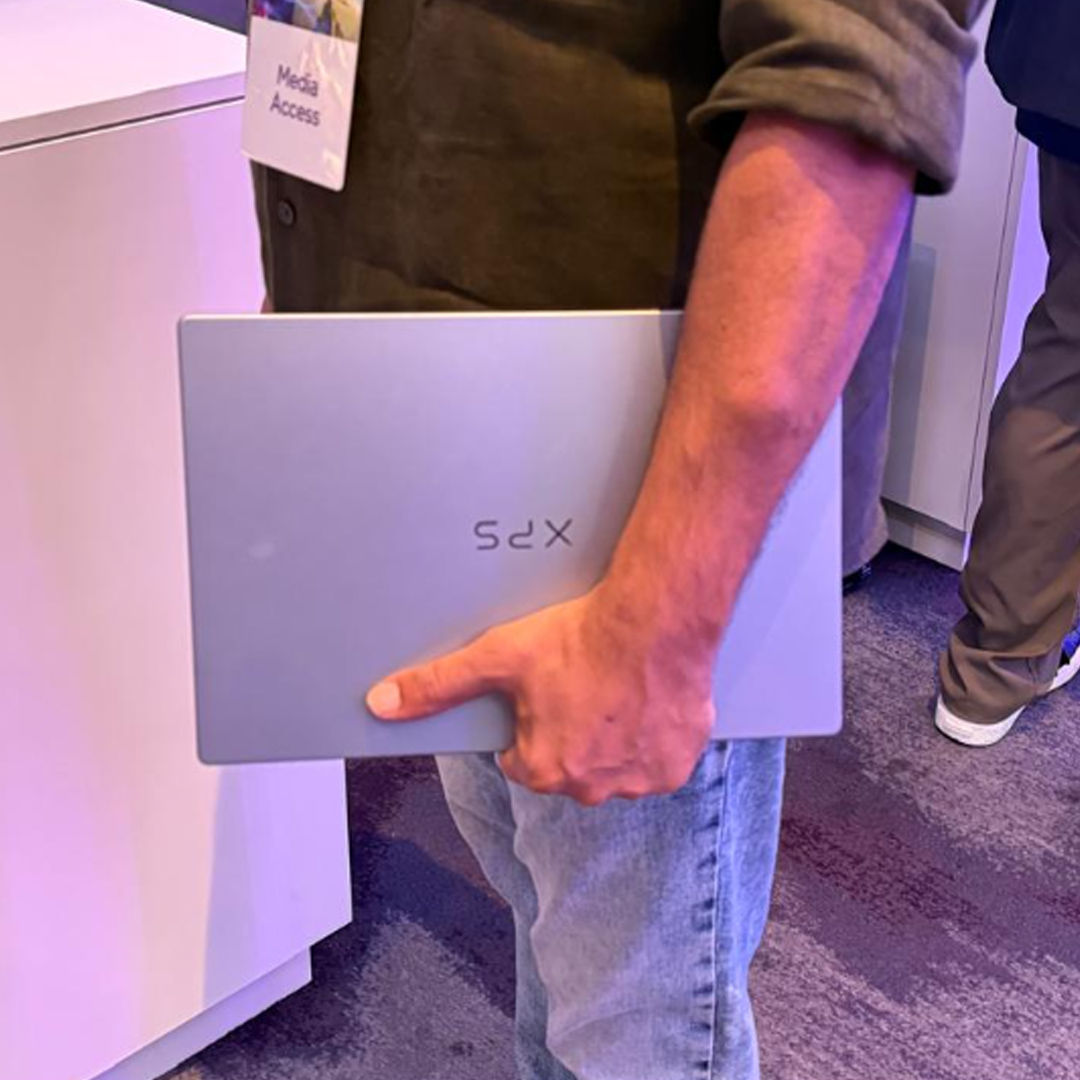
The upside is the headline: you’re getting the best-looking, most compact, most premium-feeling thin-and-light in its price class. That was clearly Dell’s first and foremost goal with the base XPS 13, and it absolutely nails it.
Acer Swift Air 14: more screen, more ports, still light
The Swift Air 14 takes a different approach, but the brief remains the same. It’s a 14-inch laptop, a bit bigger and a bit heavier than the XPS, with a slightly larger display that trades down on resolution. In exchange, you get more connectivity and a build that feels close to a premium mainstream notebook. Think of it as the XPS 13 alternative for people who’ll happily swap the most compact, most premium design for more ports and a roomier screen.
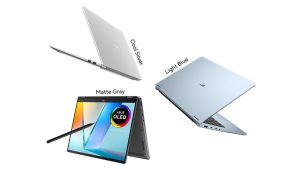
The metal chassis feels good in hand, with no flex I could find, and it comes in some genuinely nice colors (Sage Green, Frost Blue, Blossom Pink, Lilac Purple). On connectivity, it’s the more practical of the two: two USB-C ports (Thunderbolt 4), one USB-A, and a 3.5mm headphone jack.
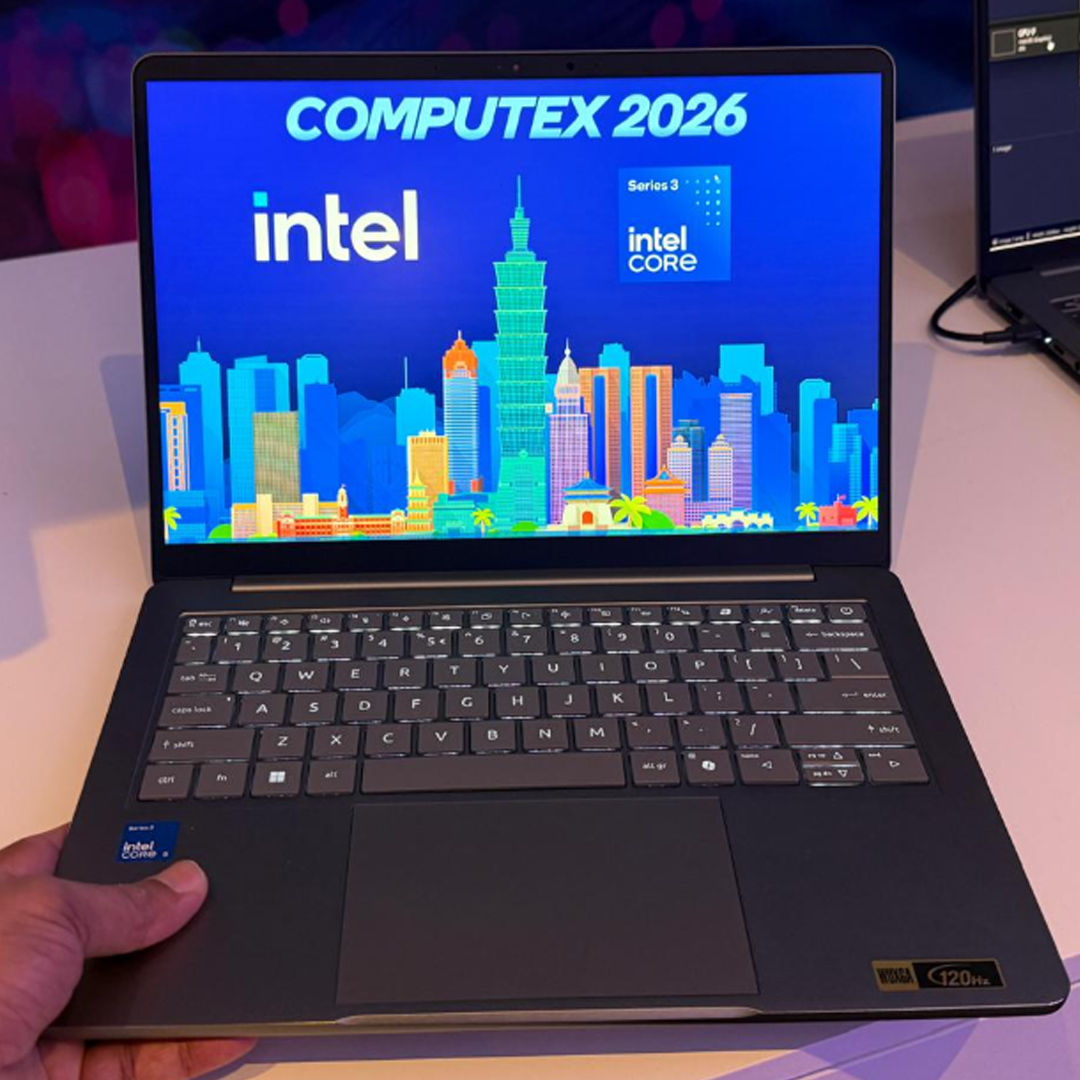
It’s thicker and heavier than the XPS 13, no question. But judged on its own, the Swift Air 14 is still one of the lighter, more compact 14-inchers out there, at 1.25 kg and 12.9 mm at its thinnest point, and it earns the “Air” in its name. Just maybe don’t set it down right next to an XPS 13.
Under the hood, the entry-level Swift Air 14 runs the same Core 5 320 as the Dell, and, unfortunately, carries the same 8GB memory ceiling on the base model (configurable up to 16GB). The same advice applies: get the 16GB if you can. The display is a 14-inch WUXGA (1920×1200) 120Hz panel at 350 nits with 100% sRGB, lower-res than Dell’s 2.5K, but the high refresh rate keeps it feeling fluid. Where Acer makes its loudest claim is battery life. The Swift Air 14 packs a 70Wh battery rated for up to 19 hours of video playback, up to 16 hours of web browsing, and 12 hours under the tougher MobileMark 30 benchmark, with a 0 to 50% top-up in about 30 minutes. If even the middle of those numbers holds up in real use, this is a seriously long-legged machine for the price.
The Indian pricing will make or break the challenge
A big part of why I’m keen on these laptops is what they could mean for India, and that comes down to price. The MacBook Neo has been a runaway hit with students here, starting at ₹69,900 and just ₹59,900 for students via Apple’s Education Store. That’s exactly why the Dell XPS 13 and Acer Swift Air 14 need to launch here soon, and at the same level as the Neo or a few thousand rupees under it. More choice is always good, and both bring things the Neo doesn’t: high-refresh displays, Windows’ flexibility, and on the Dell, a more premium feel.
Battery life is the other open question. I won’t expect the claimed 18 to 20 hours, but a real-world 8 to 10 hours would do the job. We’ll be testing both against each other and the Neo. Can’t wait.